Website does not load on Desktop version-instead a grey box appears, which does not go away

Hello,
I have a problem while editing my website on wordpress with the Brizy Plugin as well as the desktop version not working-a grey screen appears (with a cross in the right corner, which does not close the window), the content is behind that window). I added a screenshot of this.
The mobile version seems to work fine.
This problem has occured while editing for a while (also on another wordpress website), but not on the actual website before.
I have tried disabling all plugins and enabling one by one-did not change anything.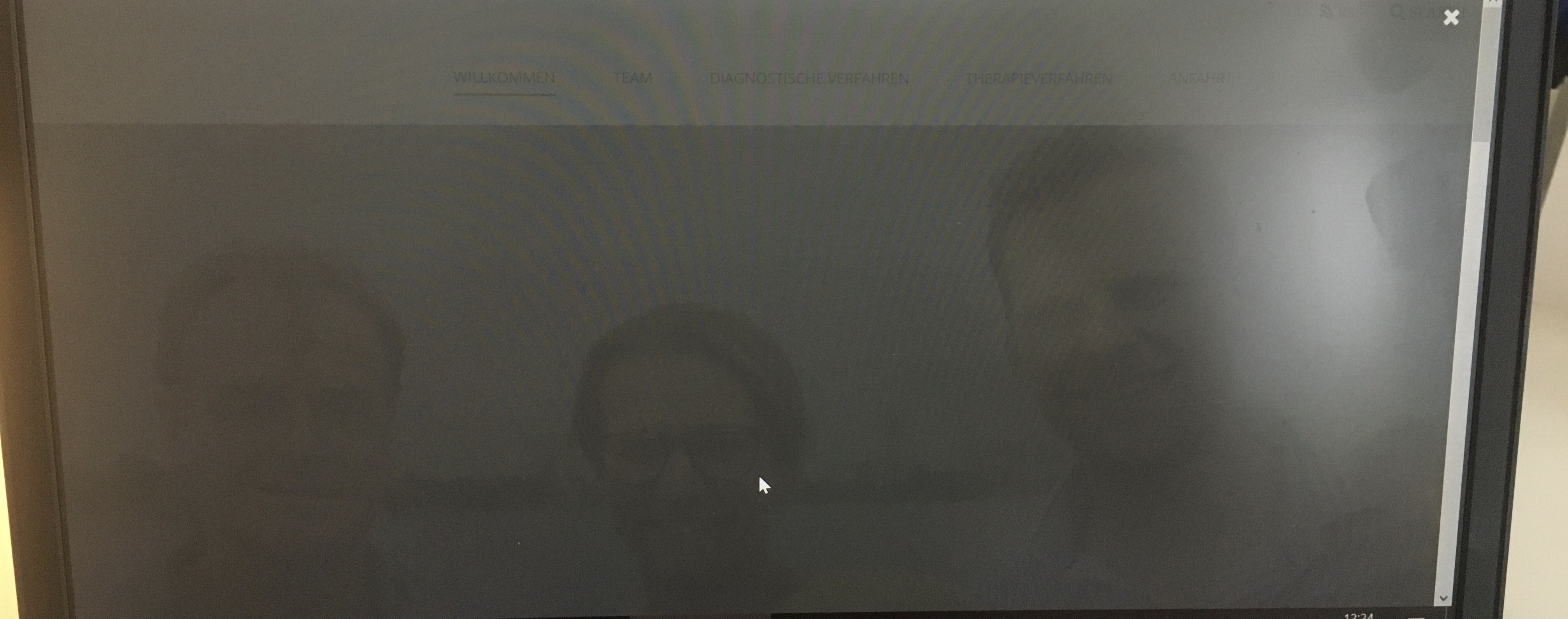
I would appreciate help a lot!
Thank you,
Marie
-

Hi,
Do you have the latest version of the Brizy Free 2.2.3 and Brizy Pro 2.2.0? Could you please send us the URL link of the page where you encounter this problem?
This issue seems to be caused by a pop-up or by an external plugin or the theme because from the design I can say exactly that it isn't a Brizy design. We don't design the Close button in such away.
Could you please deactivate all external plugins (except Brizy Free and Pro) and activate a WP default theme? Could you please check if you don't create a pop-up or didn't add some external code inside the page?Thanks!
Best regards,
Sandra1 -
Hey Sandra,
yes I have the latest version of the Brizy Free 2.2.3.
The URL: https://praxis-milchstrasse.de/
I have deactivated all external plugins and it still occured.
In a default theme it actually works! Is the only option to change it to work with a default theme?
But I am not sure it is that theme-as this occured with a different website with a different theme as well?
No external code, no pop-up.
Thank you so much.
Marie
0 -
Hi,
If you deactivate the theme and you noticed that this inconvenience disappear then that pop-up is generated from the theme. On the homepage from the site you send us, I notice that you use the "Default" template type, which means that you import the theme header and footer in this page. If you had the same page configuration with the previous theme, then the pop-up can be coming with the theme header or footer. If you want to use the previous theme, you can try using the "Brizy" page template https://jmp.sh/JPg9hnb.
If the pop-up will appear anyway, you can check the possibility to use another theme. This isn't a Brizy inconvenience.Best regards,
Sandra0
Please sign in to leave a comment.
Comments
3 comments