Mobile version of my Brizy website doesn't work

Hi,
I built a website on Wordpress using Brizy. The dekstop version works just fine (although there are some issues while using Safari). But, the main problem is the mobile version. When I checked the mobile version on the Brizy builder, it looks fine. But if I check it on my phone (or on other people's phones, I tried on about 8 different devices), it's a disaster! Either the pictures don't show up or they do but in a very strange shape. Can you help me with that ?
-

Hi,
Do you create the site on the WordPress environment or in the Brizy Cloud? Could you please send us the URL link of the site you receive this error? Could you please send us a screenshot from the mobile editor mode of the page? We want to check how it is displayed the page in the mobile editor mode.
Thanks!
Best regards,
Sandra0 -
Hi Sandra,
Thank you for your reply. I create the website on Wordpress, using Brizy as a plugin.
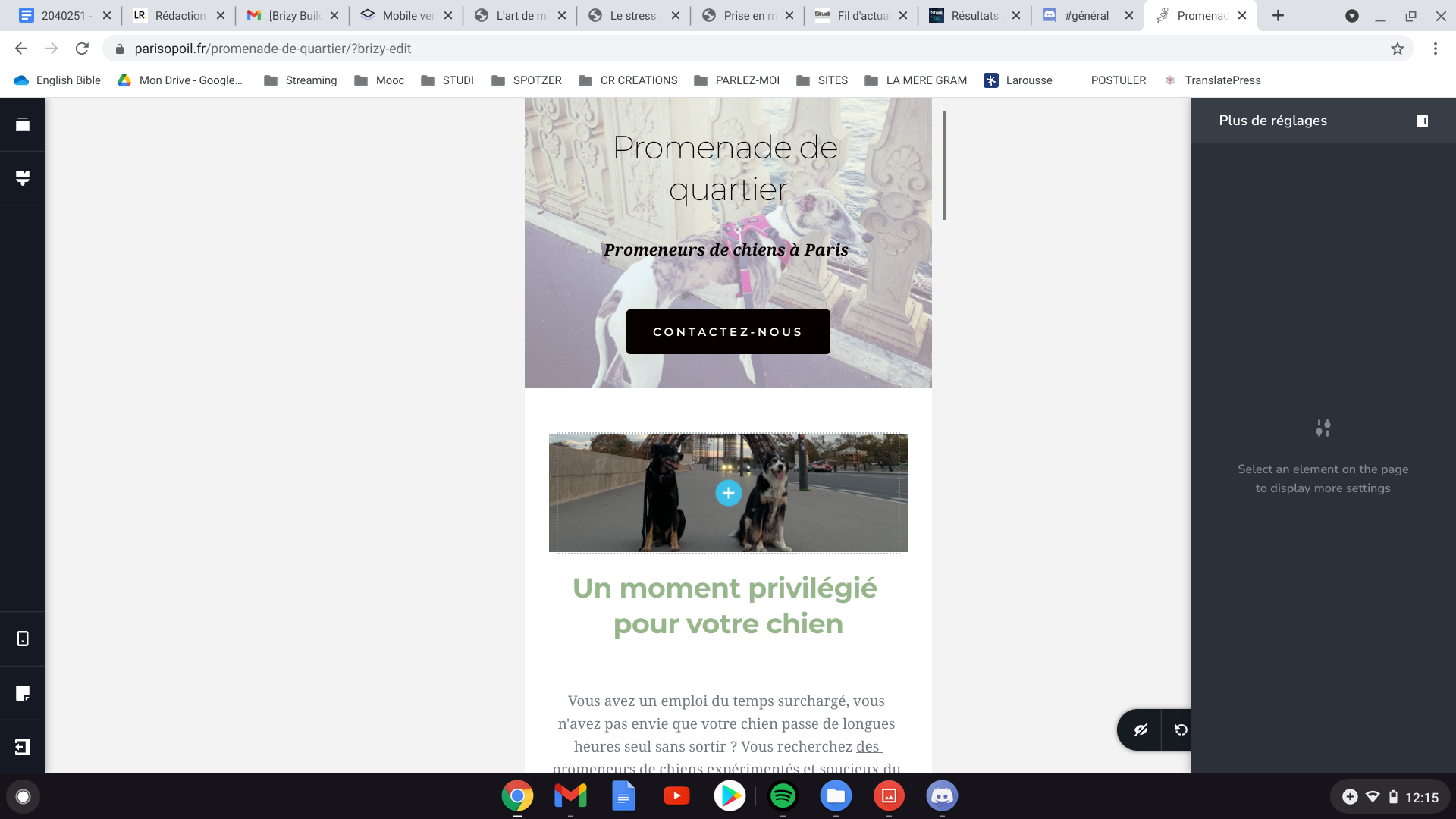
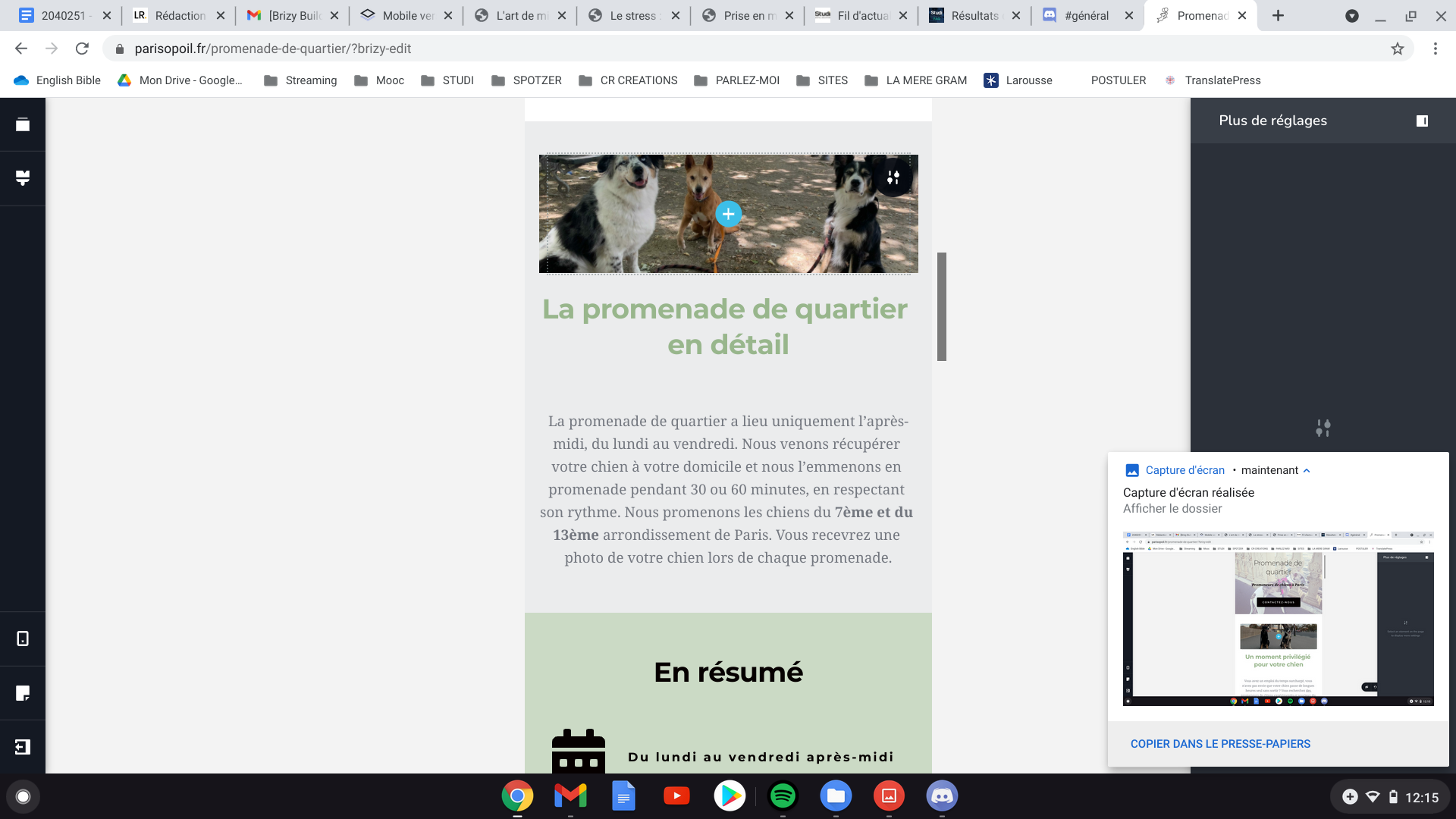
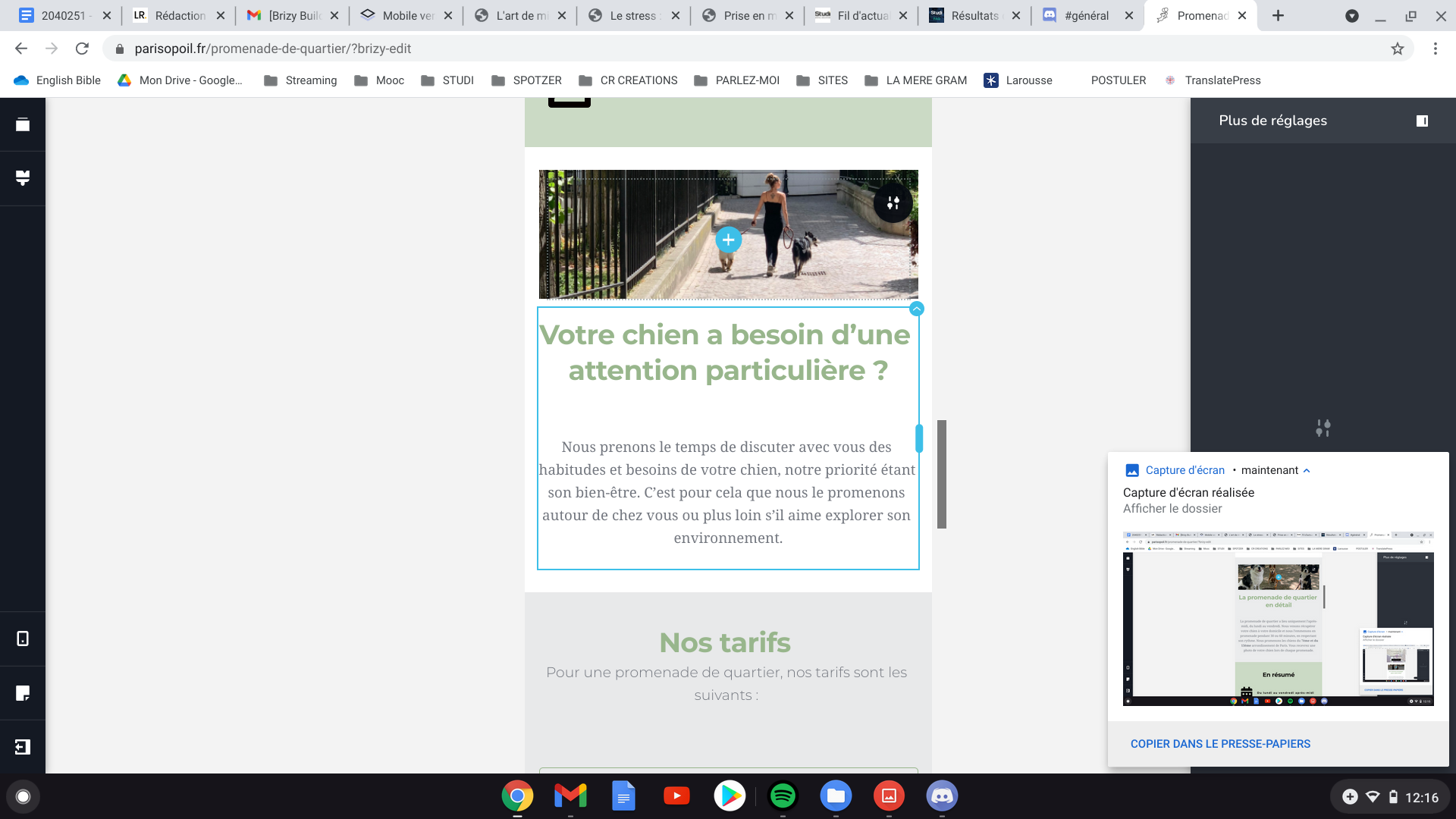
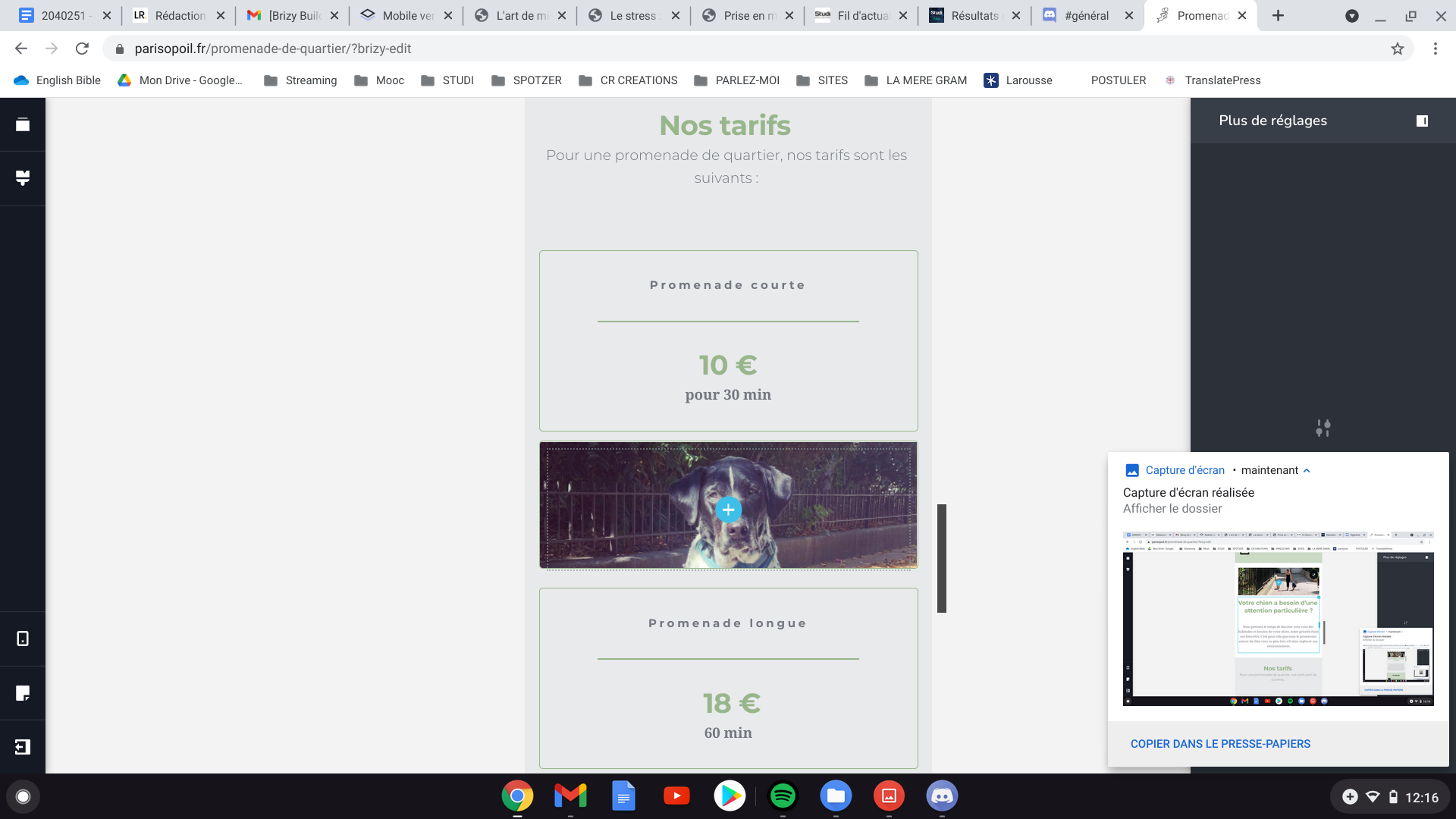
Here are some screeenshots on how the mobile version looks like on the Brizy Editor :
H
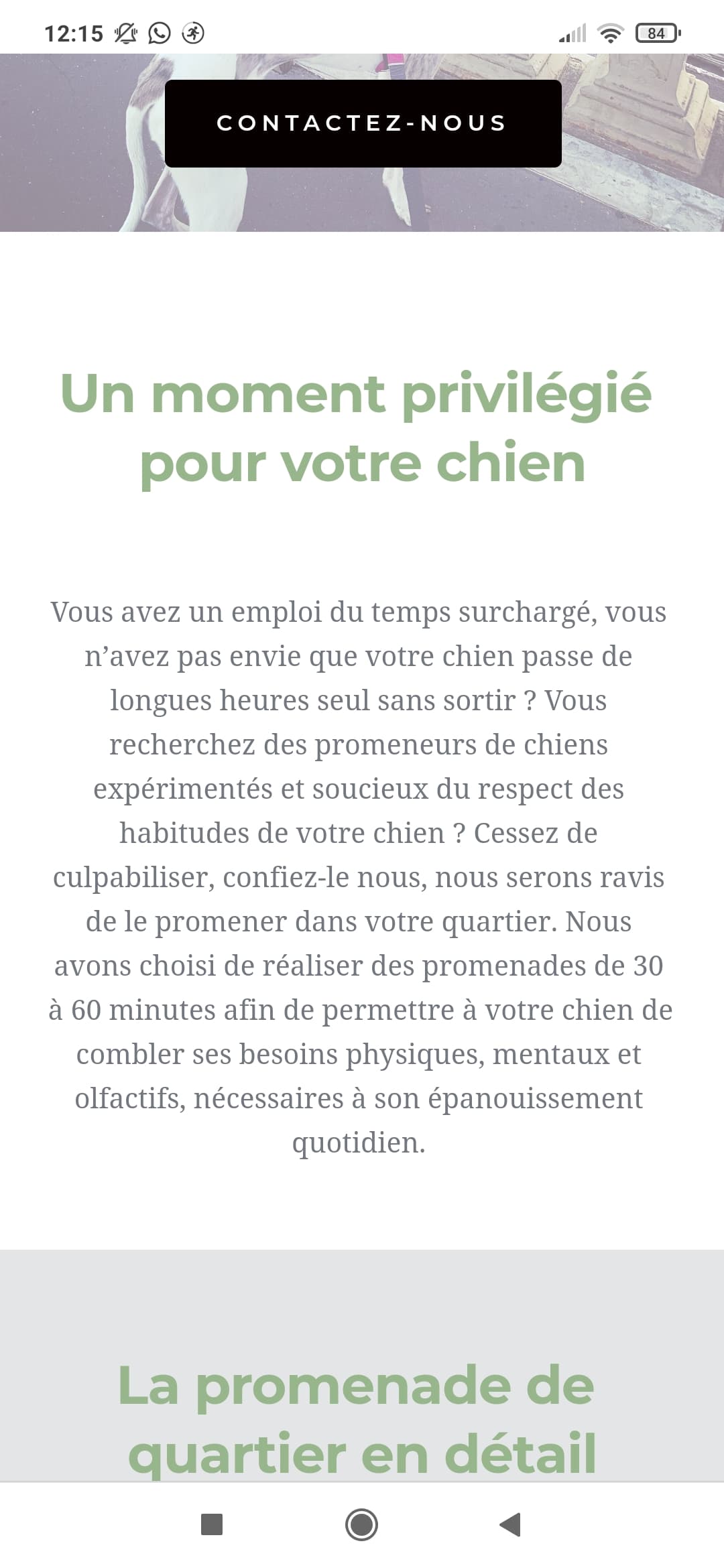
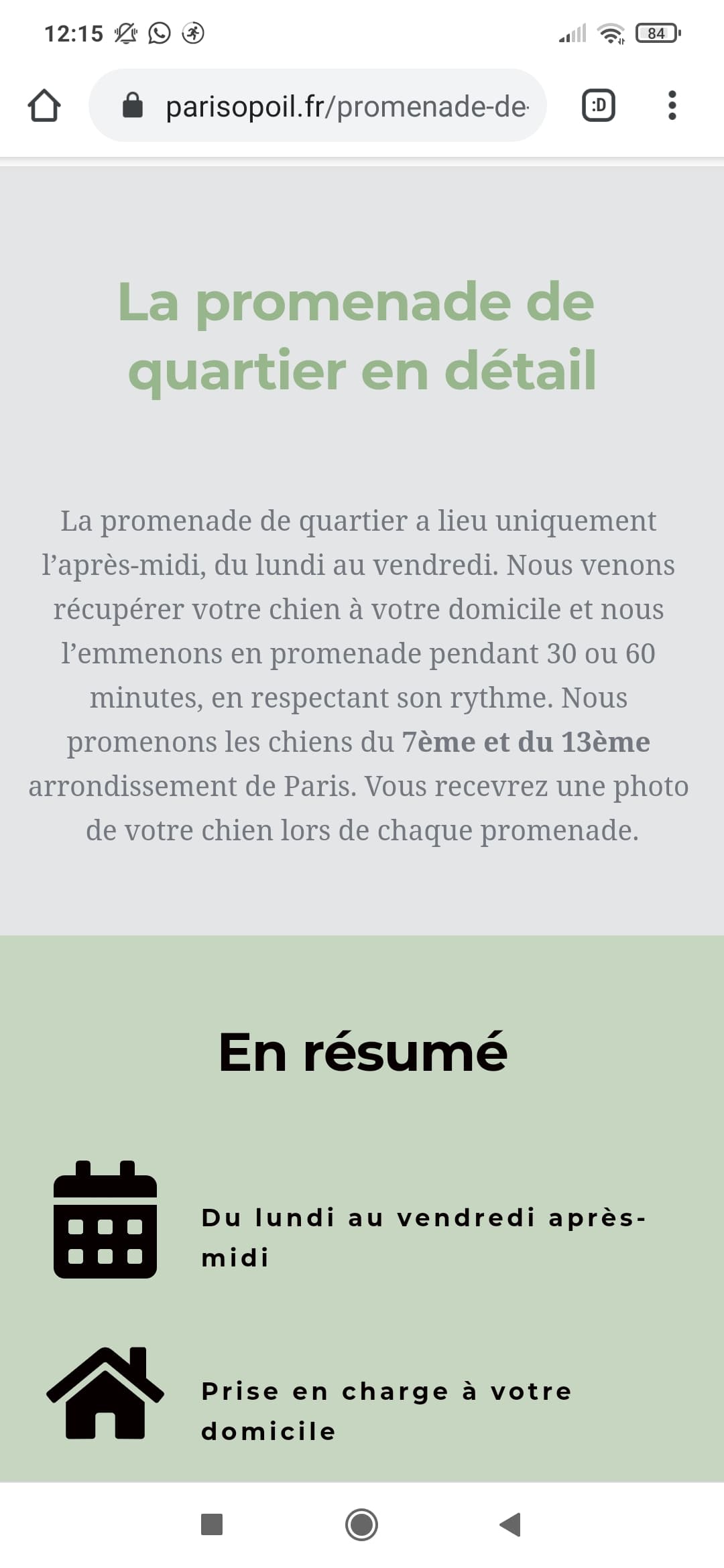
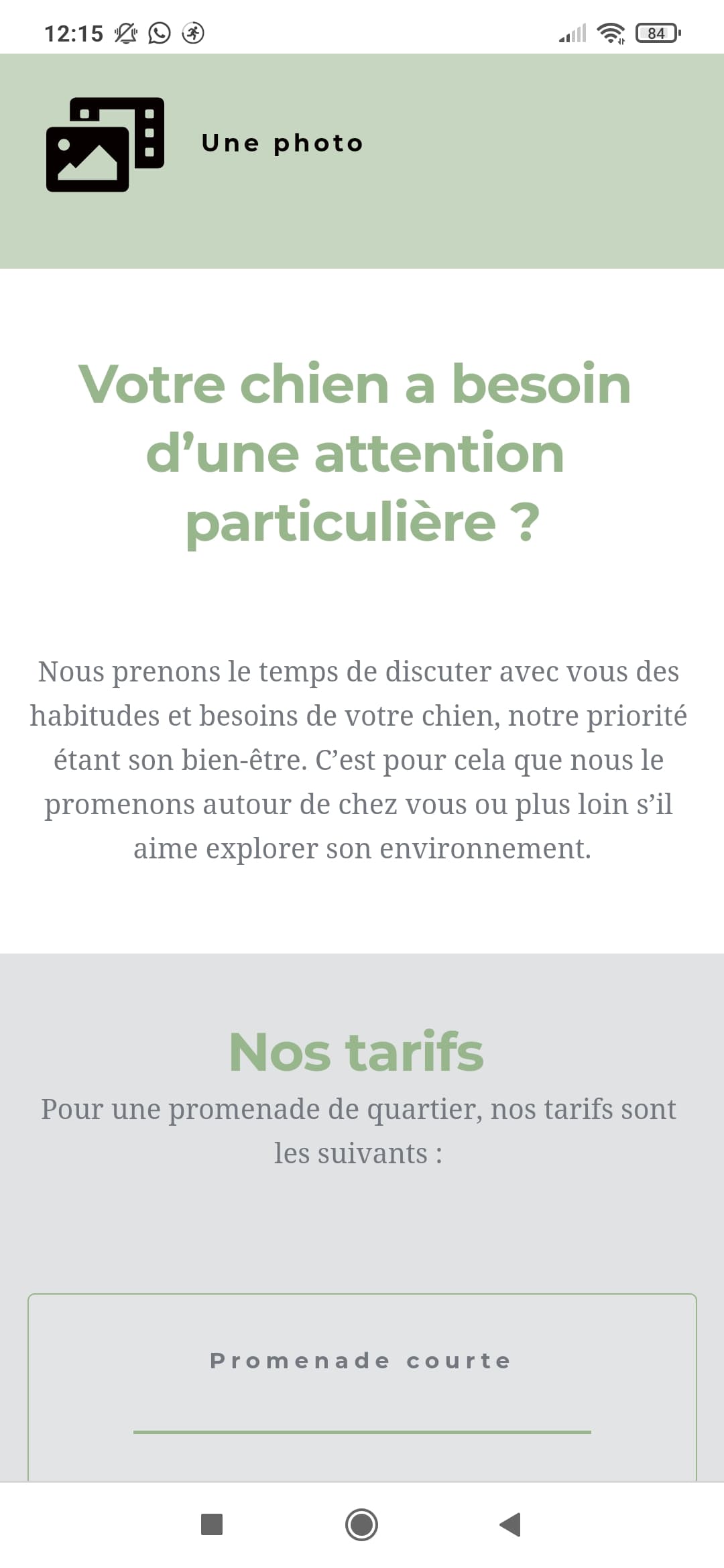
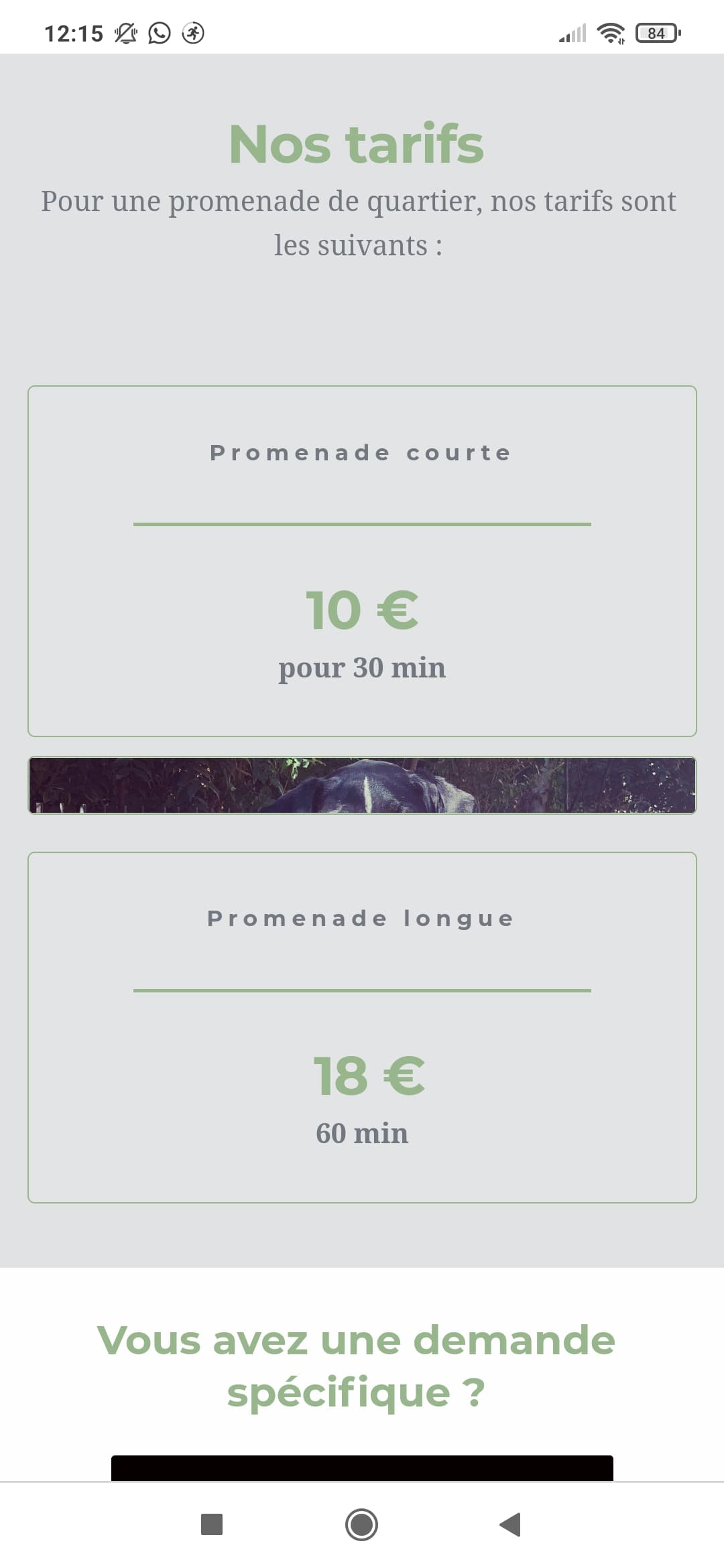
ere are some screeenshots on how the mobile version of the same pagelooks like on a phone :
Thank you for your help :)
0 -
Hi,
Thank you for all these screenshots and details. I checked the editor mode and the live mode and find that the problem is only in the background images that don't display at all on the live mode (correct me if I'm wrong).
This is an inconvenience. In the editor mode, the blocks where you added the background images are empty https://jmp.sh/zDFSwik, and for this reason, in the live mode, you see only 1-2 cm of that photo. This is the padding that was set-up for the block. In the editor mode, you see that block a bit higher because here is placed the "+" button that indicates to add some elements on the block and by default it has a certain dimmension. If in the block will not be placed some elements, in the live mode, this space will be reduced and not be visible.
Therefore, to solve this inconvenience and see the background images, I can suggest, going to the desktop mode and in this blocks add a "Spacer" element and set up it with the height you need. Then go to the mobile mode and adjust it, if you need it.Best regards,
Sandra0 -
Hi Sandra,
Thank you for your reply. I chose to remove the pictures from their blocks and to add an image to each block. This way, it workd perfectly. I tried to ass a spacer, as you advised me, but the result wasn't as good as it is now using images.
Thank you for you help!
Coline
0 -
Hi Coline,
Great! I'm happy to hear that you solved this inconvenience and now all is working fine! Thank you for updating us regarding this!
Best regards,
Sandra0
Please sign in to leave a comment.
Comments
5 comments