Brizy Blog Template Element Missing

I have Brizy Pro and the regular version installed and activated. In attempting to create my blog template using the Brizy editor, the Dynamic widgets are not available in the sidebar the pops out. I cannot build the blog template because of this. See the 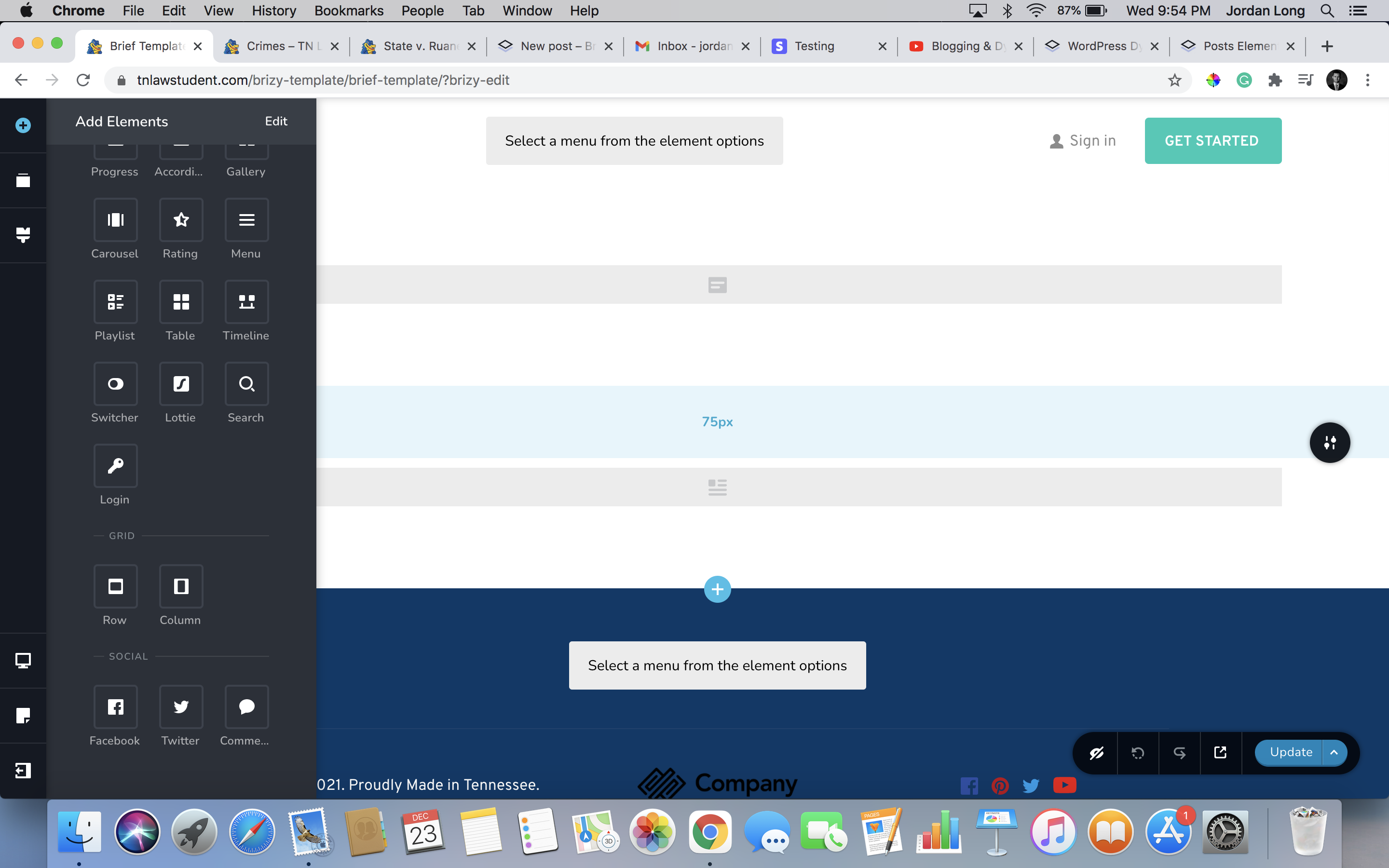 screenshot attached.
-

Hi,
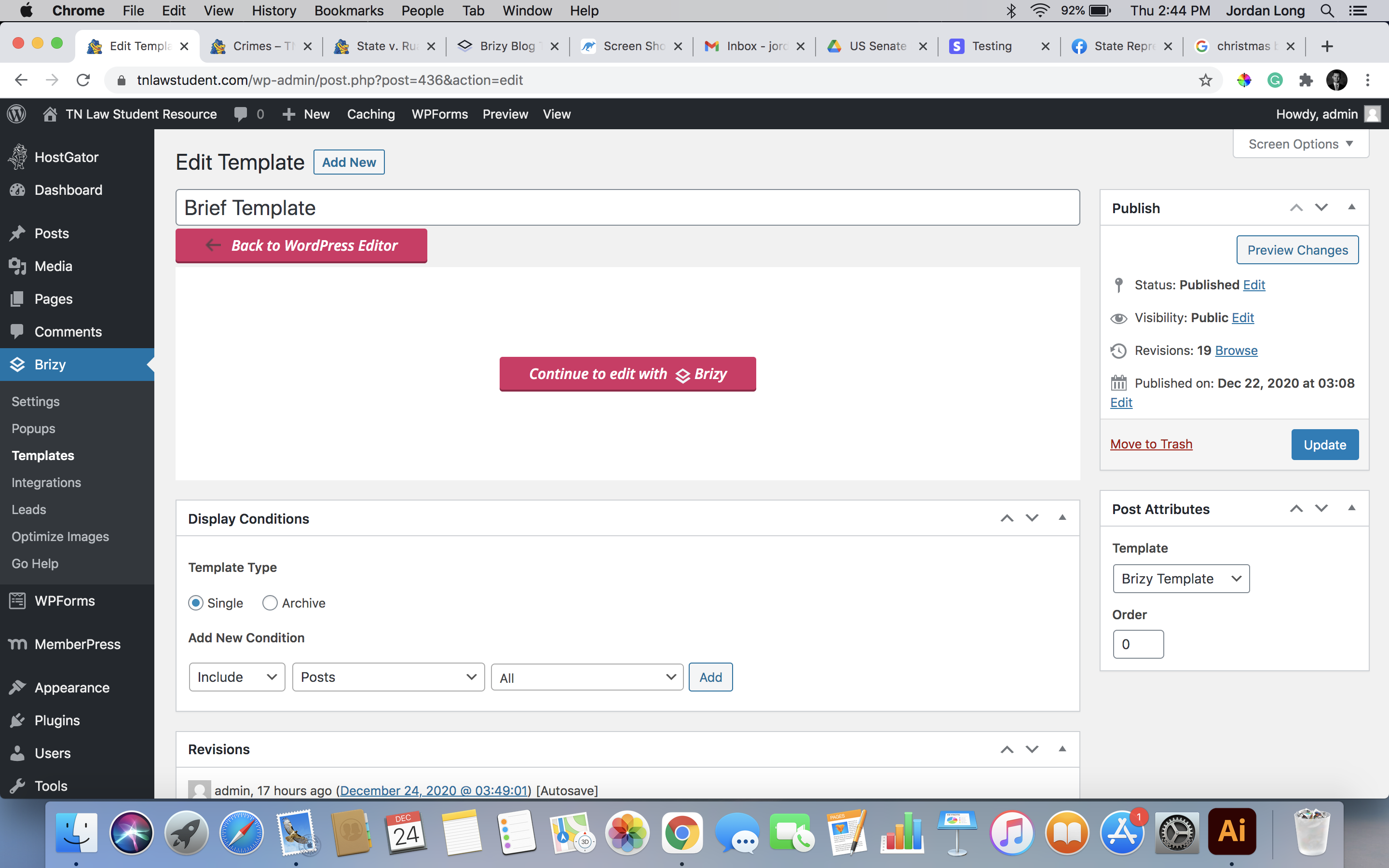
If you ask about other Post/Blog elements, try to find them at the top of the Elements List. See here. If you still don't see these elements, could you please check what display conditions did you set for the template https://jmp.sh/zTMlQyy? Could you please send us a screenshot with the display conditions you set?
Thanks and Merry Christmas!
Best regards,
Sandra0 -
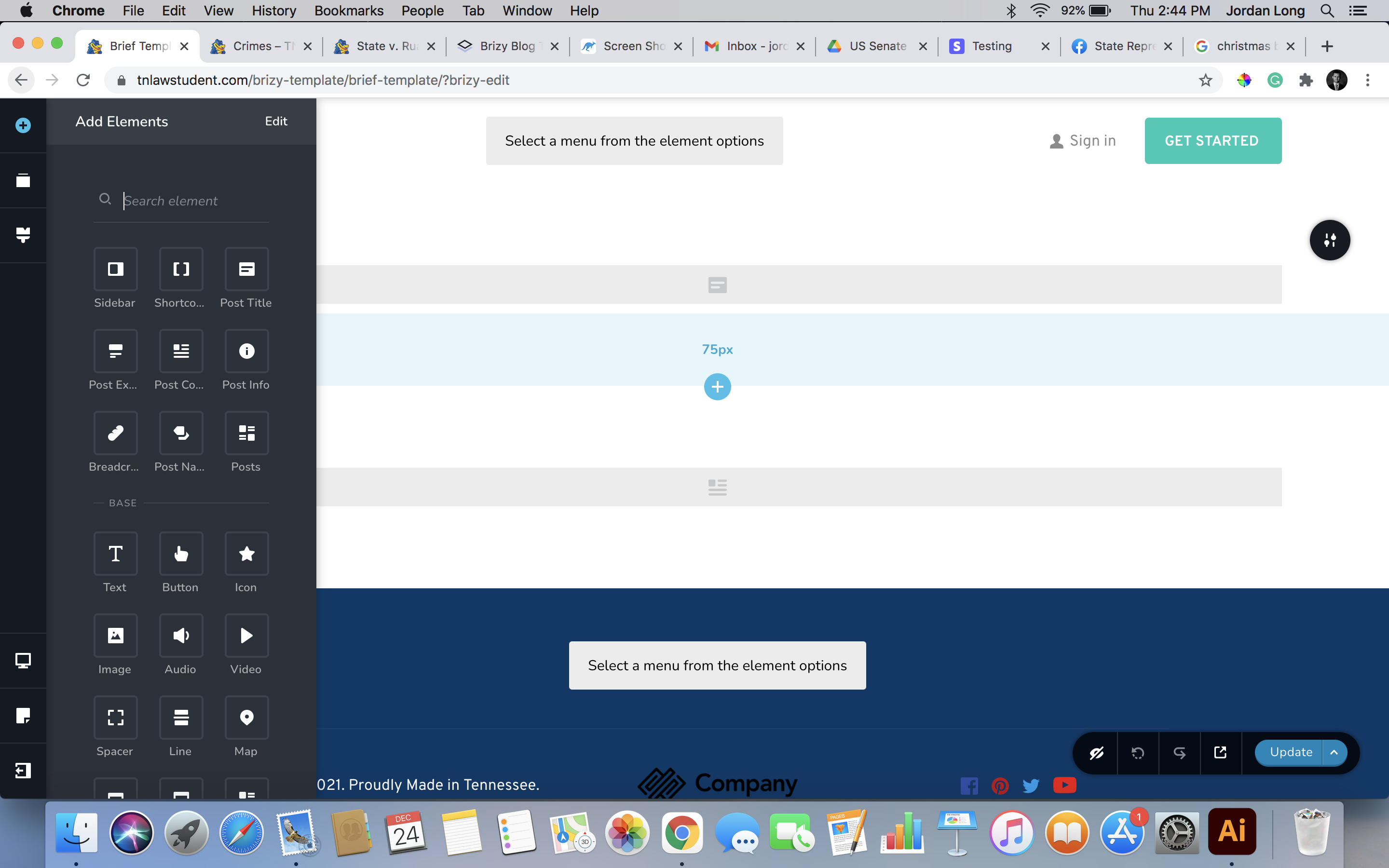
Thanks for your reply. Attached are two screenshots. I do see the other elements at the top of the elements list.
 0
0 -
Hi,
Thank you for the screenshots. From the first screenshot, I found that you didn't add any display condition. To add a display condition, you have to select the condition where you want to display this template and click on the "Add" button. After this click on the "Update" or "Publish" button to save all these modifications. See here.
Thanks!
Best regards,
Sandra0
Please sign in to leave a comment.
Comments
3 comments