Brizy Cloud - Mobile version not showing the desktop and tablet images

Hi
I have created my pages for desktop and tablet but when I go to view in mobile view it is only showing the default images. It works fine on desktop and tablet, just the mobile view which makes it look like a different site.
Can you help as the site is live now.
Thanks
B
-

Hi Bryan,
Have you configured the mobile and tablet version in the editor? If you use pre-made blocks you may have different images and configurations for mobile and tablet. Did you use this option: https://youtu.be/8746pMZ-AH8 ?
0 -

Hey Brizy Team,
https://www.limitlesssportsacademy.org/
We recently changed the homepage and now we're unable to change the homepage back on mobile. The desktop version of the site changed back without issue.
Mobile shows the old home pages.
Thanks
0 -

Hi Chris
This is what I see
Desktop
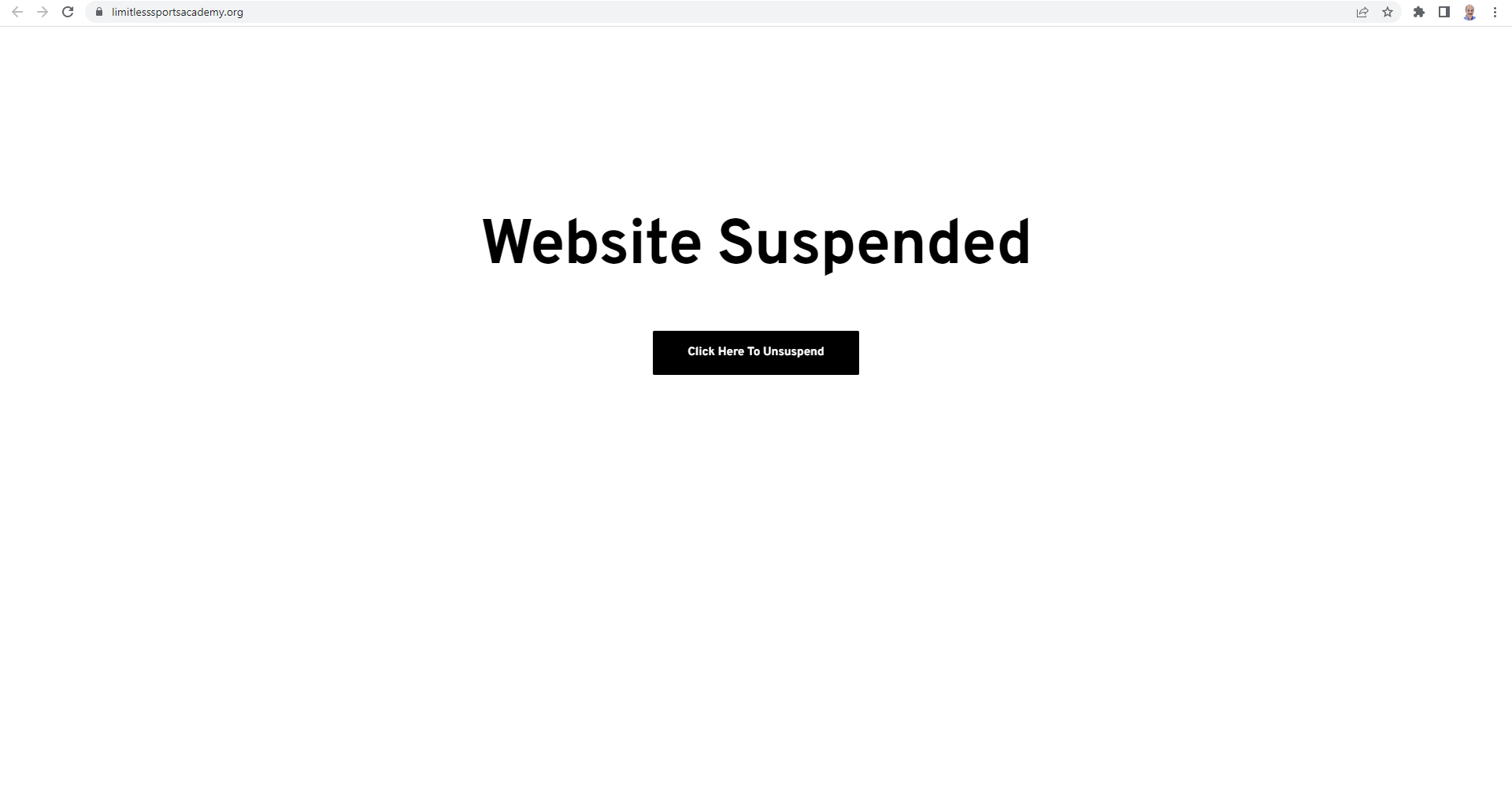
Mobile
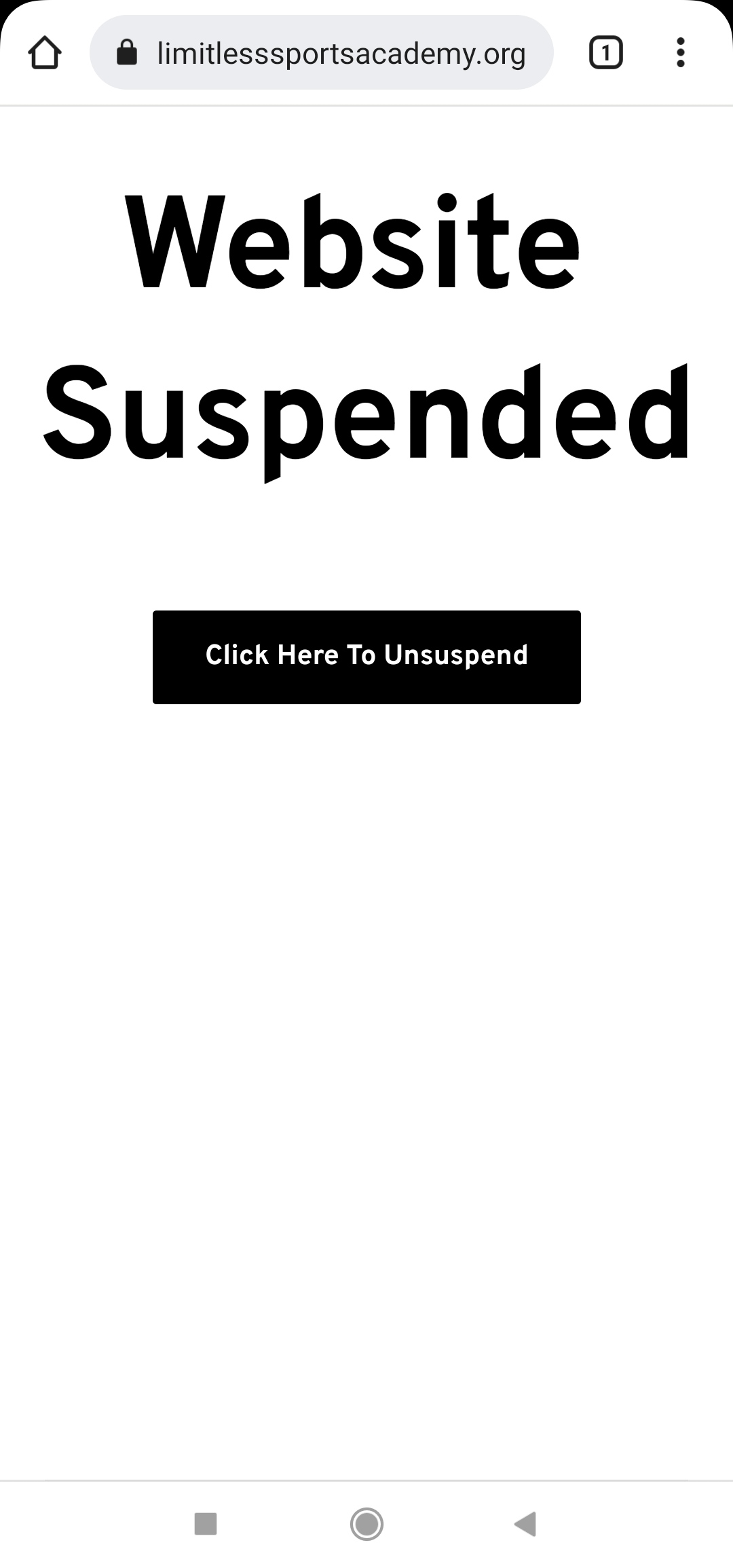
Do you expect this or something different?
0 -
Hi.
Yes, the page you are seeing no longer exists. This should be the homepage. If you take a look at the menu you will see that page is set as the home pages.
 0
0 -
Hi Chris
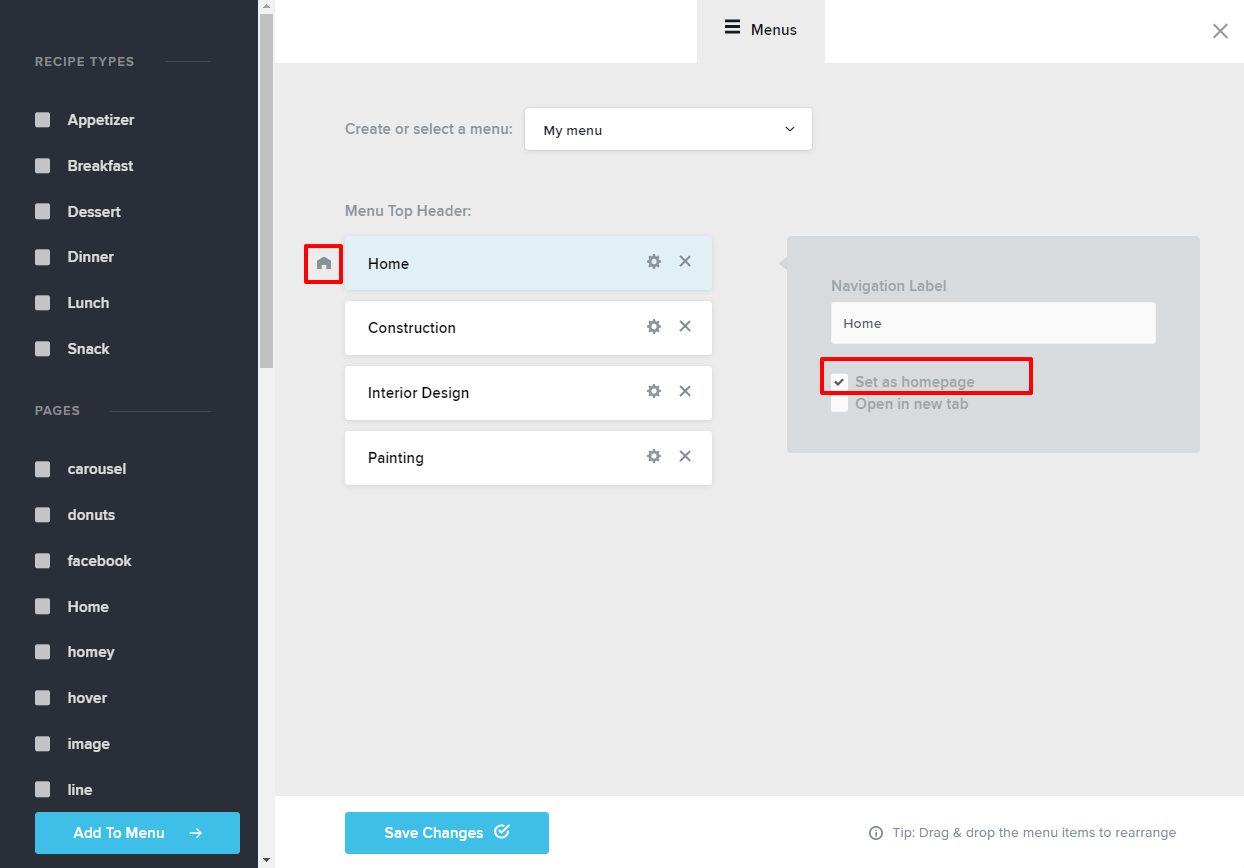
In the Brizy Cloud Dashboard, please click on the CMS (the hamburger) icon and then select the Menu tab. On the right hand side pane, you will see your menu. One of the menu elements will have a "home" icon on its left. That is your current homepage. If you want to set another page as the homepage, click on the gear icon and then select the option "Set as homepage". Save Changes and click on "Update".
 0
0 -
Hey KC,
I can't tell you how many times I've tried that. The issue is the page that appears as the homepage is no longer on the site. My team has built 150+ Brizy sites and this is the first time we are seeing this issue.
The correct homepage is set and only shows up when launched from the Brizy dashboard (see below)
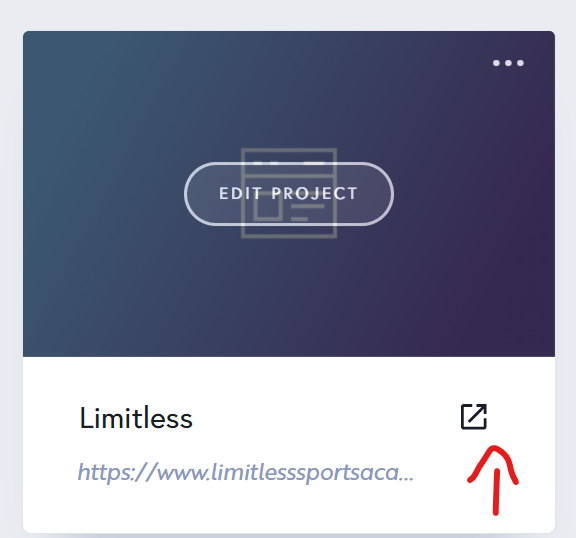

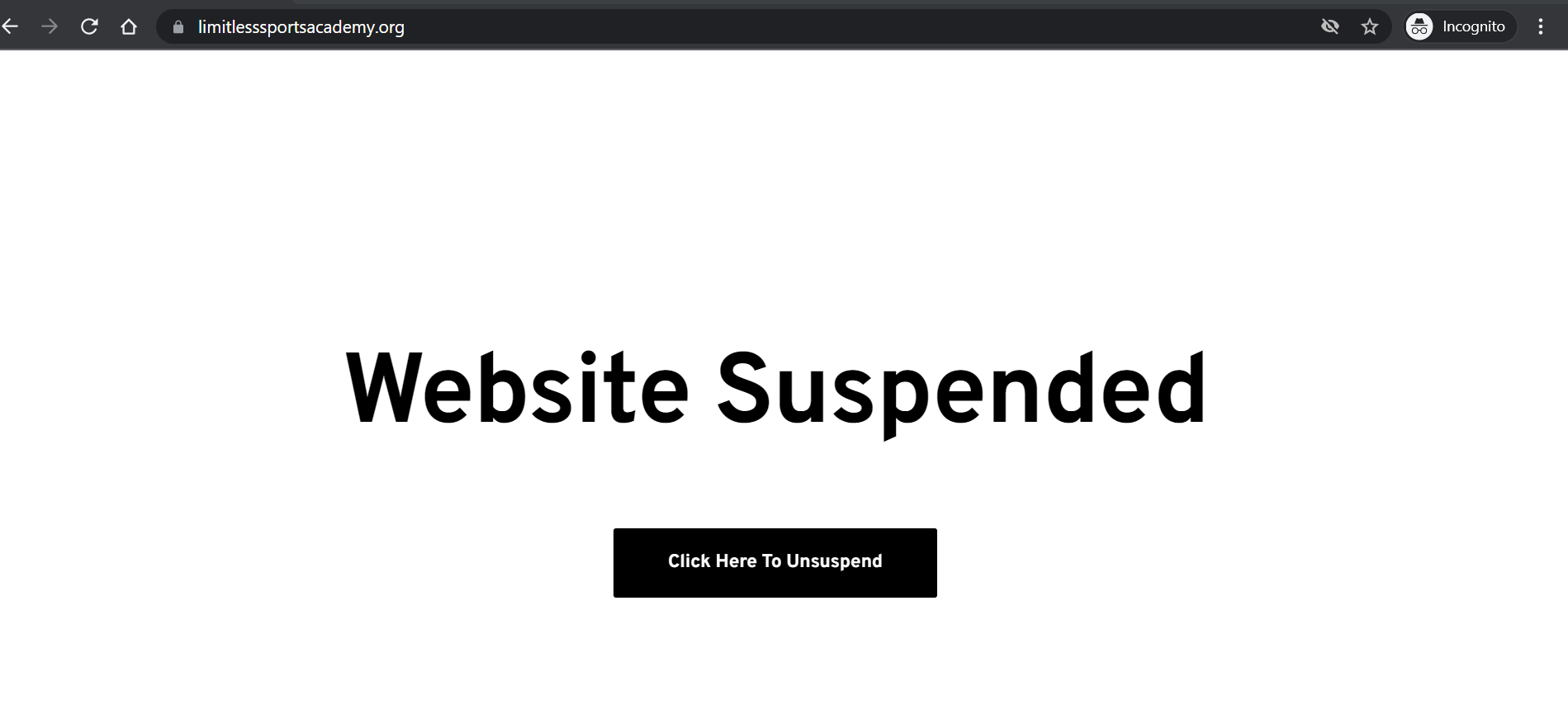
Any other time, this is the page that appears. When created the homepage below when the client owned us for an outstanding invoice and now it is impossible to remove. The page you see below has been deleted and the page shown above has been set to the homepage but we still can't get the correct homepage to appear. This is obviously a glitch on Brizy's end that we need corrected.
Thanks
0 -

Hi Chris,
Natalia here, Brizy technical team.
Thank you for your patience while I was looking into this issue.
First I thought that this is an issue from the backend, but then, I've found you have the Maintenance mode activated on this project - https://jmp.sh/ellsNjO; Therefore, the project will not be available in Incognito or Mobile mode.
I disabled the maintenance mode, please let me know how this page works at your end.
Thank you!
Natalia
0
Please sign in to leave a comment.
Comments
7 comments