Text in button out of bounds

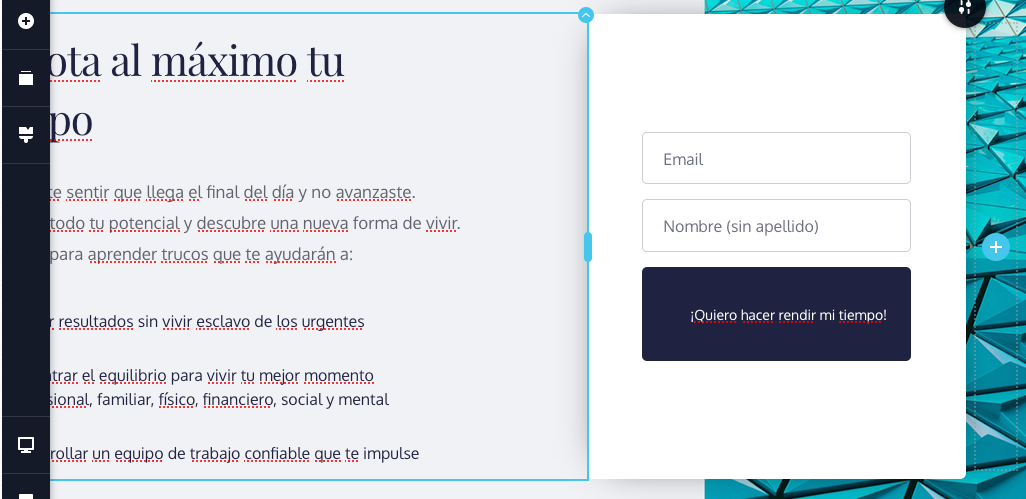
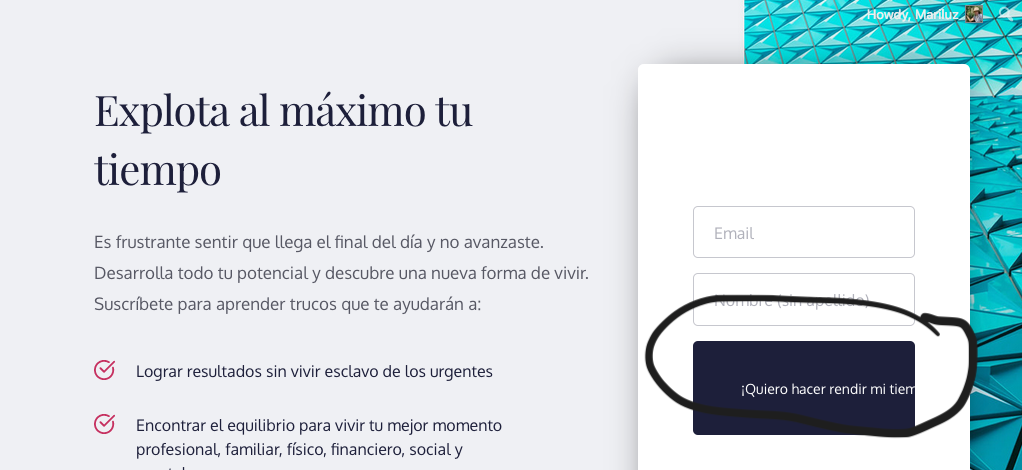
Hello! I want to place a "large" amount of text in my button (4 words) and the text just don't adapt to button size, so it continues out of button. What can I do? It should be a way to "wrap" it so the button size adapts to the text size or vice versa without going out of the button. If I change the button size to make it taller, the text still occupy just one line and goes out. Also I can't manage to center the text.
-

Hi,
This inconvenience happens because the form is added in the column with some padding and margin. Therefore, the form button can't get out of the frame and have set with larger values. In this case, you have to add a smaller text to fit it perfectly in the button. Or you have to make larger the column where is added the form.
Best regards,
Sandra0
Please sign in to leave a comment.
Comments
1 comment