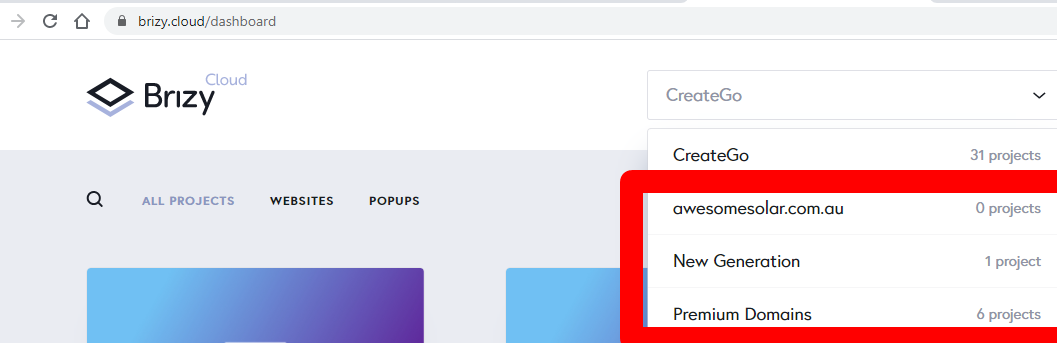
Issue with creating "New Accounts" I we move a projects in folders, forms stop working.

On the main folder what was default all is working well, when we move the project, the contact form stop working, and settings is reset.
-

Hi,
Yes, in such a way is working the forms. When it is duplicated or it is saved and added in another page or project, the form is reset and you have to connect it again. I'm sorry if this created you some inconveniences.
Let us know if we can help you with something else.Best regards,
Sandra0 -
Ok, no problem :)
Logical thing is when you move a project to an account, all need to be working as it was in previous account. Because users don't duplicate, or save and add to another page in this case. They just move for organizing all the projects or to give limited access to a project to a client or someone and they expect all to work as it was before clicking "Move" button :)
Is not critical, just have it on your backlog ideas to improve :)
0 -
Thank you for your thoughts and feedback, it is very important for us!
At the moment, when the project is moved from one account to another, the user needs to add to "Saved Layouts" all the pages from the primary account and then go to the secondary account and add them from "Saved Layouts". Therefore the form as the entire page that is saved is saved too and in such a way the primary connection is revoked.Let us know if we can help you with something else.
Best regards,
Sandra0
Please sign in to leave a comment.
Comments
3 comments