When add cart element grey block showes up

Good morning,
Just have a question about the cart element.
When I add the cart element in a template a grey block shows up instead of the cart icon.

When I save the page I only get a white page with the cart icon in the top left corner.
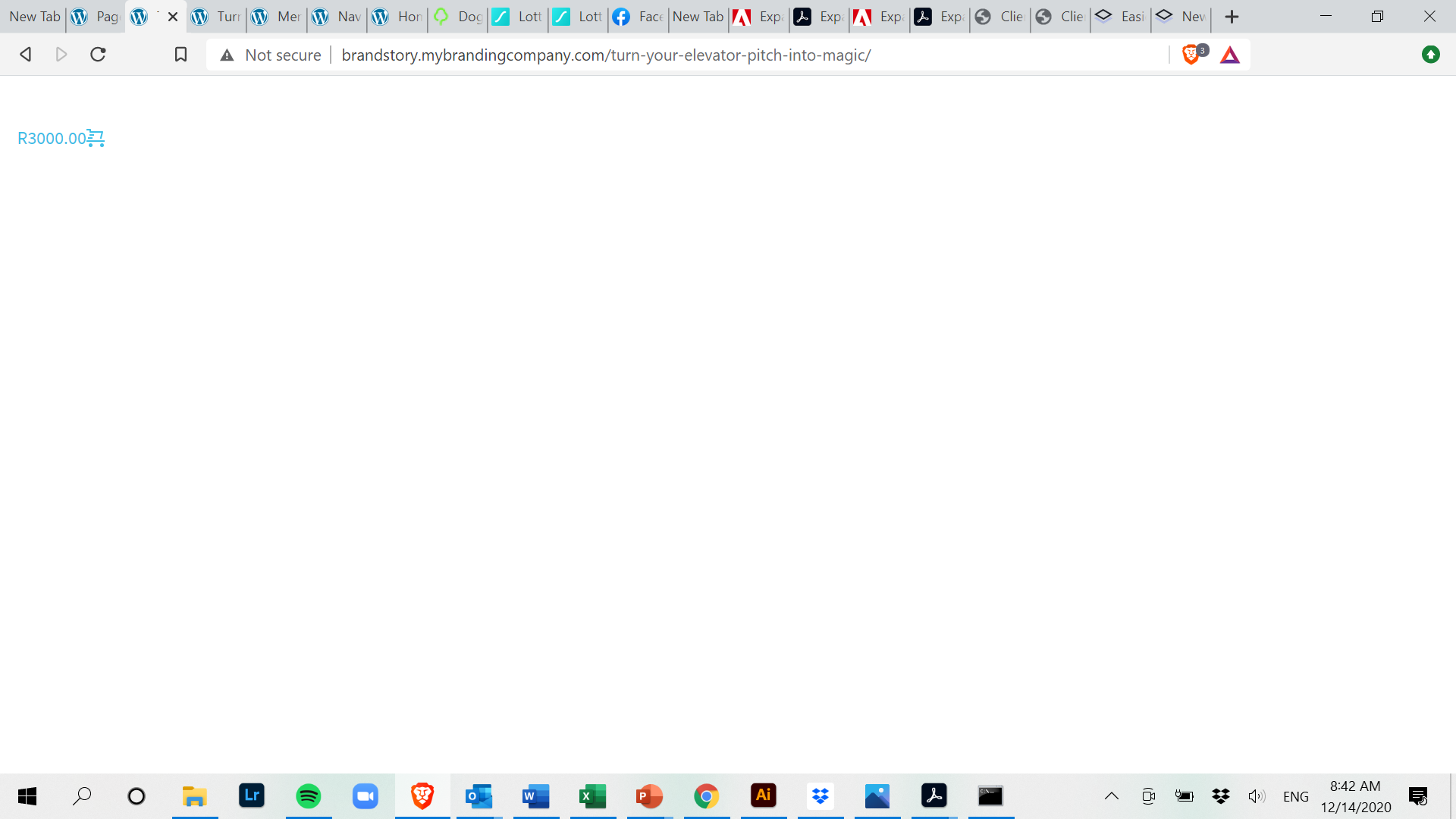
It worked fine first and I am just using the basic woocommerce shop theme but can't figure out why this is happening. Can you please help? :)
Thank you!
Vanja
-

Hi Vanja,
Yes, it is normal behaviour when you add the "Add to cart" element to not see it in the editor mode. It will be visible in the preview mode.
Regarding the problem from the second screen, could you please give us more details? How did you create this page? Did you create it as a page (in "Pages") or as a template (in Brizy template)? What is this page? How did you create the template/page? If you created a template, what display conditions did you set? Could you send us some screenshots?Thank you!
Best regards,
Sandra0 -
Hi Sandra,
Thank you for your message!
I created a WooCommerce product and placed this in a brizy page, not a Brizy template:
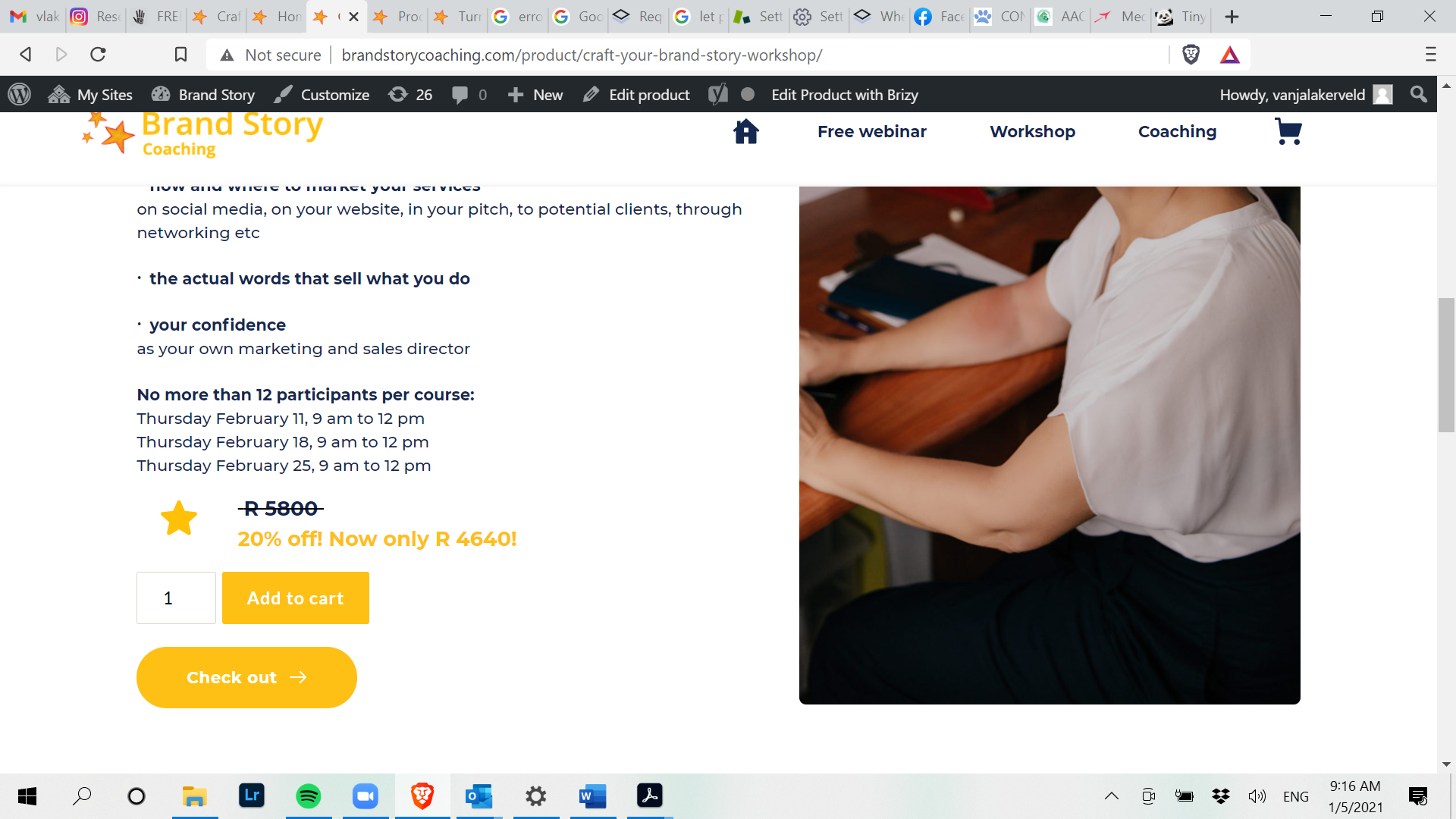
I can add the products to the cart. But when I add the cart element and preview the page it jumps directly to:
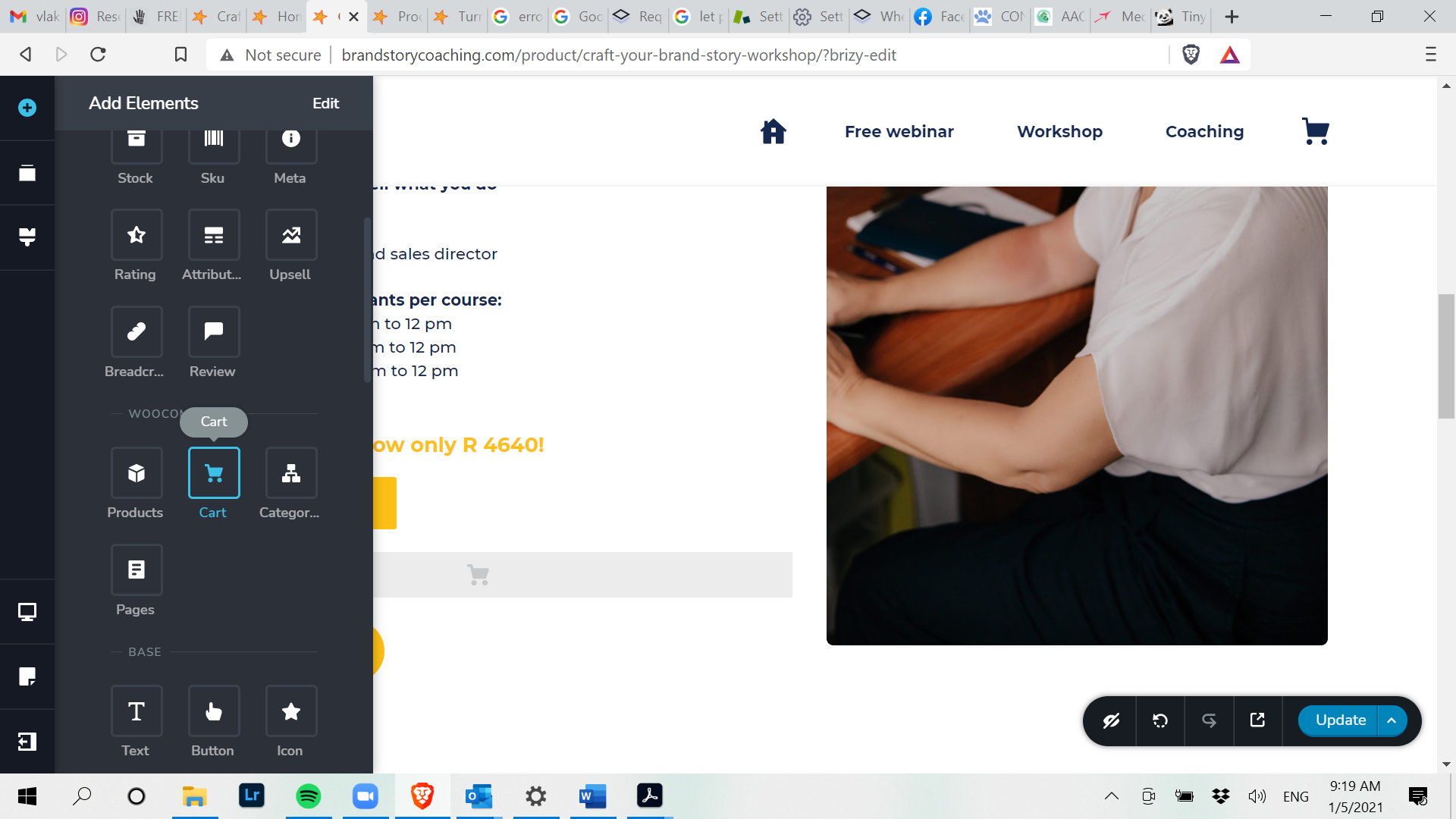
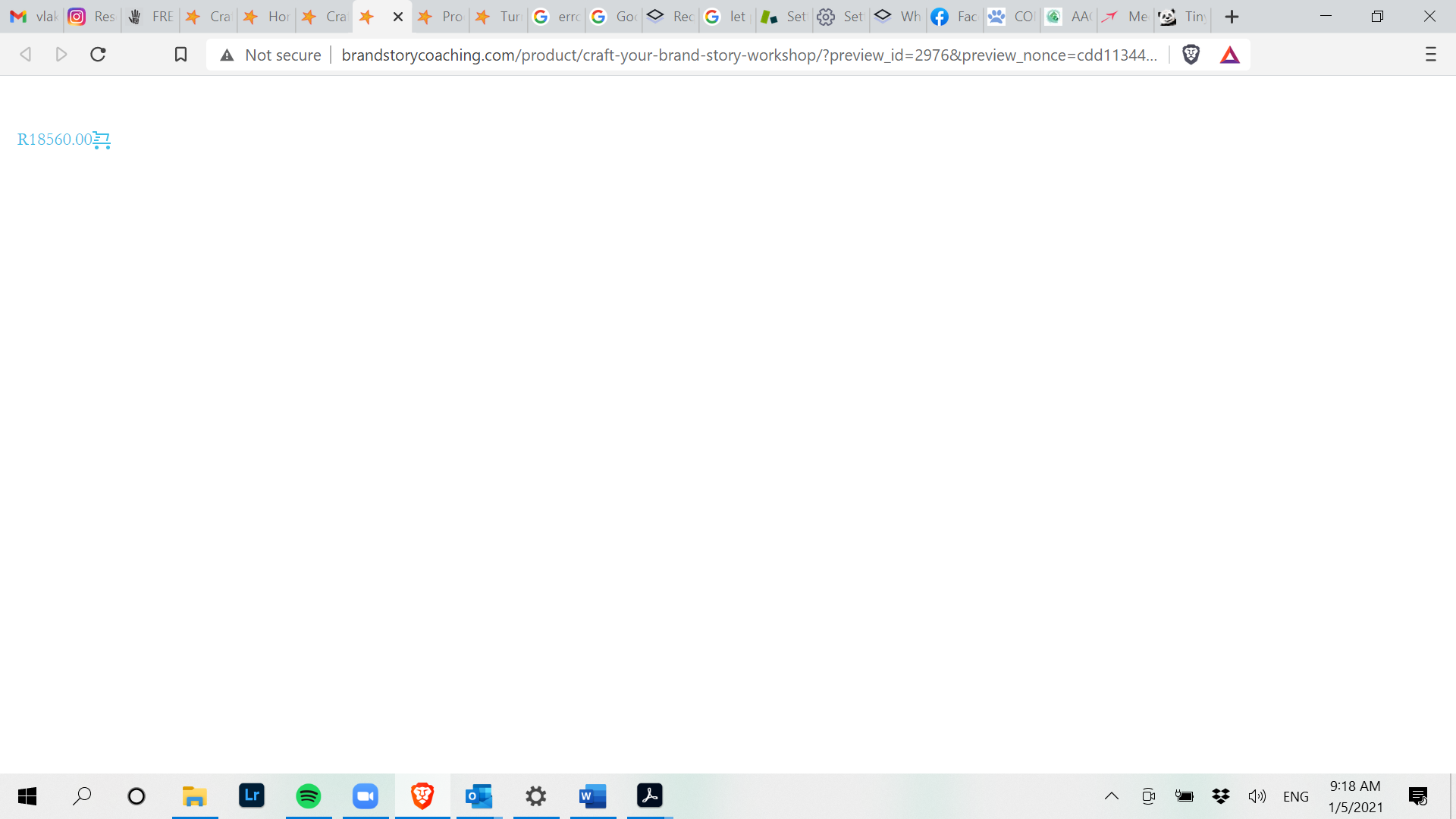
Also when I go to My Cart page it looks like there is something wrong this is also a brizy page not a template:
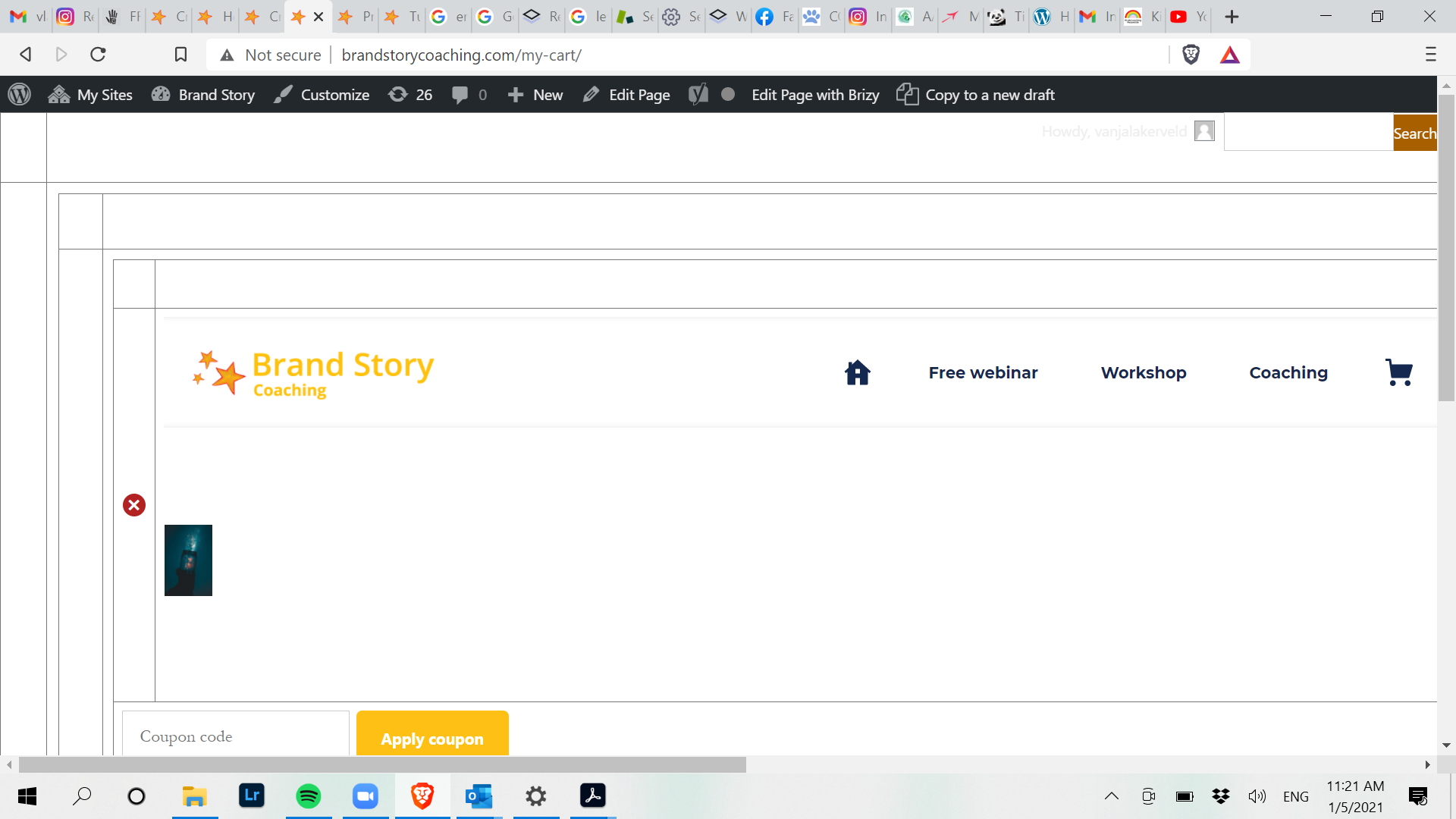
I also tried to make a brizy template, but it does not make a difference.
Hope the screenshots help a bit, thank you for your help.
Best regards,
Vanja
0 -
Hi,
Thank you for all these screenshots and the WP credentials. I deleted them because this is a public forum and after the approving all messages are public.
I investigated a bit the site and found that you don't have the latest version of Brizy Free 2.2.3. Could you please update the Brizy Free to the latest version? Also, could you please update the WordPress to the latest version 5.6?
If you will make these updates these pages will generate the same problems, could you please temporarily deactivate all external plugins (except Brizy Free, Brizy Pro and WooCommerce)? Do these pages work fine? If all is fine, this means that one plugin generates these problems. You have to activate each plugin one by one and check what plugin create this problem.
Thanks!
Best regards,
Sandra0 -
Hi Sandra,
Thank you for your help!
It solved the issue.
Lesson for me to always make sure I have the latest versions.
Kind regards,
Vanja
0 -
Hi,
Thank you for updating us regarding this issue! Great to know that all is working fine now!
Best regards,
Sandra0
Please sign in to leave a comment.
Comments
5 comments