Error message: "Unable to insert block. Please try again or contact support"

1.Wanted to add a block that was saved on another site, and synchronized it via the cloud. Each time I click on the block/layout that I want to add, I am getting this error message: "Unable to insert block. Please try again or contact support". Please see the screenshot attached.
2. Also wanted to confirm if "Yamen" theme is compatible with Brizy?
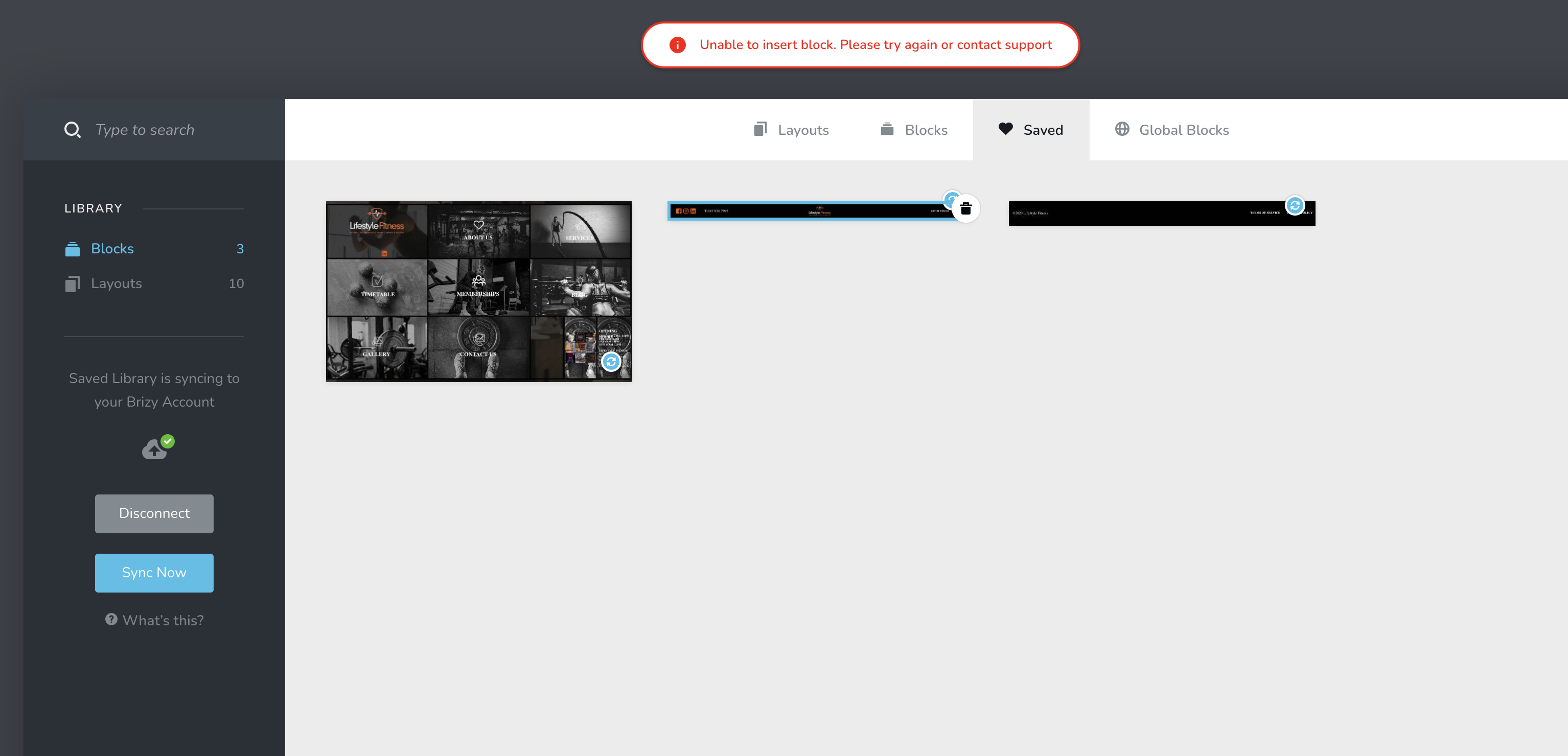
-
Changed theme to Astra (one of the recommended themes by Brizy), still the same error message as above. Could you please look into this issue further?
Also, both websites (the one I originally created these blocks and the one that I need to copy the blocks to) have up to date Brizy/Brizy Pro and up to date Astra
0 -

Hi,
I have created a private ticket for you so please send your login details there and we will look into it. Thanks.
0 -

Hi,
I didn't want to start a new thread, however, I am having this issue also. I have created the page in Brizy cloud and have saved and synced to WordPress. When I try to add the block in WordPress, I'm getting "Unable to insert block. Please try again or contact support" message.
I have the updated WordPress, Brizy plugins and Astra theme on Brizy Pro.
Thanks in advance!
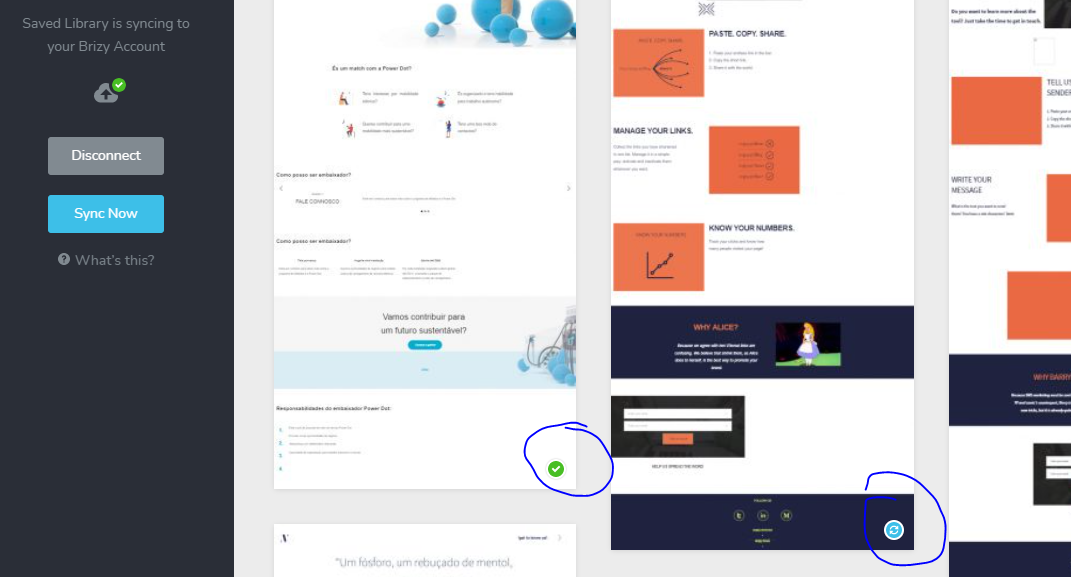
Nb. I am able to add some blocks, and these have a green tick on them in the wordpress saved blocks section. The rest have a blue sync icon on them - these I cannot add.
0 -
Hi,
thanks for all the checks you made related to plugins, updates, and so on. I have created a private ticket for you so please send your login details there and we will look into it. Thanks.
0 -

I have the same problem, but to add a layout that was saved on another website and was synchronized via the cloud. Each time I click on the layout that I want to add, I am getting this error message: "Unable to insert layout. Please try again or contact support". Please see the screenshot attached (the one with the green symbol works, the other do not work).
 0
0 -
Hi,
I have created a private ticket for you so please send your login details there and we will look into it. Thanks.
0 -

Hi Brizy team.
I'm also joining this thread since I'm experiencing the same problem.
We created a series of pages for an online catalog (https://aduv2.brizy.site/) that uses the same style layout.Previously we were able to use the same layout when building the pages showed here (https://adu269.brizy.site/).
Now that our Rendering team is ready with new assets to load into the new catalog pages we notice that we weren't able to load the pre-saved layout to continue to create a series of new pages.
Would you guys please advise and help guide us on how to solve this error, so we can be able to create the next set of pages.Cheers!
Jose Luquin / MKT Director0 -
Hi,
can you please check it now?. From what I know today some work has been done in this regard and it should work now.
0 -

I have the same problem today, eleven days later.
Fresh browser, cleared cash.
Brizy cloud PRO.
Trying to load a saved layout/block into a new project.
Please help.
0 -
Hi,
This problem exists in Brizy Cloud and we have already fixed it. We will make an update with this fix in the coming days. Sorry for the created inconvenience.
0 -
Thank you. Please let me know when the update is out.
0 -

Hello Everyone!
We just released a new Brizy version for our Cloud builder for this fix.
Please, clear the browser cache before opening the Brizy project.
Thank you all for your patience!
All the best to all of you!
Regards, Natalia
0 -

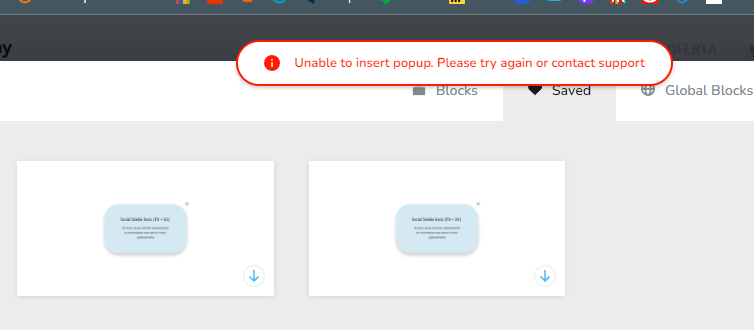
I have this issue now with popup... Brizy cloud
 0
0 -

Hi Piotr,
Can you please mention the URL of your website project where you are facing this issue?
0 -
Sure, here it is:
0 -

Hi Piotr,
Thanks for the feedback, I really appreciate it.
We could reproduce this problem. I will create an internal issue and our developers will investigate how we can solve this problem as soon as possible. Thank you for your patience and for reporting to us.
We are sorry for this inconvenience.
Best regards, Nelea.
0 -
Hello Piotr,
My name is Natalia, Brizy technical team.
I want to inform you that we fixed the pop-up issue in the cloud builder. This fix is added in the a new version that we released a couple of minutes ago.
Let us know if you have any other questions.
Regards, Natalia
0 -
Thank you for this quickly done fix.
Since I am using cloud builder with this project I don't need to download anything right? It just should work now?
0 -
Hi Piotr,
Yes, you are right, you don't need to download anything.
Best regards, Nelea.
0
Please sign in to leave a comment.
Comments
19 comments