Custom PHP is not working

Hi guys,
We decided to move forward with Brizy and implement in a more advanced projects.
We negotiated a contract with a client convincing him Brizy will be a better builder when Elementor.
Even after having 80% of the client website made in Elementor, this is ~50+ pages, we decided to move to Brizy.
And started recreating all the pages in Brizy and also improving the design on the way.
But!... We faced a big problem. We can't make the PHP code that worked on Elementor work also here in Brizy.
We tried https://wordpress.org/plugins/php-everywhere/ and the plugin with our code works fine in simple page or post what don't use Brizy, but after we click "Edit with Brizy" and embed the shortcode it stops working.
Here are two pages with custom PHP
https://wine.8-site.com/w-test/
https://wine.8-site.com/wt-test/
Our goal is to embed these two shortcodes in Brizy builder, to have a standard header and footer. To look like other pages.

We tried also this plugin https://wordpress.org/plugins/insert-php-code-snippet/ but something is not working... it allows us to create shortcode but this plugin doesn't work even on the simple page.
On client hosting with Elementor, this plugin works fine.
We can use another plugin, we are not stuck to this one, we have the PHP and we need it just work with Brizy or at last Header and Footer what we designed in Brizy.
Thank you guys, and let's convince more clients to choose Brizy instead of Elementor :)
-
or maybe you have an idea how to make such filtration on Brizy
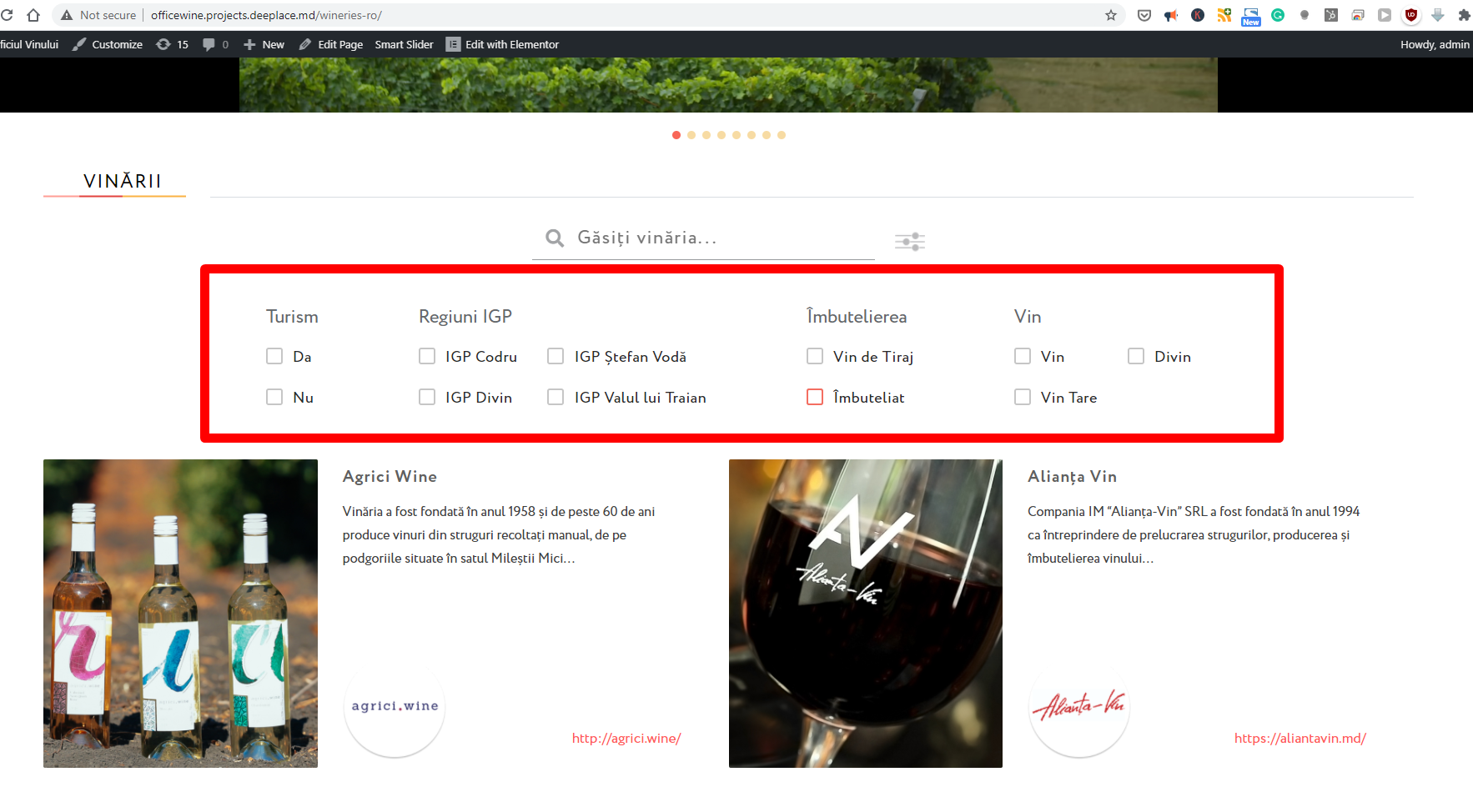
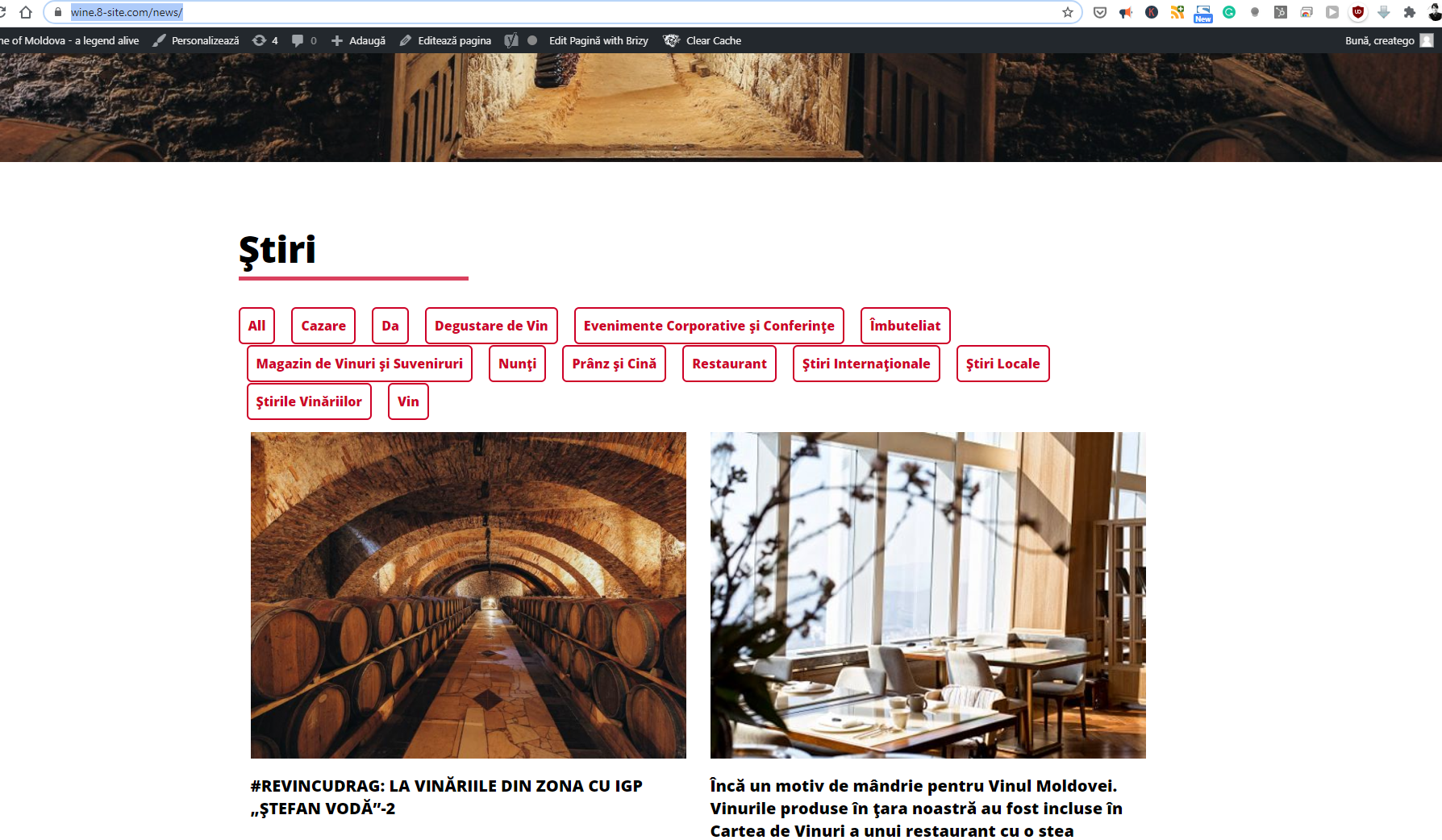
We succeeded to make something similar but is limited by design and we can't exclude tags from the filtrations.
 0
0 -

Hi Nicolai,
Thank you for your trust in Brizy! It is pleasant to hear and receive such warm feedback.
I created a private ticket on the request from the first message you send us. Could we please continue the discussion in that private chat? We will continue to investigate the problem you encounter and will strive to find a solution for it.
Regarding the second request with the filter - unfortunately, at the moment we don't have an element or feature with a similar filter and therefore isn't possible to create or add a multiple filter and sortation to the Blog posts or Production.
Best regards,
Sandra0 -
ok, thank you :)
0
Please sign in to leave a comment.
Comments
3 comments