Video Title cover

Guys there is any way to make a cover for the video like this with the transparent background?
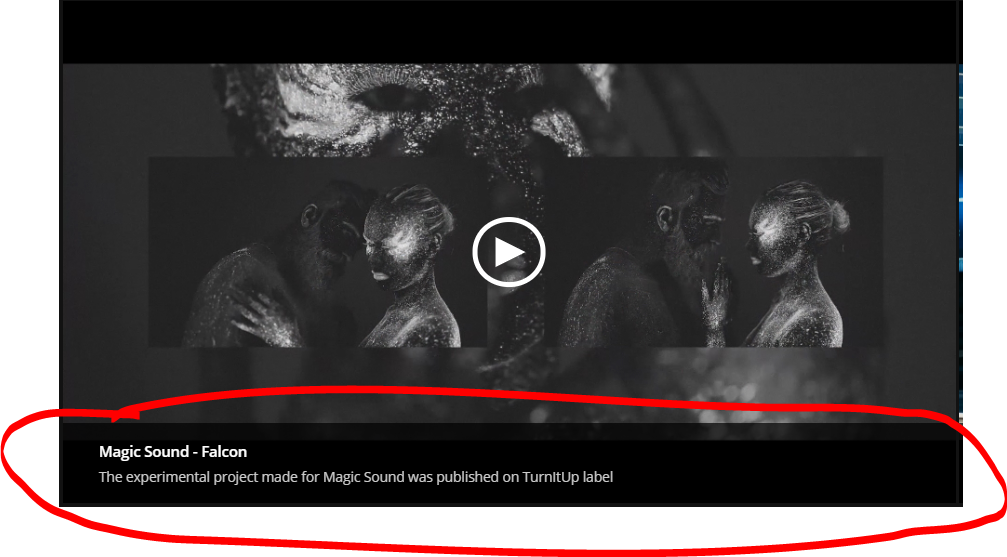
Also to be able to choose how to visualize clickable text, without underline?

-

Hi,
You cannot do this through Brizy settings. If you have programming knowledge you could try to do something custom. If not, you could create an image that also contains a title and add that image as a cover to the video: https://jumpshare.com/v/QllgkEZ7L5mlPn3juphQ
Regarding the underline: this underline appears in the editor only so that you can see where the link is and where the plain text is. In the frontend, the underline appears only at hover. You can remove this underline with CSS. Please refer to this discussion: https://support.brizy.io/hc/en-us/community/posts/360060187611-link-underline
1 -
Thank you Alex
0 -
Anytime ;)
0 -
Hi there again, one more question.
1) How to highlight the active page?

2) I cant find how to connect the link to the header menu for redirection to the some position on the site like on the picture below
 0
0 -
Hi,
1) you have this option to set the active link color: https://jmp.sh/KD5qnc3
2) Do you work in WordPress or Brizy Cloud? The menu and menu links are set elsewhere. In WordPress here: https://youtu.be/4u3g9nKYKFo?t=16 and in Brizy Cloud here: https://youtu.be/Zmd69athKcw
0
Please sign in to leave a comment.
Comments
5 comments