Blog Posts Not Working

Hello,
I am trying to pull blog posts into the page I created for my blog, but when I try, the format of the page gets messed up.
I created the post using the brizy builder and linked it by adding the "posts" element to the blog page. I made sure that my blog is the assigned post page in my wordpress, but still was having problems.
Please let me know if I am doing anything wrong.
Thanks,
Owen
-

Hi Owen,
The blog works a bit differently with Brizy. You cannot edit with Brizy the page you selected as a blog page in WordPress settings. You need to create a Brizy Template for this page. Please see this video where this process is explained: https://youtu.be/cWJEetL4f-s
0 -
Okay, so I've tried following the steps in the video multiple times with no luck. I have a Blog Template and an Article Template, but the blogs aren't being pulled into the templates even though I remade the blog in the Wordpress editor. Also, how do I connect the blog template to an actual page on the site?
I have read through multiple articles and Brizy support questions, and there doesn't seem to be one clear answer.
Thanks
0 -
Can you please send some screenshots so we can see the problem? Or a screen recorder to see your steps and tell you where the mistake is.
If you did everything according to the video then the blog should work. But, please keep in mind that the page for which a template was created should not be edited with Brizy nor should it be the active plugin for that page. Your blog page should look like: https://jmp.sh/3bnQMJY
0 -
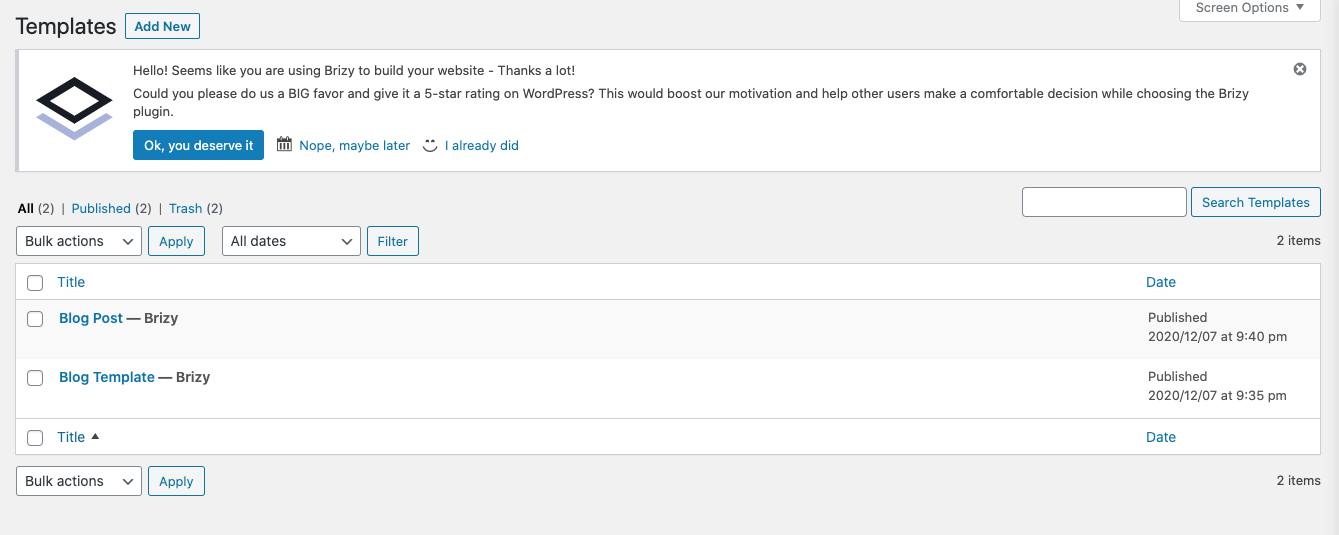
Here are both my templates for the blog and post
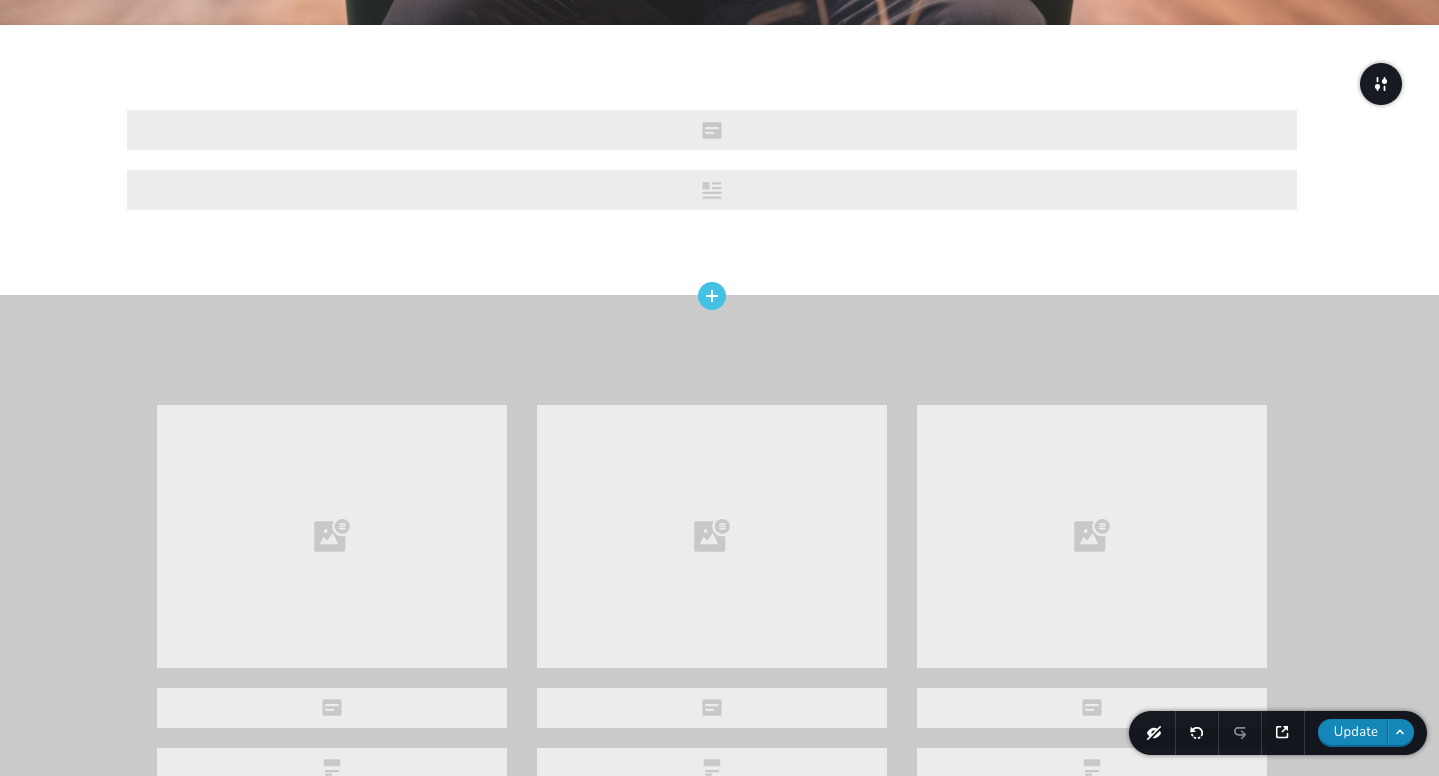
Here is the post template with "Post Title and Post Content elements", below that is the "Posts" element
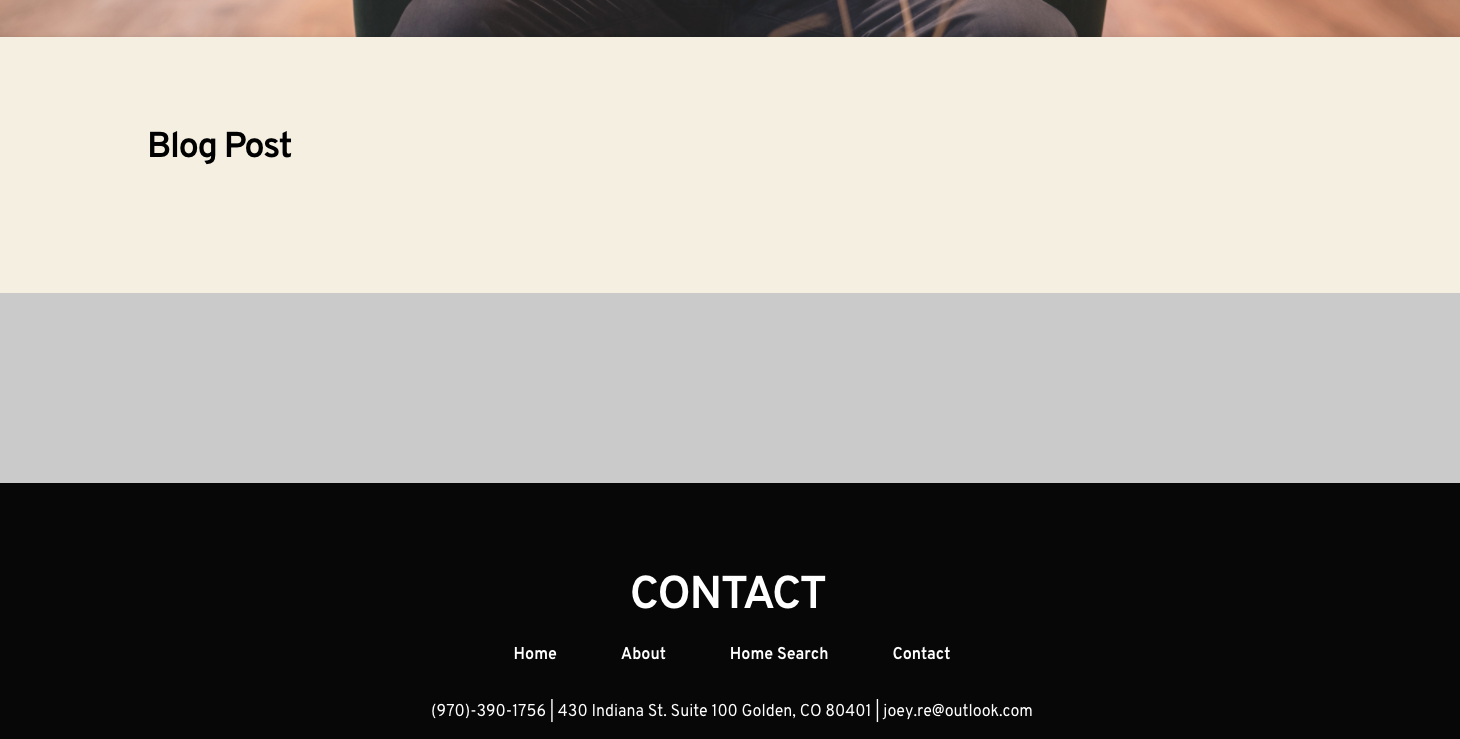
This is what I see after publishing. Nothing is pulled through here.
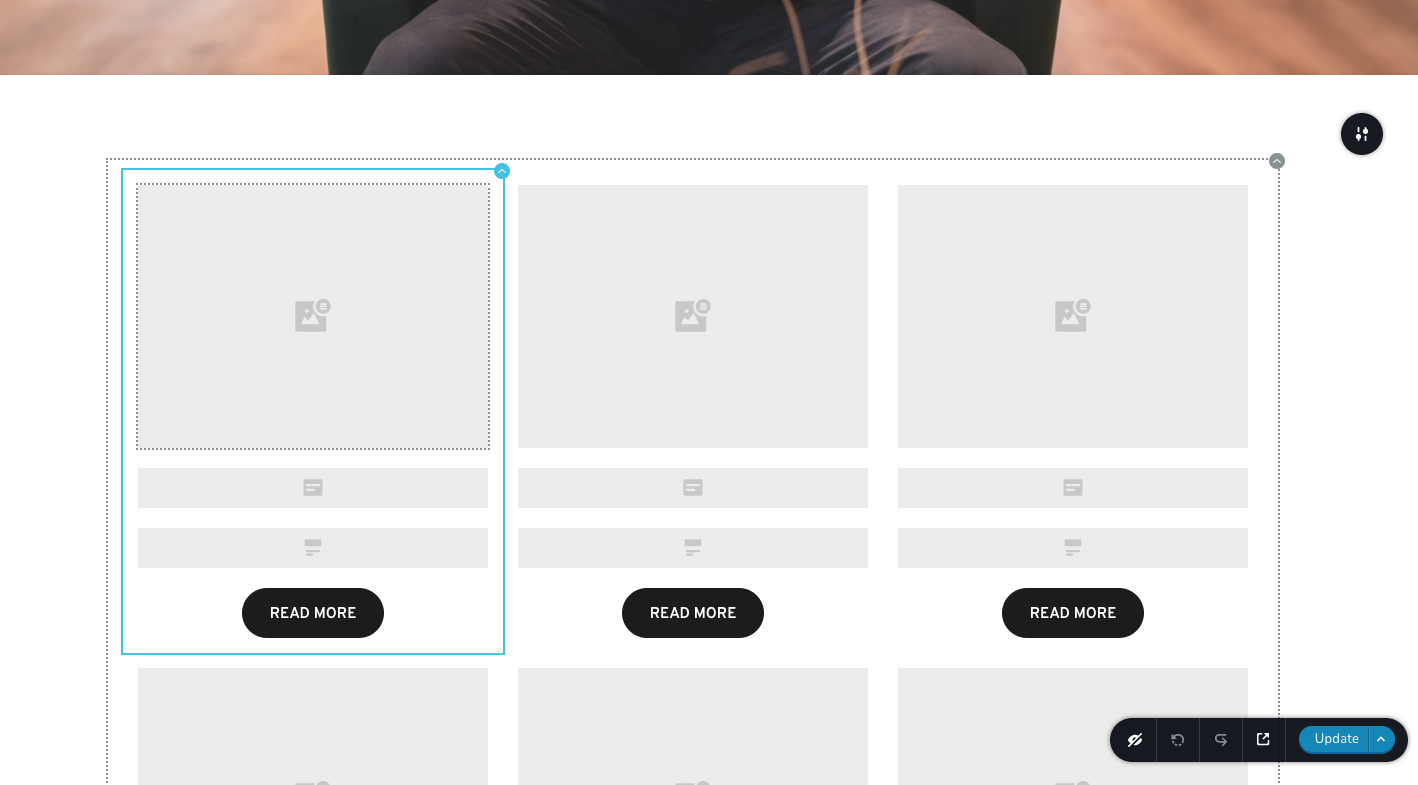
This is the blog template using the "Posts" element
Again nothing is pulled through when I view it.
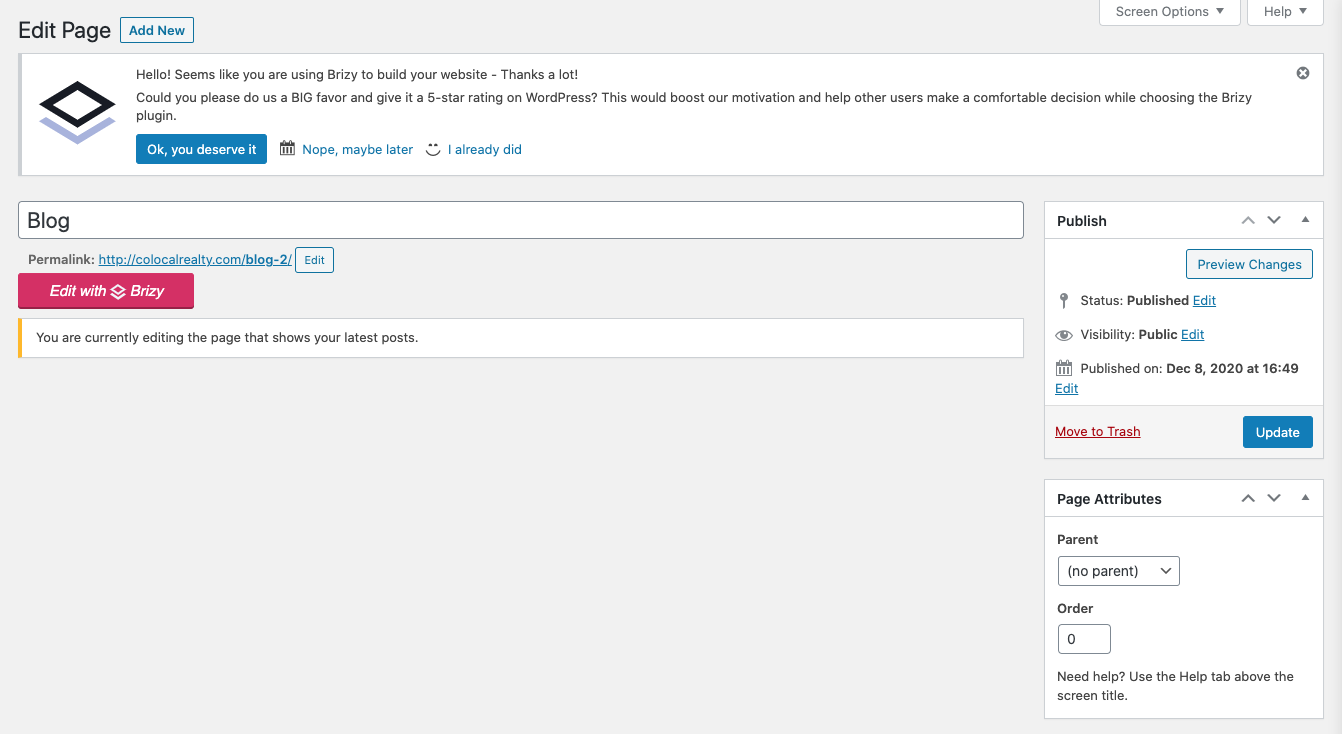
Here is the Blog Page, I have not edited with Brizy
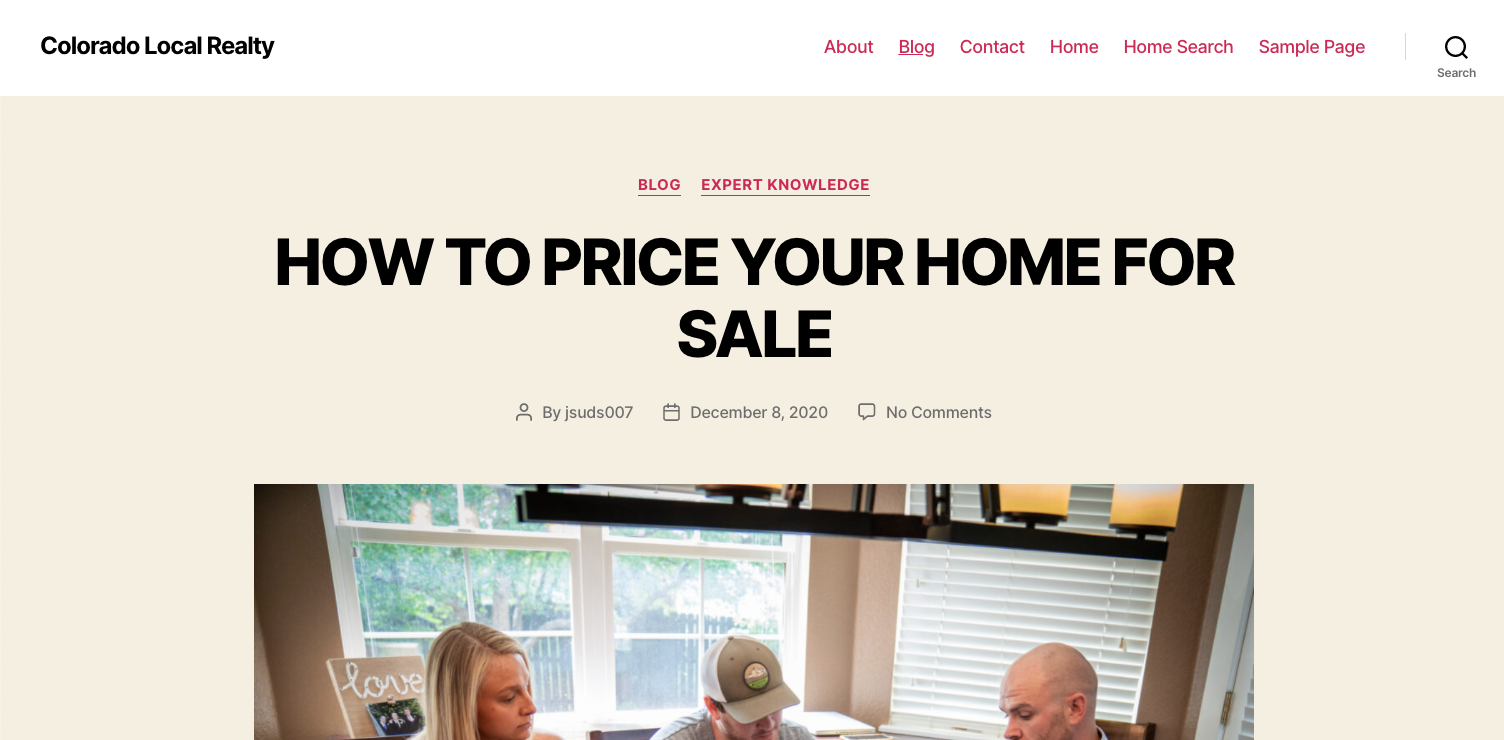
When I view the page, the this is what is shown. The templates do not seem connected to the page.
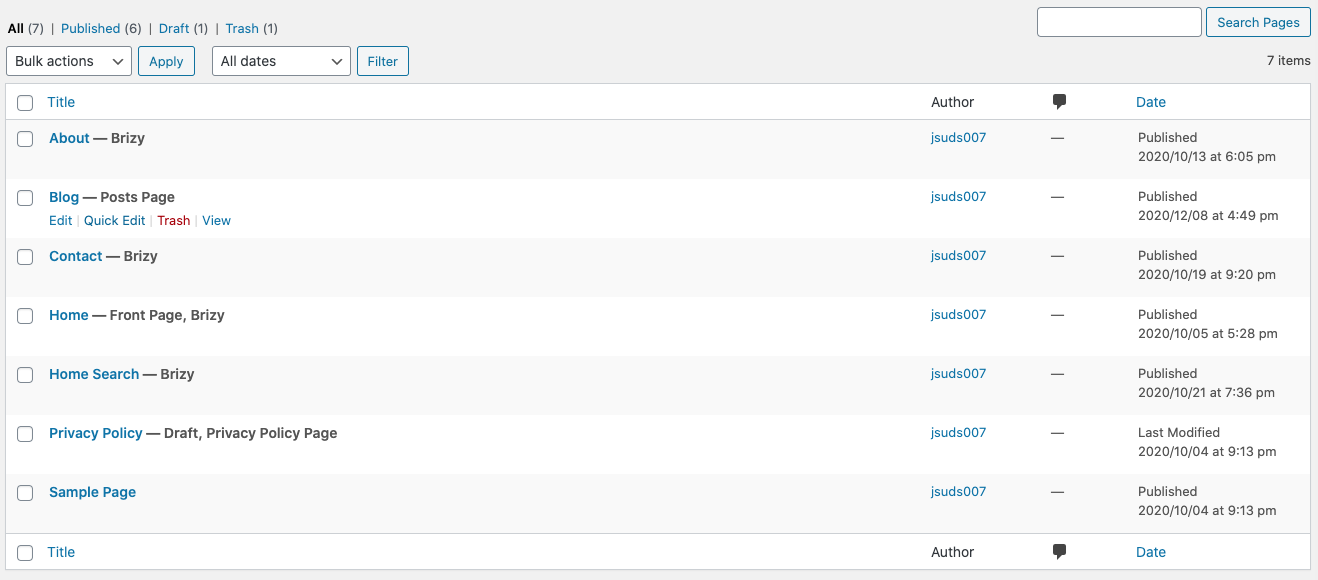
Here you can see that the blog page is the "posts page"
Please let me know if you need to see a screenshot of anything else. It seems to me that I may just be missing a connection from the blog page to the blog and post templates.
Thanks,
Owen
0 -
Hi Owen,
everything looks right. There are two unclear moments that we need to confirm before treating it as a problem and going for an inspection.
1. Can you please confirm that you have set the appropriate conditions for these pages? For example for the blog page: https://jmp.sh/EwWmGXZ
2. Please confirm that you are checking the frontend on the page link or the post link but do not "Preview" from the template page: https://jmp.sh/ETIVQ5I -> https://jmp.sh/H4vDwx2
0 -
I had the conditions for the Blog page set to [Categories - Include All]. I switched it to meet your advised conditions, and now the template seems active, but no posts are pulled through.
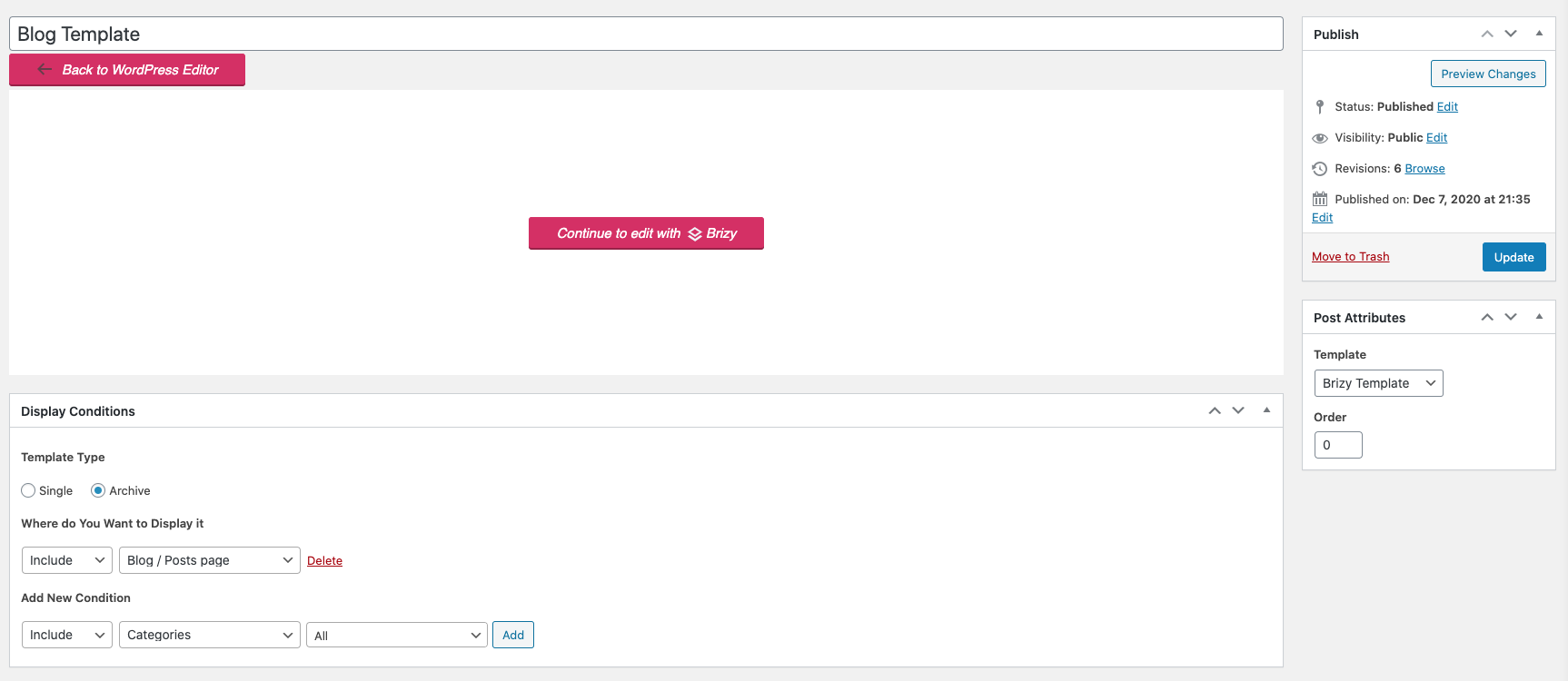
This is what I used to see, before I switched to your advised conditions:
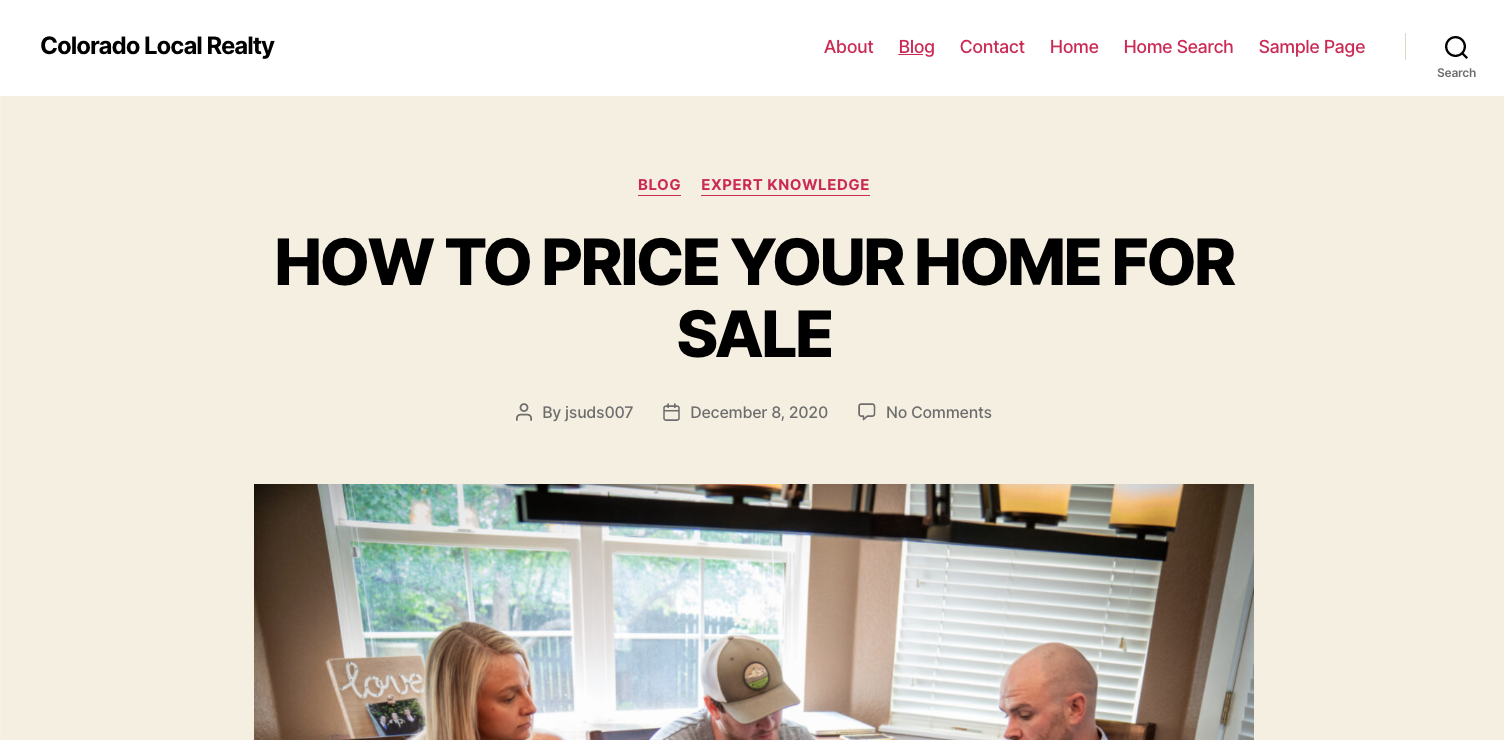
This is what I see after adjusting conditions:
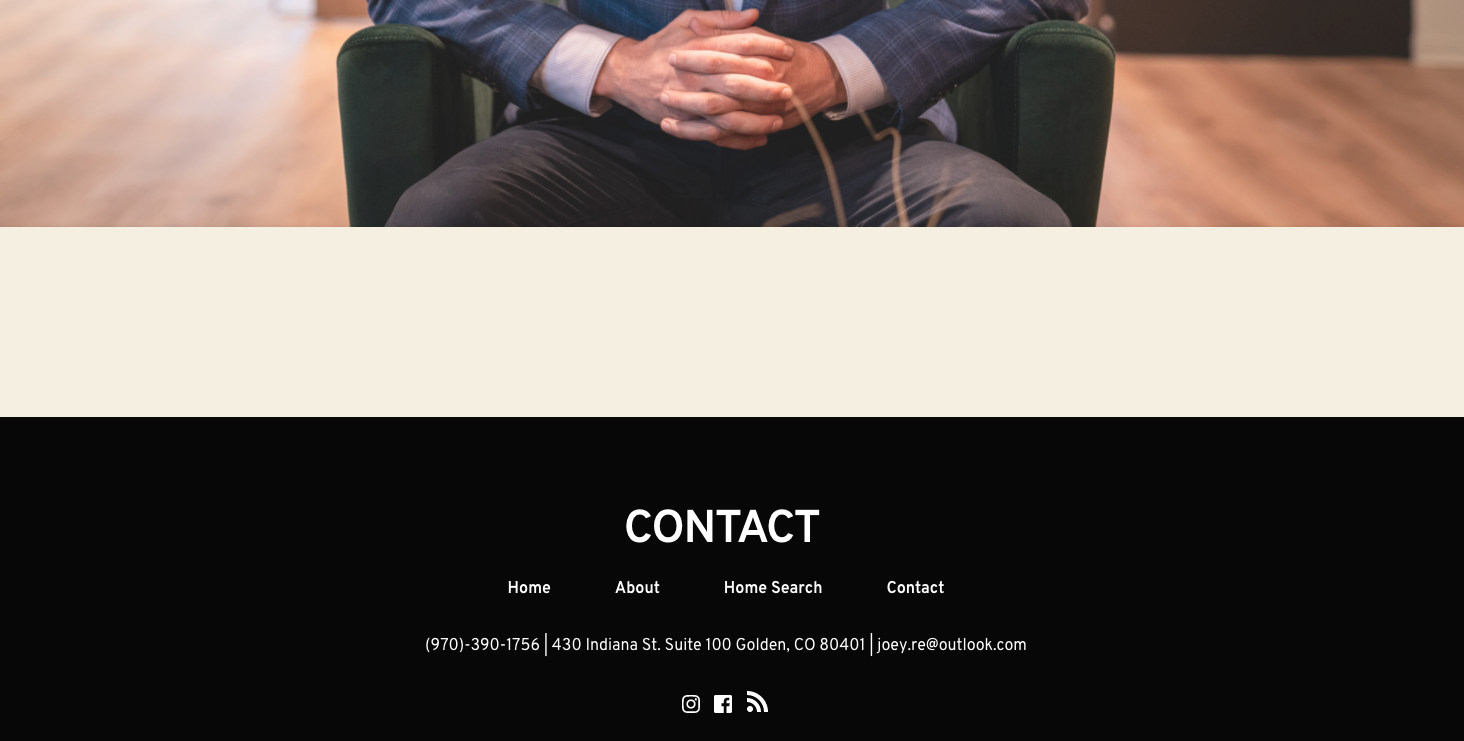
After changing the Blog Template conditions as instructed, I tried both every condition possible for the Post Template, but no posts came through on the Blog Page.
0 -
Hi,
Do you have posts created in the category selected in Posts element: https://jmp.sh/tuXgdPN ? Also, for the blog I recommend you to use the Archives element which will display all the posts from all the categories: https://jmp.sh/AluP4V3
0 -
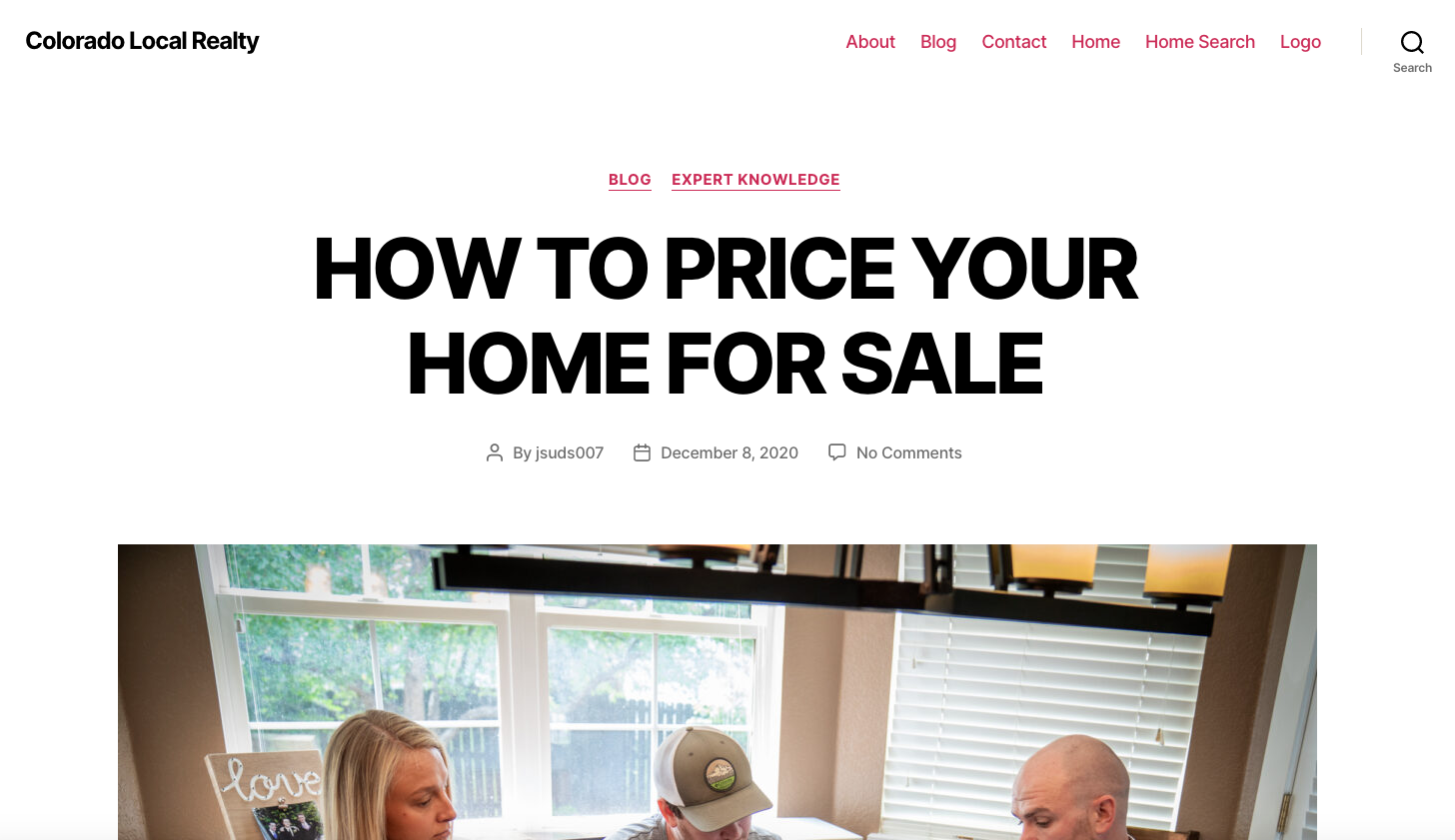
So it looks like that was the problem for pulling in the posts. However now that I am pulling posts through, this is how it shows up:
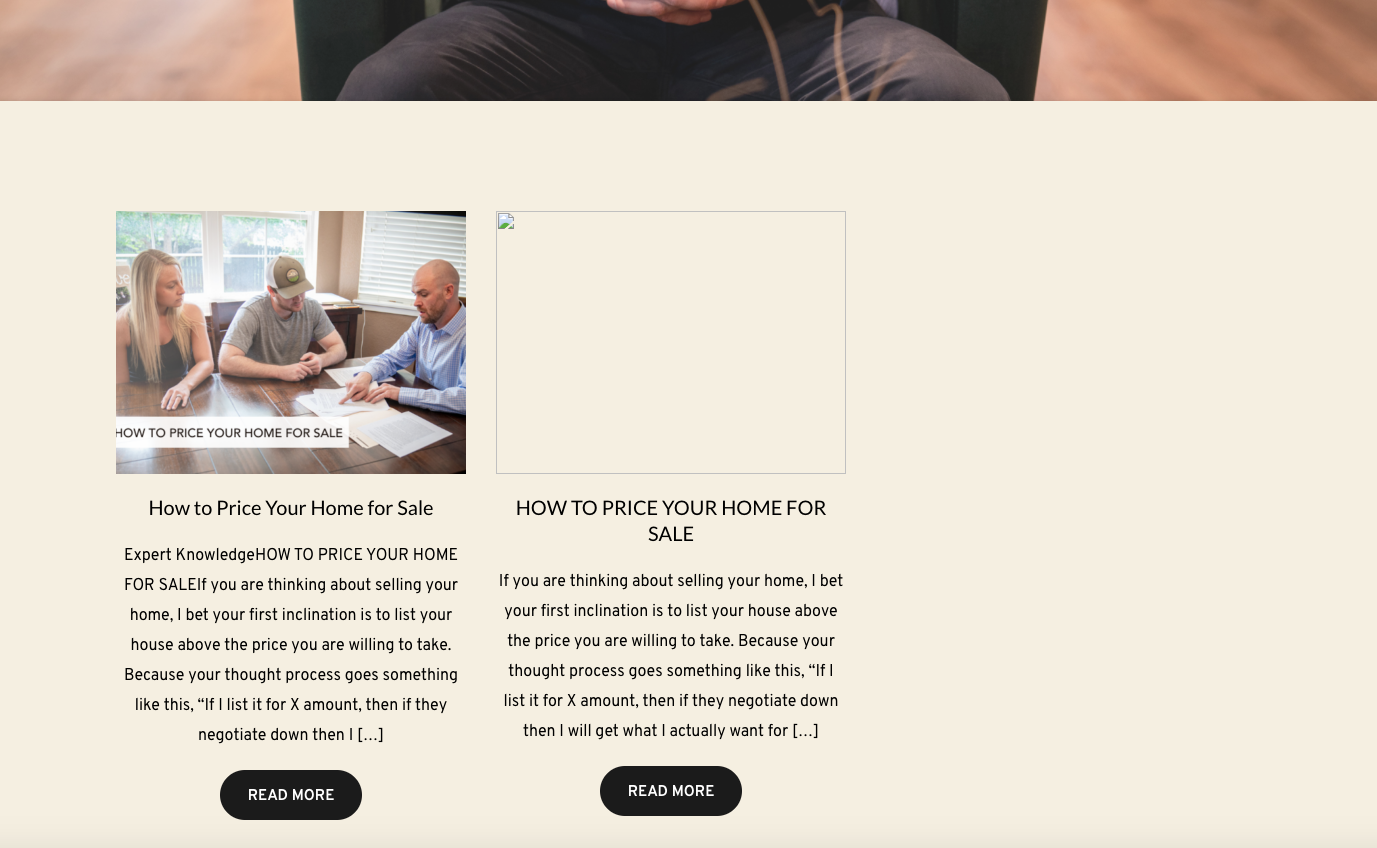
The post on the left I made without a template using Brizy, and the one on the right was made to be set in my blog post template. This is fine with me, but if I am supposed to be using the template and not creating the post with Brizy, that did not work.
Here is the post I made with the builder:

Here is the post that I made with the Wordpress builder for the Blog Post Template:
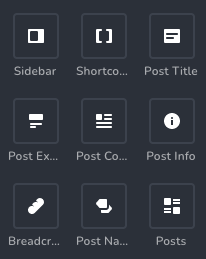
Also, I went to use the archive element after watching the video you sent earlier, but there isn't an archive element in my template builder. I even used the search function to see if it just was in a different spot.
 0
0 -
Hi,
Does your second post have a featured image set in WordPress settings: https://jmp.sh/GBcK4US ? Also, can you please confirm you have the latest Brizy versions - Free 2.2.3. and PRO 2.2.0?
0 -
Yes, my second post has a featured image and here is a screenshot of my versions:
 0
0 -
The Archive element is only available for the archive pages but it seems that you checked it for a single post template. Please edit the blog template you created and add the archive element there: https://jmp.sh/Fxg348a -> https://jmp.sh/Zh75dg9
This should also solve the issue of listing posts.
0 -
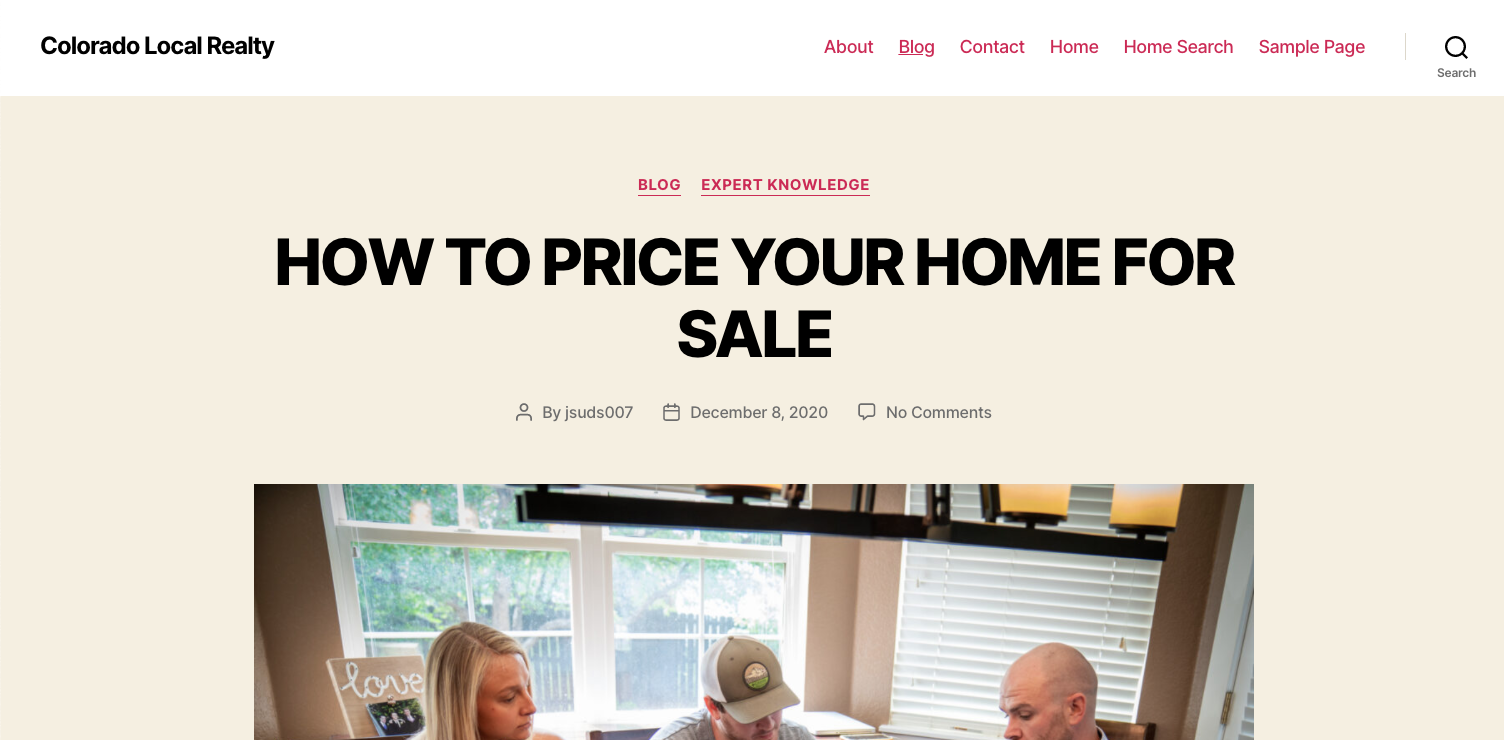
Okay I have set that up and now the blogs are pulled through, but the "Blog Post" template is still not working with the posts. When I look at the live blog post, which I created using the Wordpress Builder, it is pulled through in the Wordpress theme.
 0
0 -
Hi,
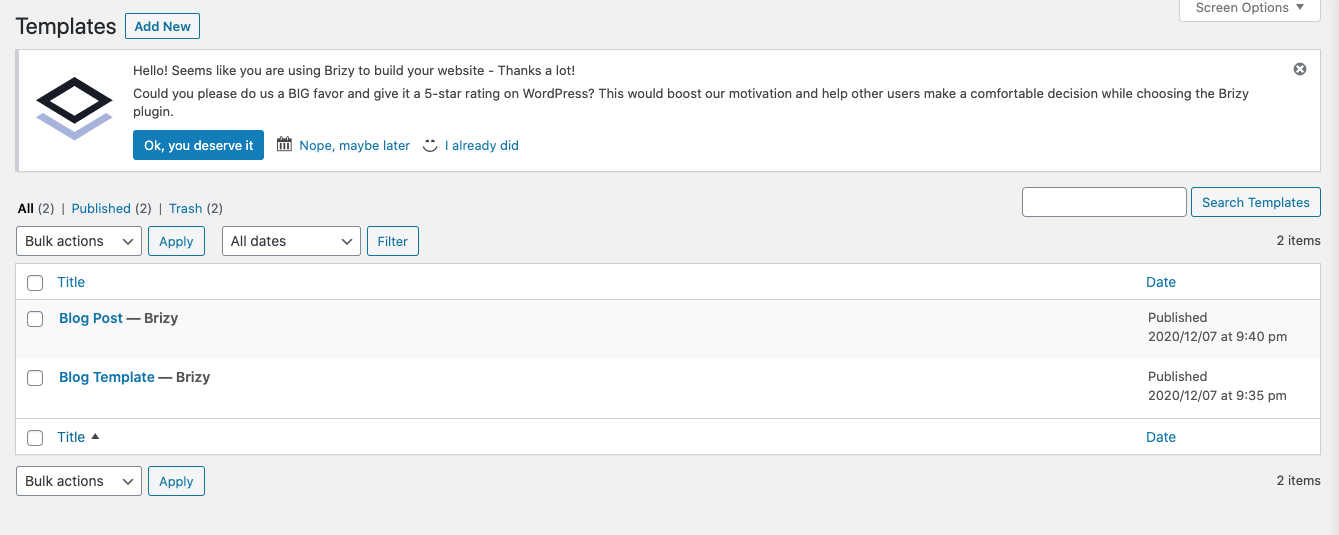
Can you please send a screenshot of the condition you set for the Post template? Please note that you must have two templates: one for the single blog post and one for the blog page. Please refer to this video once again: https://youtu.be/cWJEetL4f-s?t=1113
0 -
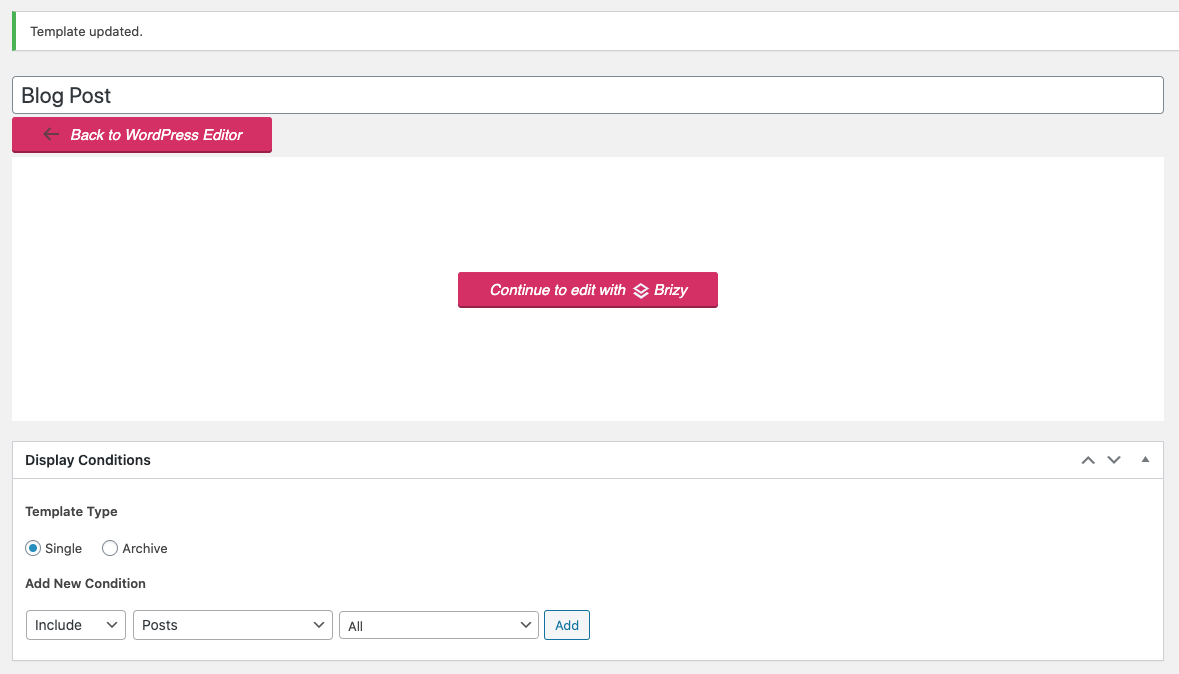 0
0 -
the condition is not set. Please click on the "Add" button: https://jmp.sh/PFN8IZq
0 -

Thank you Adam and Alex!
I was encountering the same issues as Adam. This thread clears up the details that weren't explicit in the video.
0 -
Hi,
I'm glad this was useful for you.
0
Please sign in to leave a comment.
Comments
17 comments