Woocommerce Template

Ciao,
i have a problem. when i try to insert items, i don't see them. I see only the icons.I don't know what the problem is!
Regards,
Francesco
-

Hi,
If you add for example the Products element and you see it in such a way https://jmp.sh/ynI7UR7 in the editor mode, this is the normal behaviour of the Products element because it is a dynamic element and it shows the tight content, title, image, etc. only in the preview and live mode. If you will preview the page, you will see the images, title, content, etc.
If you don't see anything in the preview mode, could you please give us more details regarding how did you create this page?Thanks!
Best regards,
Sandra0 -
Ciao Sandra,
thanks for the quick reply.
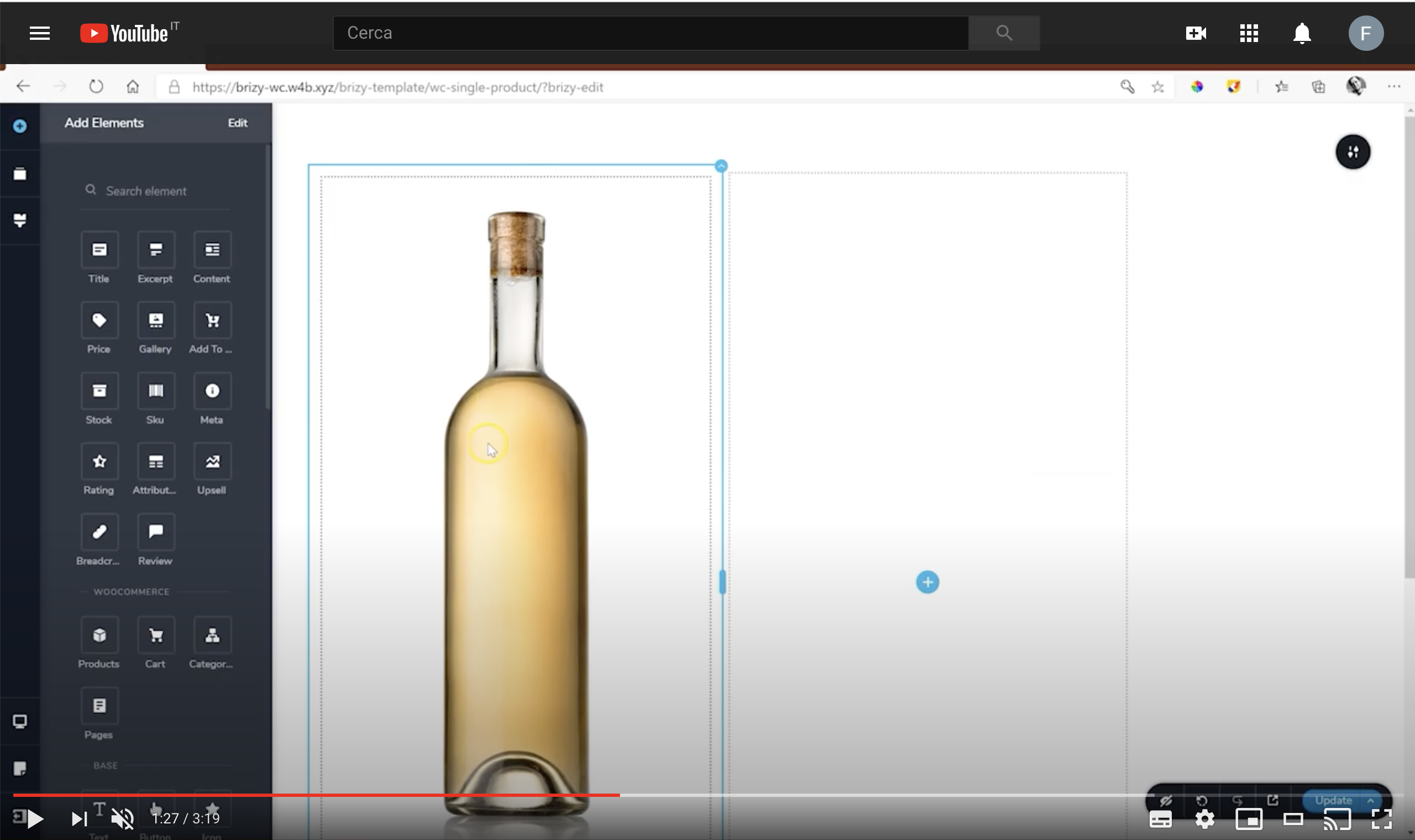
Let me explain, how can I have a visualization like the one in this video? https://www.youtube.com/watch?v=U3tBa4AL5mM&t=88s

I attach a my screenshot.
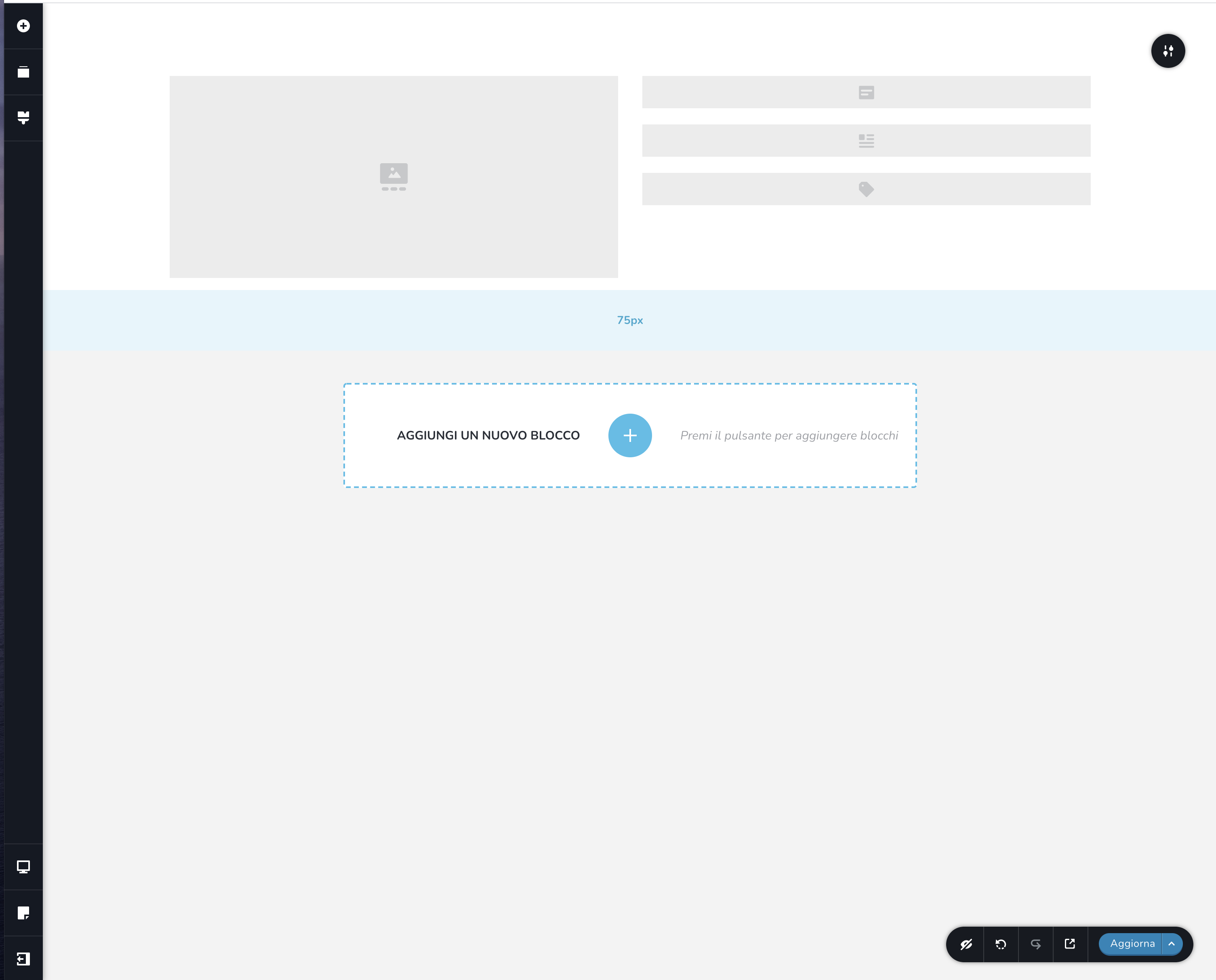
My products are variable products
Regards,
Francesco
0 -
Hi,
Ok, there is a bit different situation. If you created a Single template type for All Products, then when you will add the WooCommerce Gallery element, you will see the images from the last product was created. This image is something like suggestive because when you open another product you will see the images and content specific to that product. Therefore, could you please if you followed all these steps for creating the template for all products?
1 - Make sure you created the Products in the WooCommerce;
2 - Go to Brizy - Templates -> Create new or select from Brizy -> Templates the template you already prepare for the Single Products;
3 - Give it a suggestive name (if you recently created a new template) and add this Display Condition:
3.1. Template type: Product;
3.2. Display condition: Include - Products - All
Don't forget to click on "Add" to add the display condition and after this to publish or update the template. See here https://jmp.sh/FeciVKq.
4 - Inside the template, you have not selected the Products or Archive element (the Archive element are available only in the template types Archive). You have to select the WooCommerce elements you want to add and see on the Single Product Page, such as WooCommerce Title, Content, Price, Add to cart, Reviews and other elements you need to display https://jmp.sh/qYtmnxm. Don't forget to update the template to save all the modification you make on the page.Best regards,
Sandra0
Please sign in to leave a comment.
Comments
3 comments