Brizy shop page not working

Hi,
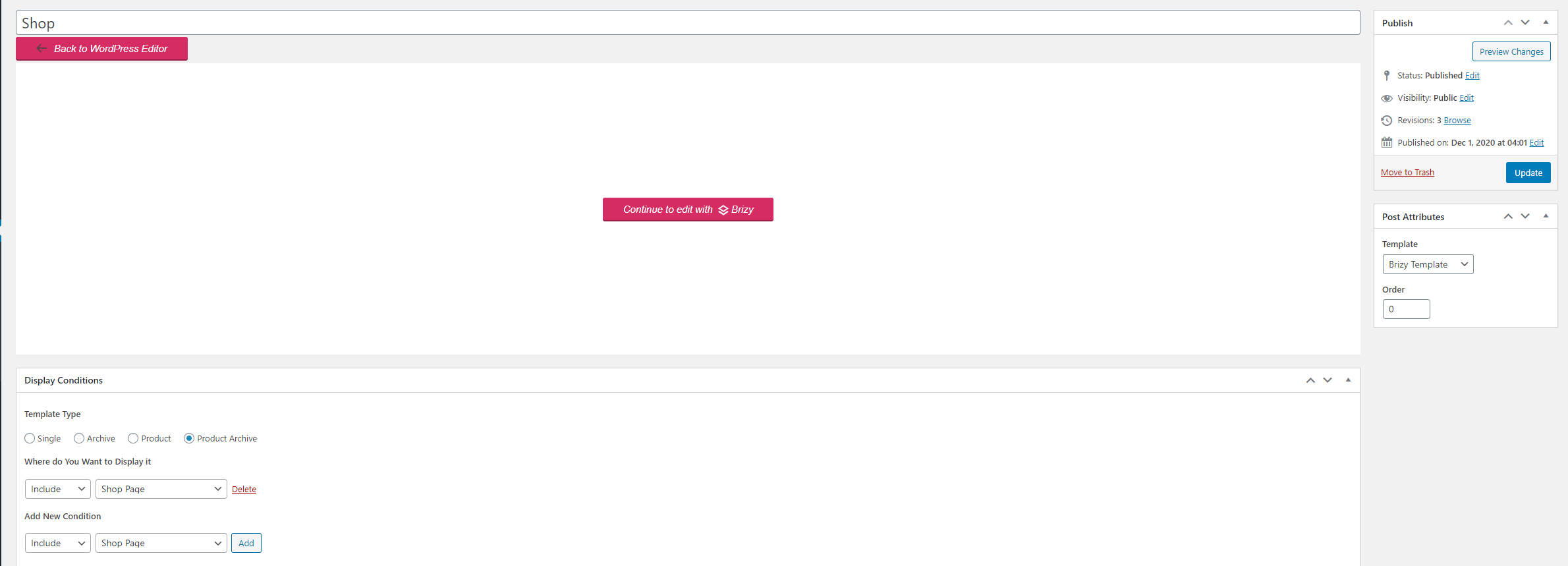
Here is the template settings I have to try and edit my shop page with Brizy
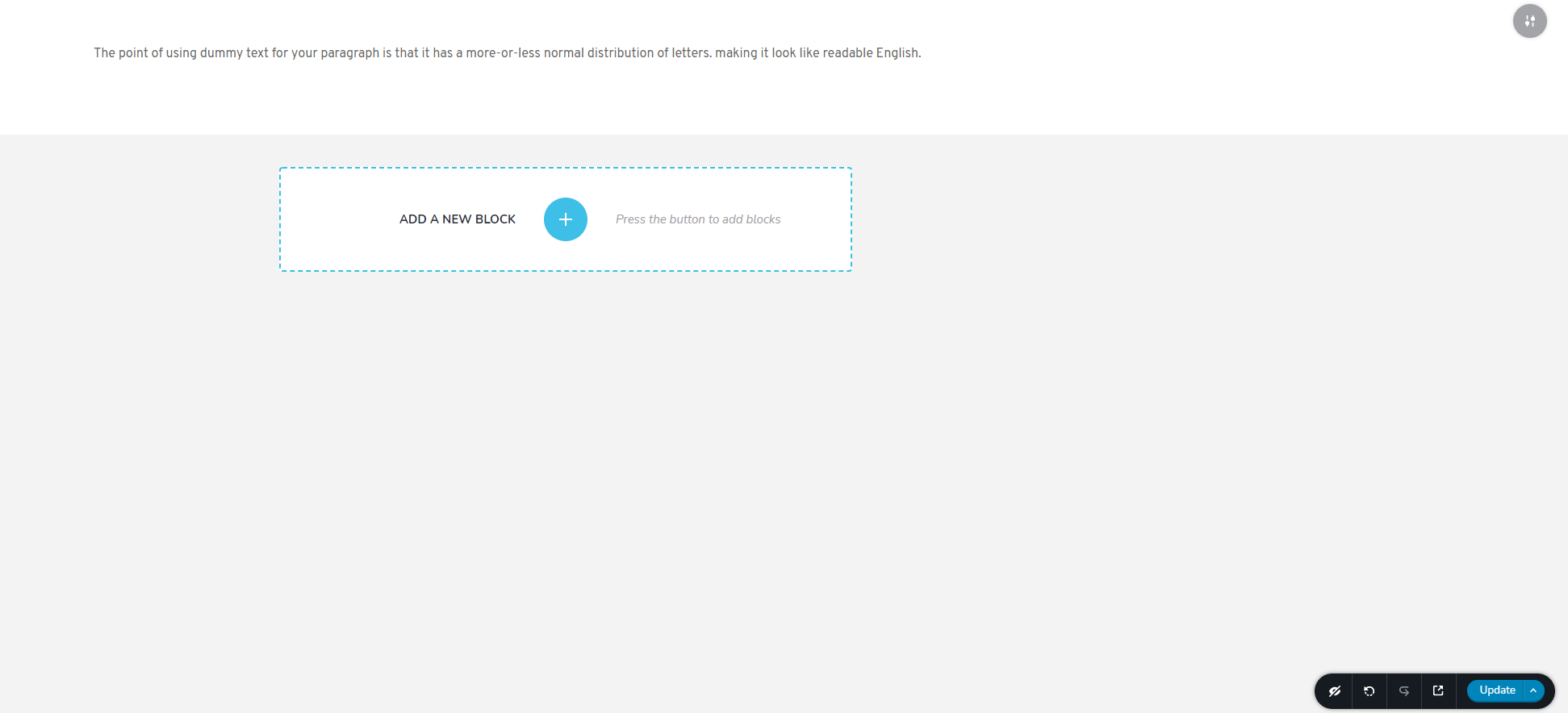
I made the changes to the page with brizy:
However my sites shop page doesn't change from its theme:
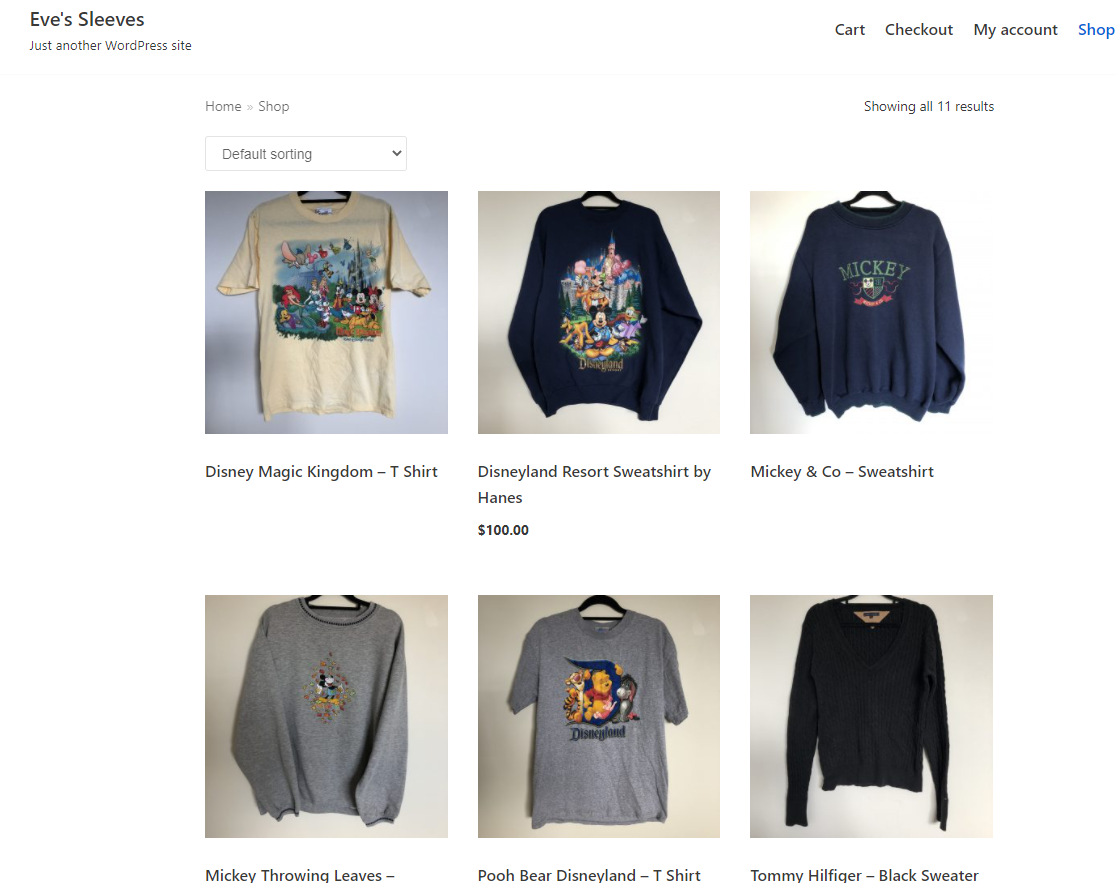
I am using the Neve theme.
Please advise
Cheers
-

Hi,
Could you please check if the page you set as Shop page doesn't have activated the Brizy editor too. If you see this for the Shop page, please deactivate the Brizy editor from this page in such a way https://jmp.sh/yX5ZHSh. If you create a Brizy template for Shop page, then in the Pages, this page should not have the Brizy editor activated.
Thanks!
Best regards,
Sandra0 -
Hi that worked thank you
However now when I try and add the "products" element to my shop page, Brizy doesn't prepopulate the element with my product info from woocomerce
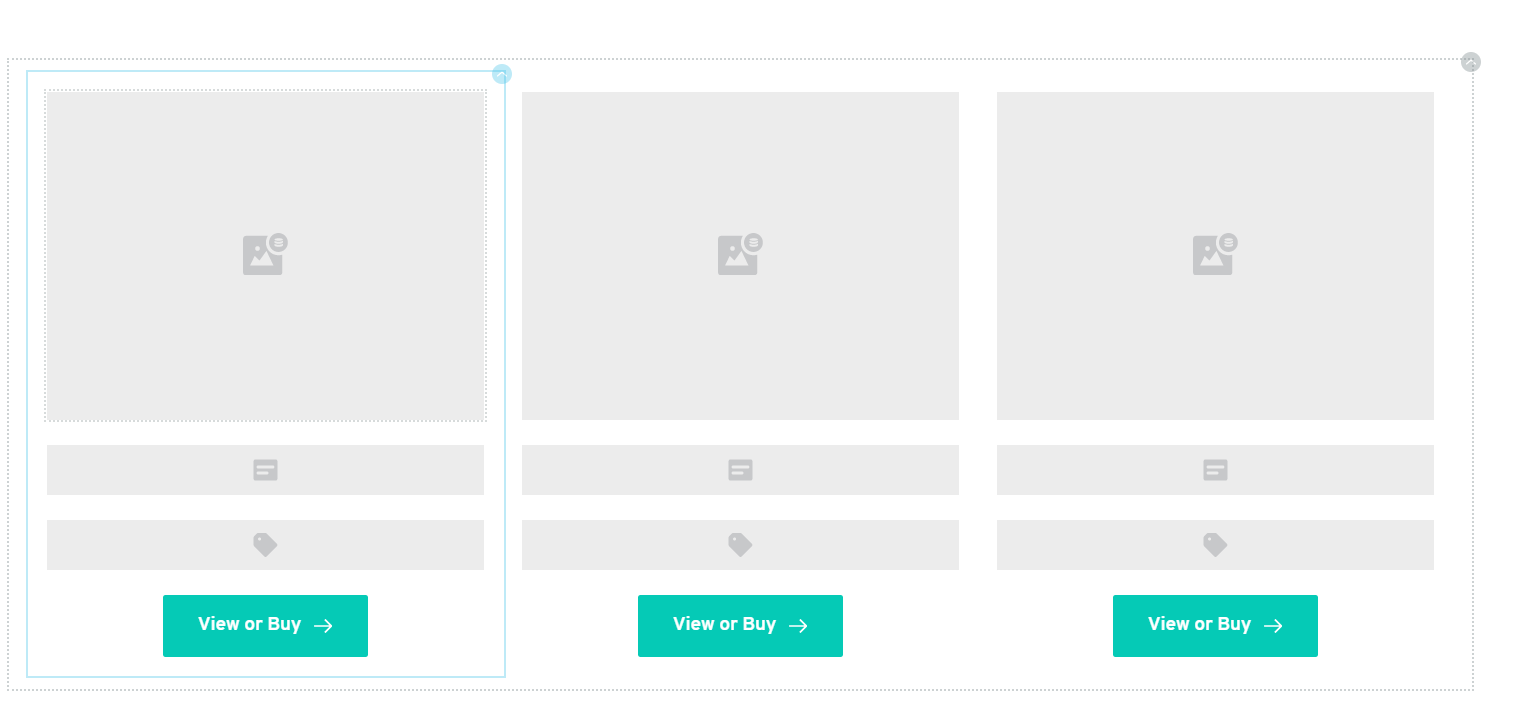
How do I get Brizy to pull this data?
0 -
Hi,
If you added the Products element, could you please check if you have selected a Product category and if you have some products on that category https://jmp.sh/5ks3BeH?
If you design a template for Shop page, I suggest using the Archive element and not the Products element because in such a way you will display all products from all categories.Best regards,
Sandra0 -
Even when I change the category within Brizy, the products still don't populate:
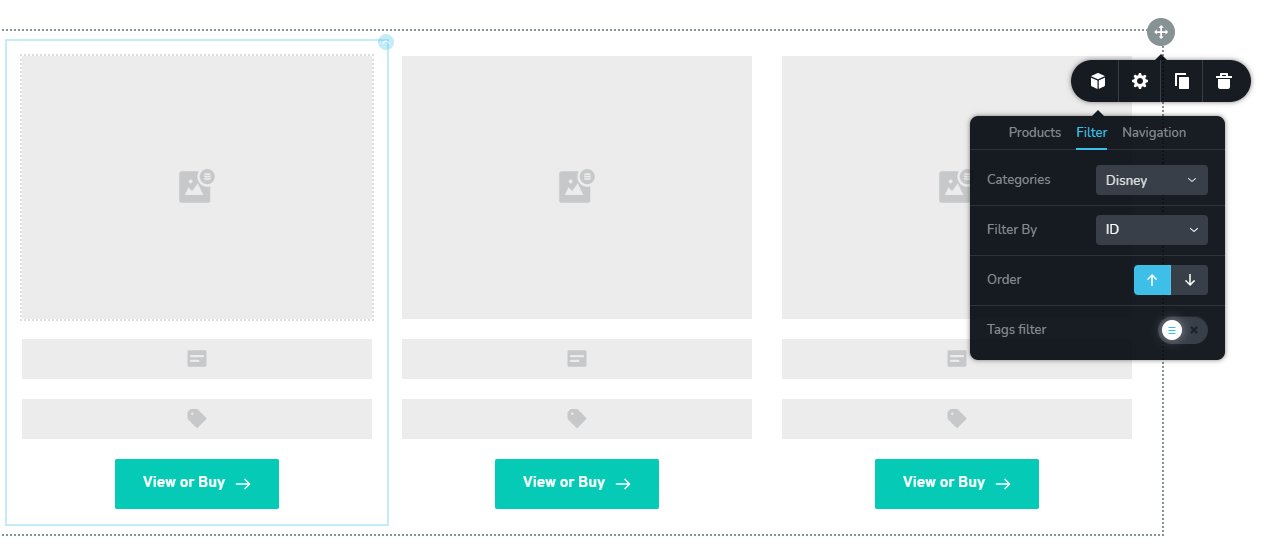
I don't see the "archive" element in Brizy
Please help with this its been 3 days and I've been able to do nothing with my site.
0 -
Hi Matthew,
I will create a private ticket on this request but first could you please confirm you follow all these steps to design the Shop page with Brizy?
1 - Set up un the WooCommerce settings what page do you want to set as Shop page https://jmp.sh/bdxiyGA;
2 - Go to Brizy -> Templates -> Add new and create a template https://jmp.sh/V7gT3G2;
3 - In the template add a suggestive name and most important add the right display condition. For the Shop page, you have to select the Product Archive and from here add the "Include -> Shop page". See here https://jmp.sh/mcF5TiR. Don't forget to click on "Add" and after this on the "Publish" to publish the template;
4 - Inside this template, you have to add the elements you want to display on the Shop page (header, footer, block with Archive element - we suggest adding this element because it will select all products from all category and will display on this page) https://jmp.sh/xMRRb1G.One important tip, on the Shop page from "Pages", you shouldn't have activated the Brizy editor. If for the Shop page you see this https://jmp.sh/b5qtE9p, please deactivate the editor for this page in such a way https://jmp.sh/9a5TgwQ.
Best regards,
Sandra0
Please sign in to leave a comment.
Comments
5 comments