Brizy - Embed Not working

Hello,
Please the Embed elements in Brizy cloud doesn't work in my account, The embed iframe icon is not showing hence i don't have where to add the code.
Will appreciate a fast respond.
Many thanks
-

Hi,
This inconvenience can appear when the account isn't validated. Could you please check if you have validated your account? Could you go to the Settings -> Code Injection? Do you see this view https://jmp.sh/Y06EUPD? If so, could you please click on the "Send validation email"? After this check the email you created the Brizy account. There you have to receive a validation email from us. You have to open it and click on the "Validate" button. After you validate your account, please go back to the Brizy Cloud project and make a refresh and try again to add the embed code.
If you didn't success to validate the account, please send us the email of your Brizy account which you use also for connecting in Brizy Cloud account and we will validate it manually.Best regards,
Sandra0 -
Hi Sandra,
Many thanks for your feedback.
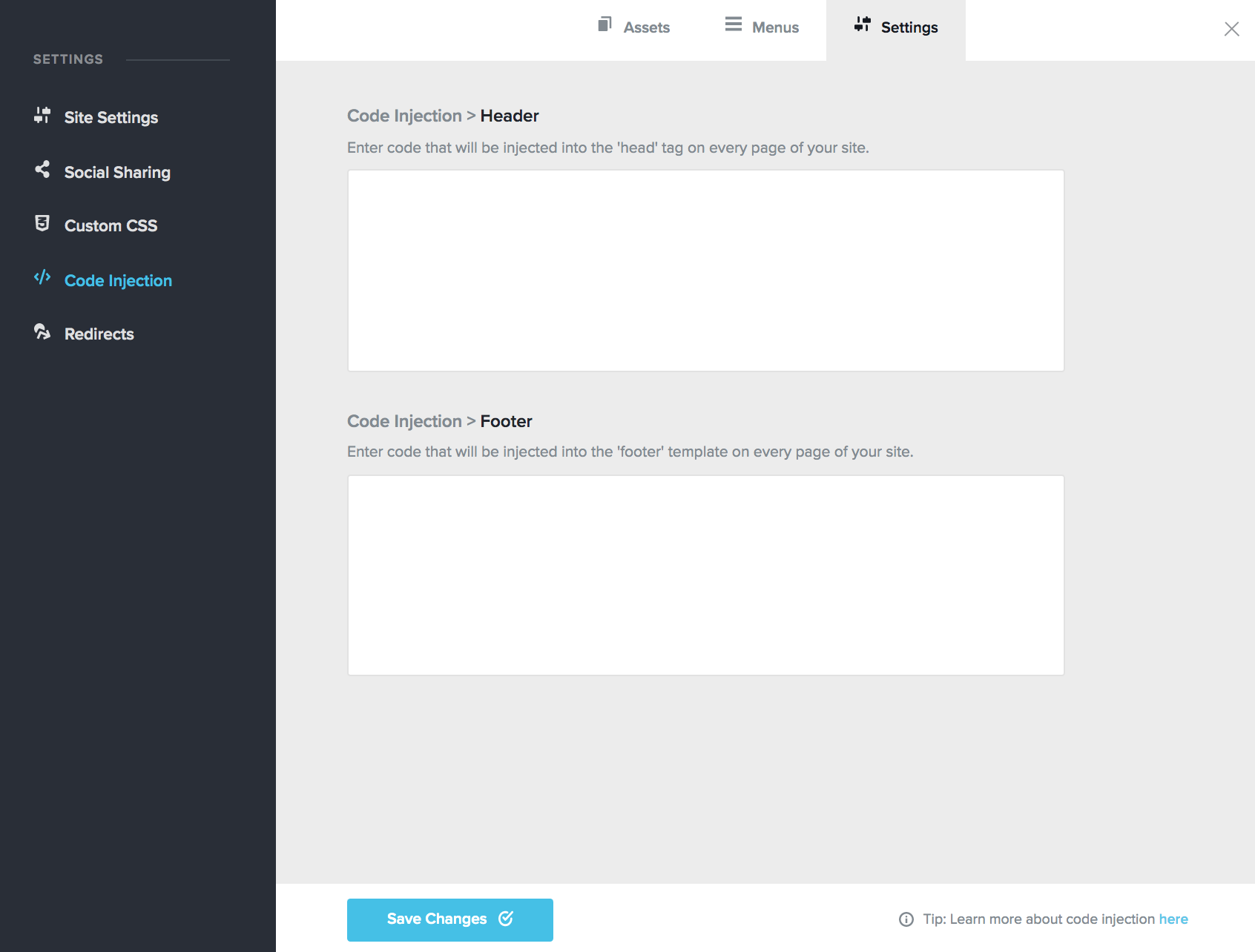
I guess that my account is already validated. Here is what I have when I go to code injection (See screenshot below). Hence I am having the same problem. Do you have another solution ?
 0
0 -
Hi,
We already approved your account. Now all should work fine and you can add the embed code in the embed element. Could you check it, please?
Thanks!
Best regards,
Sandra0 -
Hello,
It is working now.
Many thanks for your help !
0 -
It's our pleasure to help you! Great to know that all is working fine now.
Best regards,
Sandra0 -

Hi Sandra,
I too am facing the same issue. Am unable to add code to an embed element because the add code icon is deactivated.
Regards,
Feby0 -
Hi,
Could you please check if you have validated your account? Could you go to the Settings -> Code Injection? Do you see this view https://jmp.sh/Y06EUPD? If so, could you please click on the "Send validation email"? After this check the email you created the Brizy account. There you have to receive a validation email from us. You have to open it and click on the "Validate" button. After you validate your account, please go back to the Brizy Cloud project and make a refresh and try again to add the embed code.
If you can't validate the account, could you please send us the email of your Brizy account? We will validate manually your account. You can send the email here and if you don't want to make it public, let us know and we will delete it before approving the message.
Best regards,
Sandra0 -

Hi Sandra,
I have the same problem. Am unable to add code to an embed element because the add code icon is deactivated.
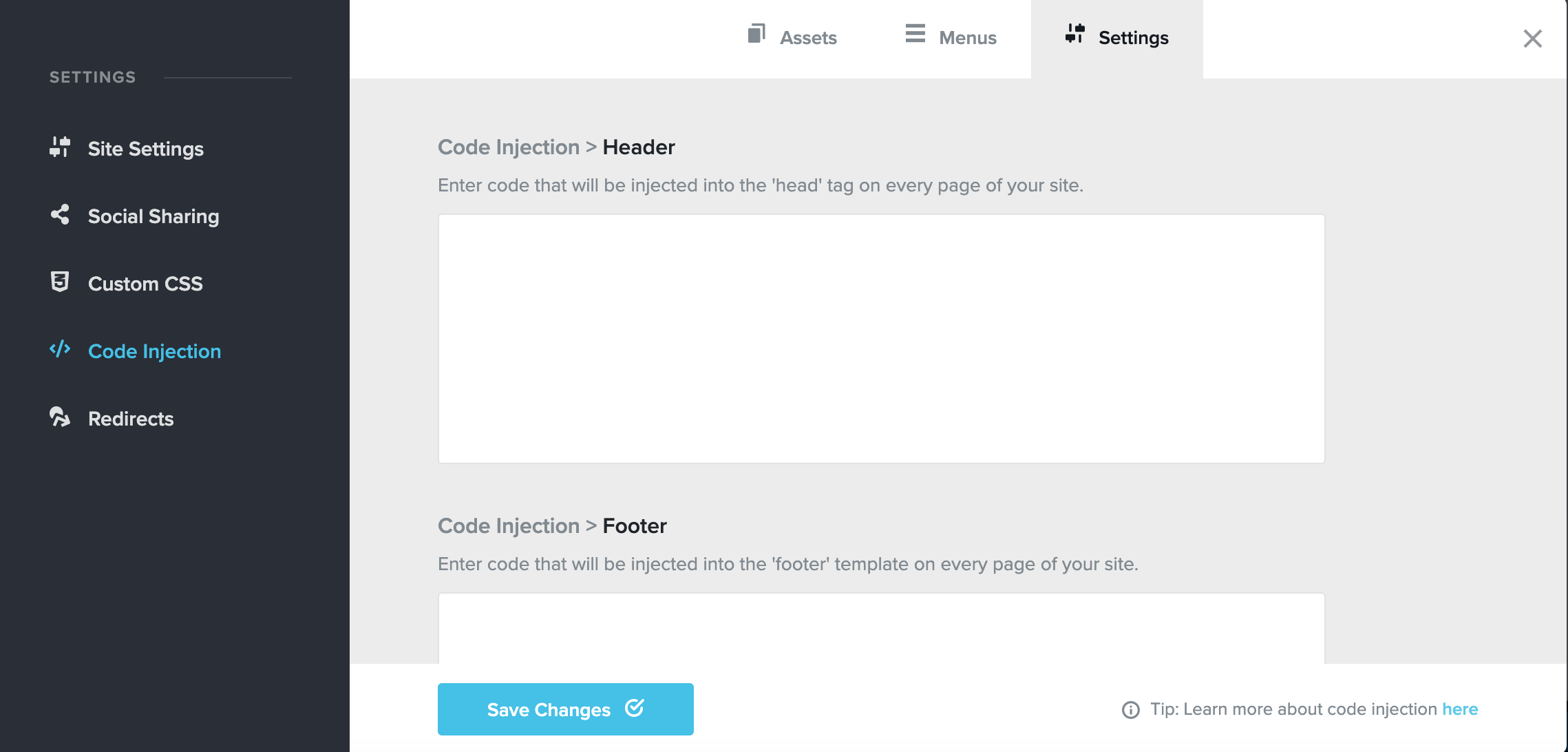
And I guess that my account is already validated. Here is what I have when I go to code injection (See screenshot below).
Should I send my email to you?
And what's your email?
Regards,
Jason0 -
Hi,
Yes, your account seems to be validated. Could you please give us more details about the problem you encounter?
Thank you!
Best regards,
Sandra0 -
Hi Sandra,
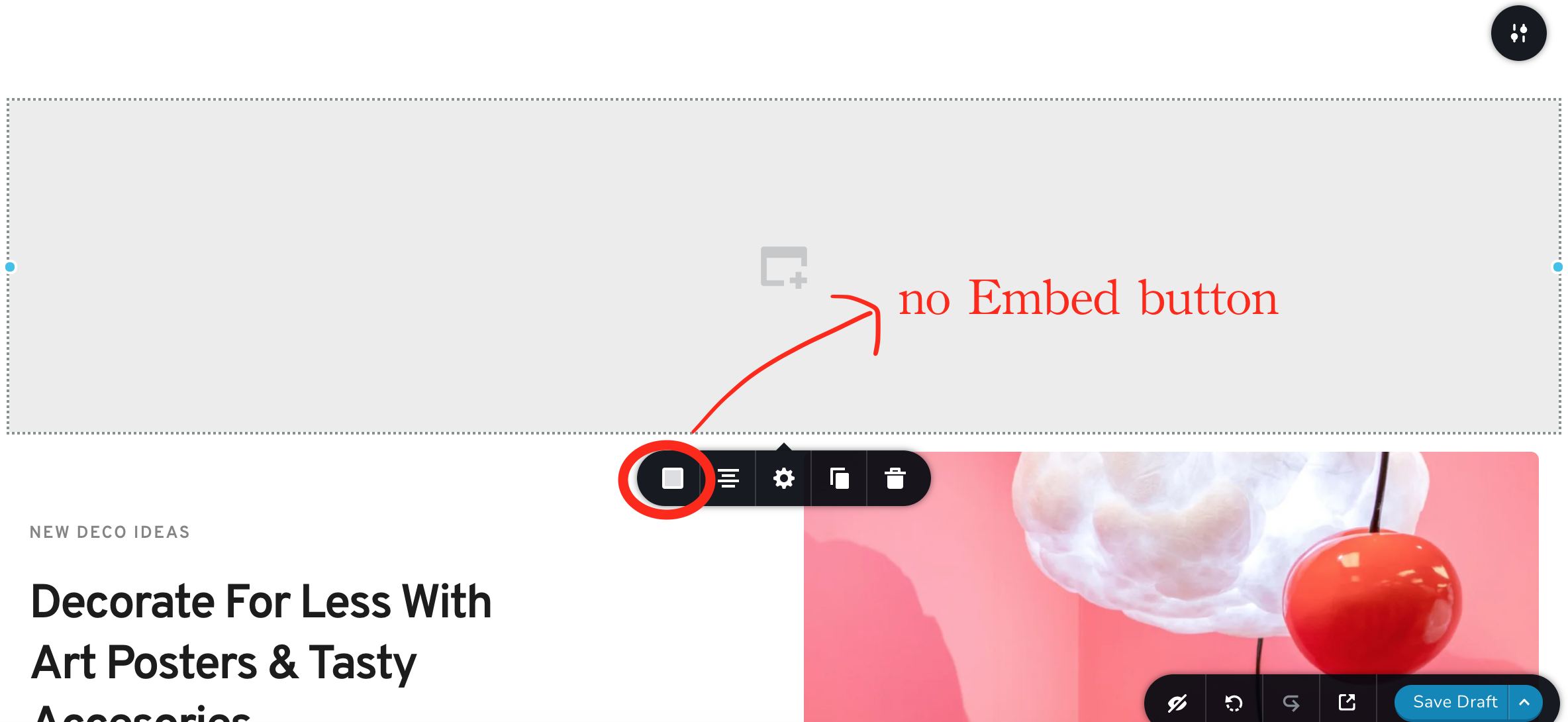
There is no Embed button like the pic
how can I solve this problem
Thank you!
Best regards,
Jason
 0
0 -
Hi Jason,
We checked your account cra***om and found that it wasn't validated, therefore, we validated it. Could you please check the embed element again? For this, please log-out from Brizy Cloud, clean the browser cache and then log-in again in the Brizy Cloud and check the embed element. Is all working fine now?
Thanks!
Best regards,
Sandra0 -
Hi Sandra,
It works
Thank you !
Best regards,
Jason
0 -
Hi Jason,
Great! Thank you for confirming this with us!
Best regards,
Sandra0
Please sign in to leave a comment.
Comments
13 comments