Blog page

Hi, I hope you can help please so i have made a blog page but i can not see the live page, its ok to view in brizy but not live.
Thanks
Dan
-

Hi Dan,
Yes, we will help you but could you please give us more details regarding this problem? How it is displaying the Blog page on the preview mode? How it is displaying in the editor mode? How did you create the Blog page? Did you create a template for it? What display conditions did you set? Could you send us some screenshots?
Thanks!
Best regards,
Sandra0 -
OK cool,
I made a page and named it our blog, then i hit the brizy button to edit with brizy, then i used the blocks on the left to add the post block.
I have then made a template for a single post. So its the page which I first made that shows all the posts in one page. It will edit OK but you can not view it.
Hope that makes sence?
ta
Dan
0 -
Hi,
I'm sorry but we need some more details and if it is possible some screenshots with the display conditions.
When you create a template for a single post, you create a template for each post from your blog or for a single page/post. Therefore, here is very important to understand what display conditions did you set for this template. Could you please provide us with this information or a screenshot?Thanks!
Best regards,
Sandra0 -
Hi,
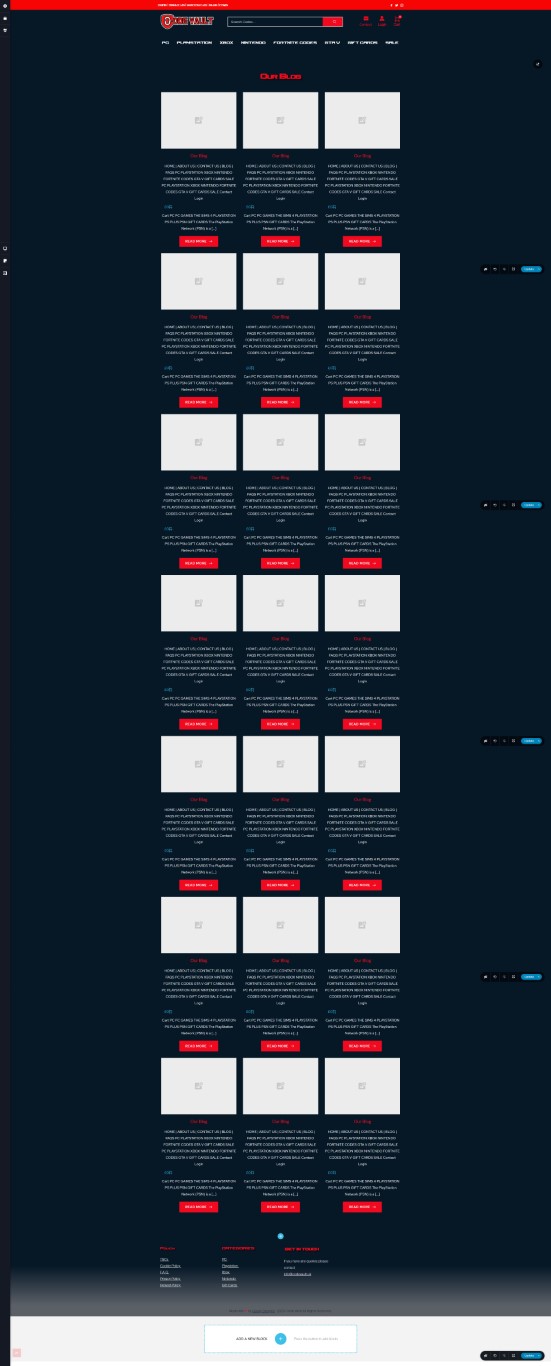
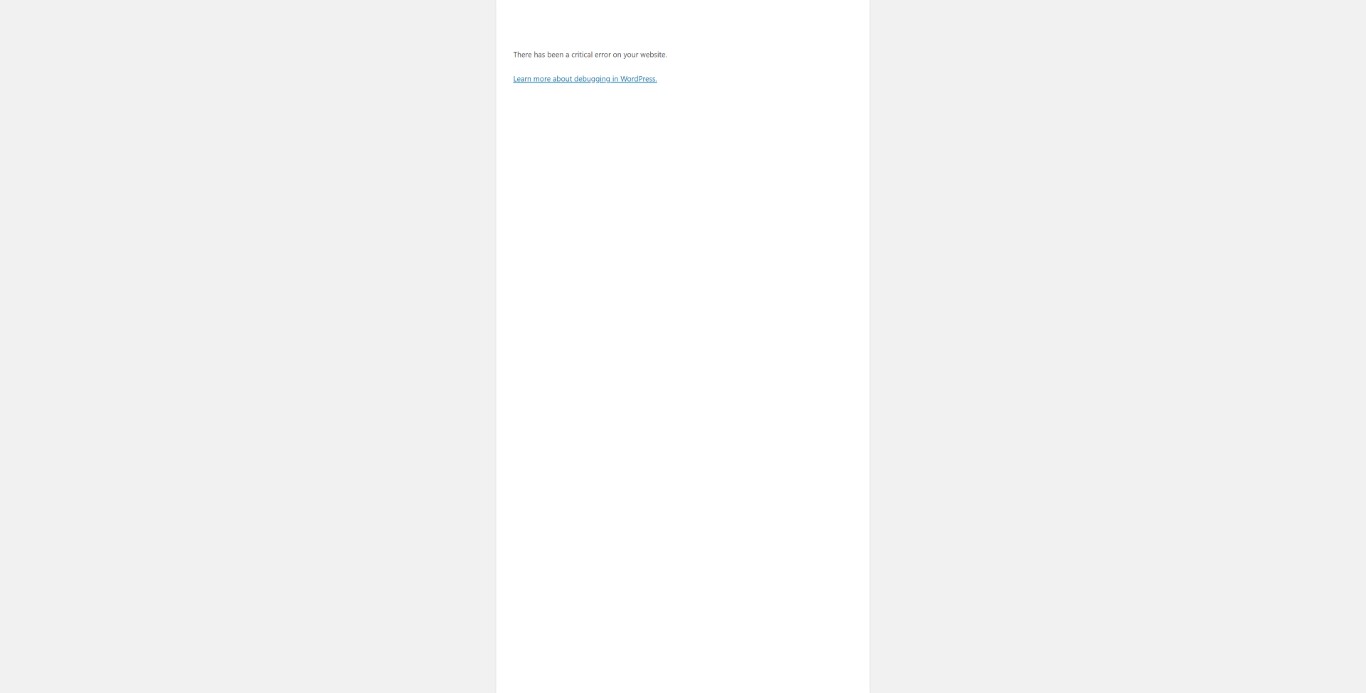
So I have ended up deleting the templates as getting very confused. The way I was trying to do it was. Build a new page called blog, then on that page use brizy and then put on there the blog post page. Then I have built a template page for a single post and i have tried all the different display conditions. ta Dan
 0
0 -
Hi,
If you created a "Blog" page, started to edit with Brizy, set it in the WordPress settings as "Blog/Post page" and then created a template for this "Blog" page then will not display the Blog page. You only have to deactivate the Brizy editor from "Blog" page and leave all the entire structure. You have to see the Blog page in such a way https://jmp.sh/nJuoUMA. In the template you have all elements you want to display in the Blog page. Also, for template you have to add this display condition.
Best regards,
Sandra0 -
Hi thanks for this, I have tried alsorts now for this and I can not work it out. I am proberly missing so small. Do you think there will be a step by step insruction for building a blog page.
Thanks
Dan
0 -
Hi,
To create a blog page with a Brizy template you have to:
1 - Create a new page and name it "Blog" for example;
2 - Go to the Settings -> Reading and select this page ("Blog" page) for the Posts page https://jmp.sh/qdf311o;
3 - Go to the Brizy -> Templates -> Add new and create a new template;
4 - For this newly created template add a specific name and set the right display condition. For the Blog page, the right condition is - template type Archive and the condition "Blog/Posts page". See here https://jmp.sh/0XSdZXR;
5 - Publish the template;
6 - Inside the template, you can add the elements and blocks you need to display.An important detail is to check if on the Blog page from the "Pages" if there isn't activated the Brizy editor. If you see in the Pages this https://jmp.sh/Rw4Cw3k, you have to deactivate the Brizy editor for this page in such a way https://jmp.sh/ma1flFo.
If you will still found some inconveniences, let us know and we will create a private ticket and will investigate from your dashboard the Blog page.
Best regards,
Sandra0 -
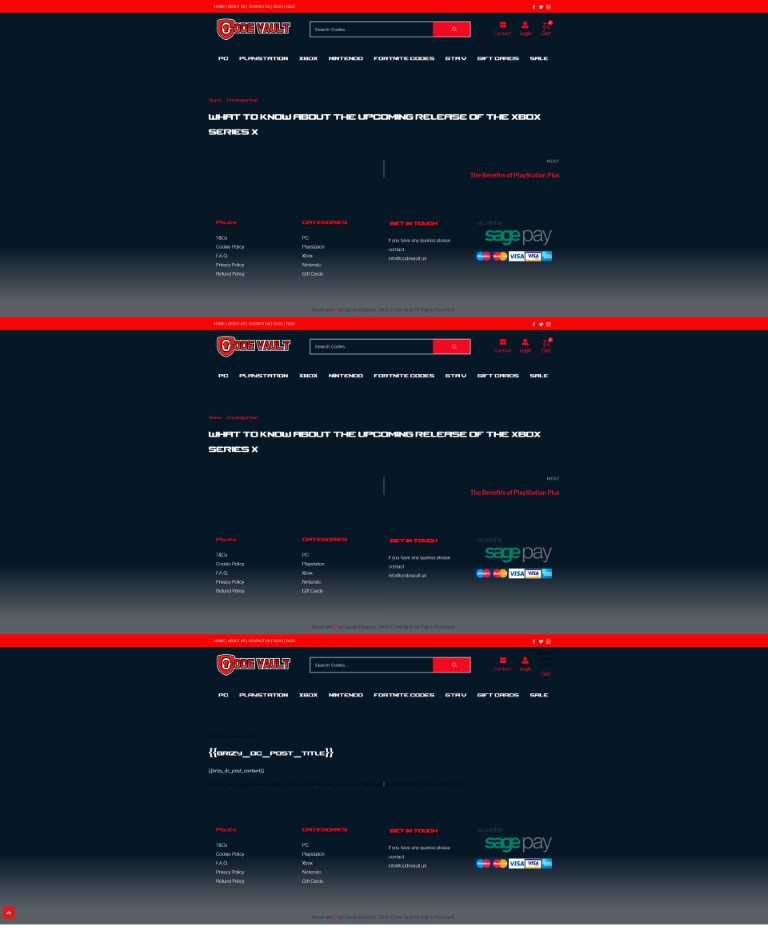
Hi thanks for the break down, I have tried to follow it to the letter and I am still getting stuck on the last bit, the single post template.
Any ideas? this i how the page ends up lol
Ta
Dan
 0
0 -
Hi Dan,
If all is fine with the Blog page and you now you try to create a template for single posts, therefore you have to:
1 - Create all posts in the Classic editor, don't edit them with the Brizy editor;
2 - Go to Brizy -> Templates and create a new template https://jmp.sh/S39oB9q or select the template you already created for Single Posts;
3 - Set a suggestive name and add the right condition. For Single posts, you have to select the template type: Single and the Display Condition: Include - Posts - All https://jmp.sh/dldQqtr; after adding the condition, don't forget to click on "Add" and after this on the "Publish" or "Update" button;
4 - Click on "Edit with Brizy" and start adding the elements you need to display, for example, Post Content, Post Title, Image element with Featured Image, Post Navigation and so on https://jmp.sh/T9Jn8rW;Best regards,
Sandra0
Please sign in to leave a comment.
Comments
9 comments