Woocommerce brizy products element not working

Hi,
I have just install Brizy pro on Wordpress.
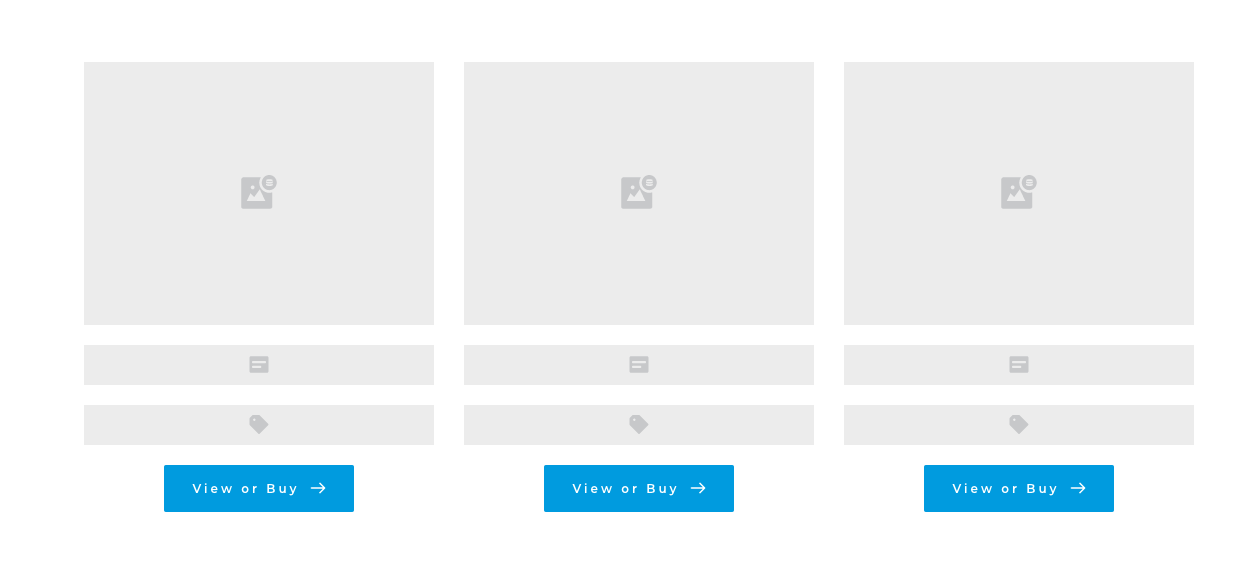
I'd like to dynamically generate a block of products. However when I use the products element, nothing happen.
I've the following block appearing. How to dynamically generate a block of products according to the product I set up in the back-end with Woocommerce?
Many thanks,
Best regards,
Marion
-

Hi Marion,
The WooCommerce elements as WordPress elements are dynamic elements and all elements from Products, Post, Post title and so on are dynamic ones. When you add one of these dynamic elements in the page/post/template you will see that elements similar as in the screenshot you send us. It is normal behaviour. In the preview mode, all should display fine.
Could you please give some more details regarding what products do you want to display? In Brizy is possible to display products based on the category or tag https://jmp.sh/Y1vZ15F. It isn't possible to display products based on other products and display other similar products.Best regards,
Sandra0 -
Hi Sandra,
Many thanks for your prompt answer, very useful.
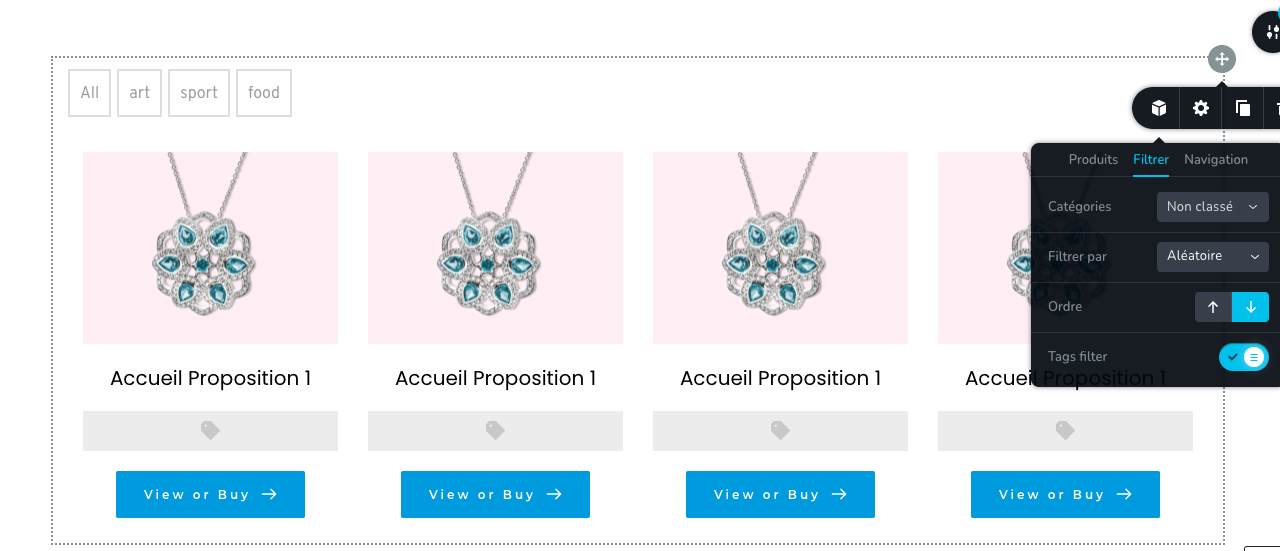
I tried to display dynamically uncategorized products randomly. I tried to select those filters in products elements but nothing happen. Should I do something else?
Furthermore I've selected one product image in one of the column but the image is replicated 4 times in the 4 columns. I do not understand why?
Best regards,
Marion
 0
0 -
Hi,
In the Products elements aren't recommended to add manually images because as you can see from the screenshot, that image will be applied to all columns. This happens because as I said before, this element uses the Dynamic Content. Therefore, you have not to add manually images, texts, link or other details. All these details you set in the single product page from WooCommerce.
"I tried to select those filters in products elements but nothing happen." - To have products display fine, you have to go to the Products and from there add new products and set the title, featured image, description, price and so on. In the Brizy you only customize the design and respectively display them.
If you set properly all the product details and in the preview, you don't see any product, please make sure you selected a product's category that is attached to a product. In this video, I displayed a possible situation and how you can exceed it. Hope it will help you!Let us know if we can help you with something else.
Best regards,
Sandra0 -
Hi Sandra,
Thanks for your detailed information.
I set properly all my products and follow the same steps than the one you show in your video.
However again nothing happen, none of my products are displayed dynamically.
In the link below, you will see all the steps I followed to try to generate dynamically a products bloc without success.
Can I try something else
Many thanks,
Best regards,
Marion
0 -
Hi Marion,
Thank you for the video. I noticed that you selected the Uncategorized category. Could you please check if you have some products with Uncategorized category? If you go to the Products -> Categories, how many categories do you have with Uncategorized category https://jmp.sh/CbTALs3?
Best regards,
Sandra0 -
Hi Sandra,
Thanks for your reply which is useful.
I've just checked the Uncategorized category has no products. So I just tried another category (dzarig) wich have 39 products with random filter. However again, nothing happen when I refresh the page.
You can have a look to the video below:
Maybe there is a problem in my products configuration.
Best regards,
Marion
0 -
Hi Marion,
Unfortunately, I couldn't open the video you send us https://jmp.sh/bFD2ZfE. Seems that it is saved as private. Could you please send it again?
Also, you said that you suppose that the problem can be in the configuration of the products, could you please give us more details regarding this? Did you configure the products is a special way?Thanks!
Best regards,
Sandra0 -
Hi Sandra,
Sorry for the video, you can access it on the following link:
https://www.youtube.com/watch?v=ND4SDVxVipU&feature=youtu.be
I configured my products by creating categories for each of my jewel collections ( 1 category per collection). I give you an example on the video.
The "dzarig" category has 39 products. I'd like to display dynamically the products of this category in products block. Unfortunately it does not work. I do not understand why.
Many thanks,
Best regards,
Marion
0 -
Hi Marion,
In the video you send us, I could view only the editor mode of the page. In the editor mode, it is normal to see that view. All the content, all products, all images will be visible only in the preview and live mode. If you click on "Preview" did you see the images, products and all other details?
Thanks!
Best regards,
Sandra0 -
Hi Sandra,
It's now 3 weeks I try to solve this issue. I've well clicked on preview.
I created a specific admin access for you in Wordpress in order you can provide help. I think it will be easier.
Best regards,Marion0 -
Hi,
I created a private ticket on this request and deleted the WP credentials from this forum to protect you and your site. You had to receive a notification regarding this on email. Could we please continue the discussion about this issue on the private channel? We identified an inconvenience with a plugin and want to continue the investigation.Thanks!
Best regards,
Sandra0 -
Hi Sandra,
Perfect, We can continue the discussion on the private channel.
I did not know how to create a private ticket. Thanks for creating one for me.
Let's investigate on this plugin isuue together!
Best regards,
Marion
0
Please sign in to leave a comment.
Comments
12 comments