Woocommerce Template rendering issue

Hello!
We have a problem with the new (handsome! Great Work!) product template, it seems there are some issue.
- Css added: none
- Version: Brizy: 2.1.5, Brizy PRO: 2.1.3
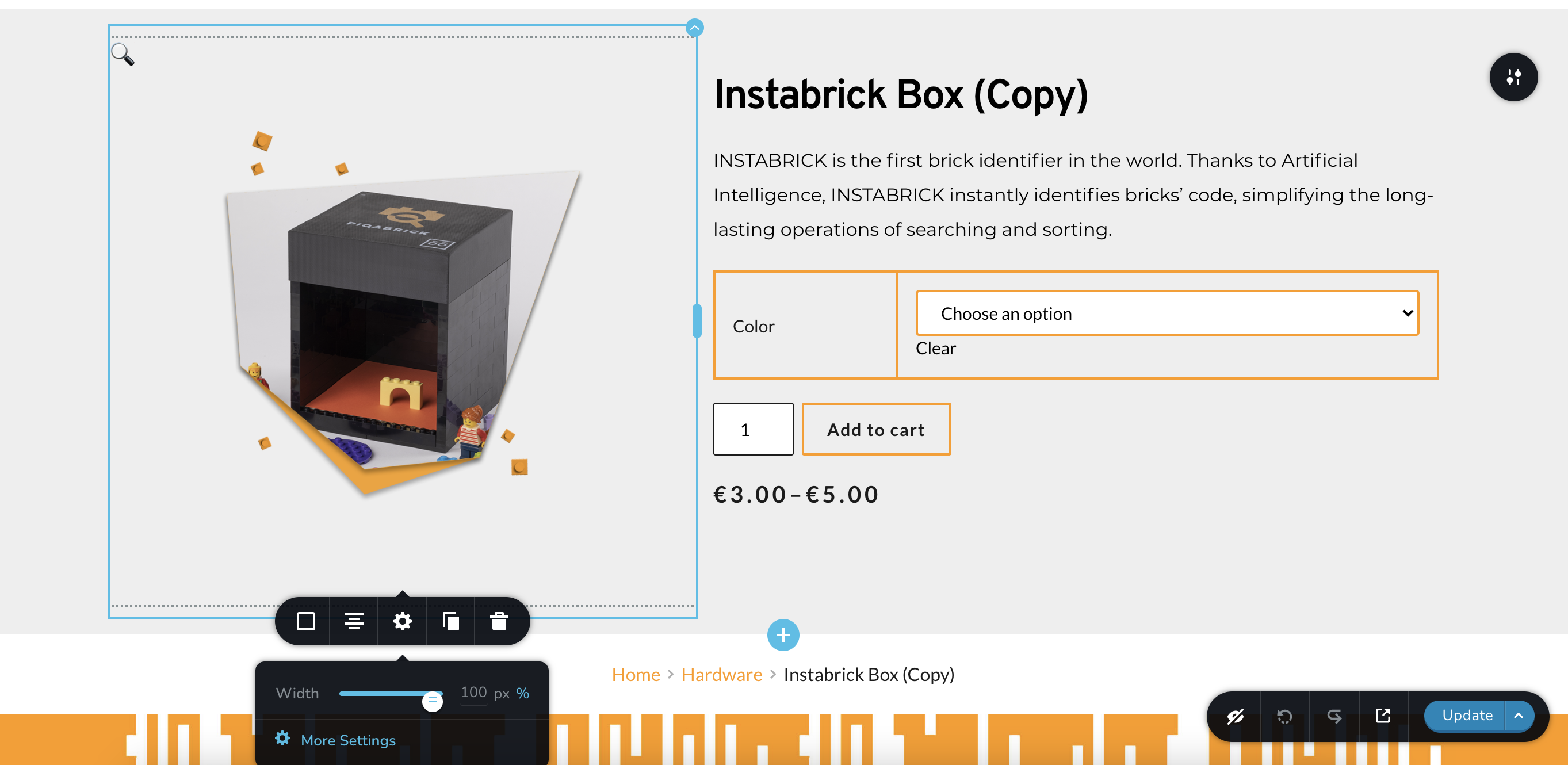
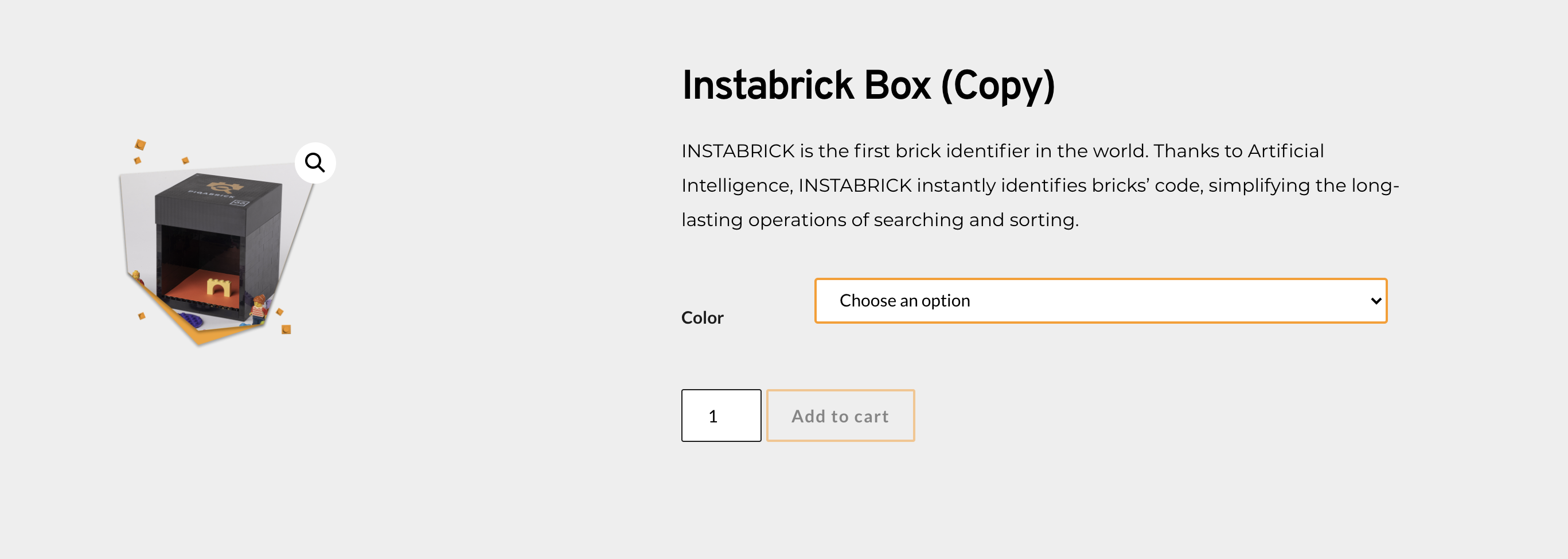
The component "Gallery" cause the loss of some style as the border color of other woo brizy elements not getting the right dimensions set up from editor
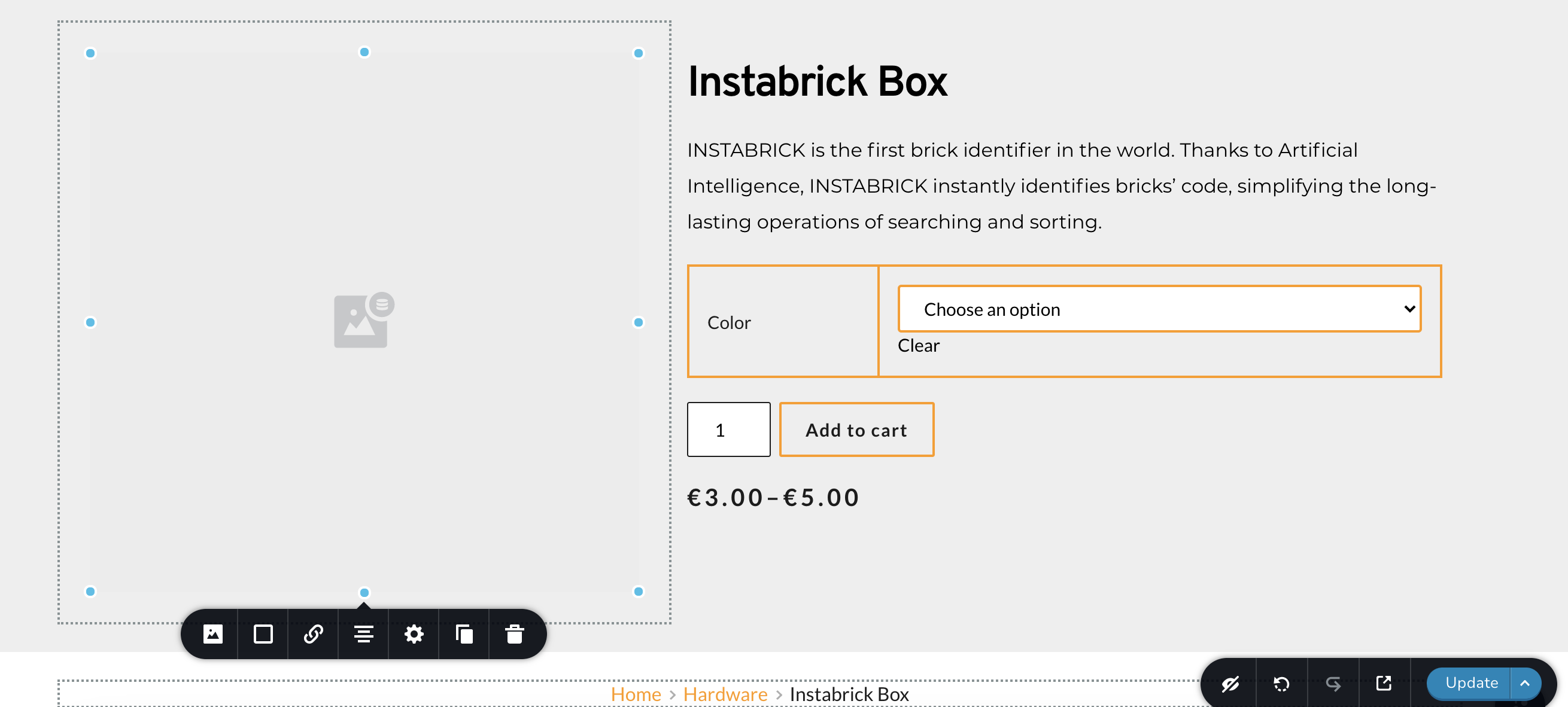
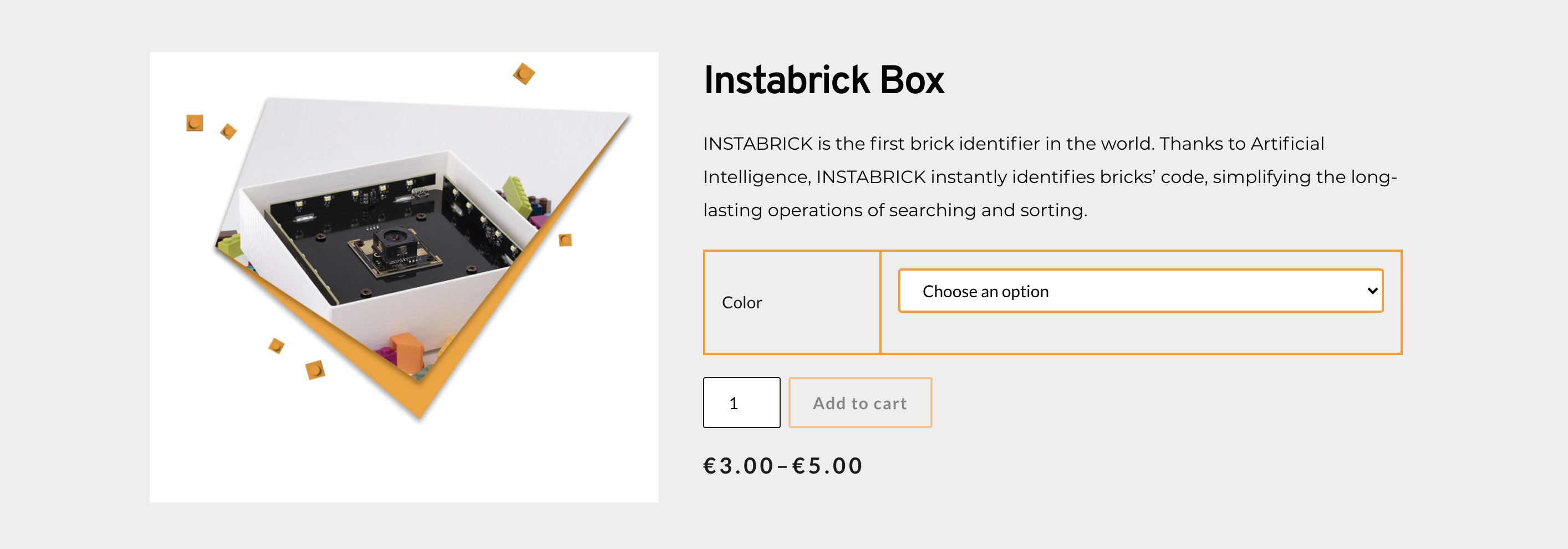
The issue is not affecting the component "image > featured image" for the css but it's not getting same dimensions as set in the editor.
This issue is referred to a template applied to all product pages, here you can see the difference
> Template with "gallery" component
Link: https://instabrick.org/product/instabrick-box-copy/
Editor:
Render:
> Template with featured image component
Link: https://instabrick.org/product/tst/
Editor:
Render:
-

Hi,
Thank you for all these details. I tried to reproduce this problem but seems that all is working fine, see here. Could you please check if you have the latest updates for Brizy Free 2.1.5 and Brizy Pro 2.1.3? If you temporary deactivated all external plugins ( except Brizy Free, Brizy Pro and WooCommerce) and activate a WP default theme, do you receive the same problem?
Thanks!
Best regards,
Sandra0 -
Hei Sandra, yes everything is up to date, the problem is in the site rendering after pressing "update"
There is also no custom css / plugin conflict as far as we can know
The website is in an early stage can we open a private ticket where share specific staging credentials to check the editor?
0 -
Hi,
I created a private ticket on this request. You had to receive a notification regarding this on email. Could you send to us in that private message the WP credentials to this site?
Thanks!
Best regards,
Sandra0
Please sign in to leave a comment.
Comments
3 comments