Atualização com erro de umagem.

I updated Brizy and this error appears. Before the update, it was ok.
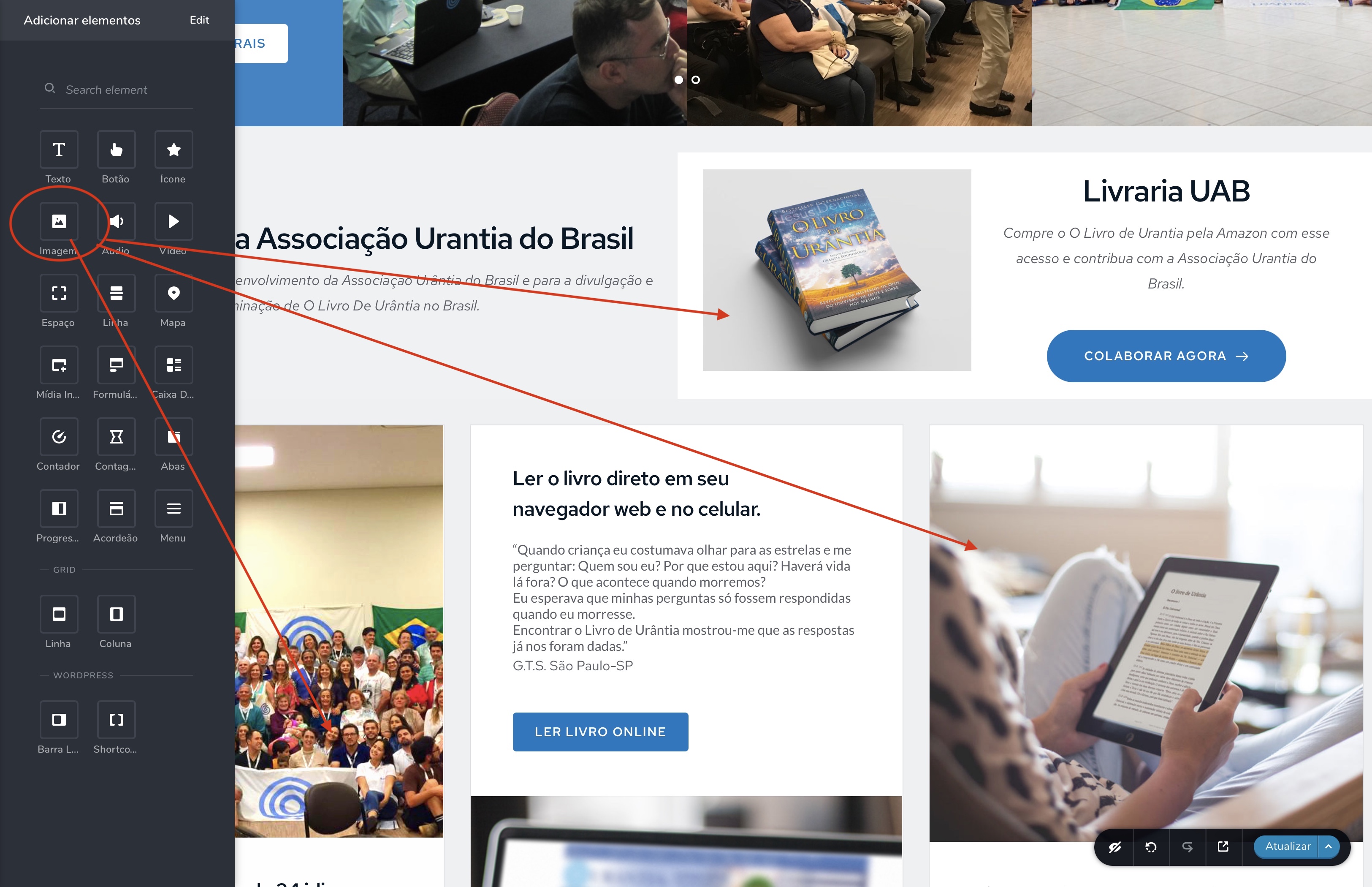
You can correct the error of importing image? All images are loading, except for the images that I drag from the image icon to the page. They no longer appear

-

Hi,
I inspected the page a bit and the pictures are actually in the source code but due to a CSS setting (I think) the image does not appear in the front-end: https://jmp.sh/m8PSZ5g We now have the task of finding out what is causing this. Can you please confirm you have this issue with the latest Brizy version - Free 2.1.5 and PRO 2.1.3? Also, do you have the same problem if you disable all your external plugins? Do you have any optimization plugins? Did you add any CSS related to the position?
0 -
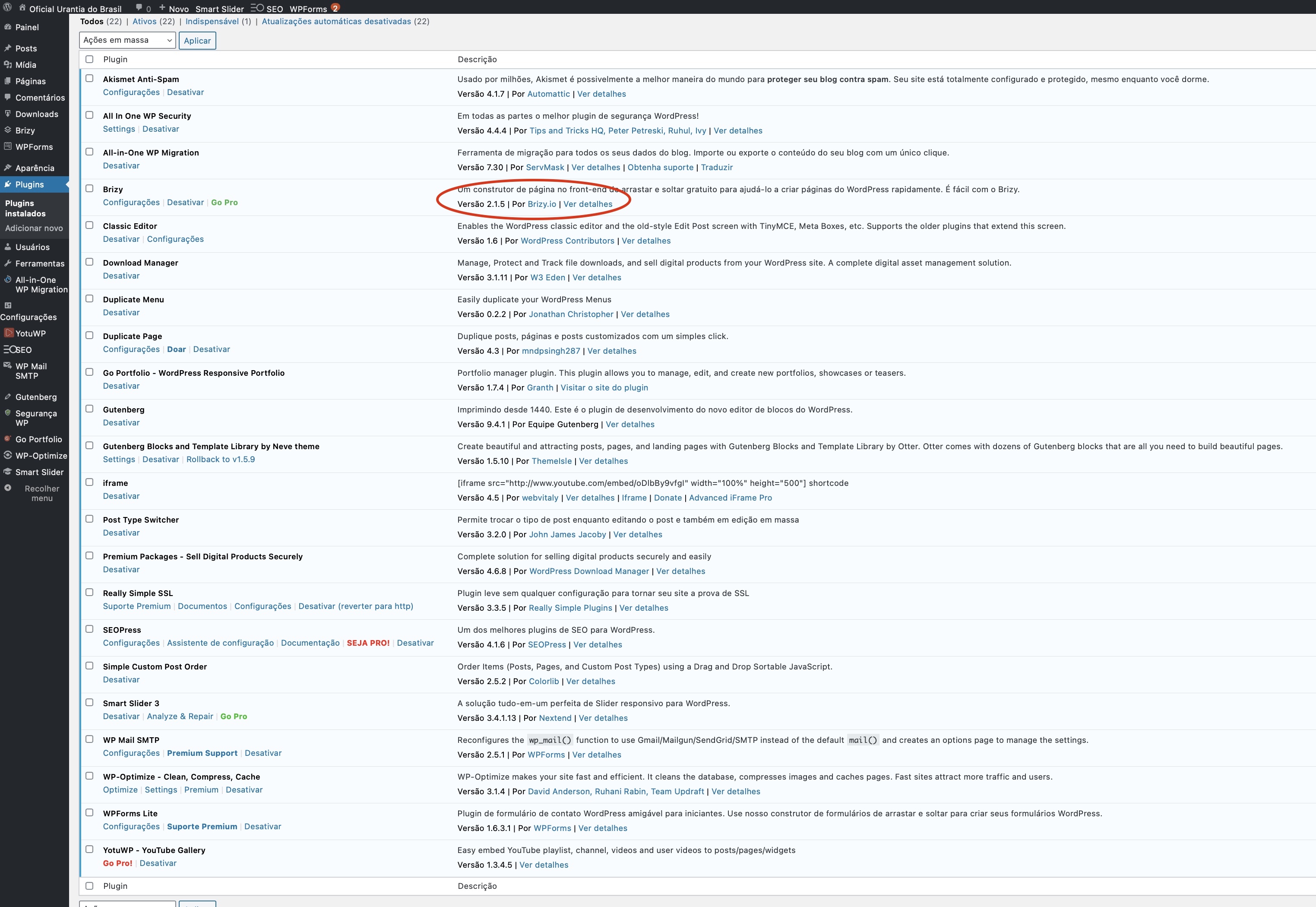
These are the plugins I have. The error happened last week when I updated Brizy
 0
0 -
Hi,
please confirm you have the same problem if you disable all your external plugins. Once confirmed I will create a private ticket for you and we will inspect it on your dashboard.
0 -
The conflict is with this plugin. But that was not until its update. - Smart Slider 3.
Can help?
0 -
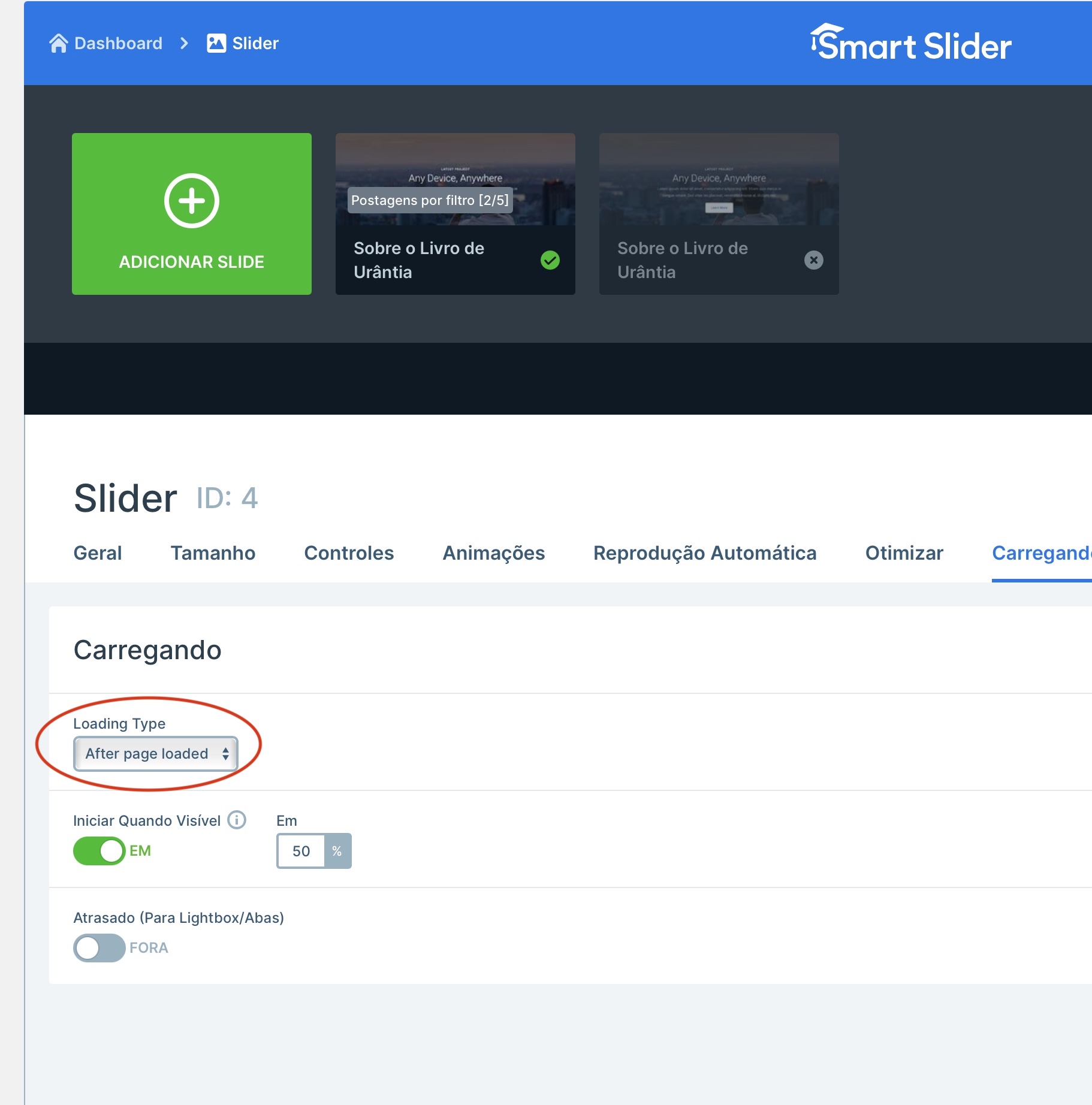
Good Morning! I managed to solve the problem. I appreciate your attention, but I reinforce that the problem occurred after its update. It is not the first time that we have serious problems after updating Brizy this generates wear and distrust in using the builder. I understand that they make great efforts to bring out the best. I managed to fix it by enabling this plugin option to load after the page loads. Thanks for your attention.
 0
0 -
Hi,
Thanks for these details. We know the guys behind the Smart Slider so we will try to solve this together. Can you please tell us what was the active option that caused the conflict?
0 -
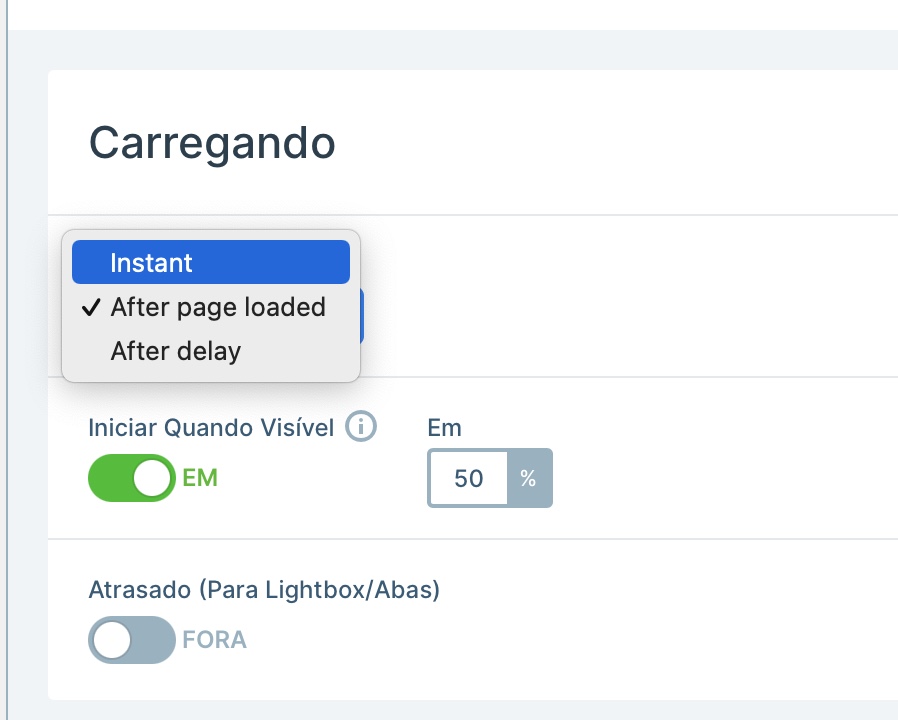
Yes of course. It was the instant option
 0
0 -
Thank you. I have created an internal issue and we will look into it. Thanks.
0 -
update: unfortunately, I could not reproduce the problem: https://jmp.sh/pR6VTk5 -> https://jmp.sh/ym8KK9e I think it may be due to the optimization or combination of JS files. If you set up SmartSldier as it was initially and disable the optimization plugin, will you have the same problem?
0 -
I don't know if I will have the same problem. Every case that is already solved. The solution that I believe you can take is for brizy to find a set of partner plugins for your sites that you are recommended and create a theme made by you to avoid any future problems. Another solution would be for brizy to load its CSS first than other plugins. That way, I believe I have more confidence in using your plugin. Finally, what would make a huge leap in brizy clound is offering SMTP and POP email account services directly through the plans. None of its competitors are offering this and the community asks a lot. Thanks for your attention.
0 -
Hi,
thank you for your message. We already have something like that and the list with time will grow: https://www.brizy.io/theme-partners/
Regarding the Brizy Cloud: we have the SMTP feature on our roadmap: https://trello.com/c/OlEFOjGh/74-appsumo-smtp-settings-on-forms so in the future there will be such a possibility.
0
Please sign in to leave a comment.
Comments
11 comments