Dynamic woocommerce category page editing

Hi guys,
I bought a Pro License today as reviewing the feature set it appeared I was able to add the brizy page builder functionality to the WooCommerce categories.
I cannot see how this is possible, is this feature not available?
-

Hi,
Yes, you can edit the WooCommerce categories with Brizy builder. For this, you have to create a template and a display condition for Products categories. See here how you can do this. It is important to select the Product archive and inside this template to add the "Archive" element.
Let us know if we can help you with something else.Best regards,
Sandra1 -
Hi Sandra,
Will this then create a layout for ALL woocommerce categories to follow?
I need to be able to easily edit each category with the brizy builder to add specific elements relevant to each category not sitewide.
0 -
Hi,
Yes, in such a way you create a temple for all categories. If you need to create a custom template for each WooCommerce category page, then you have to create a specific template for each WooCommerce category. For example, if you have 2 categories Cars and Phones, then you have to create a template for Cars category (Include -> Product Categories -> Cars) and another one for Phone category (Include -> Product Categories -> Phones).
Best regards,
Sandra0 -

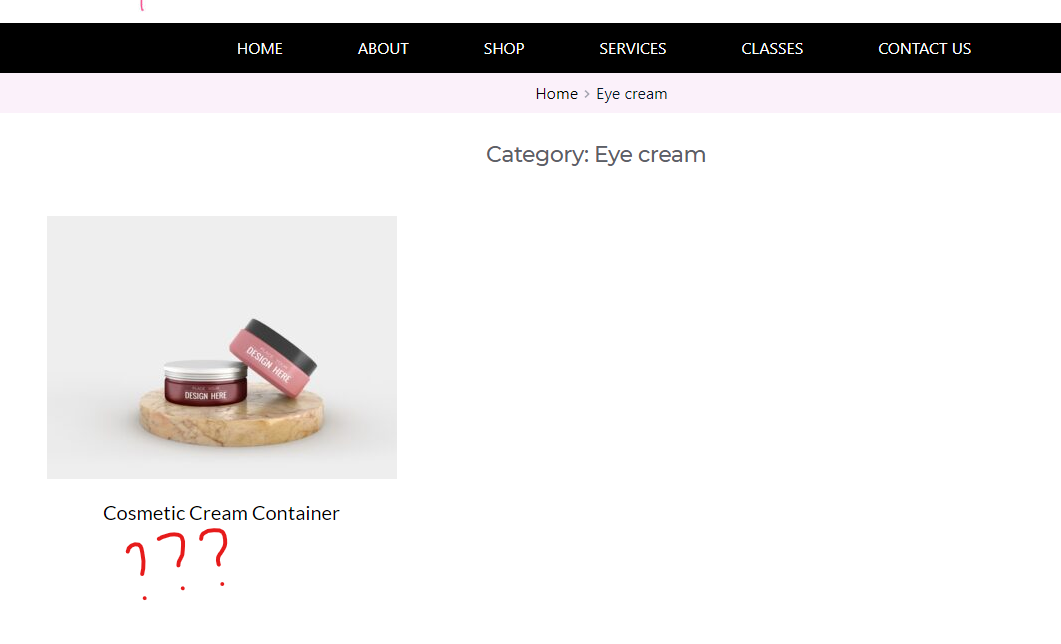
Great. It works just as described, just one problem, How do I get to show stuff specific to the product like price, most important?
 0
0 -
Hi,
If you are using the Archive element, this element adds by default the Price element. See here. If you accidentally deleted this element, could you re-add the "Archive" element?
Best regards,
Sandra1 -
Thanks my error it works now.
0 -
Hi,
Great! Thank you for confirming this with us!
Best regards,
Sandra0 -

Hi, I'm working on the same issue - I have my Product category template including a title element and an archive element.
I want my category page to show just the products within one specific category.
The correct title shows up automatically, but the products are not filtered by category.
I actually need the same result as filtered by tags (category)How can I solve this instead of creating 20 different category-templates for all my categories?
And I also have the issue like this post: https://support.brizy.io/hc/en-us/community/posts/4414045457681-Woocommerce-Category-prefix
How can I remove this "Category:" prefix? There is no need for the customer to know that this is a "category"Thanks for your help!
Best regards Alexandra
0 -

Hi Alexandra,
If you use the Archive element in the Product Category Archive template, you should be able to display the products that fall under various categories. Please refer to these product category archive pages as an illustration.
- Chairs: https://kctest.online/product-category/chairs/
- Tables: https://kctest.online/product-category/tables/
- Sofas: https://kctest.online/product-category/sofas/
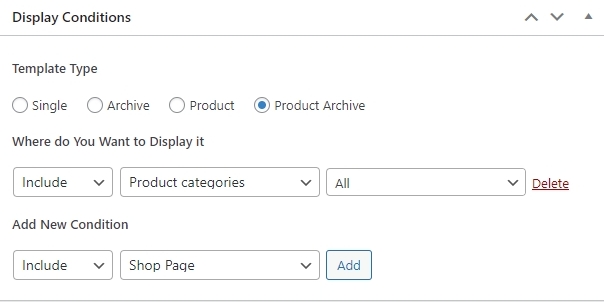
This Display Condition is what I am using for the Product Category Archive template. This condition should work for all your product categories.
Our apologies for the category prefix problem. It's a bug on our end. This problem will be reported, and we will work to fix it. As a workaround, if possible, could you also include the category name in the category description and use the dynamic field "Archive Description" to display it on your Product Category Archive pages?It appears that extra bottom padding is automatically added along with the "Archive Description". To temporarily fix this problem, kindly add negative margin to your Archive element. We will work on fixing this as well.
0 -
Hi George,
thanks for your answer. I've now set the category archives like you suggested. Now all products within the category are dispalyed correctly.
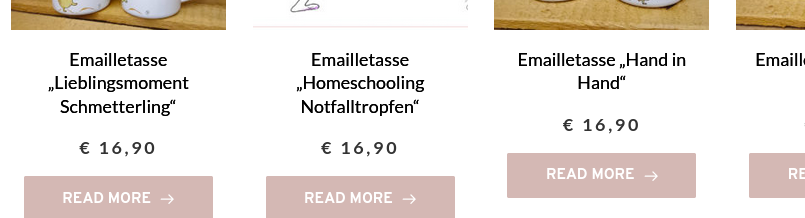
But now there are those "Read more" Buttons. Where can I edit the style of this archive list? There is no preview in the builder like it is with "products"-Element.
I need to change the text in the button and I also need to link the picture of the product, not only the button.Thanks in advance for your help!
Best regards Alexandra
 0
0 -
Hi Alexandra,
Do you mean that a product preview, its price, and the Read More button cannot be seen when you open the Product Category Archive template in Brizy? In the editor, you should be able to see a preview and make changes. Please see this video https://jmp.sh/YfWF5XK
0 -
Today I can see the preview in builder - yesterday it was not there...
Thanks for your help!
0 -
Hi,
today I have the same problem with my product search list.
I added the archive to my search result page but I just can see the pagination numbers, not the products (in backend)
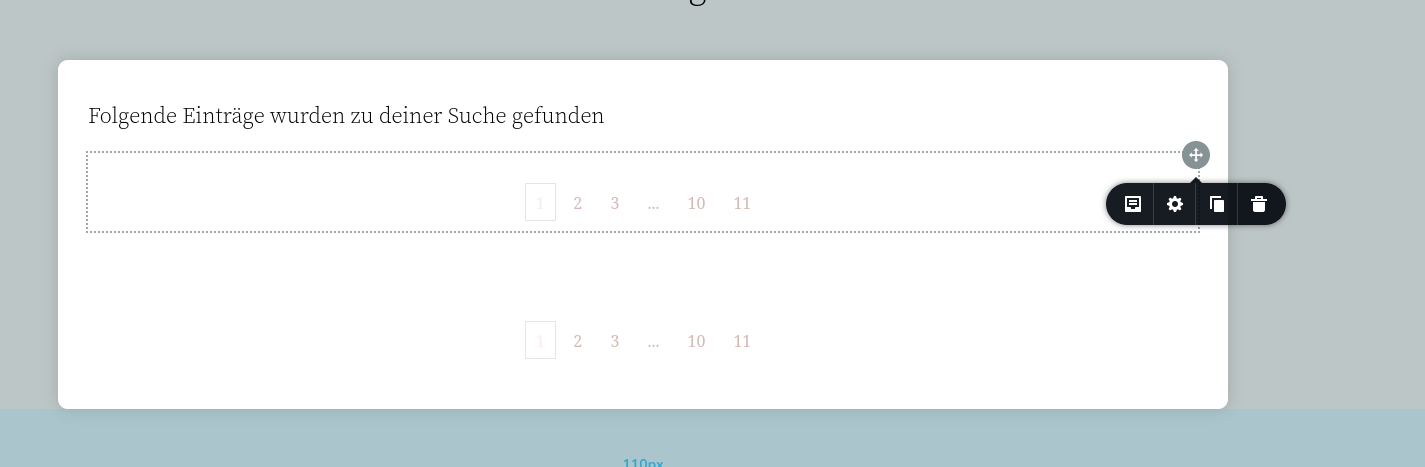
In frontend I get this result
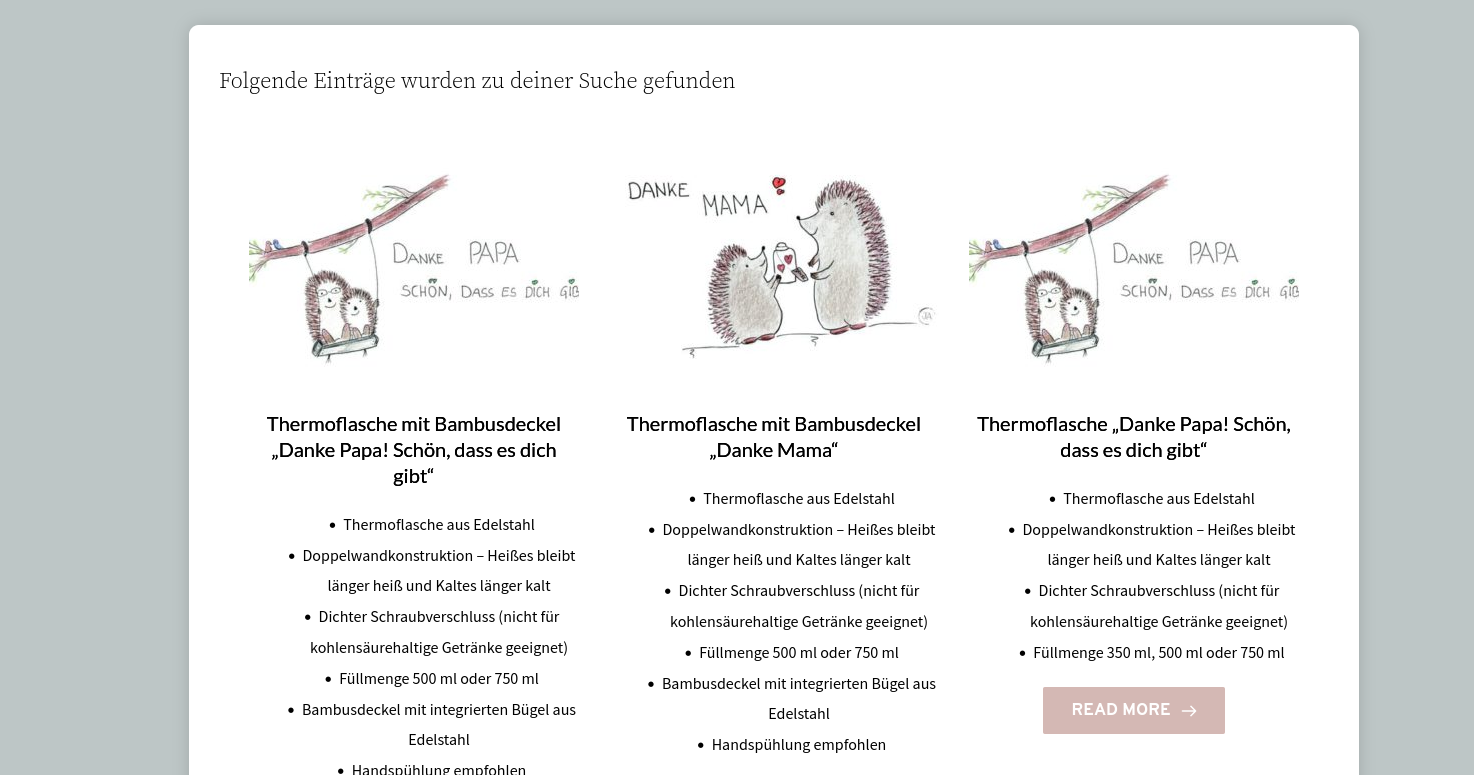
I also want to change the style of the products list
Thanks in advance for your help!
Best regards Alexandra
0 -
Hi Alexandra,
What WordPress theme are you using? If you are not already, can you try switching to one of these themes and see if that makes a difference? https://www.brizy.io/theme-partners
If this does not help, we will need to take a look at your WordPress Dashboard to offer further help.
0
Please sign in to leave a comment.
Comments
14 comments