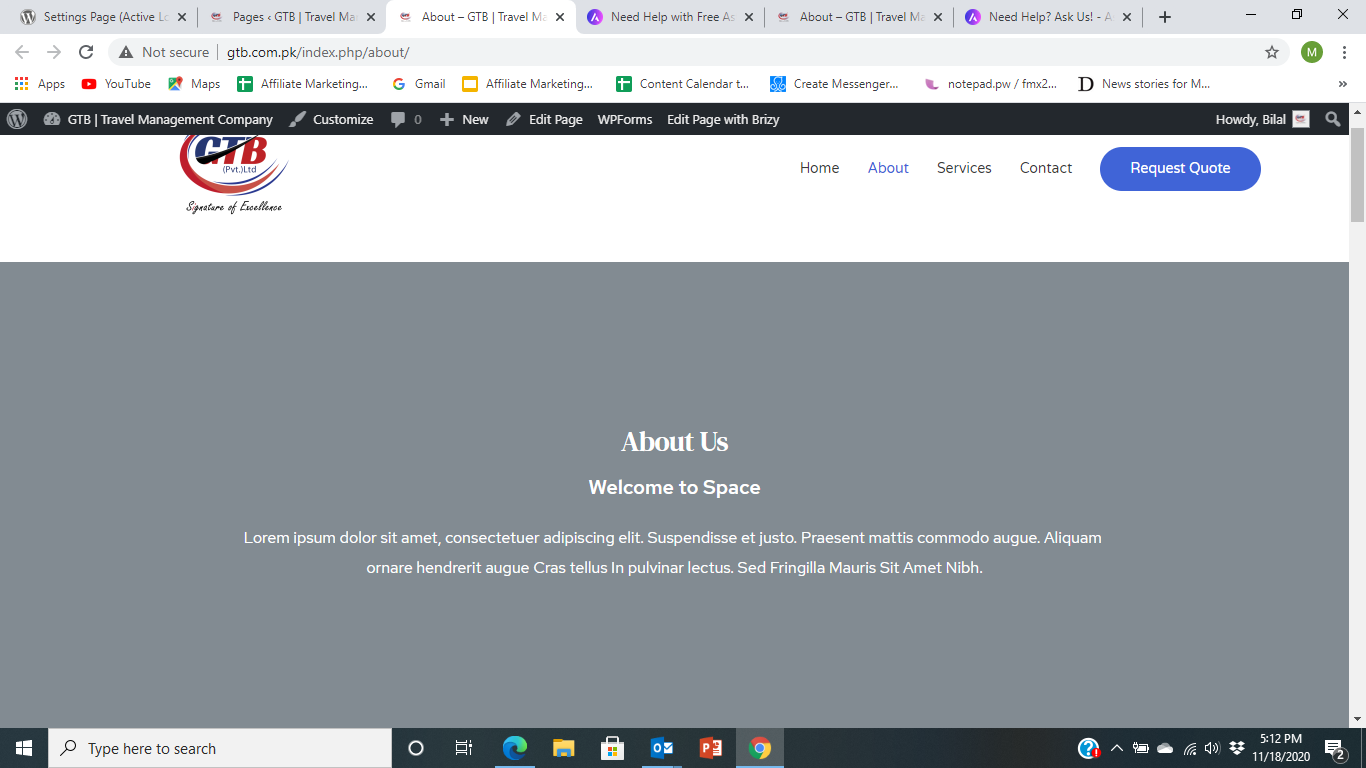
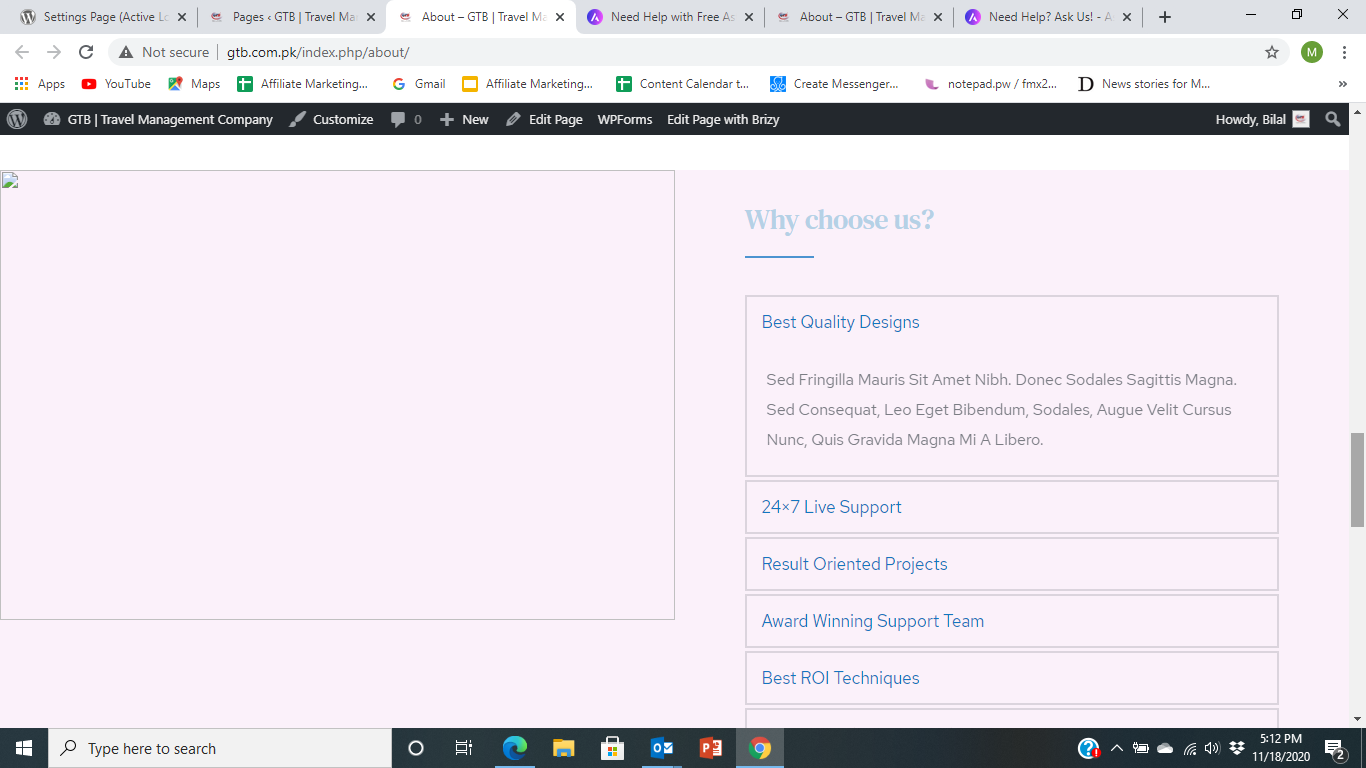
Images gets disappered

Dear Brizy Team,
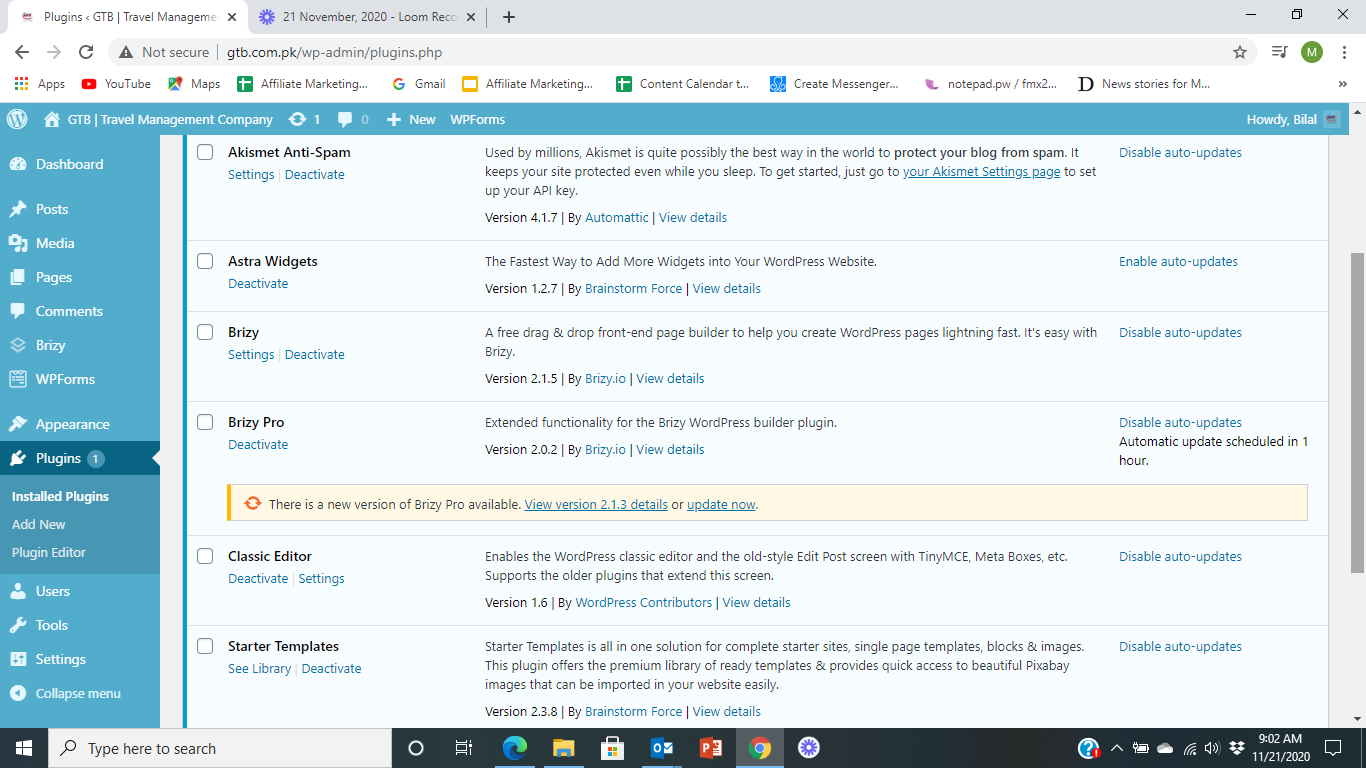
I have installed Astra Theme in my WP and using Brizy Builder. I installed Brizy Builder 2.0.2 and after that, it was upgraded to Version 2.1.3.
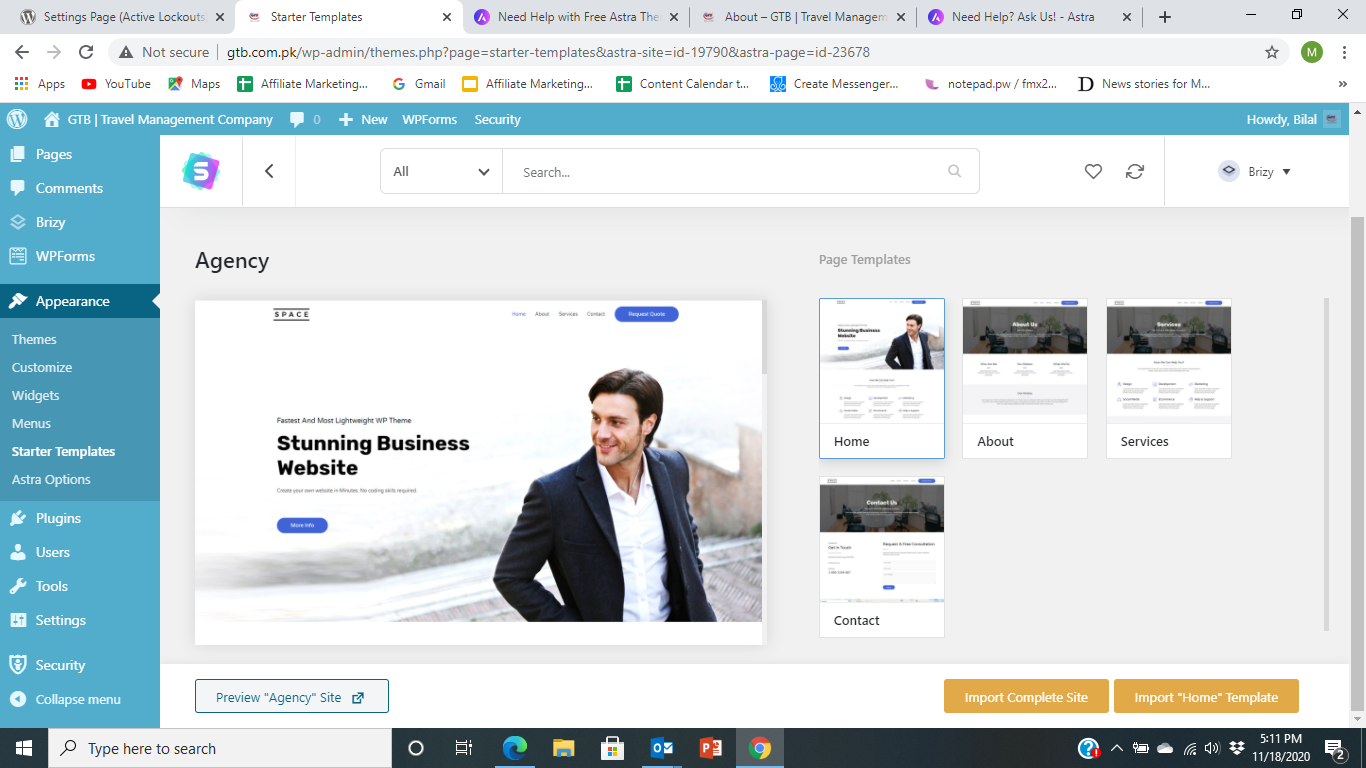
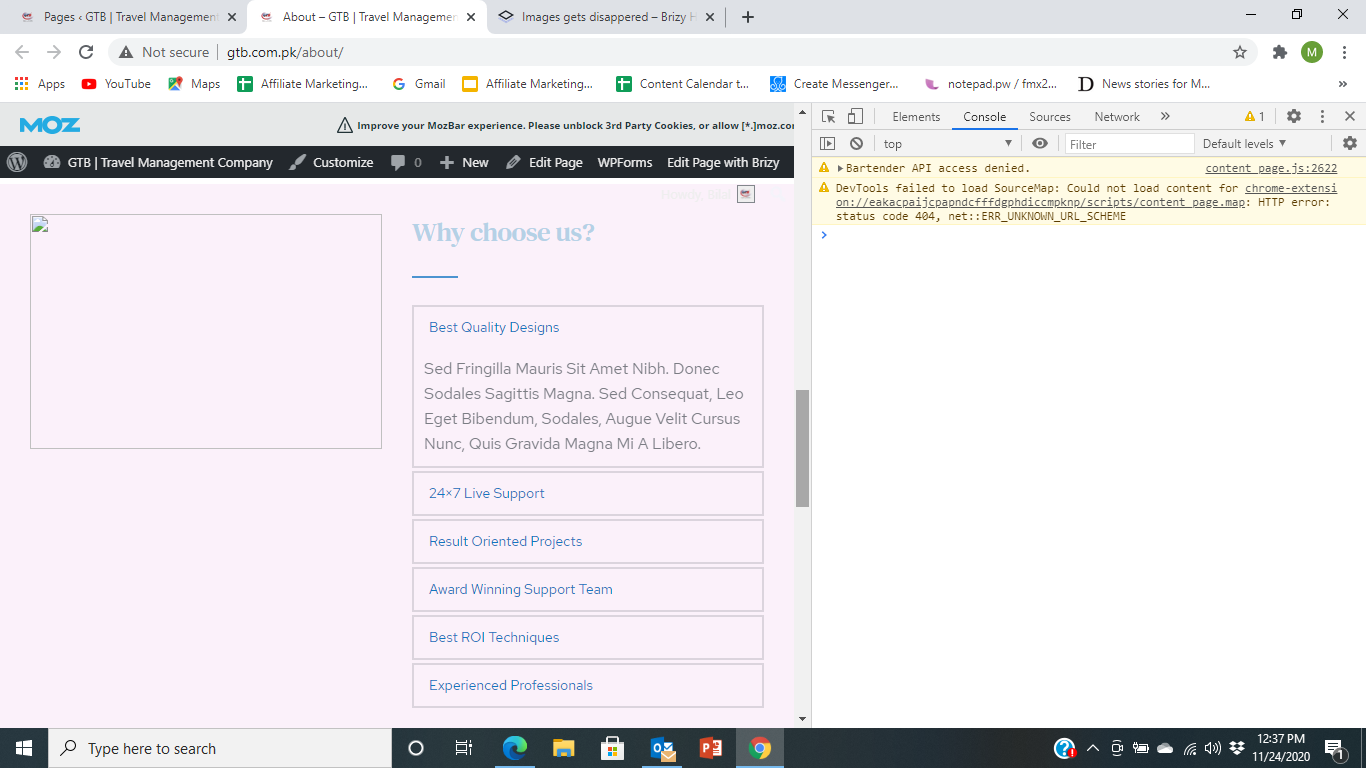
The problem I am facing is when I import the Starter Template, the images get disappeared, The header setting is also the issue.
I sent the query to Astra Support team. They have referred the problem to you. I have attached the screenshots for your information.
Kindly resolve and advise.
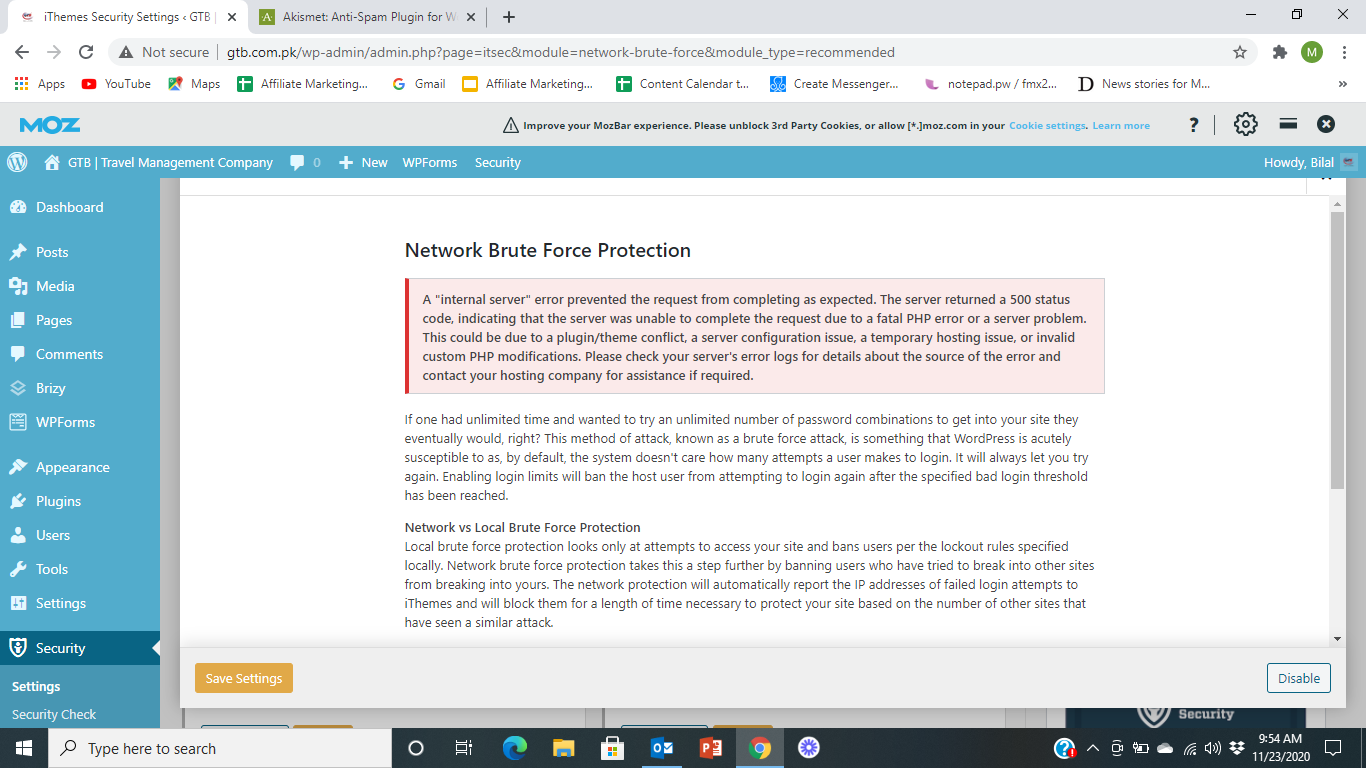
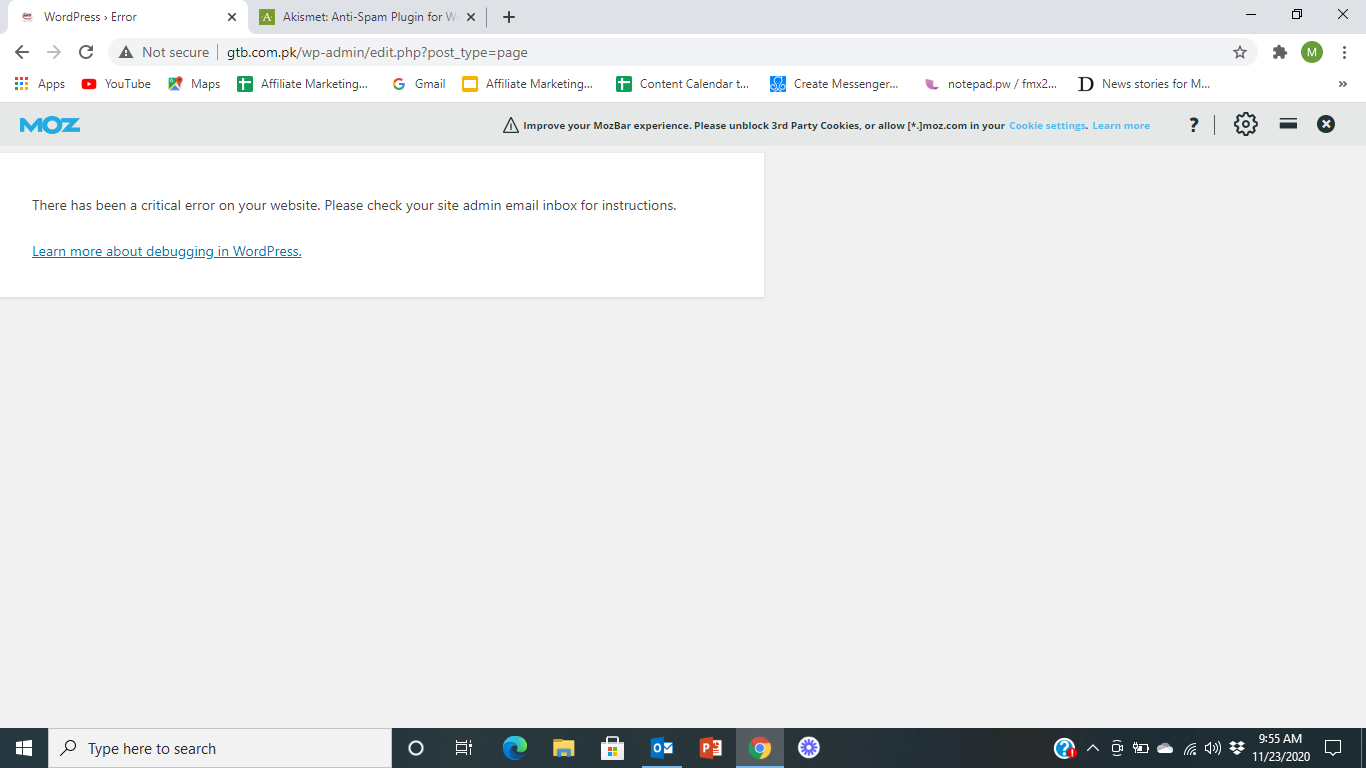
M. Bilal Hameed
-

Hi,
I suppose it's related to the URL because it has a strange structure. Have you changed the permalinks? Why is index.php or edit.php in the URL?
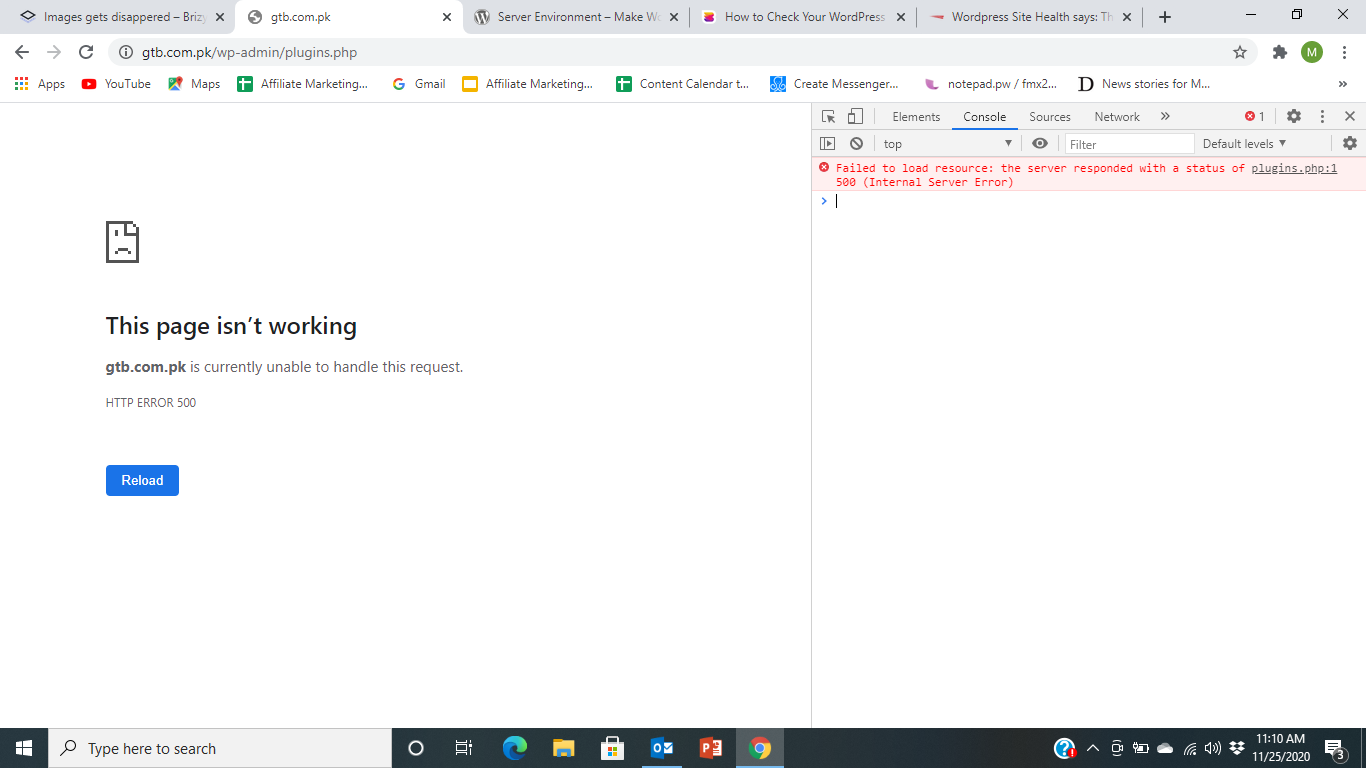
What errors do you have in the browser console? There should be some suggestions.
Does it just happen in this template that you are trying to import? If you create a new Brizy page and add an image there, will it appear in the frontend?
0 -
Dear Alex,
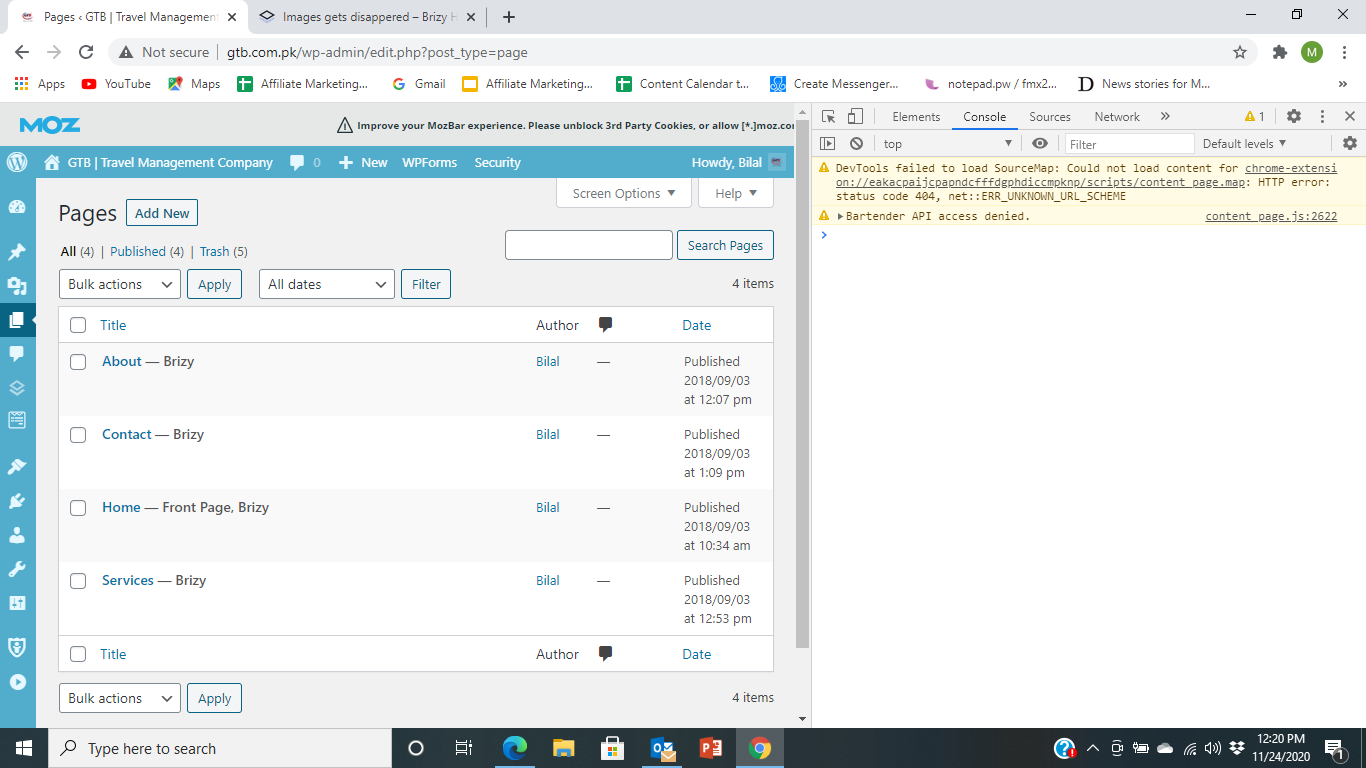
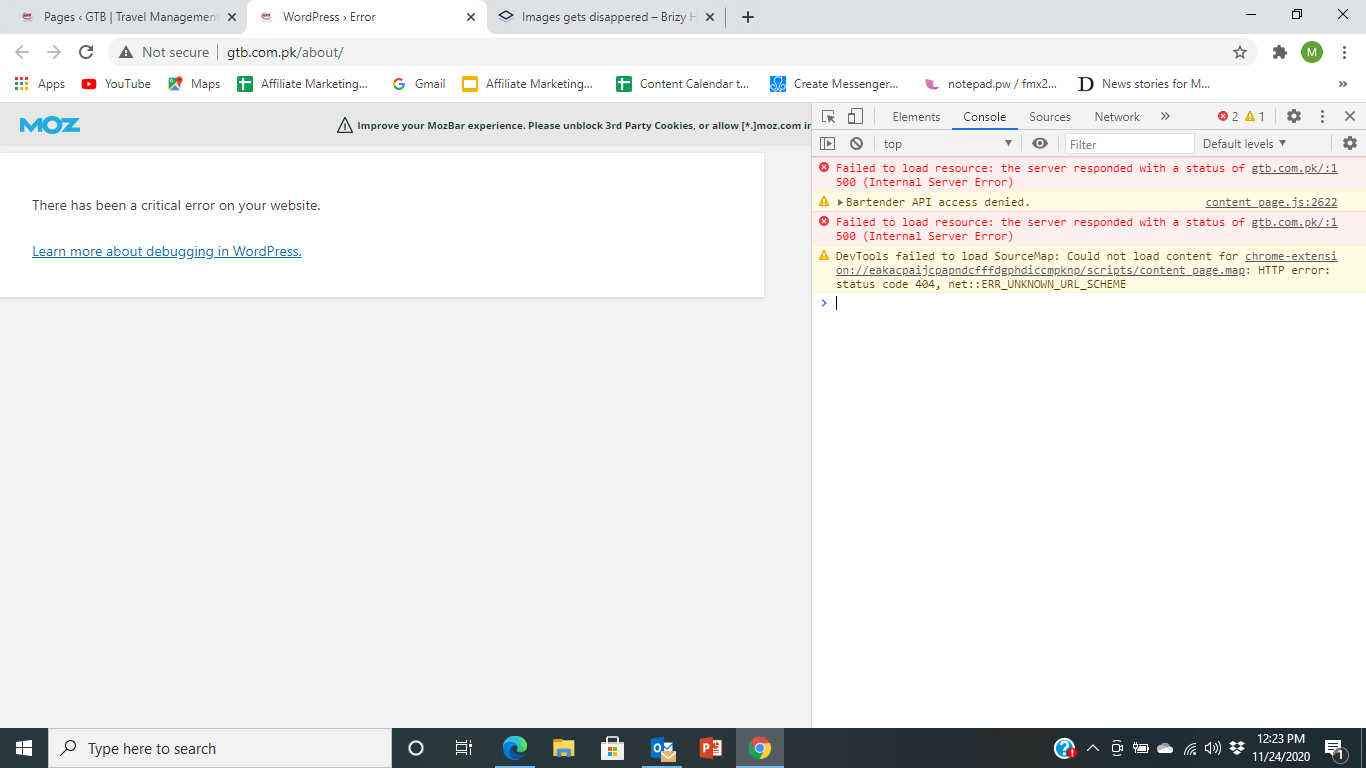
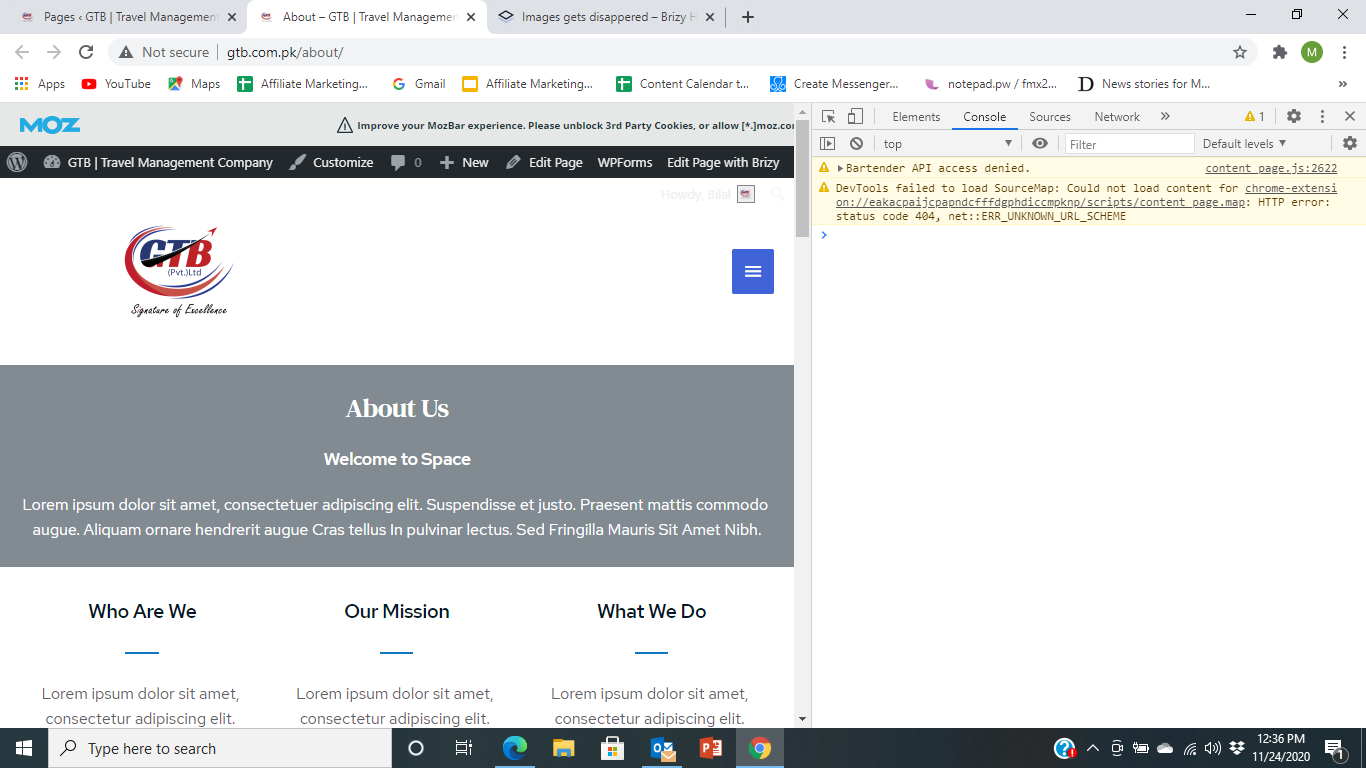
Thank you for response. I have tried all of your advises. I have tried on Chrome and Edge both. Attached is for your information. Secondly it happened in same was when I created page on Brizy before template import.
Check all the screen short. These are from login till About us page with errors in browser console,
I also deactivated the plugins and re-activated but again result was unresolved.
I will be grateful for resolution.
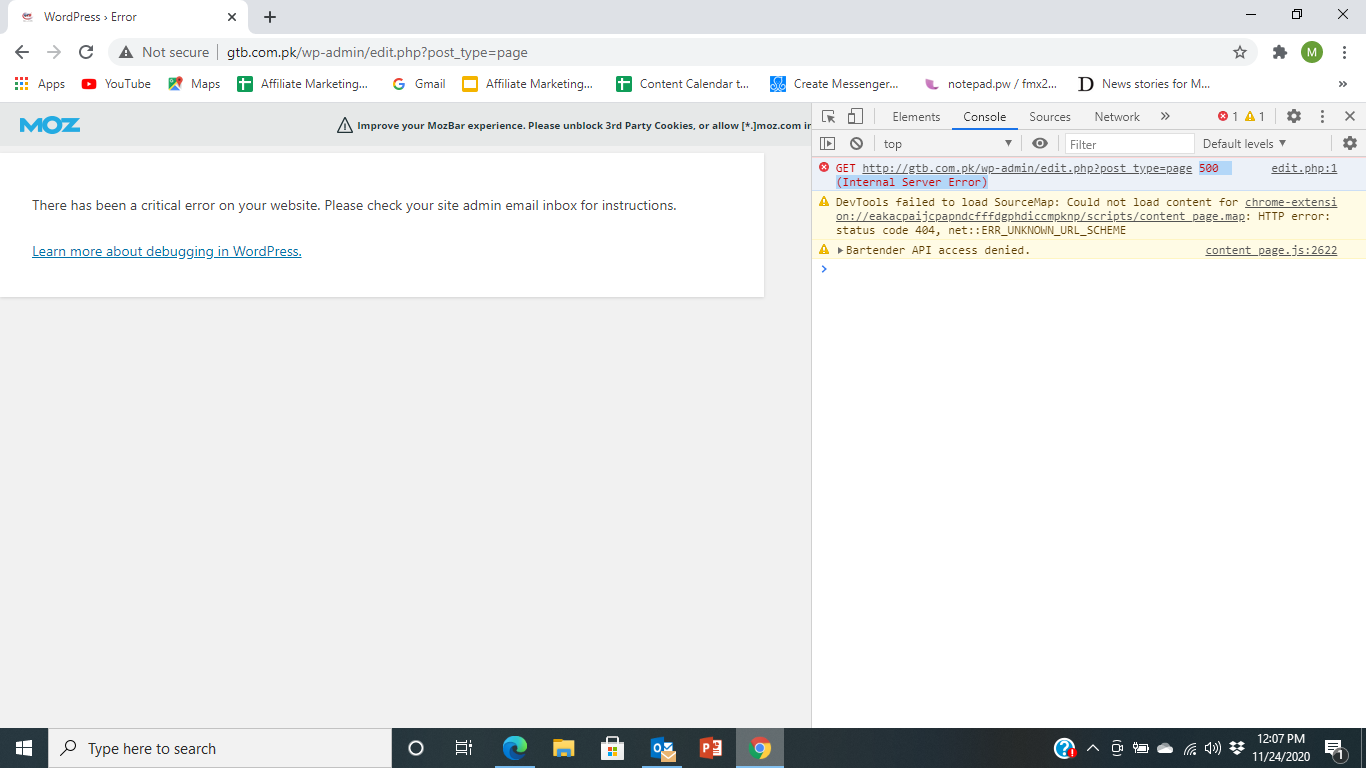
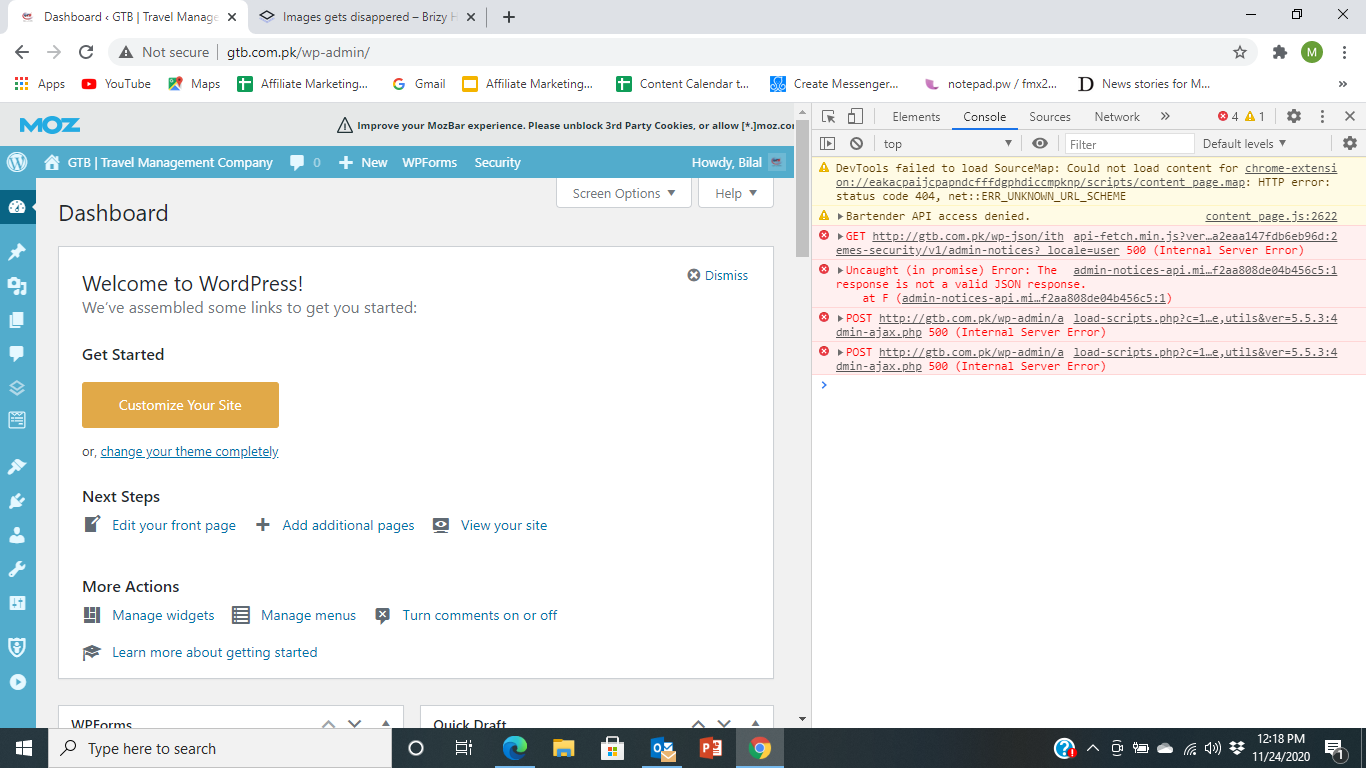
 0
0 -
Hi,
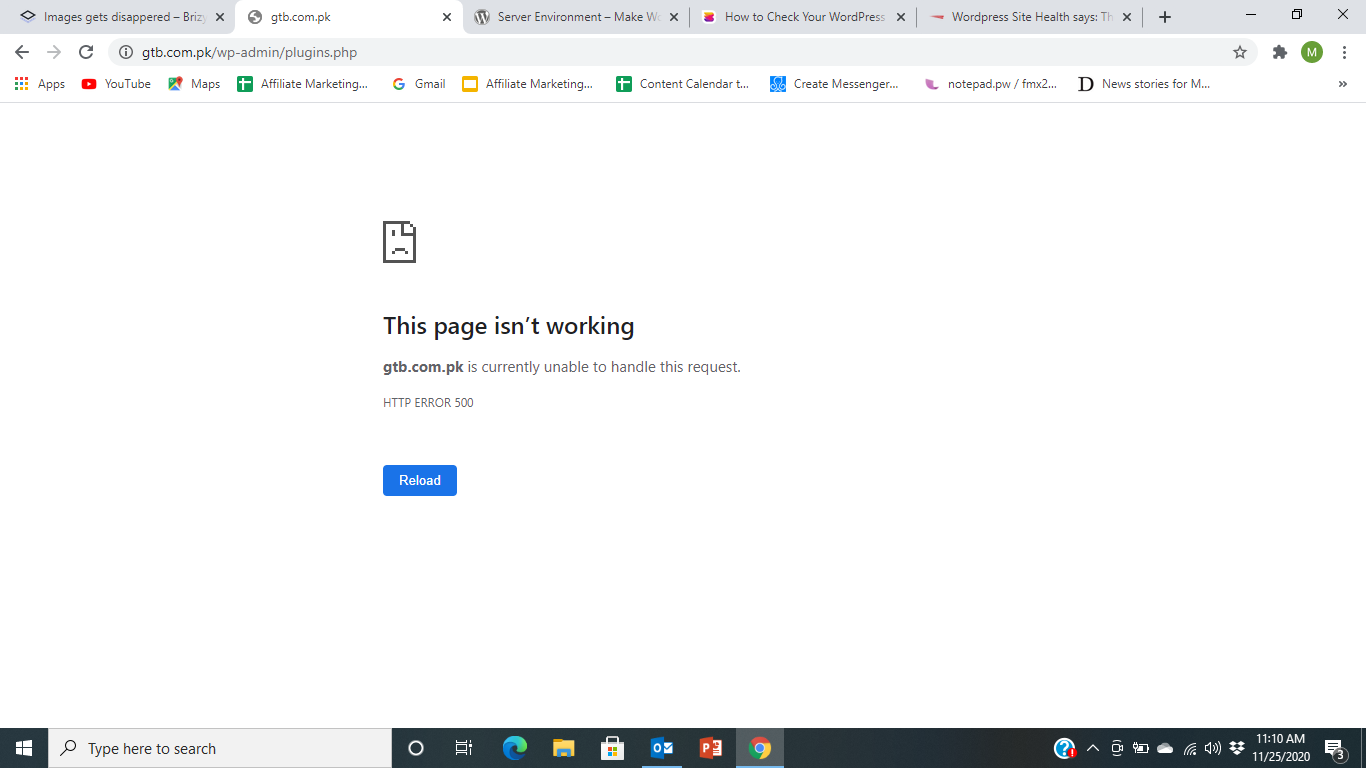
Thank you for all these details. I see several internal server errors appearing on non-Brizy pages and the errors do not come from the Brizy folder. Can you contact your hosting provider and ask them about these errors? These are server errors and they can also check the error logs and find a possible cause.
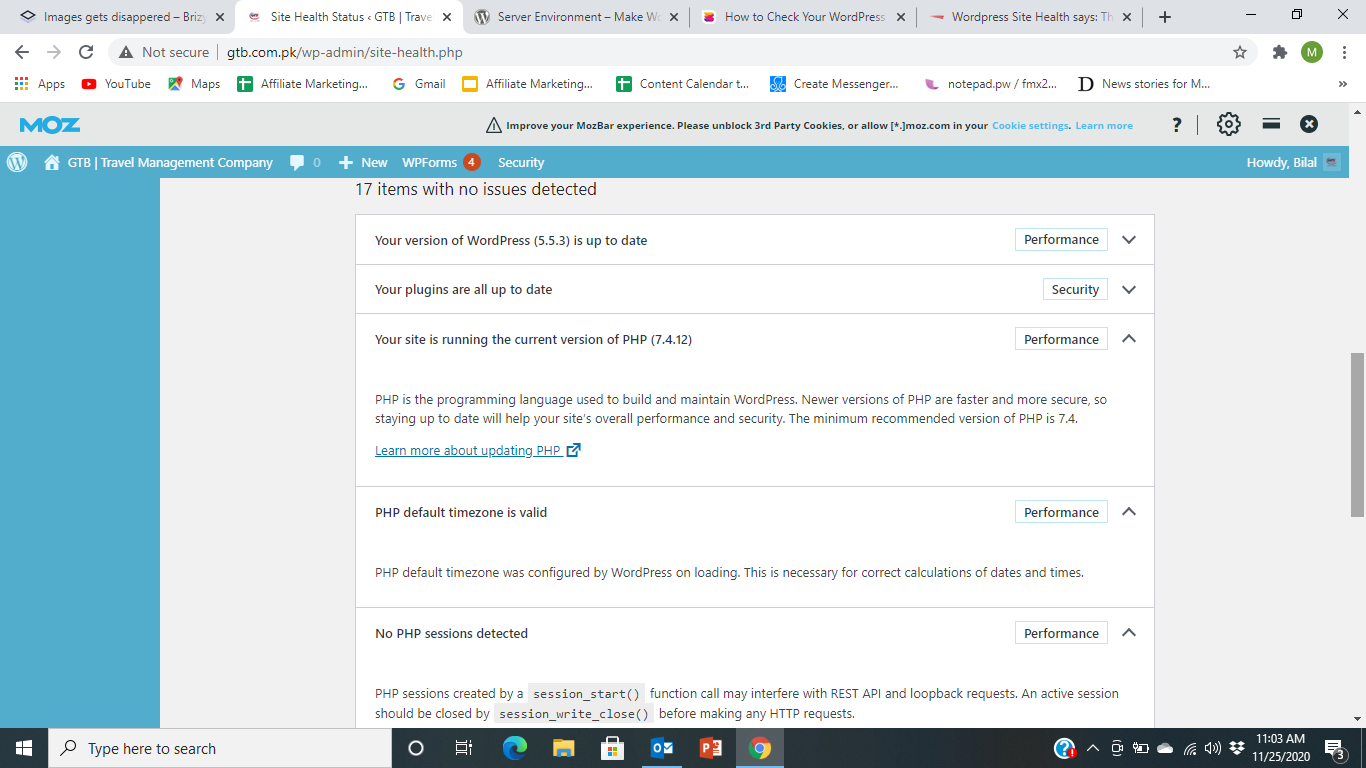
btw: what version of PHP do you have?
0 -
Dear Alex,
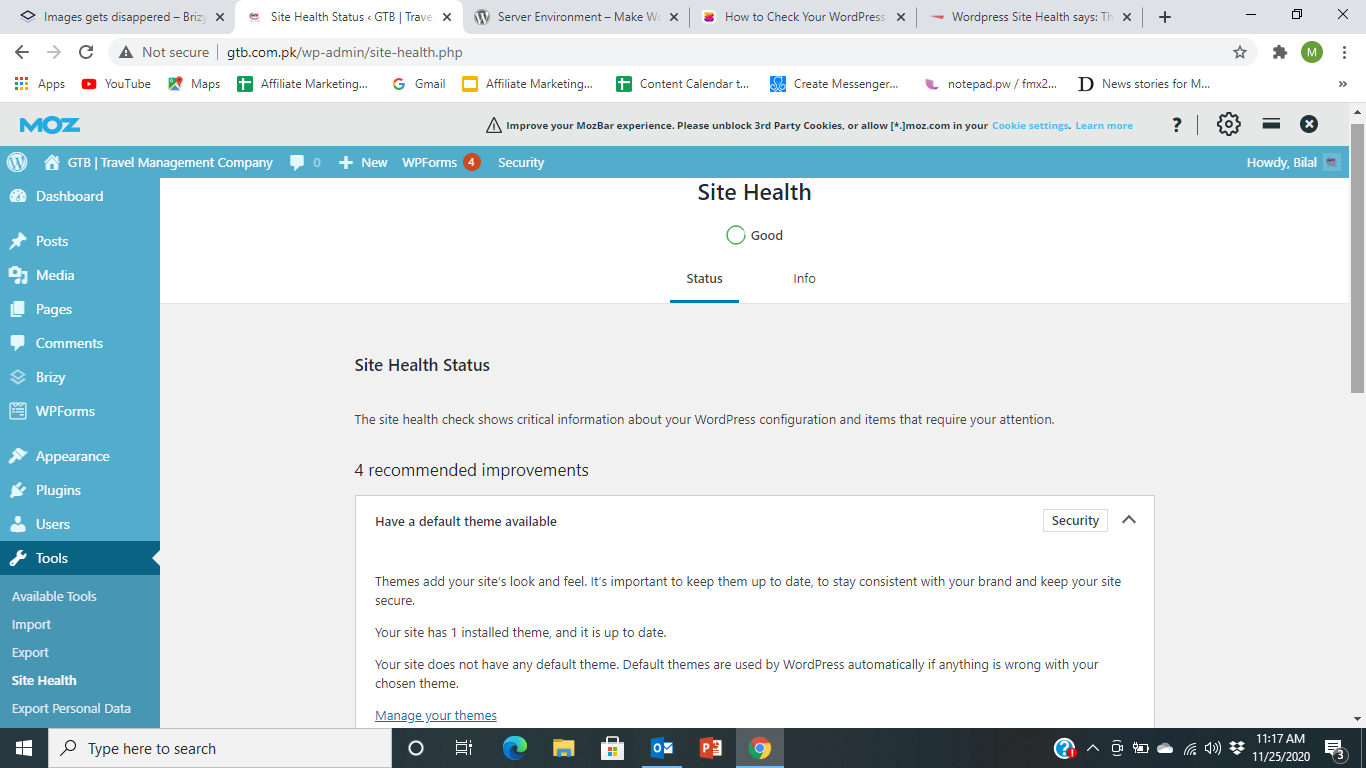
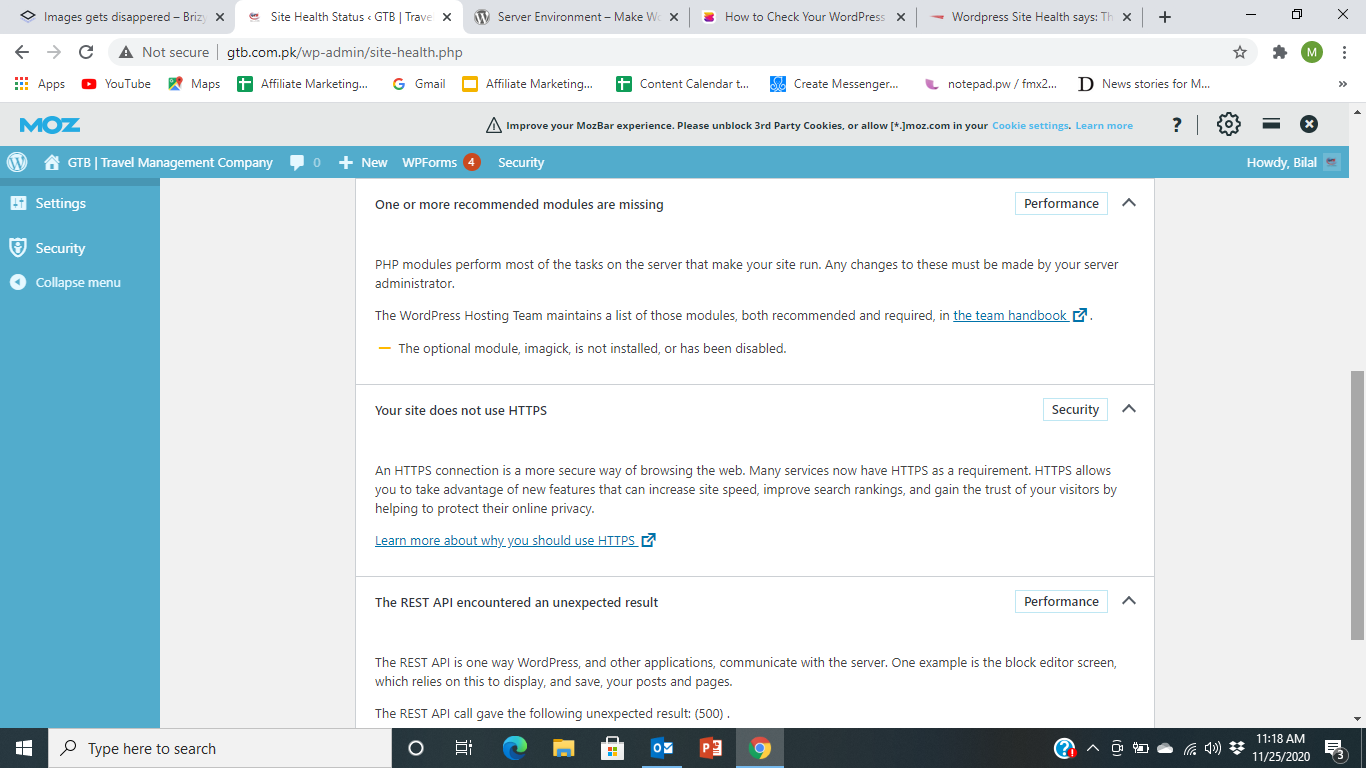
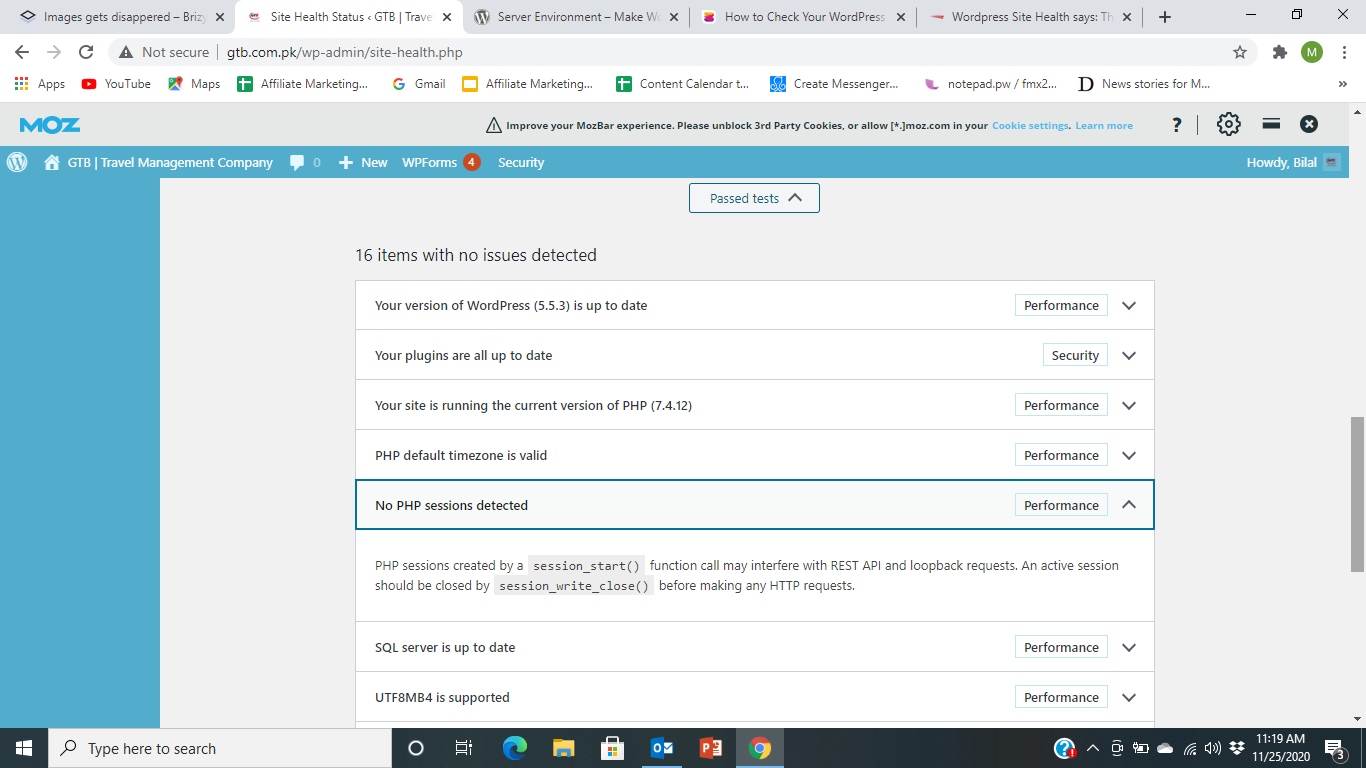
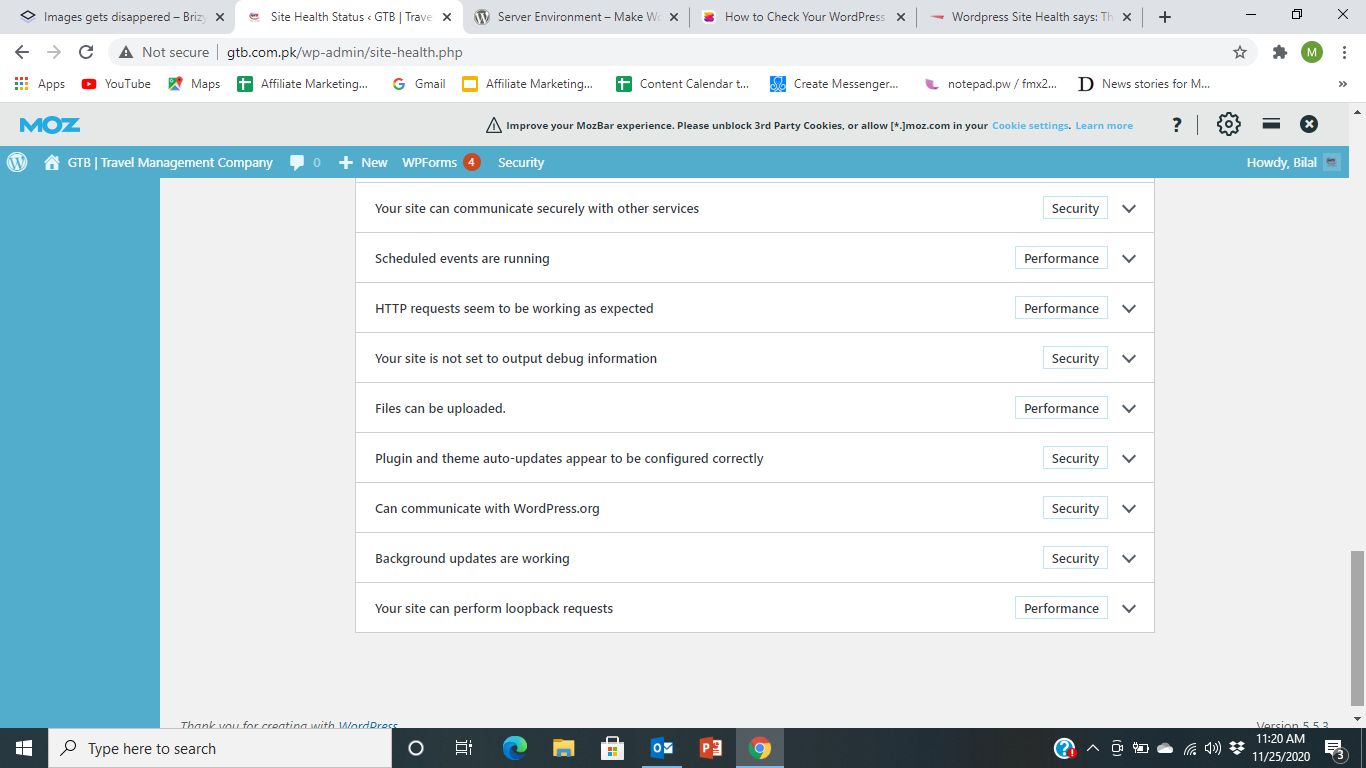
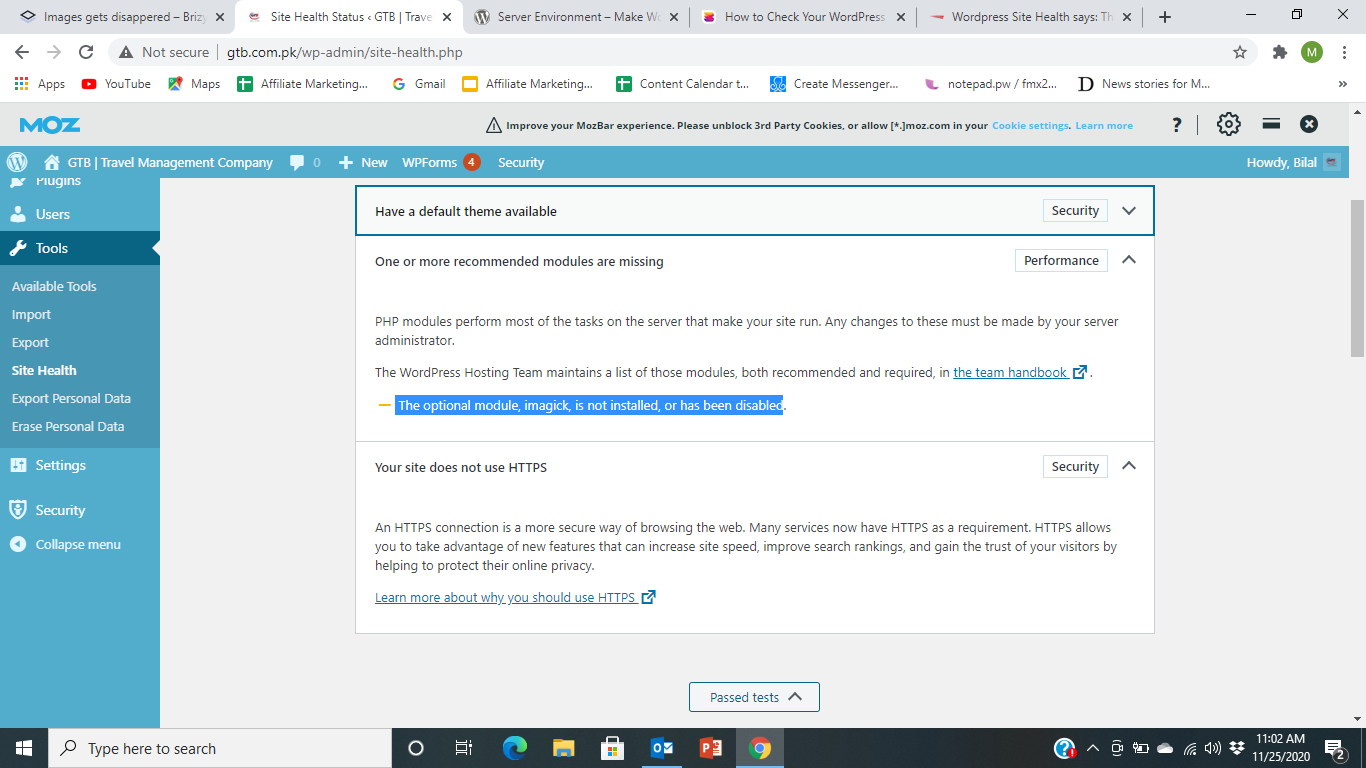
Attached are the screenshots of my website's site health. I have also contacted my hosting provider to resolve.
Just let me know if all is compatible or there is any unmatched versions. To verify I can share my login details so that you can go through every thing and can check to get it correct.
Please let me know the ideal configuration for hosting of below
WP version: 5.5.3
Astra Theme: 2.6.1
Brizy Pro Page Buge Buidler Plugin: 2.1.3
Site Health: See below
Regards,
BH
0 -
Hi,
The resources you have are enough for Brizy to work well. Try disabling Brizy and checking the console for errors. If Internal Server Error continues to occur then there is definitely something on the hosting par that does not allow the proper functioning of the site. I think an error logs check could create some light (hosting guys can check this out).0
Please sign in to leave a comment.
Comments
5 comments