Block disappeared in mobile view

friendshipgroup.org.uk
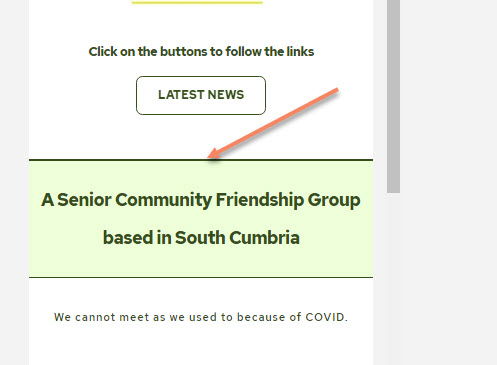
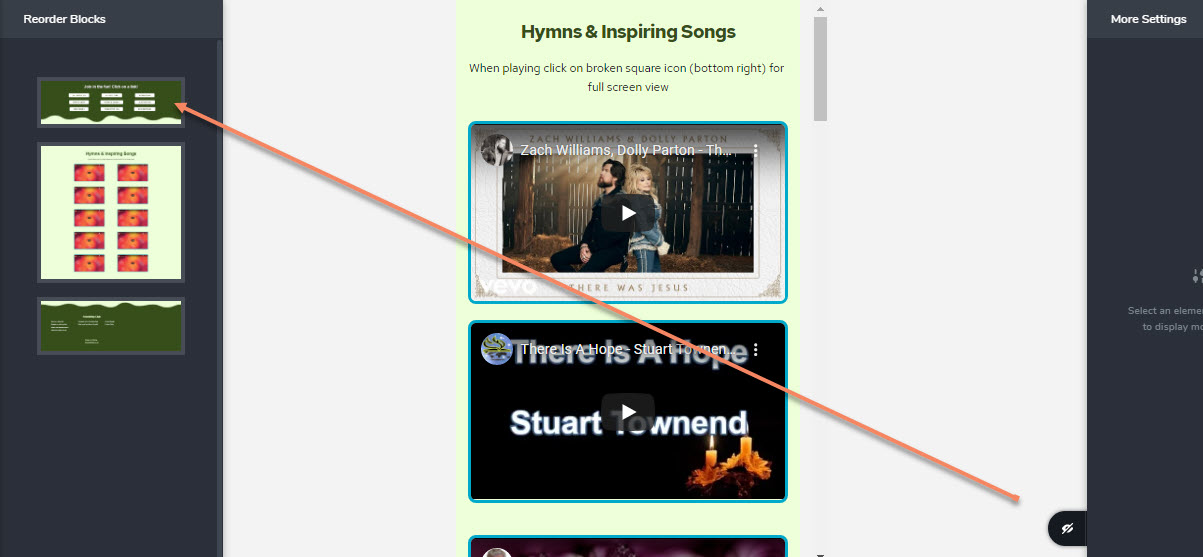
On the homepage of this website I have a full width section with 9 links in a TABLE element. This does not look good in mobile view so I made it HIDDEN and created a TABLE with 2 columns for the mobile view. When I open the side bar on the left (as if to re-order the blocks) you can see that the 2 col block exists - But when I go into mobile view I cannot see it.
Image 1 - red arrow points to 2 col table in block. It should be where the red arrow is pointing.

Image 2 - page in mobile view - block cannot be found
What am I doing wrong????
Thank you.
-
I have just discovered the solution and would like to make a feature request: The 'eye crossed out' icon way down on the right is what I should have noticed. But it is not that obvious. Could we PLEASE have the option in the REORDER BLOCK slide out to set VISIBILITY (HIDDEN) options there in the various views (desktop, tablet, mobile). I am sure that this would be far more INTUITIVE. Thank you.
 0
0 -

Hi,
Thank you for updating us regarding this problem. Great to know that you encounter the solution. We placed the "Hide" option in the most accessible place. We had more discussion about where to place it and we decide that it is the most visible place. If we would place it inside the "Reorder blocks" field than this option will be interpreted as not easy to found it and more users would encounter some more question about where are their blocks.
Let us know if we can help you with something else.Best regards,
Sandra0
Please sign in to leave a comment.
Comments
2 comments