PUBLISHING PROBLEM

Hi,
i have a project to be published on a custom domain.
Everything seems alright but when I click to publish the project is still on draft state showing the notification:
"This page is not yet created. Please start designing your page by clicking the button below"
Every page of the project is on published state, custom domain is correct.
What should I do to solve?
Thanks
-

Hi,
If you receive this problem https://jmp.sh/9J56aky this means that the page is saved in the Drafts. Therefore you have to go to this page and "Publish" it and after this to "Update" it. See here.
If you checked and pages are published and you still receive this message, could you please indicate the URL link of the site you receive it https://jmp.sh/NDj8G3w?Thanks!
Best regards,
Sandra0 -

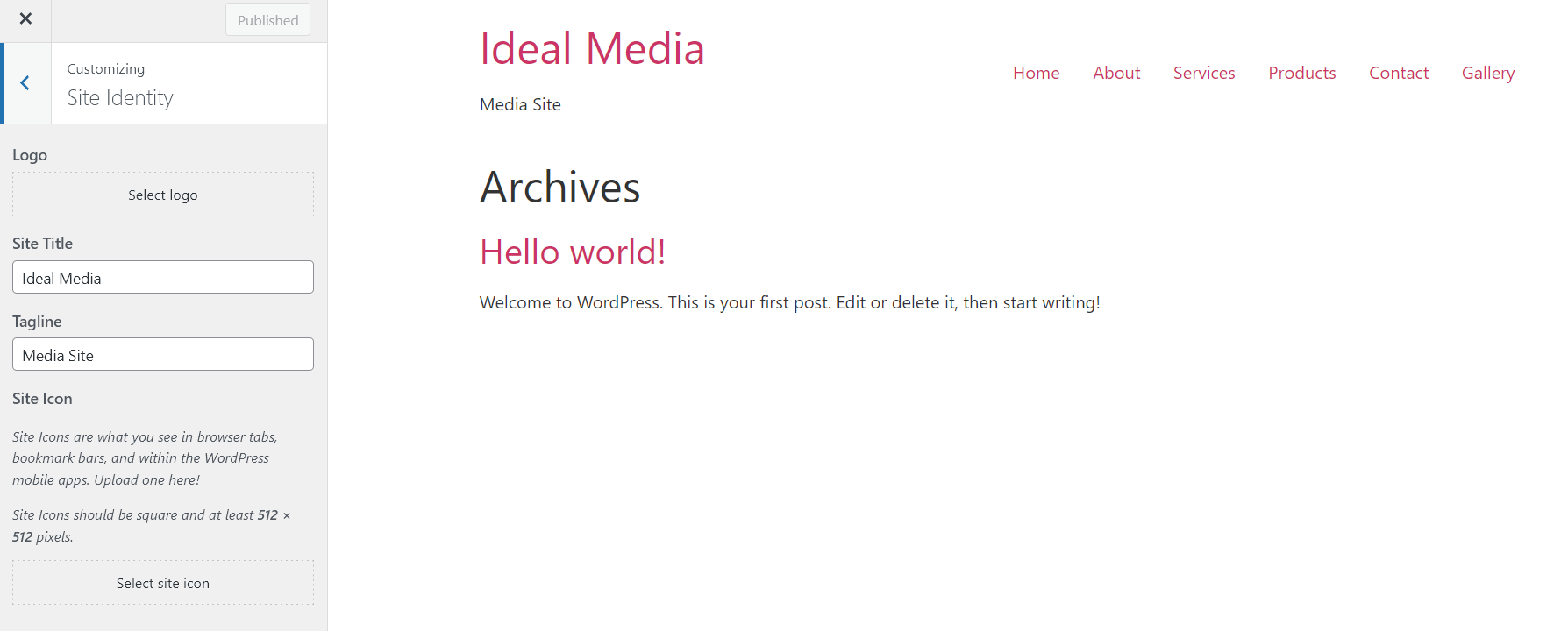
My probleBm also is publishing for the first time and not even my hosting provider can sort it! These two screen shots show the before publishing and the results on the internet!
 0
0 -

Hi Mike,
Please set the page you have designed in Brizy as your website homepage. You can do this at the WordPress Dashboard in four steps. Please see this screenshot https://jmp.sh/n490z59
- Click on 'Settings'
- Click on 'Reading'
- On the right hand side pane, for 'Your homepage displays' select "A static page'
- Select the page you have created in Brizy as your homepage.
0 -
Hello George,
Thank you so much for you're reply, this has sorted the problem that my hosting company was confused by! Normally I always set the homepage as static and I thought I did, do again many thanks for your valuable assistance!
0
Please sign in to leave a comment.
Comments
4 comments