My Brizy is not implementing correctly into WP...

I can create a template but it's not showing up as an editor for my main WP website pages...
Can anybody help?
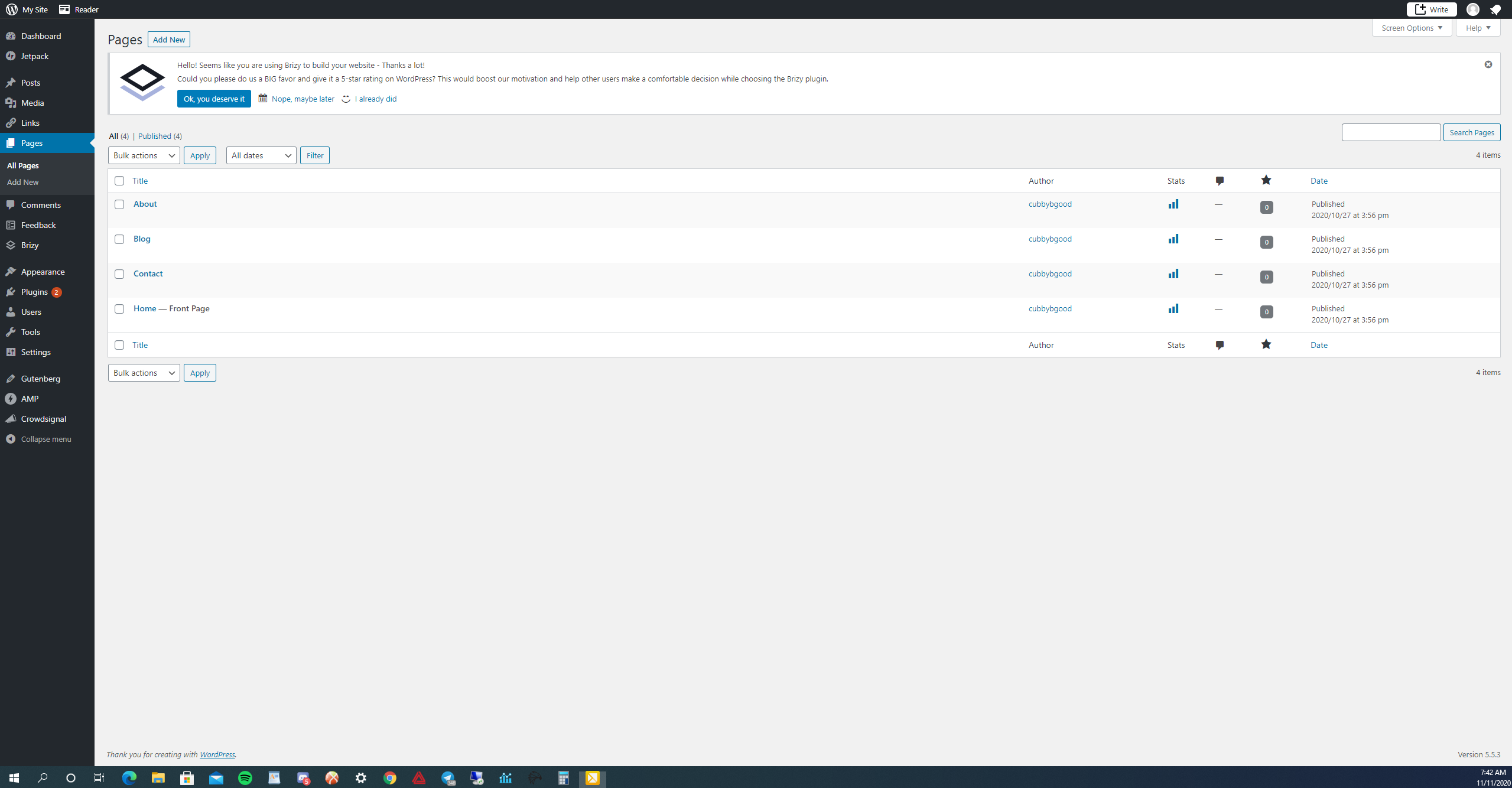
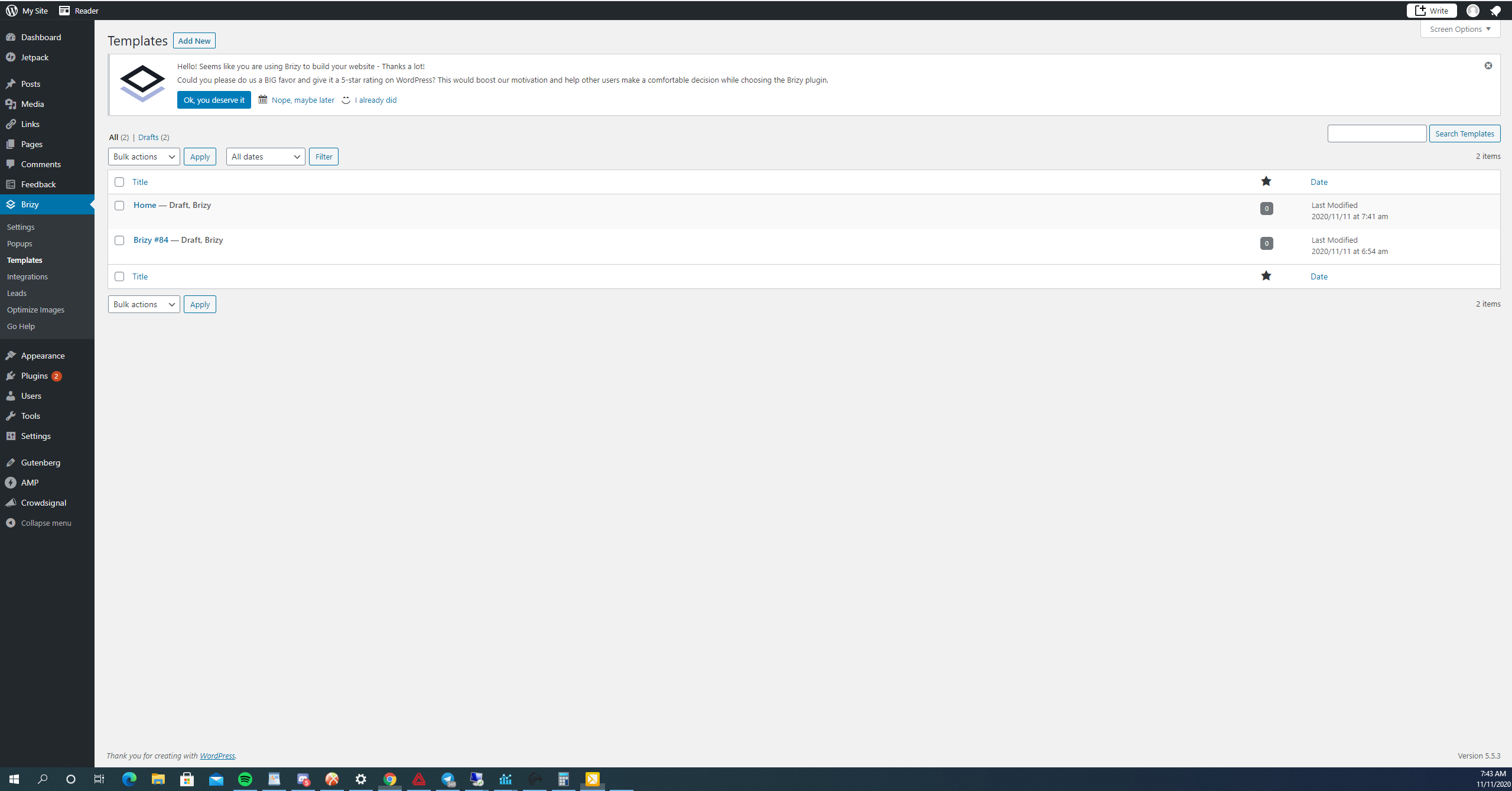
-

Hi,
In Brizy, the template is something like a sketch where you design how do you want to display a certain post or page or all posts. For this reason, you have in the template the "Display conditions". This will indicate where to attach the Brizy template you create. Using Dynamic Content, Brizy will take all necessary data and put it over that page/post is set the Brizy template.
For this reason, you don't see the template in the page list.
Let us know if we can help you with something else.Best regards,
Sandra0 -

Hi Sandra
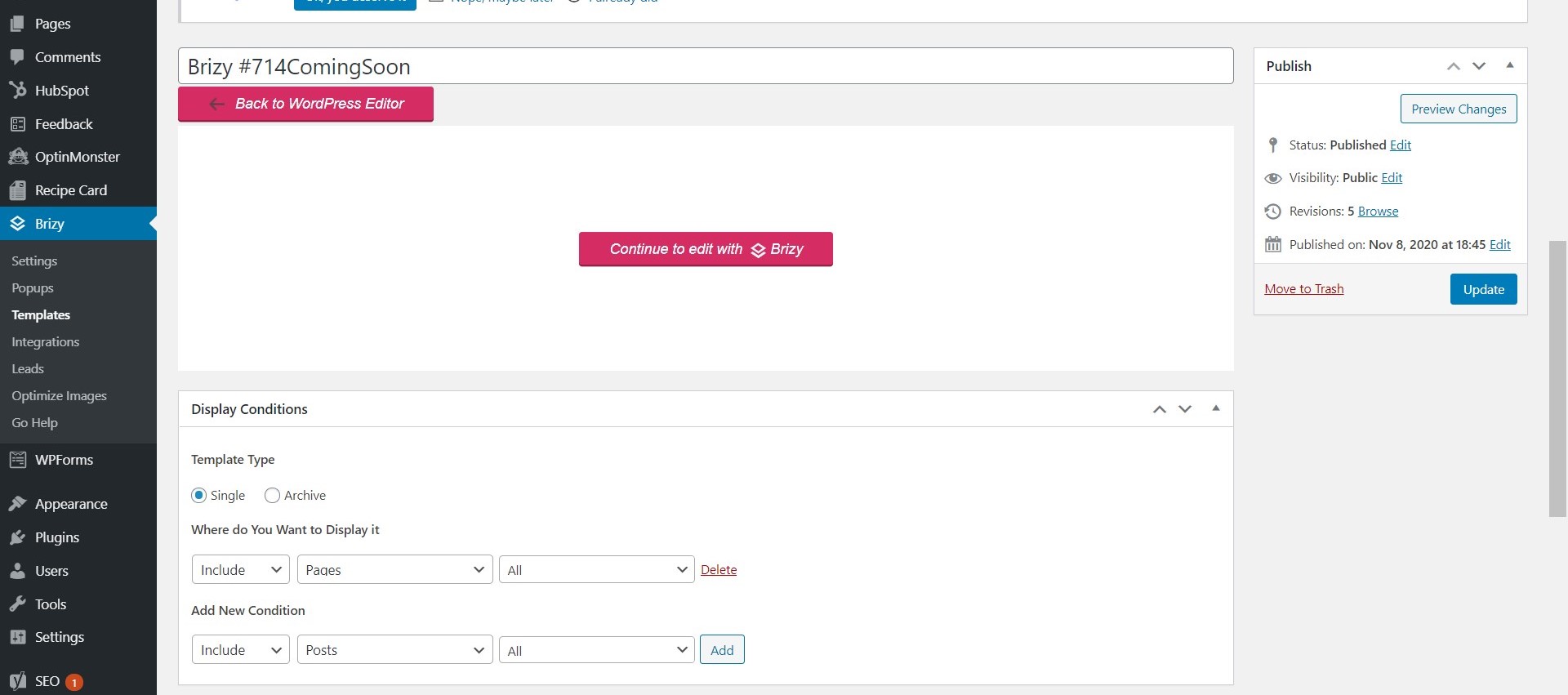
I made the same error as Ryan, and have now gone into the Display Conditions and I thought I'd indicated that I wished for the template to show in the Pages section of WP.
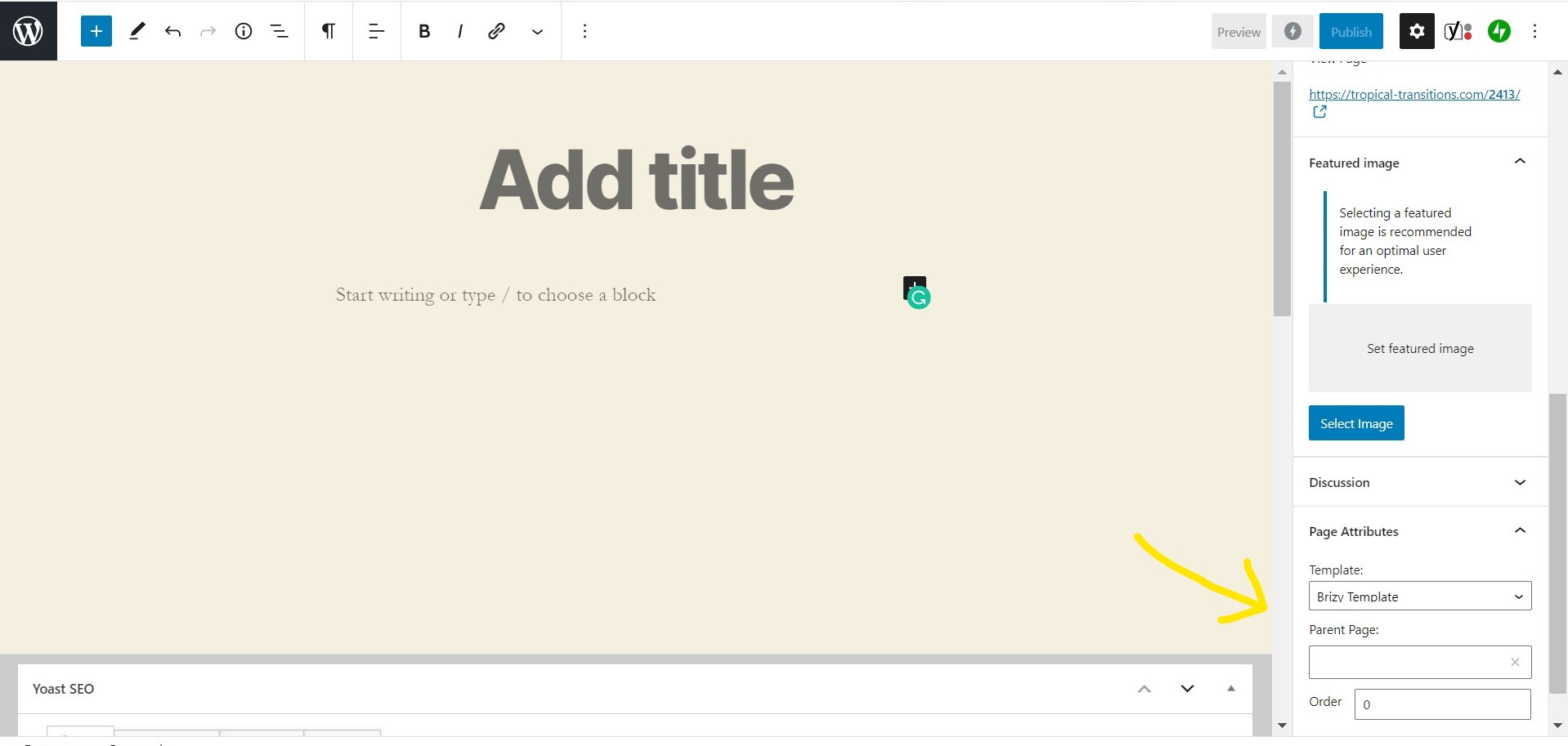
I also went in to create a new page and couldn't find anywhere that I could bring in the Brizy template even though I did find one reference to templates as shown in my attached image.
I had renamed the template temporarily for my own reference purposes and it's back to the automatic name give when originally creating it.
However, I'm still not having any success. I have a page ready to launch finally and I've hit a wall again. I've got to be missing something obvious.
cheers
Liz
 0
0 -
Hi Liz,
Templates and pages are 2 different objects. Pages are static elements of the site and templates are dynamic elements of the site. As I said before, the template is something like a sketch where you design how you want to look a page, a post or all posts. In templates usually is used the dynamic elements. In the display conditions you indicate where do you want to display this template. The template will apply to the page/post and will display the elements from the template. We don't recommend to create a template for All pages as you show us in the screenshot because in this case, all pages will have the same design and I suppose each page from the site is a bit different. You can create a template for a certain page (Blog page, Archive page, Category archive page, Shop, etc.) or for all posts.
Also, it is a big difference between Brizy Template and Page template - Brizy template. About the Brizy template I already told above and it is your second screenshot. There is the Brizy Template.
The page template - Brizy template is represented in your first screenshot and is about how to structure the page per total. Belong Brizy template, you may have "Default" template. It designs the page in general words. For example for pages you have set the Page template - Brizy template, you will have only Brizy settings and content. In the pages, you have the Page template - "Default" template, you will have the theme header and footer and a container where you will be able to add Brizy content.Let us know if we can help you with something else.
Best regards,
Sandra0
Please sign in to leave a comment.
Comments
3 comments