My website is not working anymore.

I can't even login on wp-admin and I believe that is a problem with your brizy builder.
How can I fix it without loosing my data?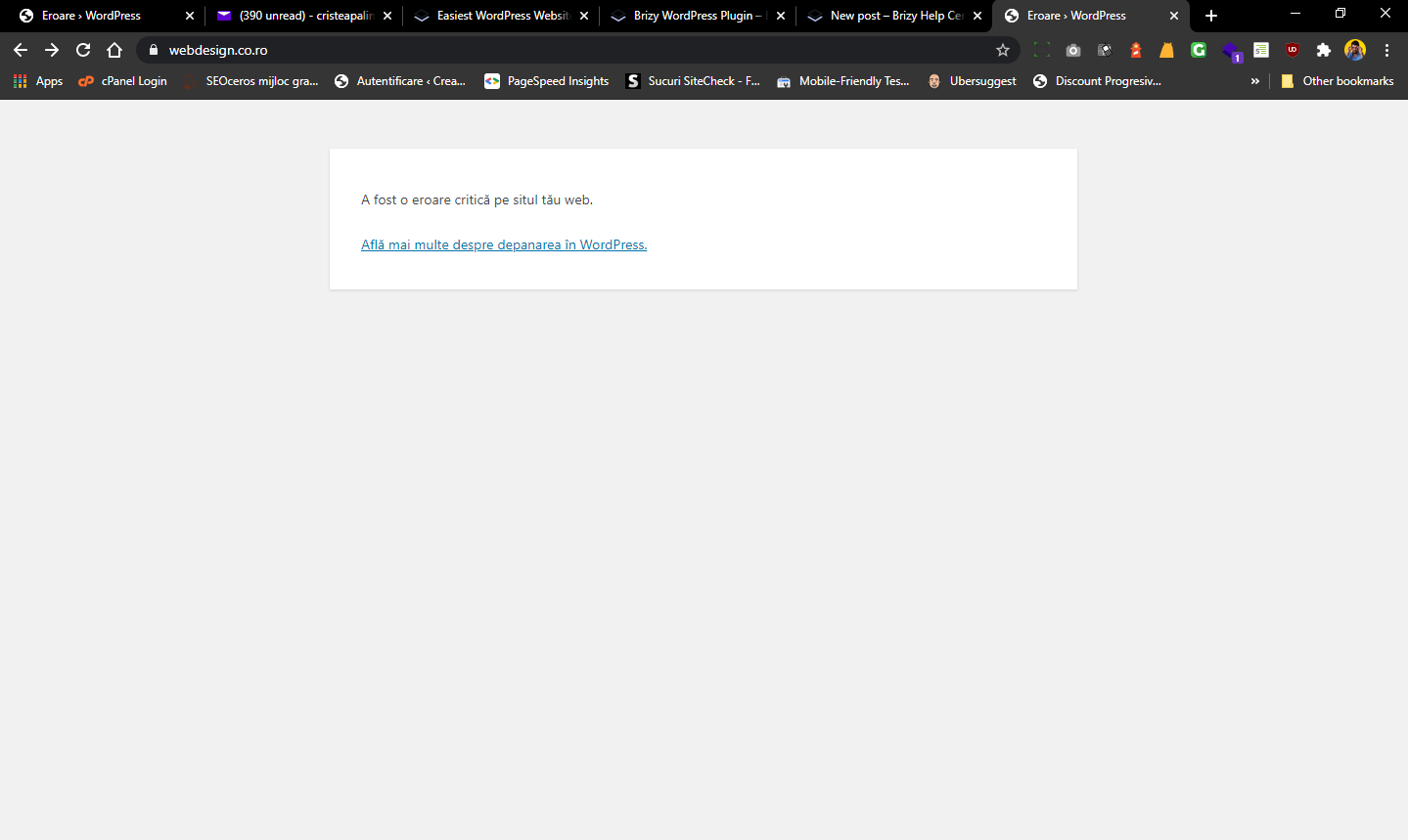
-

Hi,
we can't know for sure because the message does not indicate the cause plugin. Did this problem arise after any particular action you remember? Try to delete the Brizy folders via FTP and then re-install the latest versions from WordPress Dashboard. This should fix the problem if it's caused by Brizy.
0 -

That happened to me all day yesterday. I had to contact my hosting support so that they could disable and remove the Brizy Pro plugin
Then I was able to login and reactivate the Pro plugin
They were able to use my backup so I didn't lose my data
0 -
Hi,
We released an update two hours ago that should fix these issues. Please update the plugins to the latest versions: Free - 2.1.3 and PRO 2.1.1 and let us know if everything works as it should. Sorry for the created inconvenience.
0
Please sign in to leave a comment.
Comments
3 comments