WooCommerce Button Language

Hi guys!
I really need to change the WooCommerce Cart from English to Spanish, Is there any way to do it?
I would need the "Checkout" and all other texts like "No products in the cart" to be in Spanish.
I searched for a .php or CSS to edit but found nothing...
Thanks in advance.
-

Hi Oliver,
The WooCommerce button, text and labels can't be edited with Brizy. They are WooCommerce information and therefore this information can be customized only from WooCommerce. I tried to find some articles that will help you with this request and found this one and this one.
Best regards,
Sandra0 -
Hi Sandra. Indeed but that’s not the case.
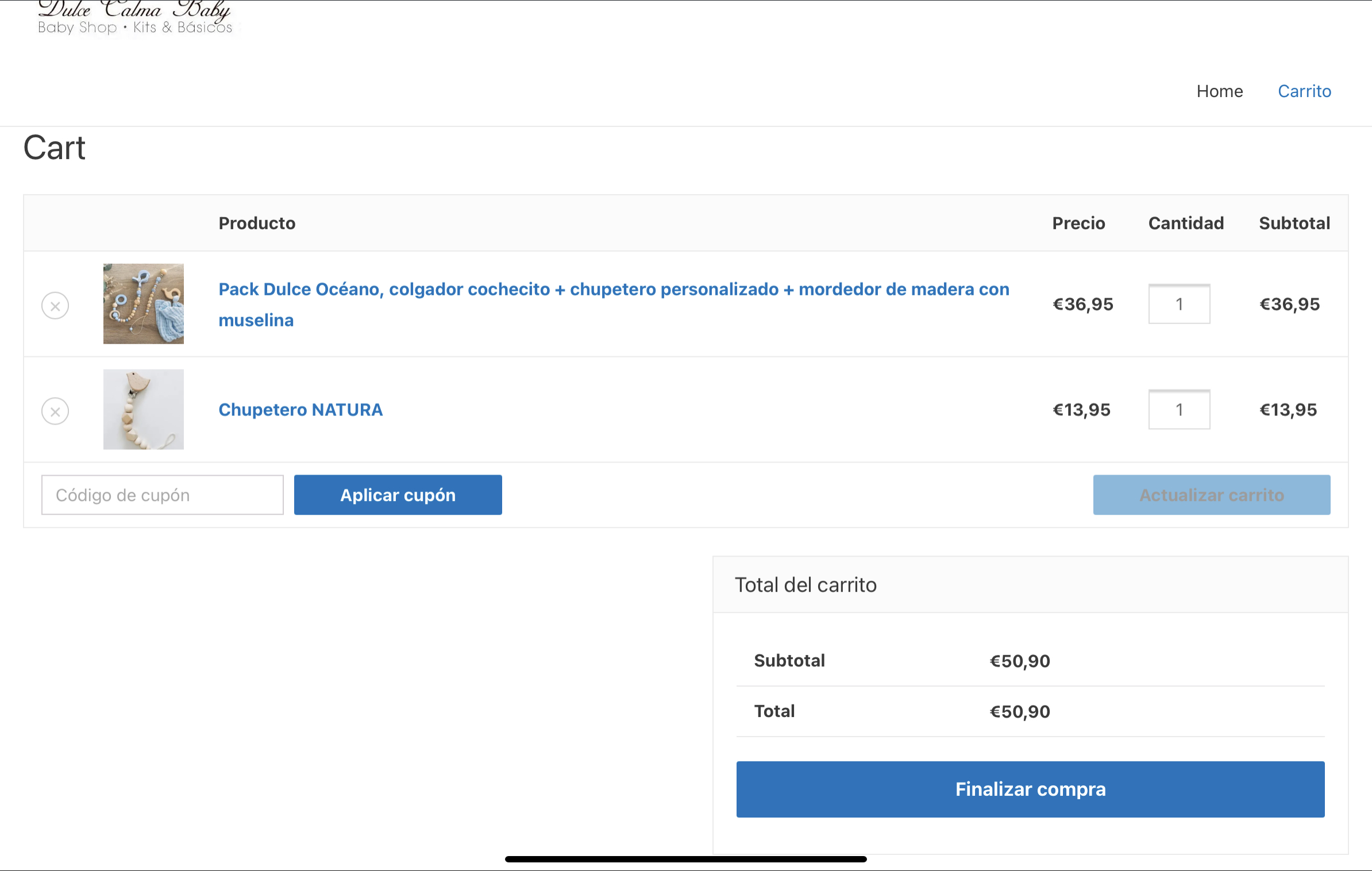
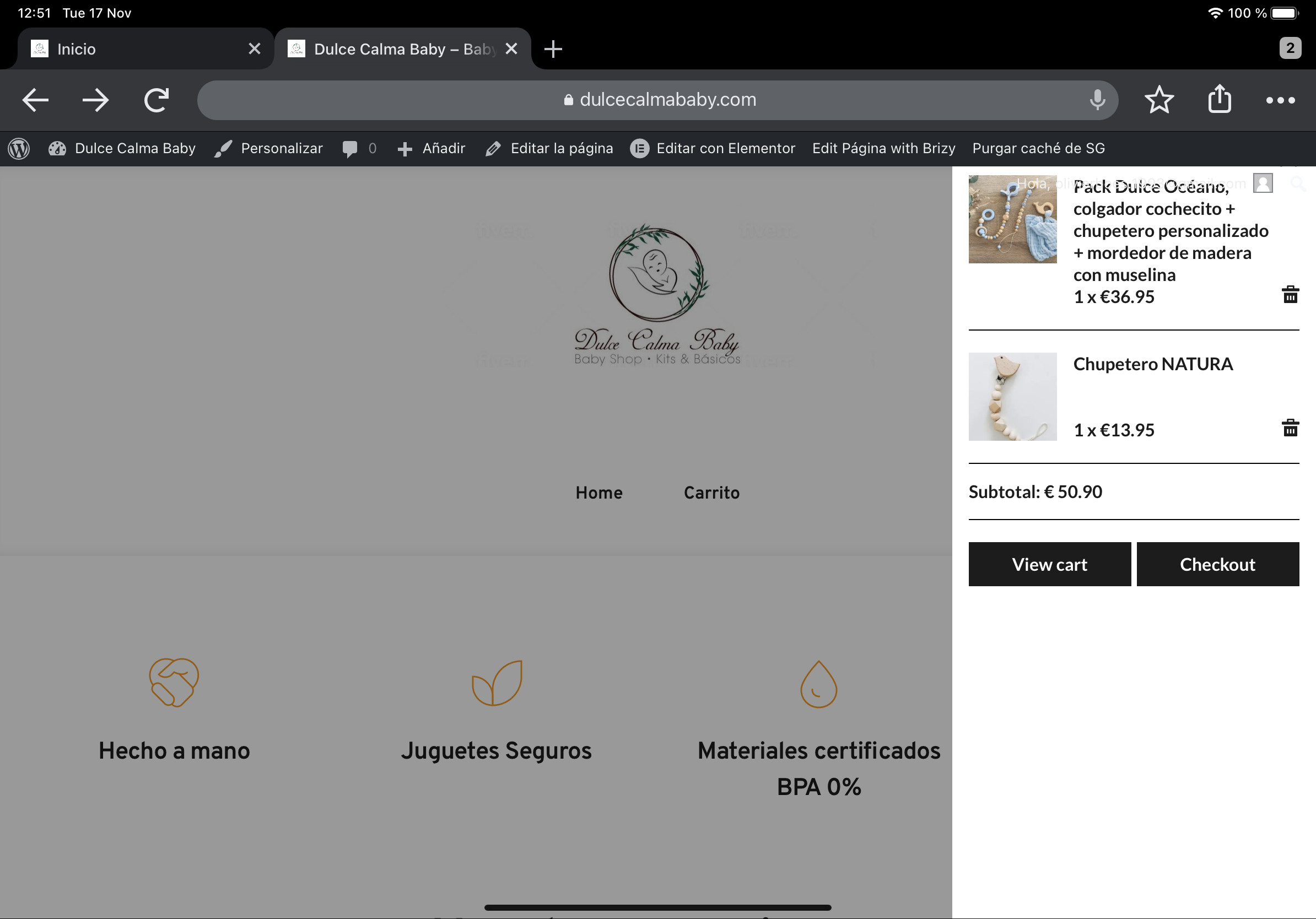
I’ll attached the plugin result vs the official woocommerce cart.
the official woocommerce is in Spanish while the Plugin in English.
So the plug-in don’t take the language of woocommerce in this case.
 0
0 -
Hi Oliver,
Could you please give us more details regarding this "the official woocommerce is in Spanish while the Plugin in English."? How did you set the language of the WooCommerce in Spanish and for the Brizy in English? The default language of the WooCommerce and Brizy is the language set up for the entire WordPress site from the Settings -> General. Therefore, if you set WordPress with Spanish then both WordPress and Brizy will be in Spanish. As you can see here, I set the WordPress in the Spanish and all the text from WooCommerce pages are translated into Spanish.
In the first screenshot you send us, I suppose that there is the Brizy template and there all the text is in Spanish (as it is should, I guess). The second screen doesn't reflect the Brizy template or code. That cart appears when isn't set-up any page as a Cart page and it appears from the theme. That one isn't created by Brizy and can't be edited with Brizy somehow but generated by default from theme.
Thanks!
Best regards,
Sandra0 -

I have the same problem with german. It seems its from here:
/brizy-pro/content/providers/woocommerce.php:
330 <div class="brz-woocart__sidebar-buttons">
331 <a href="<?php echo esc_url( wc_get_cart_url() ); ?>" class="brz-woocart__sidebar-button">
332: <span class="brz-woocart__sidebar-button-text">
333 <?php _e( 'View cart', 'brizy-pro' ); ?>
334 </span>
335 </a>
336 <a href="<?php echo esc_url( wc_get_checkout_url() ); ?>" class="brz-woocart__sidebar-button">
337: <span class="brz-woocart__sidebar-button-text"><?php _e( 'Checkout', 'brizy-pro' ); ?></span>
338 </a>
339 </div>
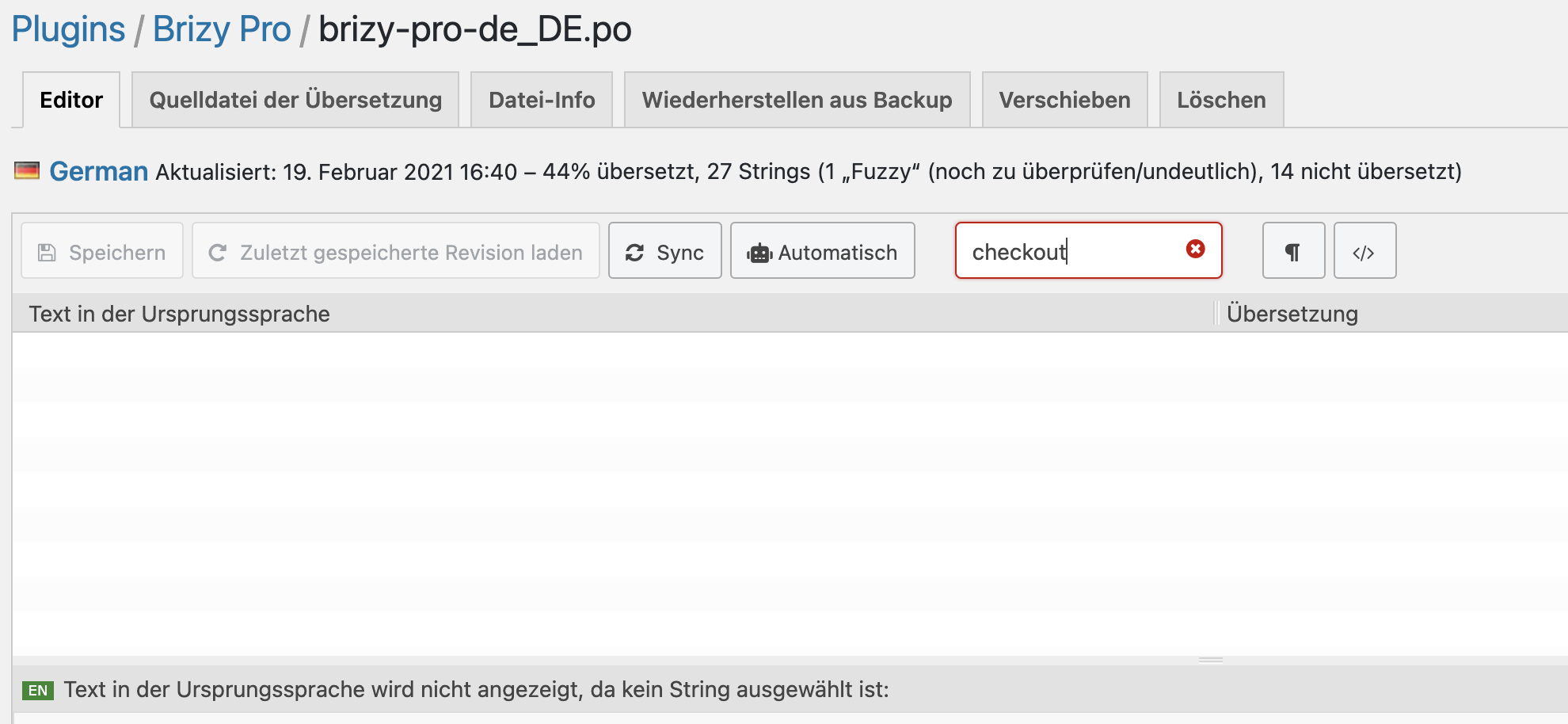
I don't see this texts in the .Po file
 0
0 -
Hi,
You should translate them through Loco translate. We have our domain translate
brizyandbrizy-prothat can be translated by translating our plugins in the Loco translate editor.Best regards,
Sandra0 -
Hi,
the problem is, as you can see in the Screenshot, that the strings doesn't appear in Loco translate...
Best regards
Matthias
0 -
Hi,
Yes, seems that there can be a problem. I informed our team regarding this inconvenience and they will investigate and fix it. I'm sorry for this problem.
Let us know if we can help you with something else.Best regards,
Sandra0 -

Hi,
any idea what the status is?
0 -
Hi,
We almost finished fixing this problem and now we have to test it and improve some aspect in case we found some inconveniences. Most probably in one of the next updates, we will release this fix.
Thank you!
Best regards,
Sandra0 -

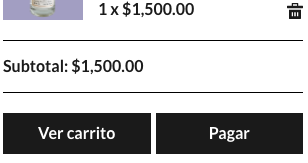
Hi! I had the same problem. But I could change the cart buttons' text to Spanish, using the Loco Translator plugin:
 0
0 -

Hello Erika,
Thank you for your message and for sharing this information with us! I think for the users will be helpful as well! If you encounter any problem or have a question, feel free to ask! We will be happy to help.
With kind regards,
Doina
1 -

I have the same problem. Is there a solution?
0 -

Hi Michiel,
If a specific text string is not translated to a language, the missing translation needs to be added using the Loco translate plugin. If the specific string you want to translate is not available for translation, we will need to add it to the locale.
Which specific text strings is missing? Which language are you working on?
0 -
Thank you, I am working in dutch (it was only translated 33%) , i changed to belgium now it works.
0 -

Incredibly this still happening. Any update on this?
0 -
I have already found a clue. I changed the language website's language from Español de Colombia to Español, and it worked. Can you put the translations in place for Español de Colombia?
0 -
Hi Juan,
WordPress plugin translations are mostly carried out by volunteers. While many volunteers have helped us translate Brizy and Brizy Pro to major languages, several language translations are still incomplete.
Adding missing translation using the Loco Translate plugin in your WordPress Dashboard would be an interim solution.
0
Please sign in to leave a comment.
Comments
17 comments