Archive

Good evening, i bought brizy pro, i would like to know if there is a way to create a page that works as a post archive.
Thanks, Pamela
-

Hi Pamela,
With "Post Archive" did you mean the "Archive page"? If so, yes you can create and design an Archive page with Brizy template. For this, you have to add the Display condition to Archive, see here, after this publish the template and start editing it with Brizy.
Best regards,
Sandra0 -
Good evening, but display conditions I don't see it. How can I do?
0 -
and more importantly, why don't I see the archive item anymore?
0 -

Hello I was looking at your post and I have the same problem I can't make an archive page or single post page that works with the brisy header menu it always defaults back to the theme archive page, I have looked at hours of brizy videos and nothing works for me.
let me know if I can get some help I have had brizy for 2 weeks and have wasted those two weeks working on this with no success
0 -
Hi there,
Firstly, could you please check if you have the latest versions for Brizy Free 2.1.3 and Pro 2.1.1?
@pamela ellena, could you please repeat the steps I show you in this video? Is it working differently on your dashboard? Also, the Archive element wasn't removed from the builder. Here you can find it. It is available only in the templates.
@Jonathan Ashley, in the template, did you use the page template - Brizy template https://jmp.sh/5AYS5dV? Could you send us a video with the problem you encounter?
Thanks!
Best regards,
Sandra0 -
Thanks! I solved with your advice.0 -
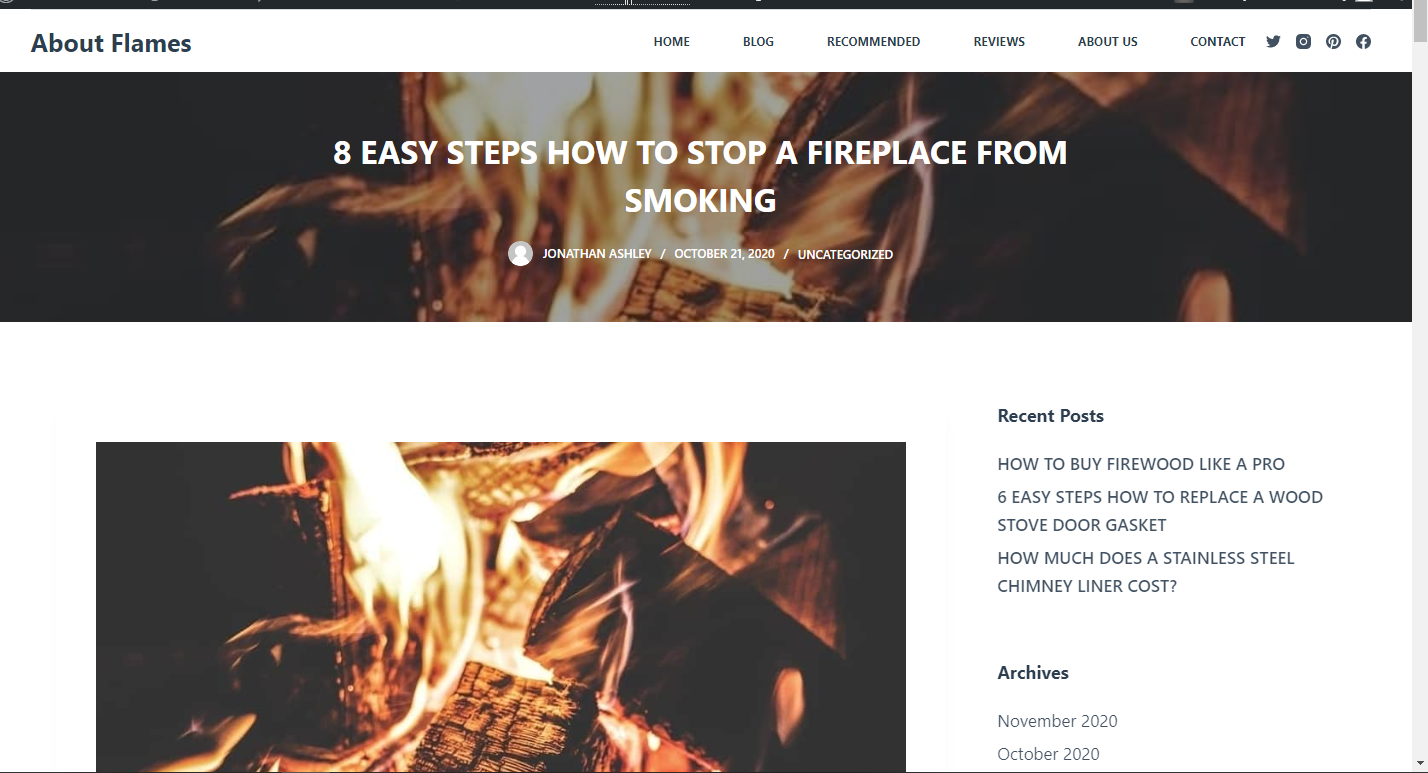
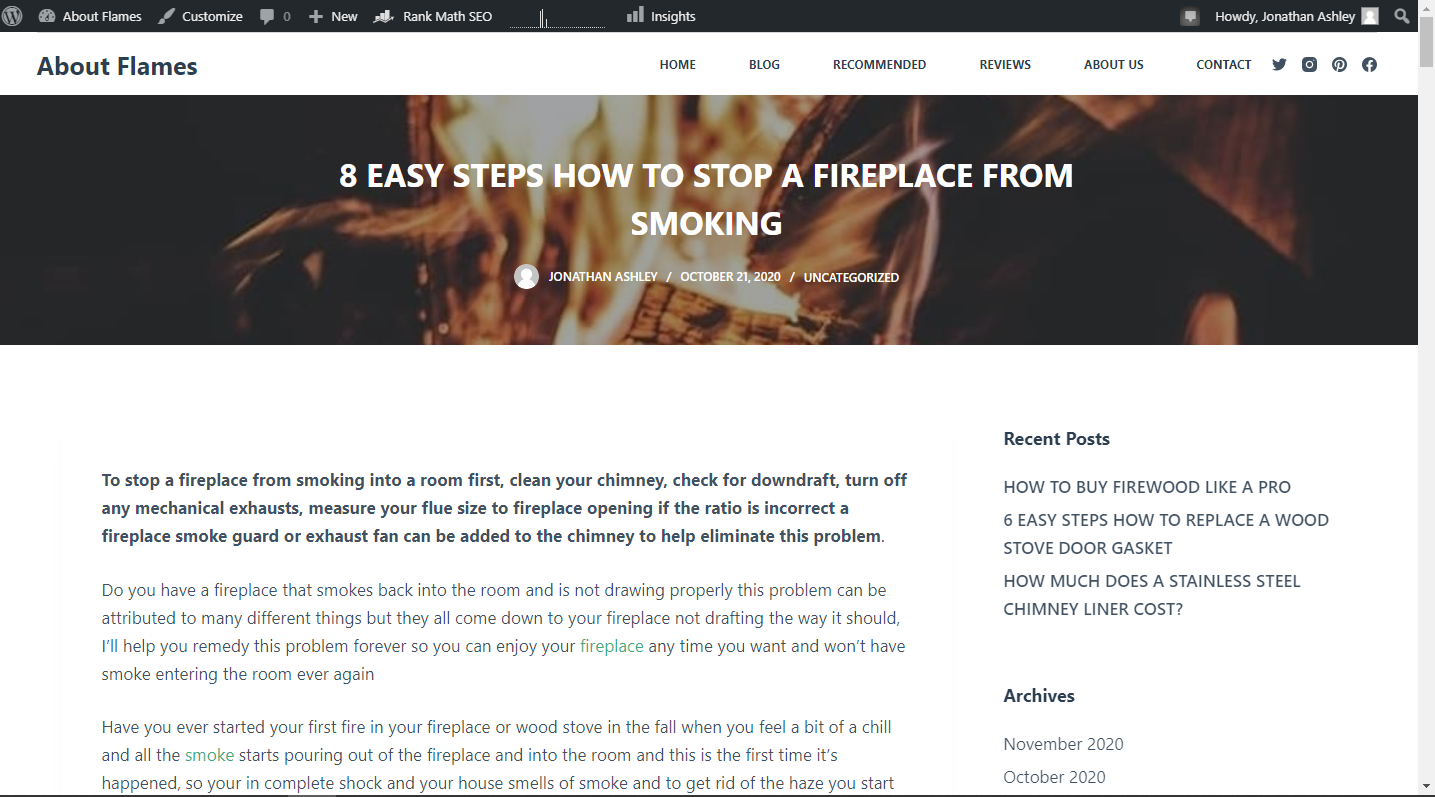
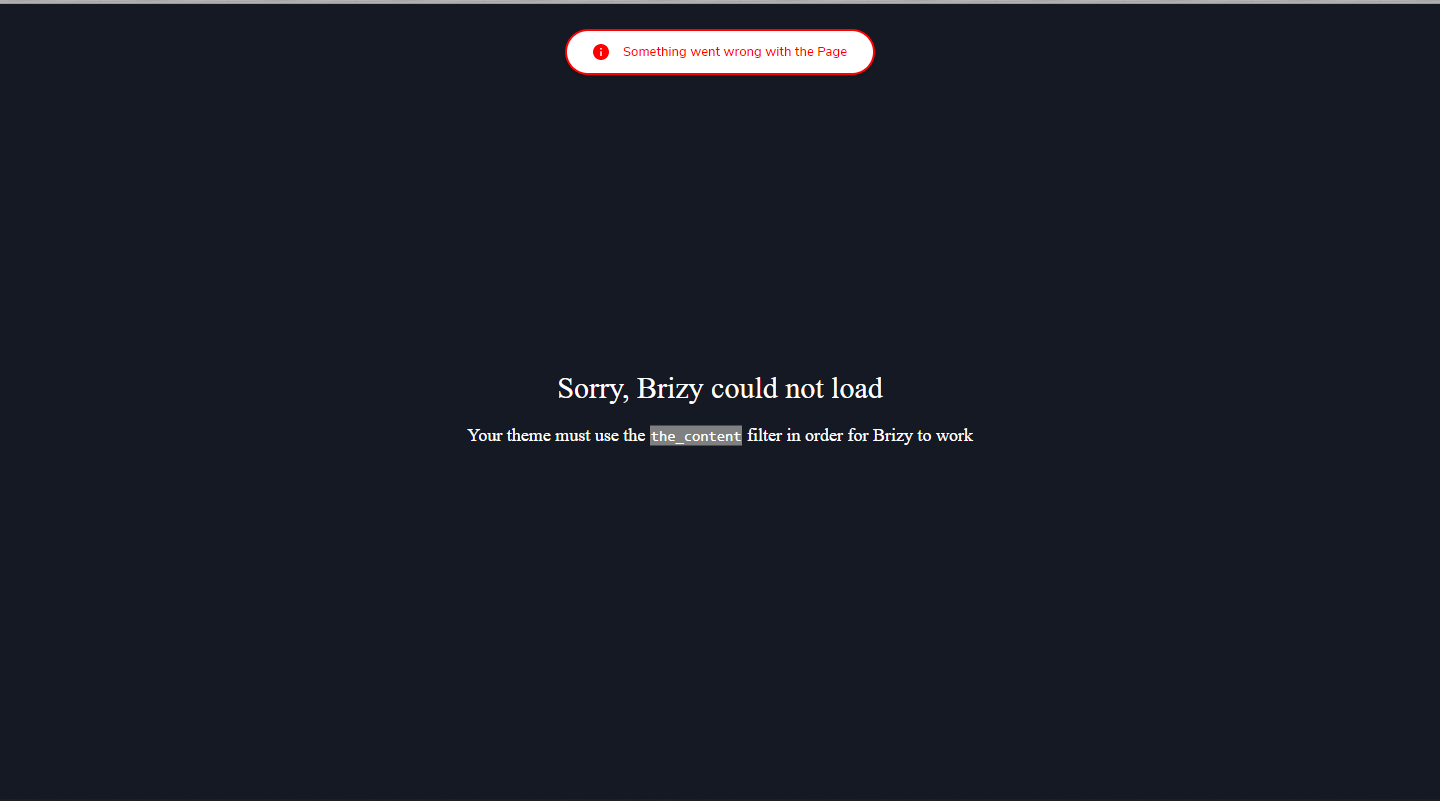
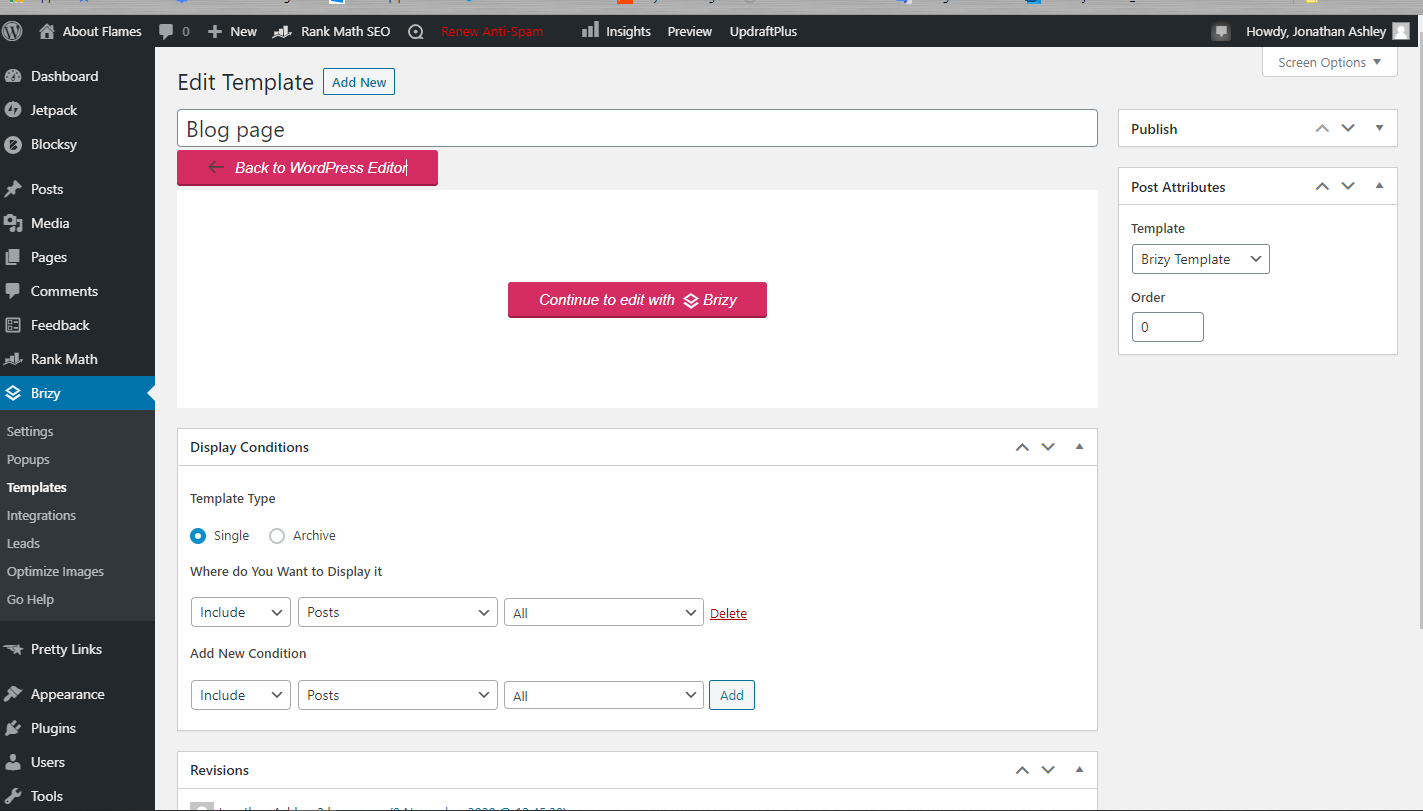
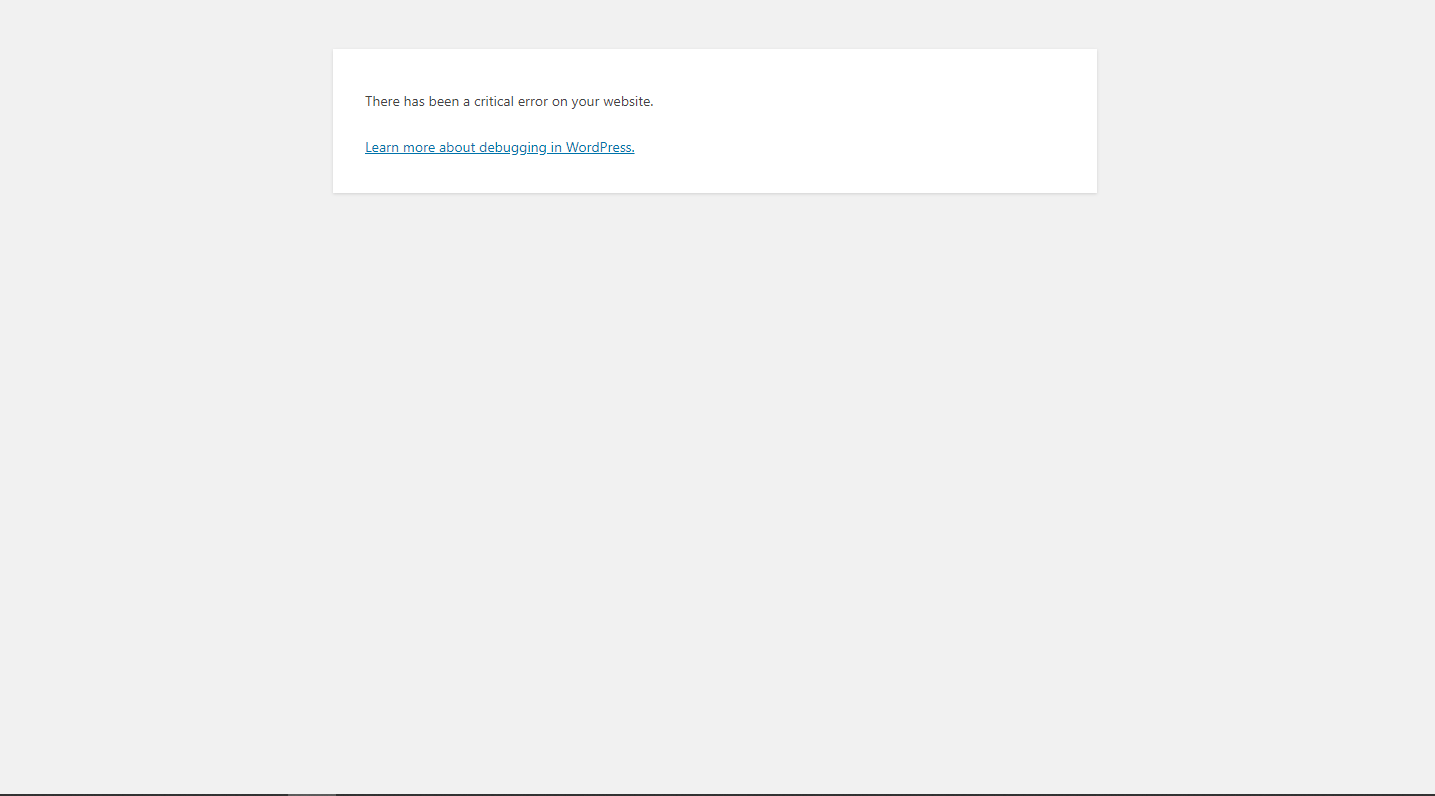
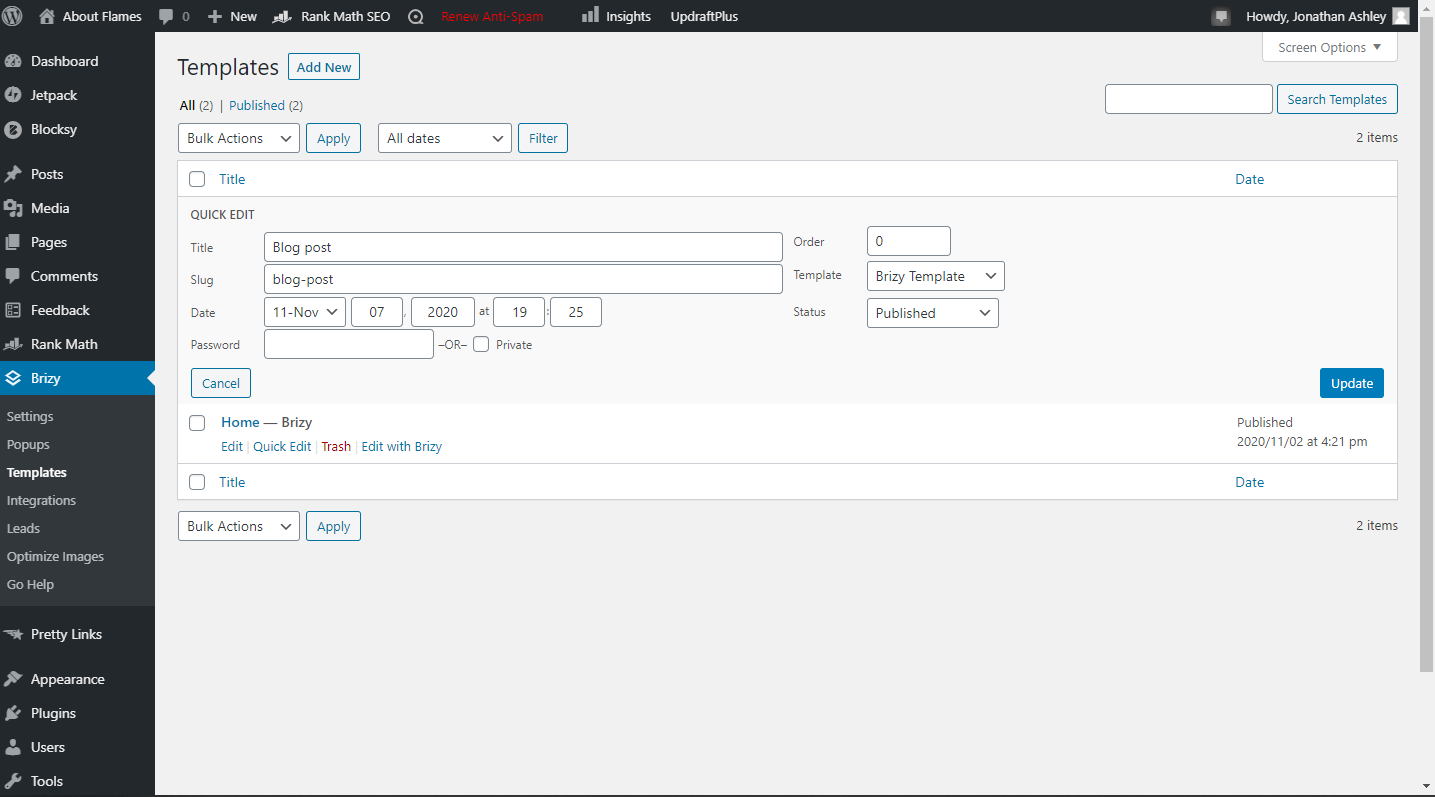
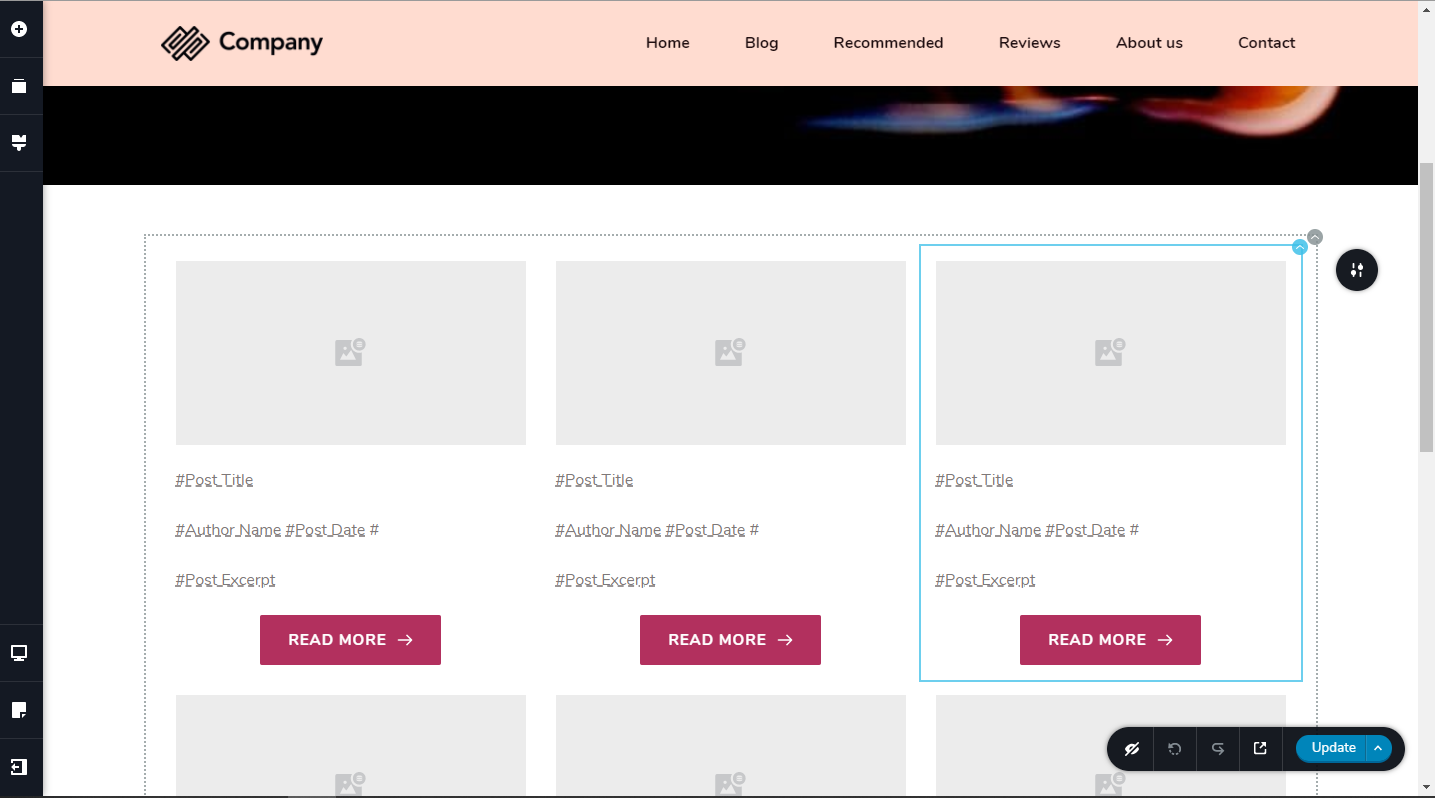
I sent you some screenshots I cant add the template to my blog page in the menu at the top of the page so I can see it when I go to my site what am I doing wrong? aboutflames.com
and the site always defaults back to the archive of the theme.
0 -
If I touch the blog button in the menu of the site it just keeps aking me back to my homepage
0 -
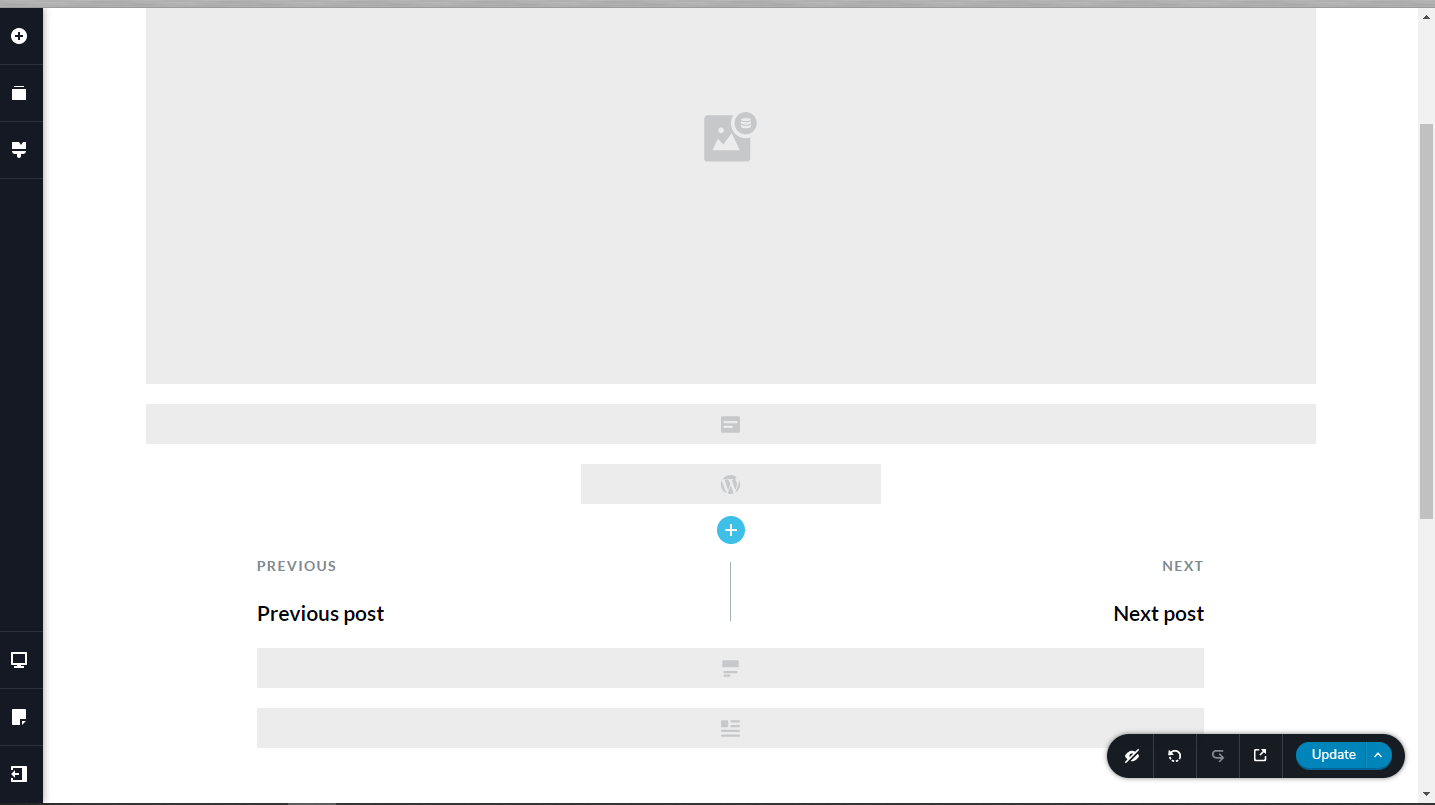
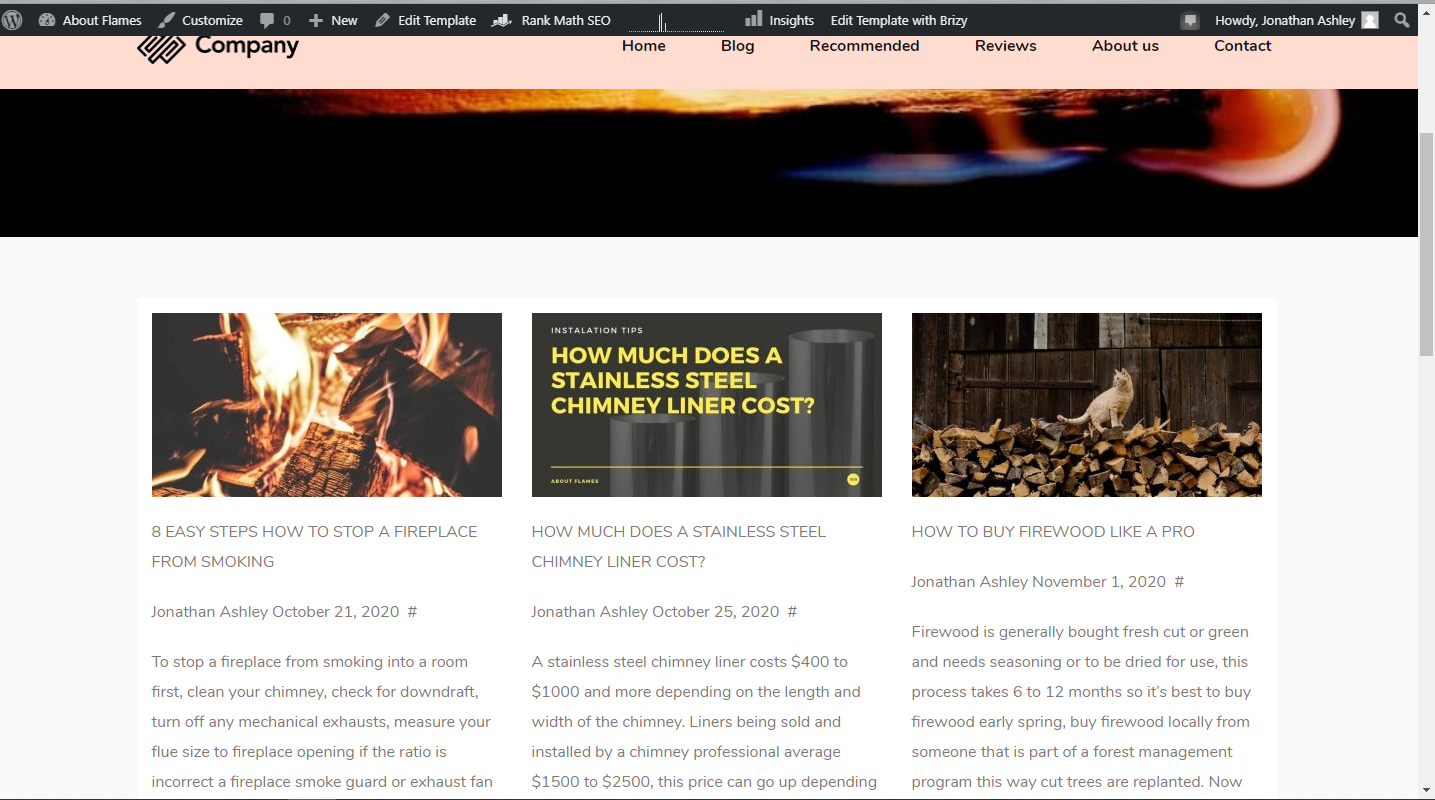 0
0 -
Hi there,
@pamela ellena, thank you for updating us regarding the problem you encounter! Great to know that all is working fine.
Stay safe and have a great day!
Best regards,
Sandra0 -
Hi there,
@Jonathan Ashley, thank you for all your details! Could you please check if you have the latest versions for Brizy Free 2.1.4 and Brizy Pro 2.1.2? Yesterday, we release 2 new updates and we fixed some inconveniences with Dynamic Content?
Also, I have some questions for you. Did you set the Blog page as the homepage? Do you want this? When I open the link you send us, I saw the Blog page and also when I accessed the Blog from the menu, I noticed that it had the homepage link. For this, could you please go to the WP dashboard -> Settings -> Reading. Here, for the homepage, what page did you select?
If you want to set the Blog page as Posts/Blog page in the WordPress, you have to select the Blog page in the "Posts page" field. See here.
After this, from this screenshot, I found that you set the display condition "Include -> Posts -> All" for the Blog page template. This condition is properly for the posts but if you want to set this template only for Posts/Blog page, you have to change this display condition and select the "Archive" template type and from there select "Include -> Posts/Blog page". See here.
Also, I want to mention that the Blog page shouldn't have activated Brizy builder. The page should not have some Brizy code because in this case the template content will not be displayed.Could you please make all these changes and let us know how is working the Blog page?
Thanks!
Best regards,
Sandra0
Please sign in to leave a comment.
Comments
11 comments