Cart button missing

With the new update the cart button displays fine on normal pages.
On WooCommerce pages if the brizy header is included, it only shows a line. See image attached.
Tested on fresh installation. Happens on all Woocommerce pages. Cart/Checkout etc..
Any fix for this?

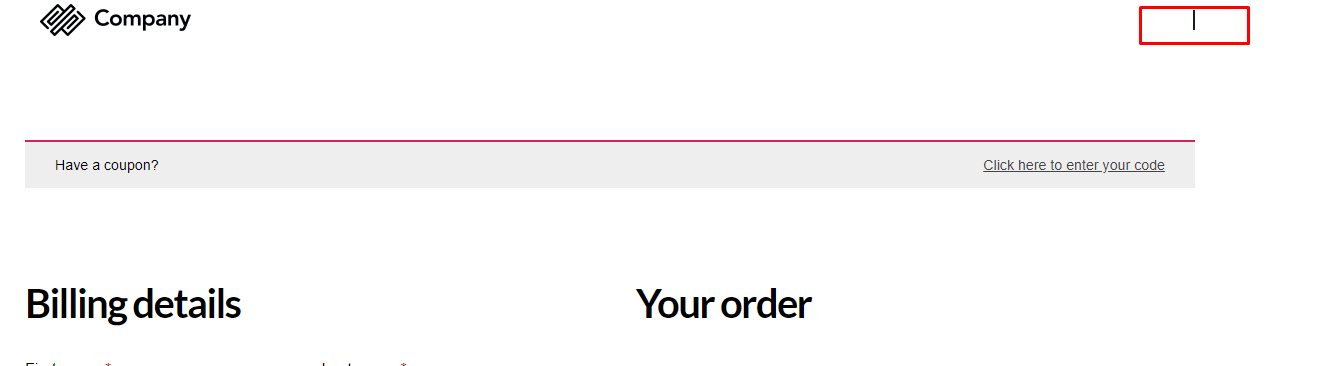
-

Hi,
Could you please describe step by step how did you reproduce this issue? Did you create a template? What display conditions do you have set? What elements did you add in the editor mode?
Thanks!
Best regards,
Sandra0 -
Hi
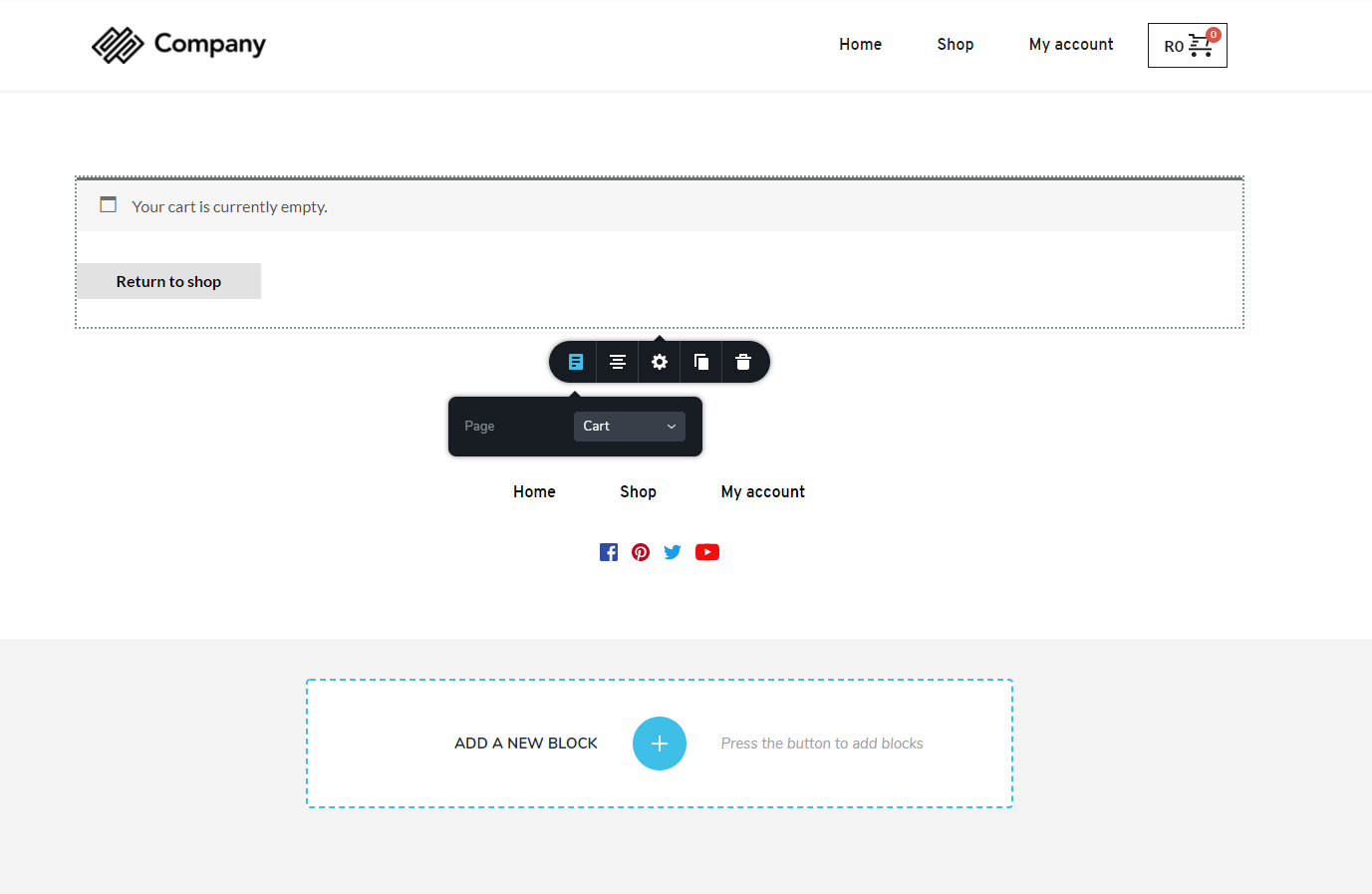
Not a template. I edit the cart and checkout pages directly by woocommerce, included a global header and footer and the page element from brizy.
See image
 1
1 -
Please note, the cart element displays fine inside brizy backend builder. But on front end it just shows the line.
regards
1 -
Hi,
Thank you for reporting this problem and all your details. I already send it to our developers and they will investigate and solve this issue. I'm sorry for created inconveniences, let us know if we can help you with something else.
Thanks!
Best regards,
Sandra0 -

Hey there,
I am having the same issue as the user above. Was there a found solution to this?
0 -
Hi Geoff,
This problem is already solved. Could you please check if you have the latest Brizy Free 2.2.8 and Brizy Pro 2.2.5 version? Also, could you please temporary deactivate all external plugins (except Brizy Free and Brizy Pro) and activate a WordPress default theme? Do you still have this problem?
Best regards,
Sandra0
Please sign in to leave a comment.
Comments
6 comments