[Solved] Menu on mobile - doesn't show in editor

Hi! I can't get my hamburger menu to show on mobile. I've looked through the tutorials here in the support forum this and this. But my problem is that I don't even have the menu element in the editor. This is how it looks like in both mobile and tablet mode:
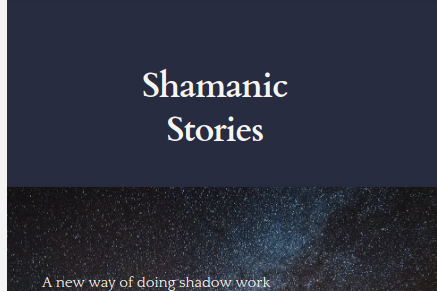
I've seen I can make it to a hamburger menu in the desktop view, but then the menu disappears totally and the actual hamburger doesn't show at all. From this:

to this:
I'm on Brizy Cloud.
Please help :)
-

Hi,
I suppose that the hamburger menu has the same colour as the background of this block and for this reason you don't see it. Could you please change the block's background color (for example grey) and check if the hamburger menu is displayed. If it is displayed, please change its color and then change back the block's background color.
Thanks!
Best regards,
Sandra0 -
Hi, and thank you for the answer! On the desktop version, you are right. I changed the block's background and it showed up :) But, still nothing on the mobile view.. I can't even find the menu element in the editor on the mobile and tablet view. The only elements I can find are these:
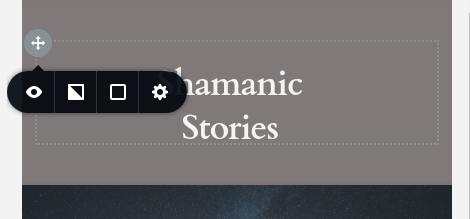
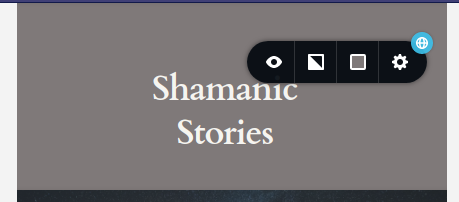
Nothing else when I hover with the mouse. And as you can see, the background color is different and still nothing (I've tried both as a hamburger menu and normal menu on the desktop view, but nothing changes in the mobile view).
This is the mobile view without anything clicked: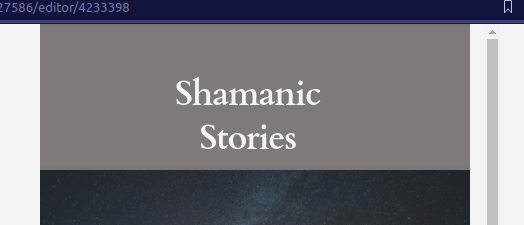 0
0 -
Hi,
I may suppose that the hamburger menu could be set as hidden in the mobile mode. Could you please deactivate the hidden mode for the entire page and check if the hamburger menu appears as blurred? If so, could you please set is visible for mobile mode? See here how you can check this.
Best regards,
Sandra1 -
Yes, it worked! Thank you!! :)
0 -
Hi,
Thank you for updating us regarding this problem. Great to know that all is working fine now!
Let us know if we can help you with something else.Best regards,
Sandra0
Please sign in to leave a comment.
Comments
5 comments