Front to Back End plus WP Admin Issues

I recently converted to Brizy after struggling with WP and an alternative them plugin. I'm much happier and very impressed with the ease of putting a website together using Brizy but my learning curve is still steep. I'm also impatient to now get on with things after wasting my time struggling with the prior process of hitting brick walls. (Am I being subtle enough?)
I was trying to find answers to a couple of issues and questions I have and watched the Front End Back End video. I then realised that I'm looking at a different layout in the WP admin area that I am using and, I suspect that I have a newer version of Brizy Pro. Since that's most likely the answer, which you'll hopefully confirm, I have a few other issues in the Admin area.
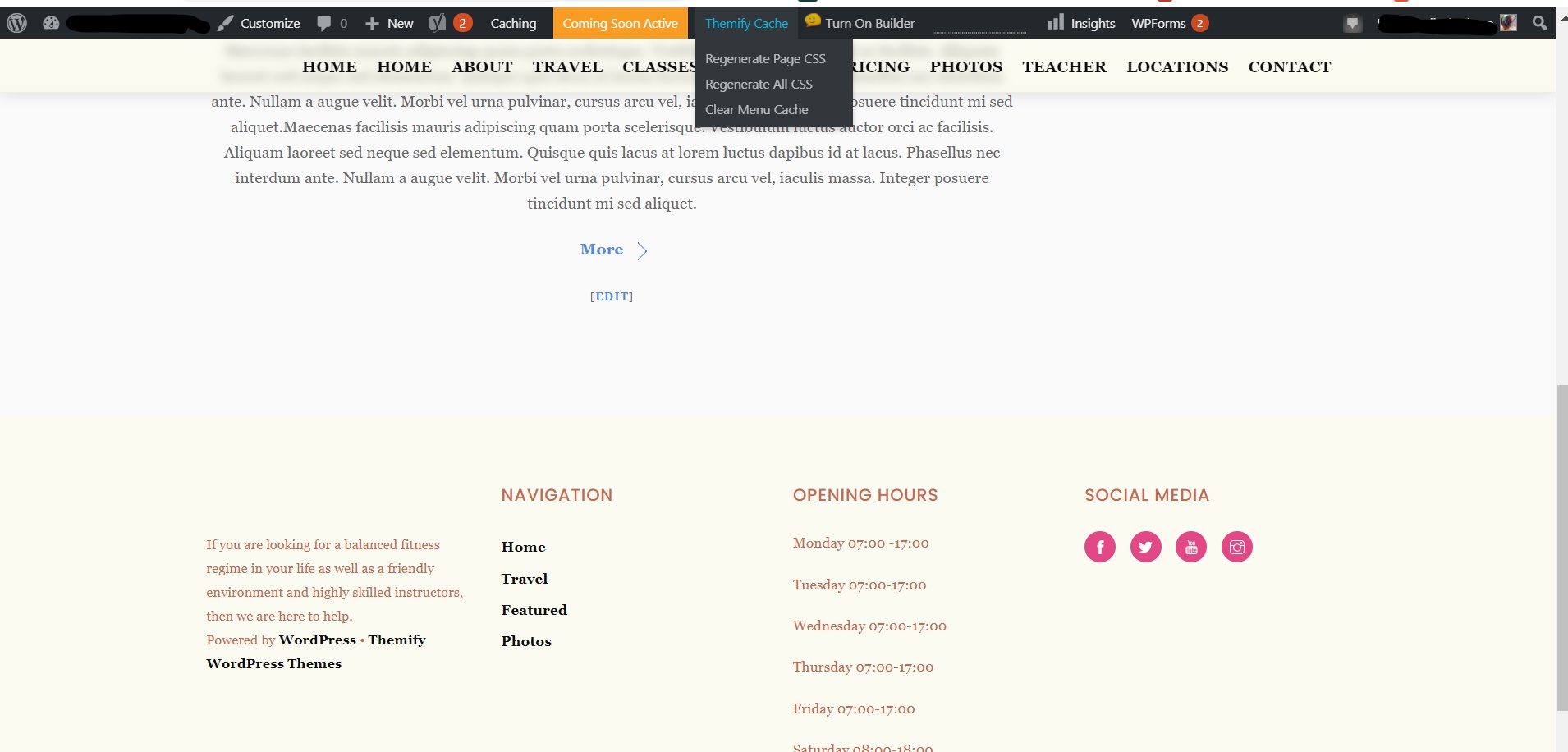
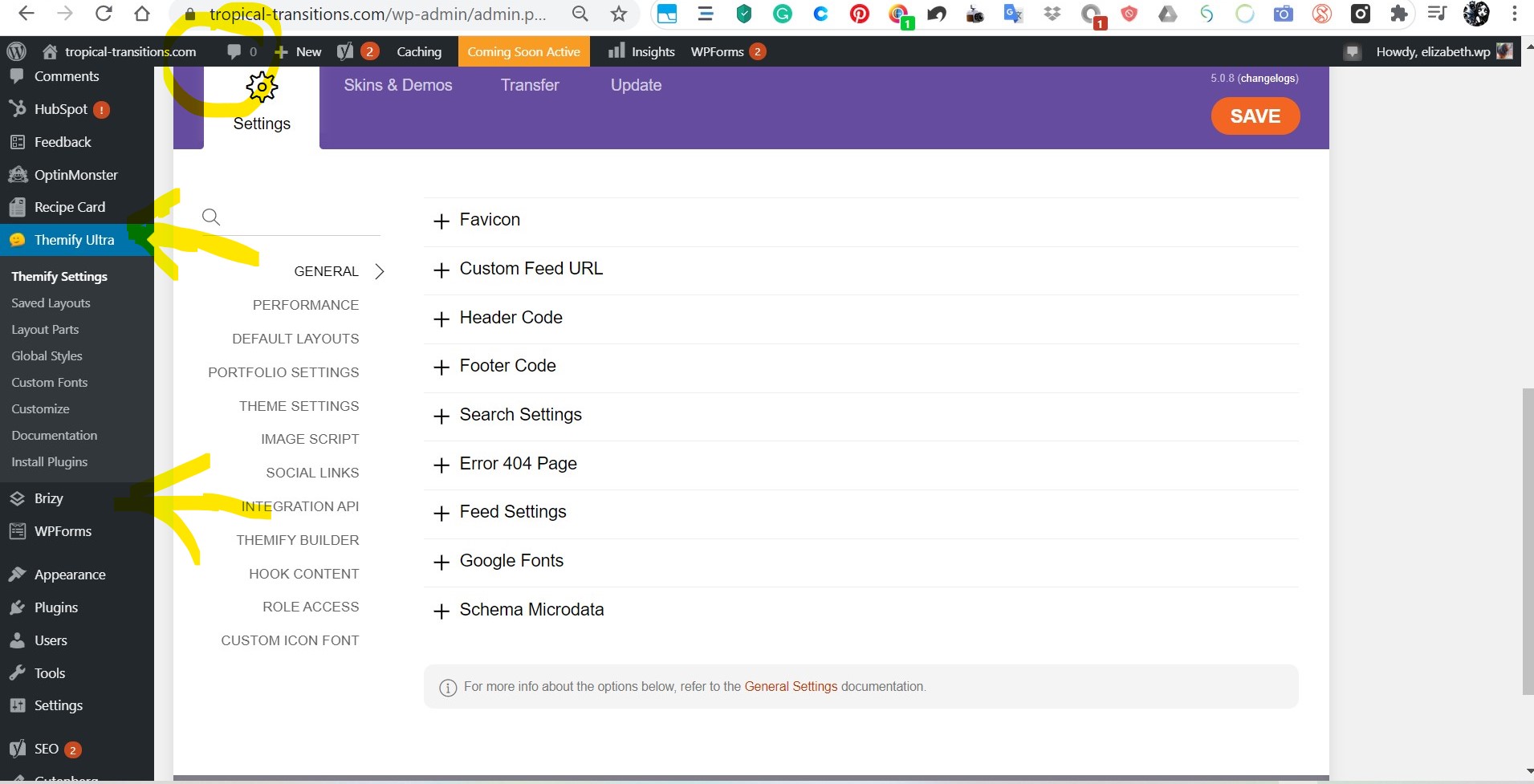
As you can see, I have another Theme plugin installed and, although I've deactivated all the ancillary plugins, I still can't seem to get this other primary interface out of WP. I've trashed all the original pages and I've started again with Brizy.
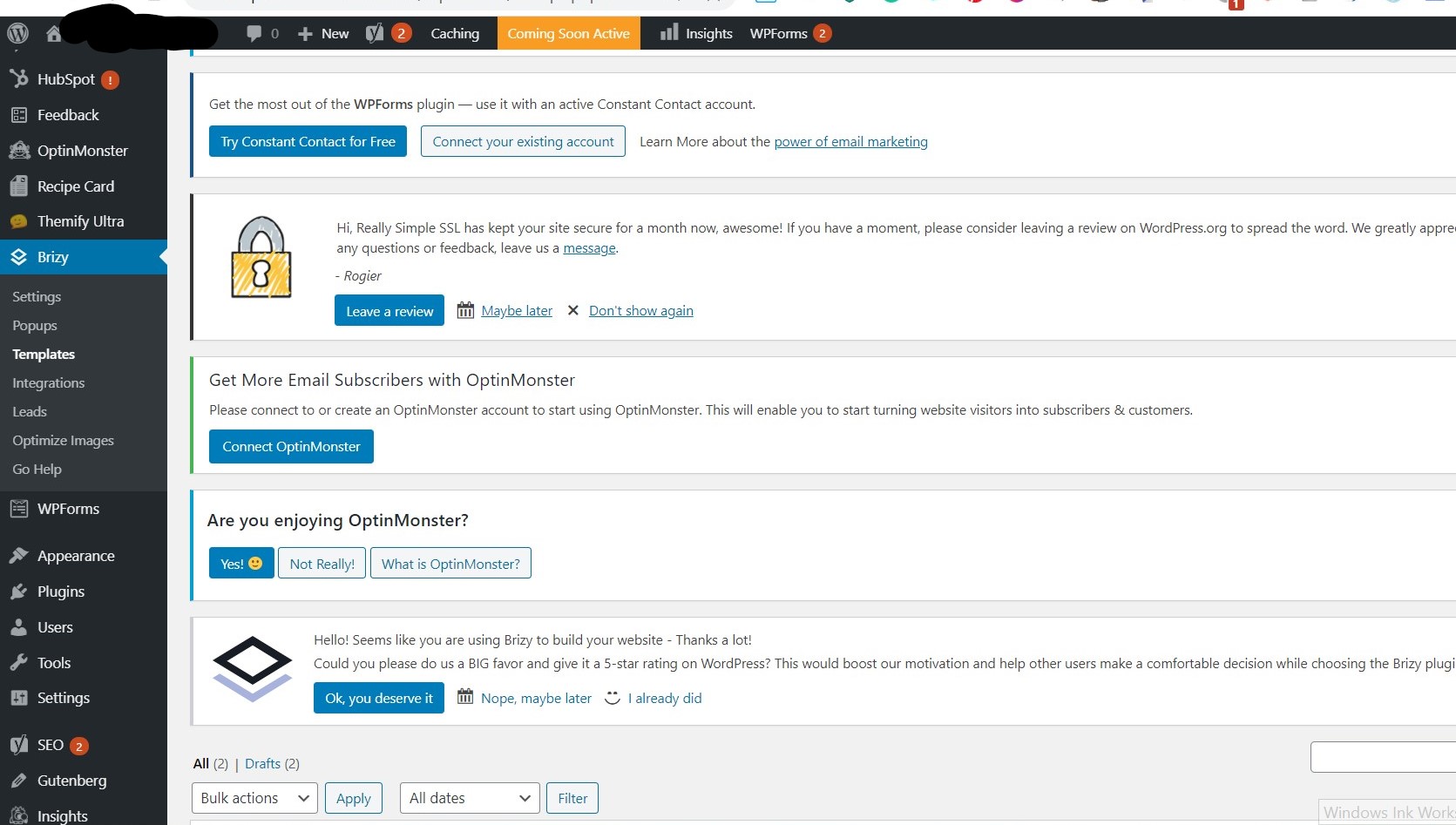
However, I also found in the Admin area another innocuous menu item which also belongs to the previous plugin. Called simply Appearance and between WP Forms and Plugins, it has all the previous themes I accessed and the ones I installed can't be deactivated. Can you help with my removing the this unwanted plugin chaff which I still stumble over now and again?
Possibly related to this problem above, I'm also hosting my site elsewhere and I suspect some of the issues are caused by this site's WP interface and themes also. But, I can live with that as these aren't intrusive or adding complexity to my concentrating on Brizy and it's amazing interface.
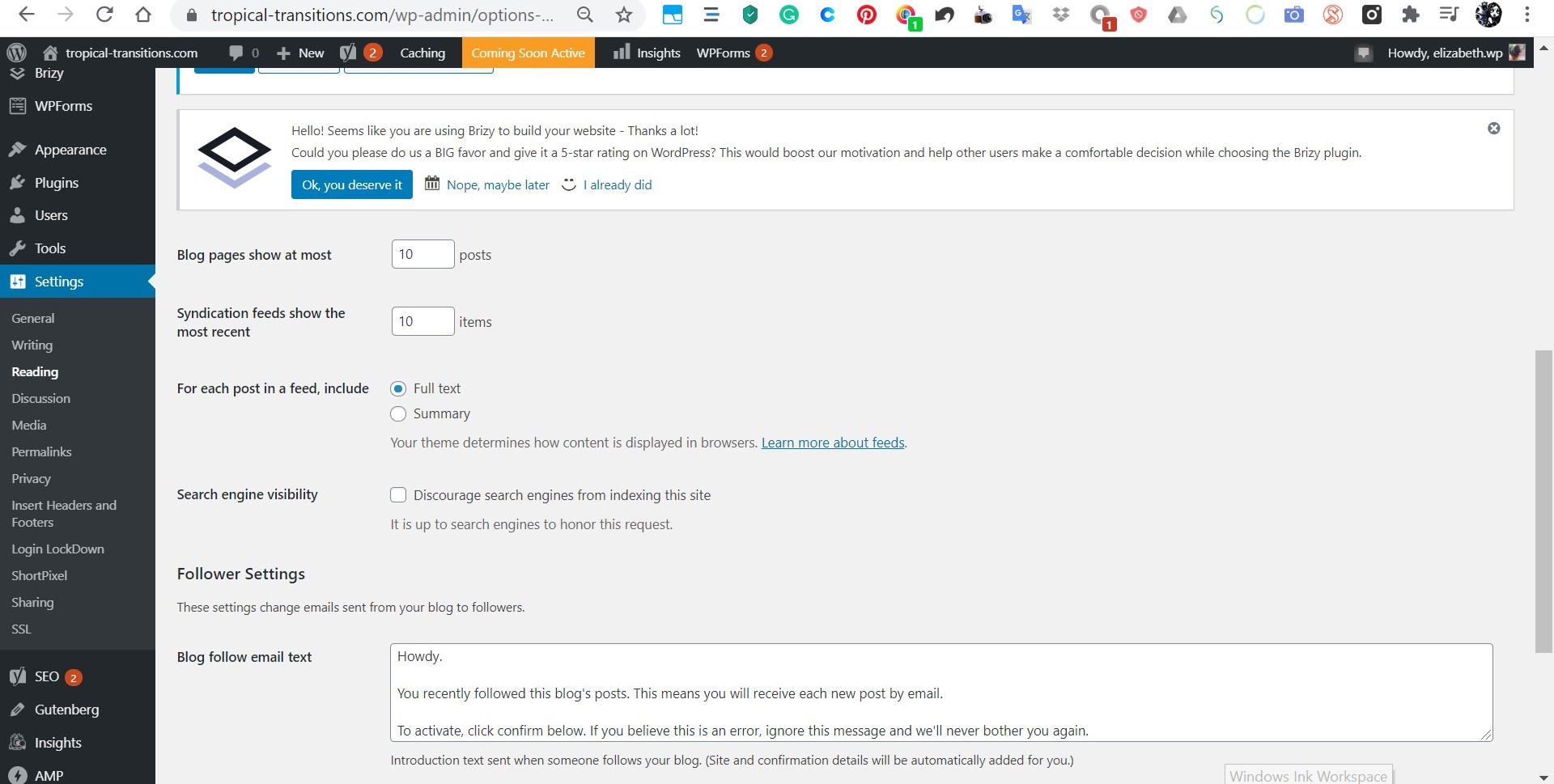
That first image below is showing what I still seem to have active and I suspect I need to do something with the cache but, erring on the side of caution, I'm asking for advice on this also, please.
cheers
Liz
-

Hi,
Thank you for getting in touch with us!
The Brizy builder and options you can find only when you start to edit Brizy pages. When you log-in your WordPress site, you can't see the Brizy editor. It is opening when you click on "Edit with Brizy" for the page, post or Brizy template. In other cases, you see the WordPress interface.
The Appearance menu is a WordPress option and it is a very important menu. It can't be hidden or deleted. From there you create a menu, add themes and other essentials options. If you want to delete the themes that you don't use anymore, you can open each of them and click on the Delete option. See here.
This bar and menu are from WordPress and it can't be deleted or hidden. It shows you some important details of the page. This can't generate some problems on the site.Let us know if we can help you with something else related to Brizy. Stay safe and have a great day!
Best regards,
Sandra0 -
Hi Sandra
I can't find a delete button on the themes, and I've spent ages going through the Themify menu areas. I've sent a Help request to Themify on how to purge everything out. I may involve purging the Brizy Builder out also, but I can reinstall that, and my drafts are still in the cloud thank heavens.
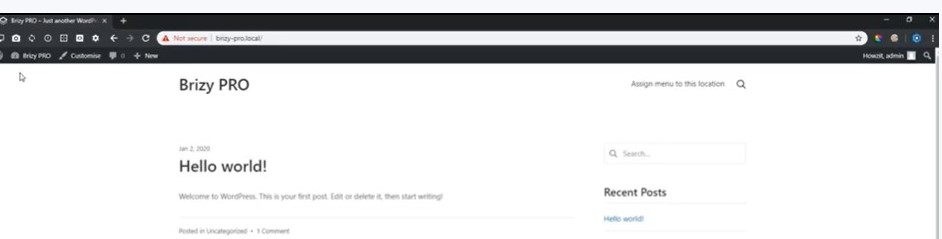
Attached is an image I have questions on based upon a video I've seen on integrating Brizy into WP.
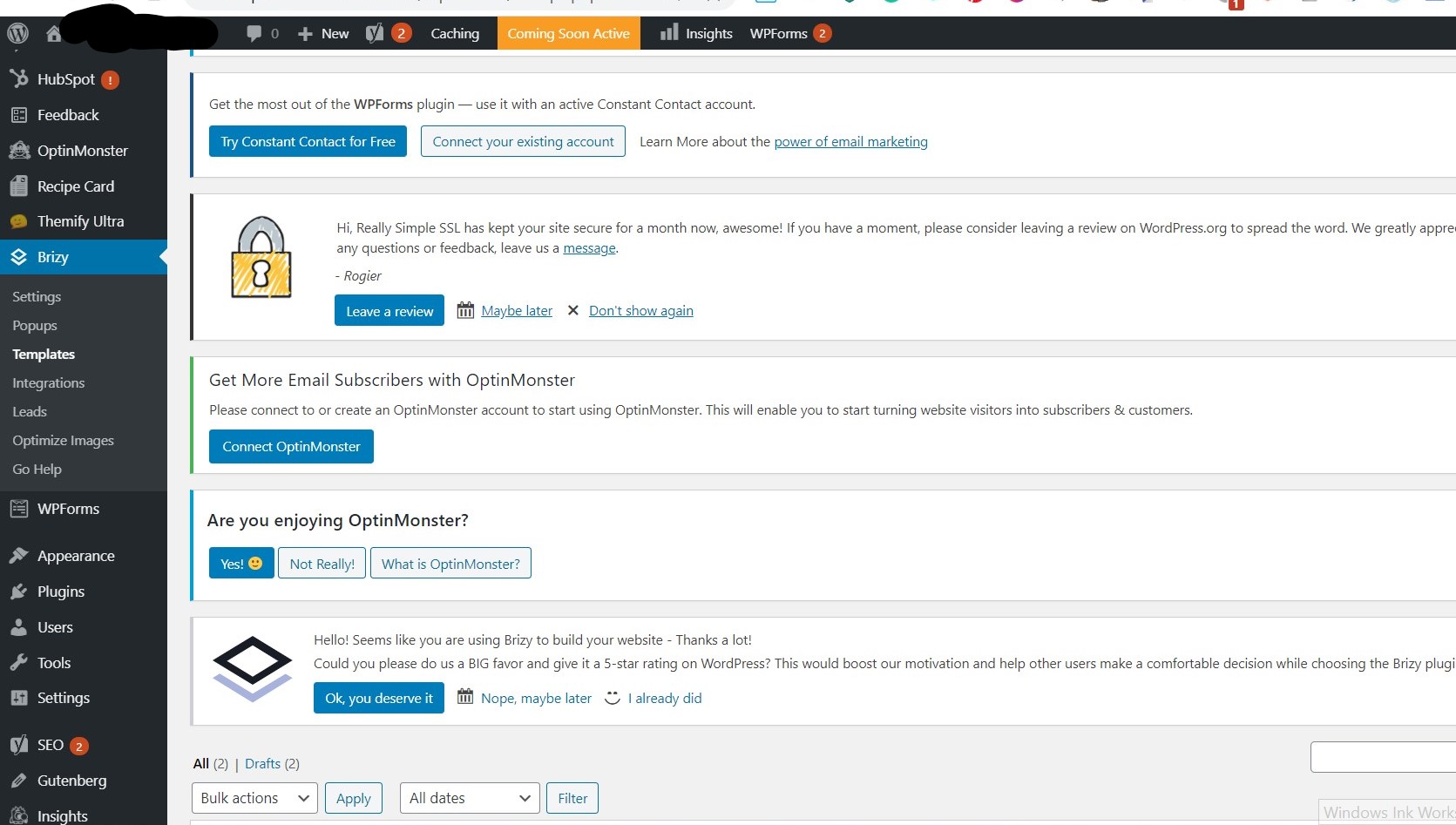
Firstly, Brizy Pro doesn't show in the main verticle admin menu. Everything seems to be working fine but, when I create a page in Brizy, these don't appear in my WP Admin pages section. There's nowhere which shows pages, only templates.
Secondly, The video Shows the words Brizy Pro at the top, which I'm presuming is the website title.
Sorry, I know these things are pretty darn tootin' obvious, but I really don't know, what I don't know ......and I guess I'm clarifying things as you roll your eyes.
I go to the settings tab and again it doesn't show the same as what is shown on the video. I want to put a coming soon page with small video, and when I went in to create a page, Themify came up. But, I don't know what I'm doing wrong and not have the Brizy created pages in the WordPress admin area.cheers
Liz
 0
0 -
Hi,
1 - See here a video regarding how to delete unwanted themes from your dashboard https://jmp.sh/78Uvooe. It isn't related to Brizy but I want to help you with this.
2 - Brizy Pro, you have to install similar to Brizy Free. See here a video regarding how to upload and install the Brizy Pro plugin and activate the license https://www.youtube.com/watch?v=cNknGr8JH6Y.
3 - If you want to create a page with Brizy, you have to go to the "Pages" menu and click on the "Add new". There add the name and update it. After this click on the "Edit with Brizy". At this moment you will see the Brizy builder and you will be able to edit it with Brizy. See here how you can do this https://jmp.sh/bGFcvaG. When I opened the build mode of the page I see the header and footer because I set them as global.
4 - If you want to activate the maintenance mode and set a page for this, please see this video https://jmp.sh/1ZReB3n.
For more articles and knowledge about Brizy, you can access our documentation https://support.brizy.io/hc/en-us, Blog https://www.brizy.io/blog/ and YouTube channel https://www.youtube.com/channel/UCU-2U0NZ5vx_5jzOO0F0KgQ.
Best regards,
Sandra0 -
Hi Sandra
You have no idea how much I have appreciated both your help here, and the Brizy platform. I seem to be living and breathing this website at present and the changeover from one WP service provider to another, for a newbie, was very problematic. I found what the final issue was, which I'll explain below but which, you may have already pegged in the information you supplied above. I'll start going through your links today...... Knowledge.... a powerful thing and sometimes, .....you just don't know, what you don't know.
Ultimately, it was a conflict between Brizy, BlueHost and my lack of knowledge on specifics...such as both platforms having their own Coming Soon or Maintenance pages and my having both activated. They sort of cancelled each other out and the Themify page stuck like gum on a pavement.
I had gone so far as going into the BlueHost PHP admin database (following instructions) to remove the plugin. It wasn't there ....WTF...so what was my problem??? .......and I then chatted with a BlueHost help guy. Funny thing is, he didn't figure it out but chatting with him and his questions helped slot things into place within my own head Seriously, talking with a real person is still one of the most valuable assistance systems which will get the mind to think laterally on a problem. Tell your bosses just how valuable this service you provide is.
Anyway, once I deactivated one of these temporary placeholder pages, and refreshed everything, the Themify page was overwritten. This then resulted in the final Themify elements, within the WordPress Administration area, being removed. HALLELUJAH!!
I'm now knuckling down and fast becoming a Brizy acolyte....no doubt, I'll have more questions ....but for someone who's 61 and has never built a web page before, I ain't doin' too bad......with Brizy's help...let's be honest.
cheers
Liz
0 -
Hi,
Thank you for all your details and updates regarding this problem! I'm happy to hear that you could solve this problem and all is working fine now. Also, I want to say that you are brave and a great person. The age is only a number and it is a pleasant surprise to have you as a Brizy user.
If you will have some other questions regarding Brizy, feel free to write to us and we will be happy to help you!Best regards,
Sandra0
Please sign in to leave a comment.
Comments
5 comments