Brizy Cloud Popup

I have build a popup and embed it into the web build with brizy cloud. When i am checking the website all the font set are following the pop up font set. After i change the font set in the pop up page or delete the popup embed code inside the page the problem solved. Would like team brizy to take a look if it is a bug.
Thank you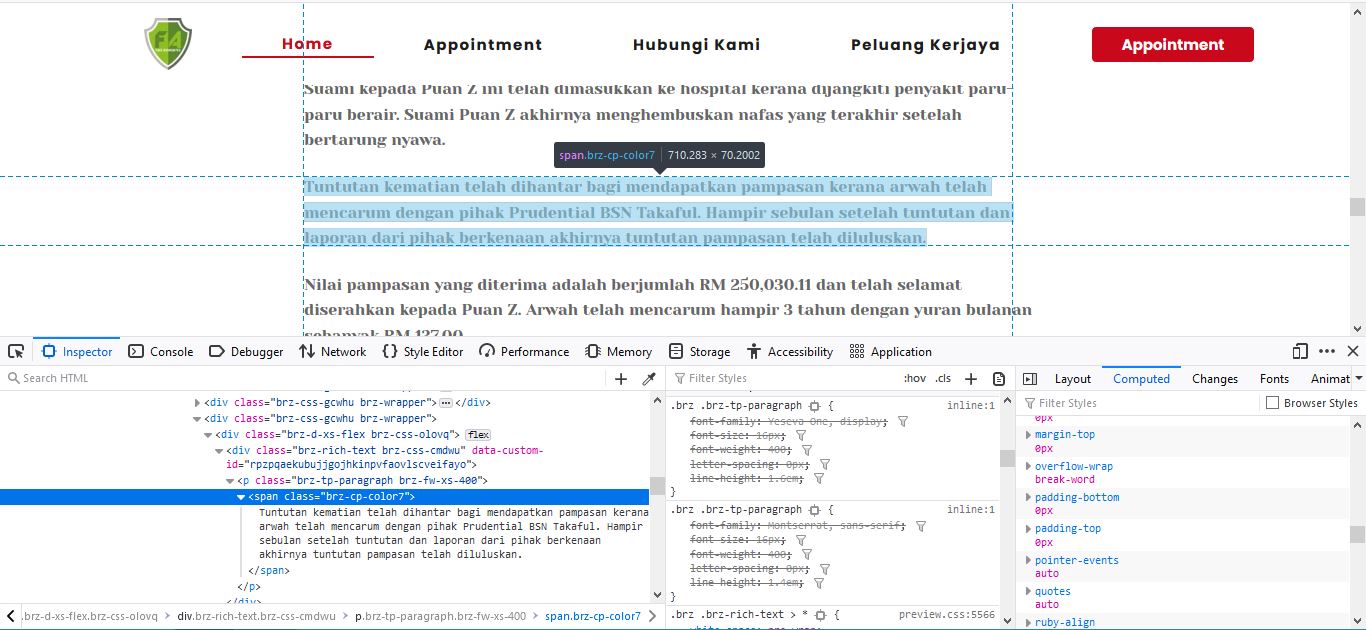
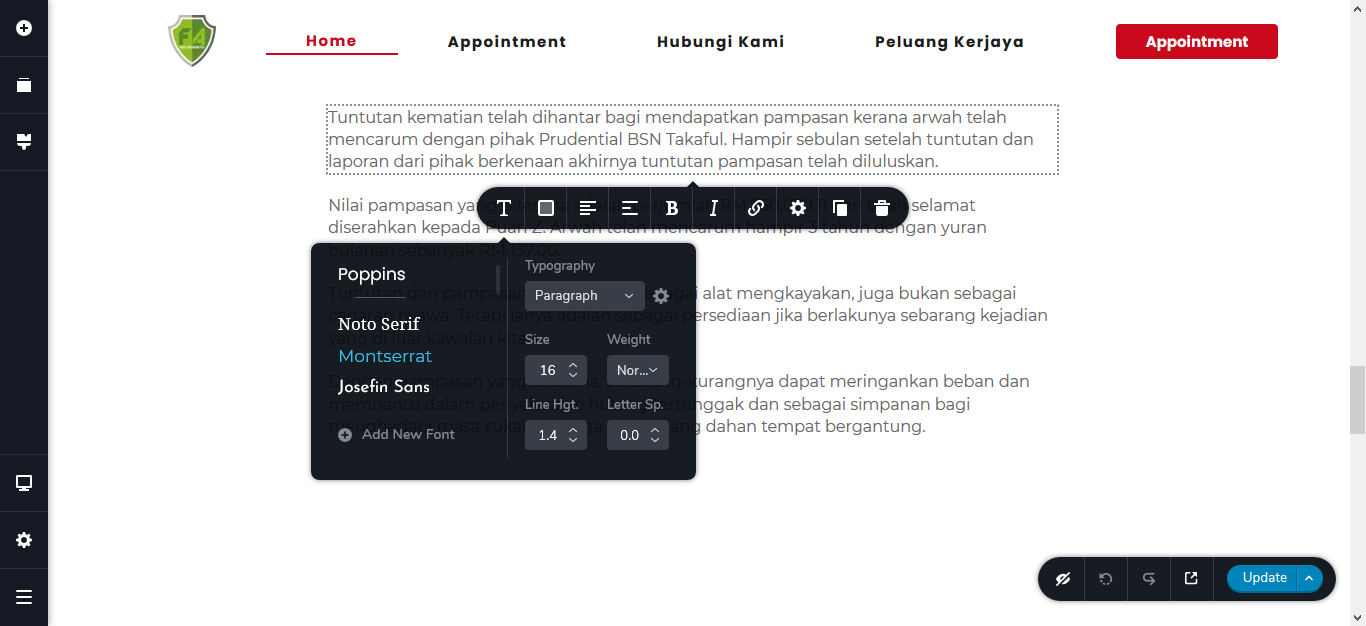
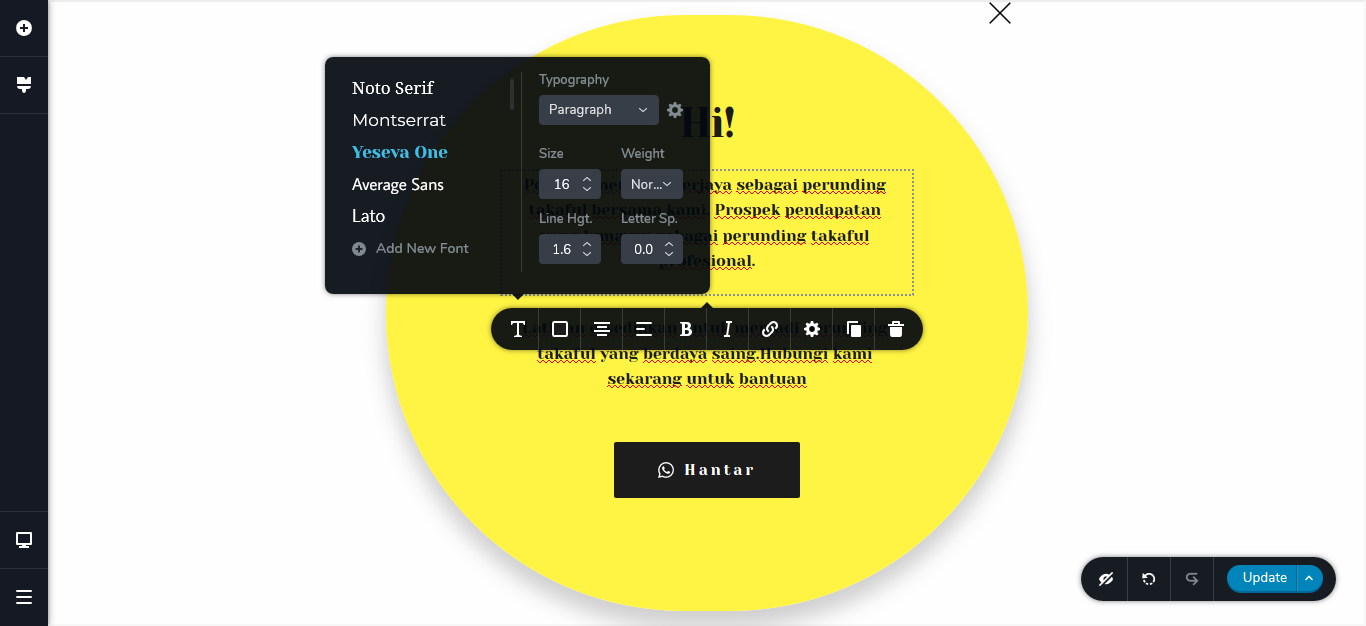
-

Hi,
Could I ask you how did you publish the pop-up in your project? Did you added in the Project settings -> Settings -> Code Injection -> Footer https://jmp.sh/duk3W5s? Did you set the pop-up as Global block? Could you send us the URL link of the project where you encounter this problem?
Thanks!
Best regards,
Sandra0 -
Already found the solution. I just create a pop up inside the project and it's working perfectly.
But for the pop up using embed link that i used before is embedded in footer section as instructed when i copy the code.
No i did not set it as global block.
For team brizy information, the embed code also effected the styling such as color and all the text style. Maybe you can try replicate this.
0 -
Hi,
Great to know that all is working fine now. Yes, I tried to reproduce the problem you encounter but all seems to work fine. See here.
Let us know if you need some other help regarding this issue and send us please, the URL link of the page you encounter this problem to be able to inspect it.
Thanks!Best regards,
Sandra0 -
Hi sandra. I have recreate regarding pop up and the problem is the same.
You might check the recording here.
The URL link is https://pop.brizy.site
Thank you
0 -
Hi,
Thank you for reporting this. We could reproduce and investigate this problem on your site. Now we created an issue and send it to our developers. They will investigate it and when we will receive a notification regarding this issue we will inform you too.
Thanks!
Best regards,
Sandra0
Please sign in to leave a comment.
Comments
5 comments