The images are not showing on Brizy Template and pop up

Hi,
We're having an issue for images on Brizy (not just one website). We tried to import a new pic but it's not showing at all. Please see the screenshot. We can't create a new website or update at all. We have updated to the latest version already. Any advise?
Thanks in advance!
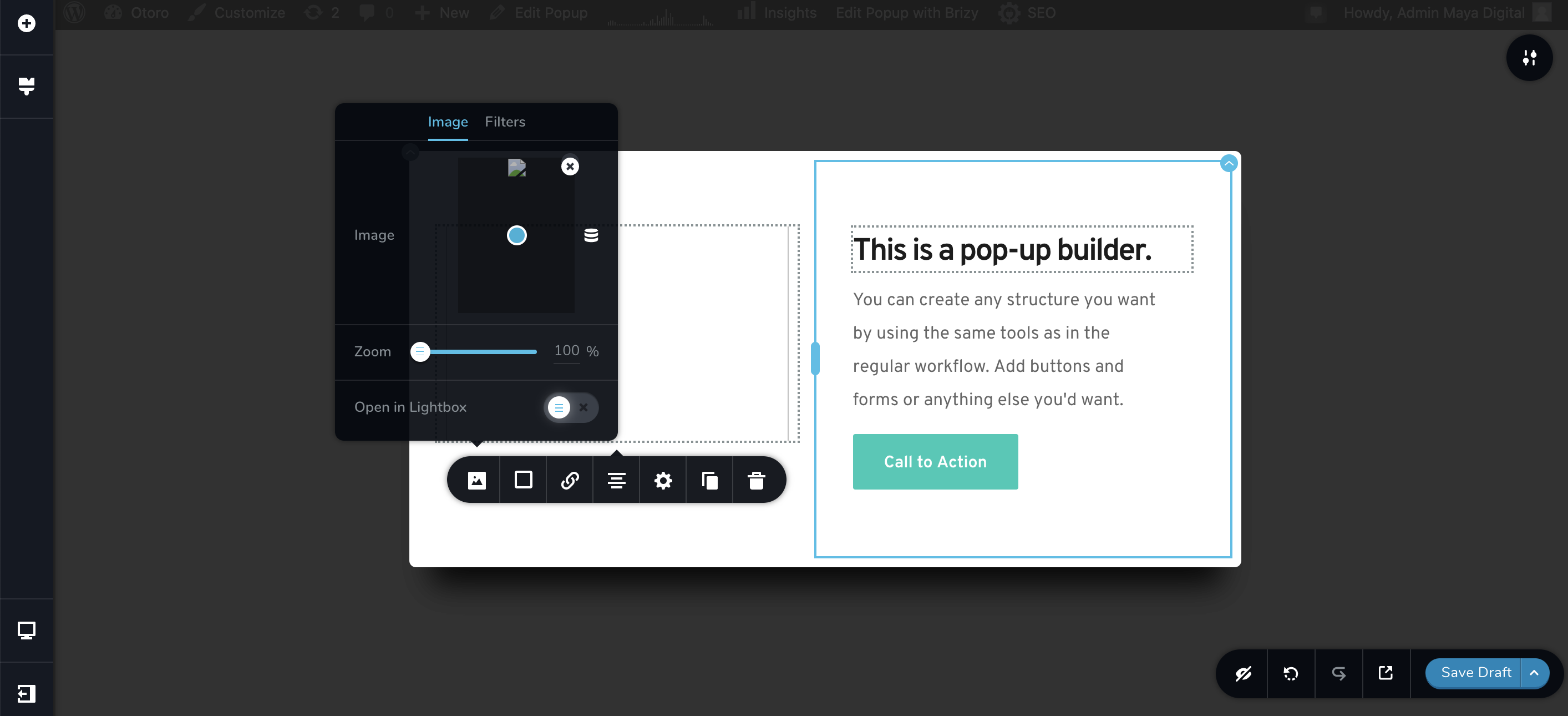
-

Hi,
Is this problem happen on all Brizy pages or only on some pages? Are images displaying fine in the preview and live mode? What is your hosting provider? If you temporary deactivate all external plugins (except Brizy Free and Pro) and activate a WP default theme, did you receive the same problem?
Thanks!
Best regards,
Sandra0 -
Hi Sandra,
This happened to all the pages. Nothing display on the preview mode but if I updated it ( I had to randomly chose the position of the image) I can see it on the live mode.Our provider is IONOS. We deactivated all external plugins (except Brizy Free and Pro) and activate a WP default theme but still have the same problemThe photo that I uploaded from my computer is showing fine on media library but once I uploaded to the page it shows as in the screenshot.Hope we can sort this problem very soon.Best regards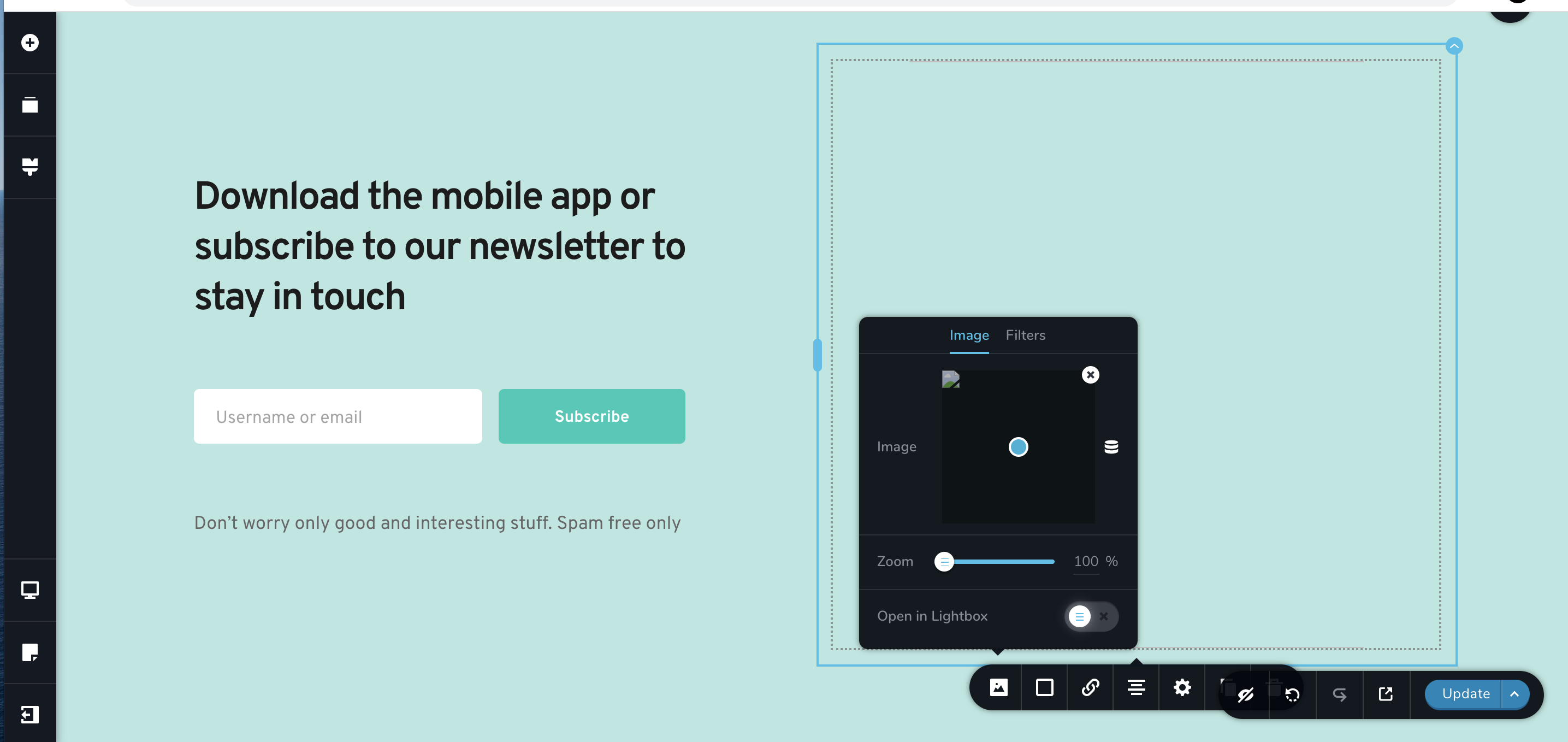 0
0 -
Hi,
Thank you for all these details. I created a private ticket on this request. You had to receive a notification regarding this on email. Could you send to us in that private message the WP credentials to this site?
Thanks!
Best regards,
Sandra0 -
Hi Sandra,
I've reply to Natalia already. Thank you very much!0 -
Hi,
Thank you for your reply. Please allow us a bit more time to investigate this problem. We will come with an answer as soon as possible.
Thanks!
Best regards,
Sandra0 -

Hello Sandra,
I have the same issue.
Could you please share with me the fix?
Thank you.0 -

Hello Mamadou,
Thank you for your message and sorry for the late response! From the 27-31 of August Brizy Support was not available.
About the issue that you encounter - can you please us more details? Describe the problem you have and some screenshots will be useful as well. At the same time, do you use Brizy Cloud or Brizy for WordPress? Hope to hear from you soon!
Kind regards,
Doina
0 -
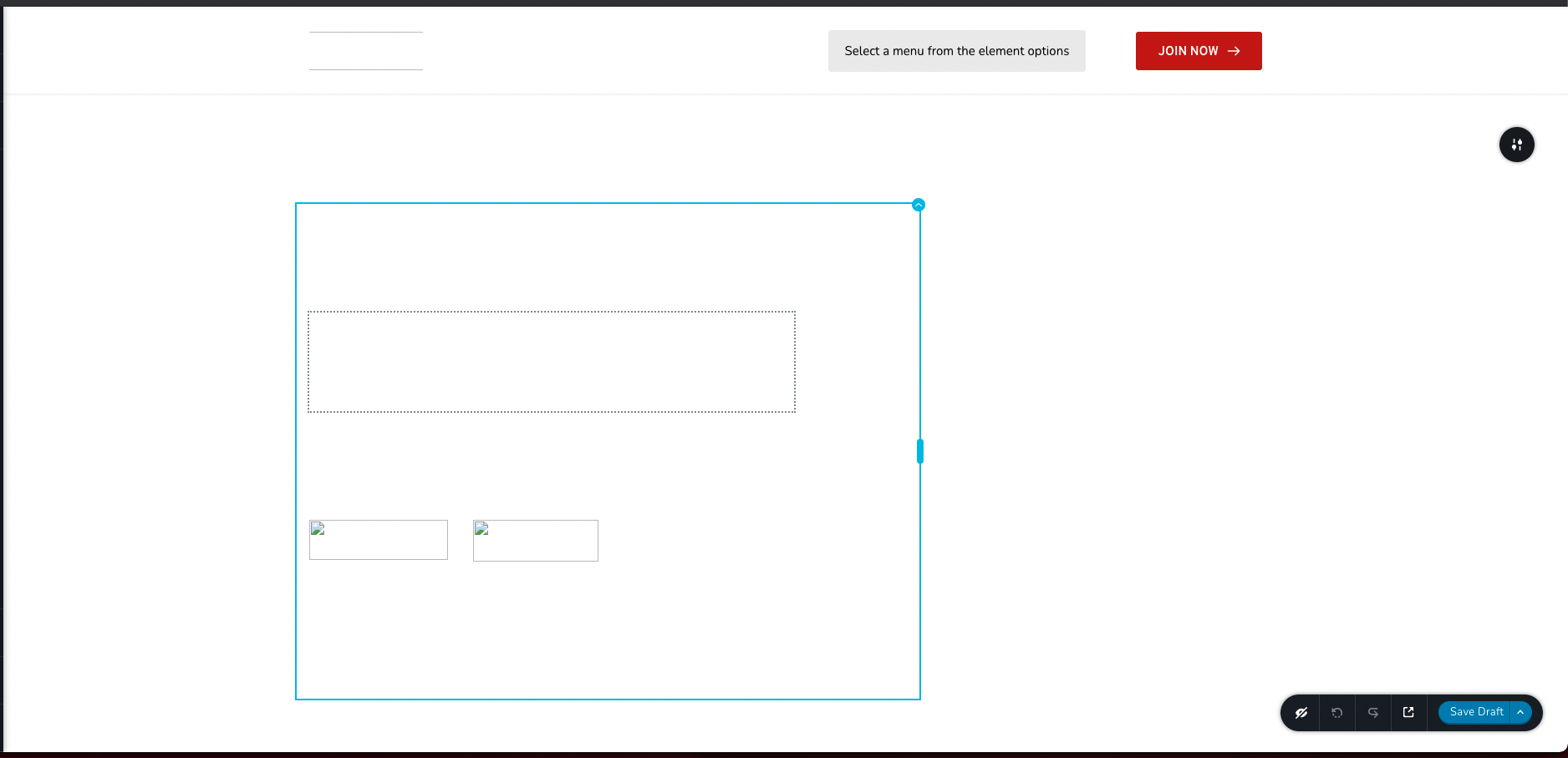
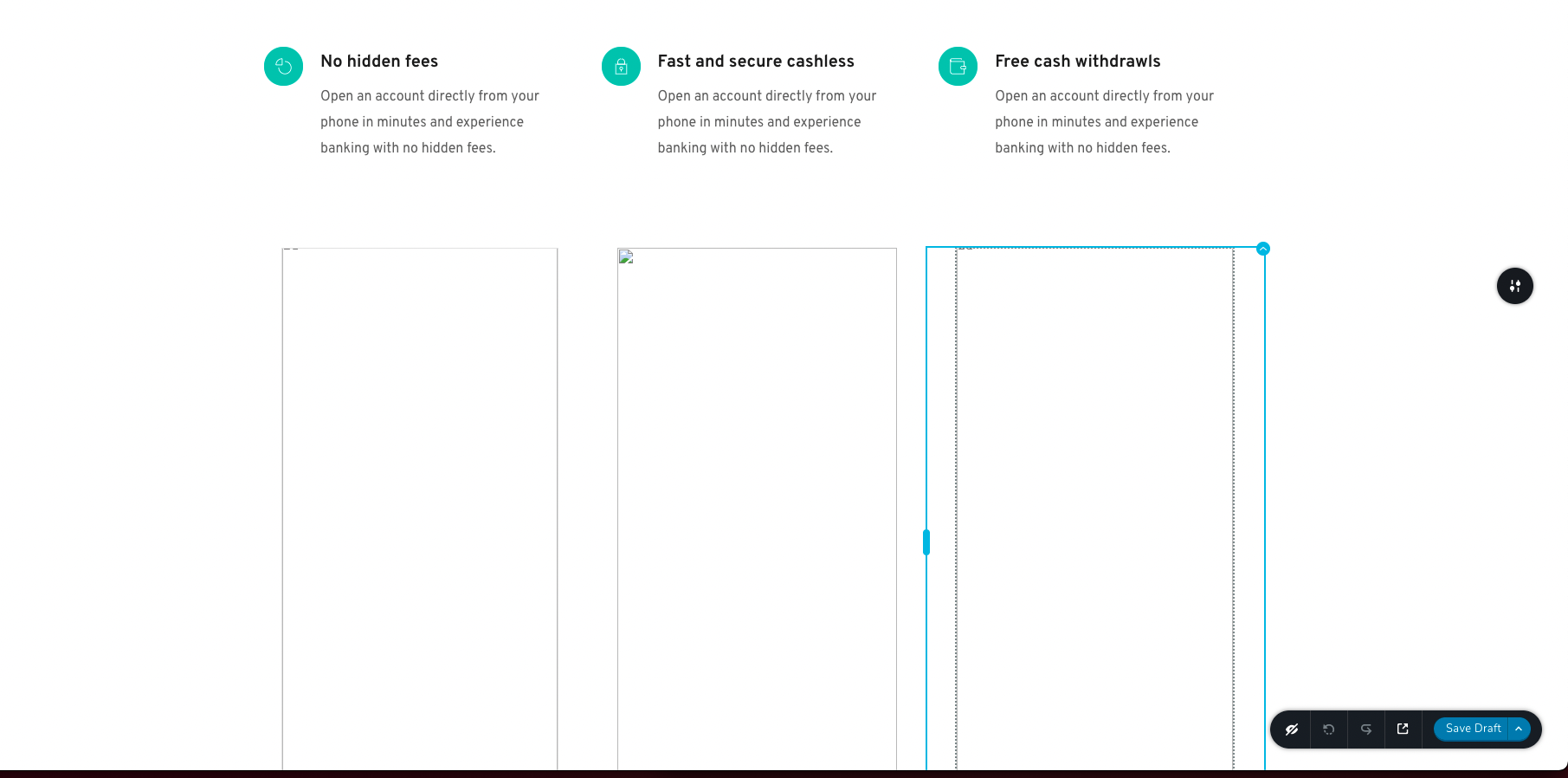
Hello, Thank you for your feedback. I'm using Brizy for Wordpress. I created a page using Brandio Layout. You can see attached what I see when I selected that layout. When I preview the page, images are displayed correctly. I hope to hear from you soon. Thank you, Mamadou
0 -
Hello Mamadou,
Thank you for your message!
Regarding what you said, first of all I do not see any screenshots attached. Can you please try to resend them? At the same time, try to change the theme. Besides this, please make sure you have the latest versions: Brizy Free 2.3.13 and Brizy Pro 2.3.11. Hope to hear from you soon!
Have a nice day and kind regards,
Doina
0 -
Hi Doina,
Thank you for your feedback.
Please below the screenshots.
I have the latest versions: Brizy Free 2.3.13 and Brizy Pro 2.3.11.
I'm afraid I cannot change the theme, my Website in Production.
I look forward to your good news.
Regards,Mamadou

 0
0 -
Hello Mamadou,
Thank you for your message!
Regarding what you said, I have created a ticket for you and one of my colleagues will contact you as soon as possible! Hope this helps! Thank you for your patience and understanding!
Have a nice day and kind regards,
Doina
0 -
Hello, I hope you are well. I wanted to know if you got the chance to look at my issue. I haven't got feedback from your colleagues yet. I tried again many times but still had the same issue even with another layout. Regards, Mamadou
0 -

Hi,
We are sorry for this inconvenience.
I have sent another email know, you will receive a private message soon. Please send to us in that private message the WP credentials to this site.
P.S please do not reply to the notification email - noreply@brizy.zendesk.com; the emails will be received as spam and they will not be posted here.
Best regards, Nelea.
0 -
Hello, Thank you for your reply. I look forward to hearing from you through the private message you mentioned. Regards, Mamadou
0 -

Hello Mamadou!
I've created a private ticket, you should receive an email notification regarding this. In this ticket, please, provide us the link to your website and admin access to the WP dashboard, we would like to check the problem from your dashboard.
Please check also your Spam box too.
P.S please do not reply to the notification email - noreply@brizy.zendesk.com; the emails will be received as spam and they will not be posted here.
Kind regards,
Mihail
0
Please sign in to leave a comment.
Comments
15 comments