Images in editing mode not showing

Hello,
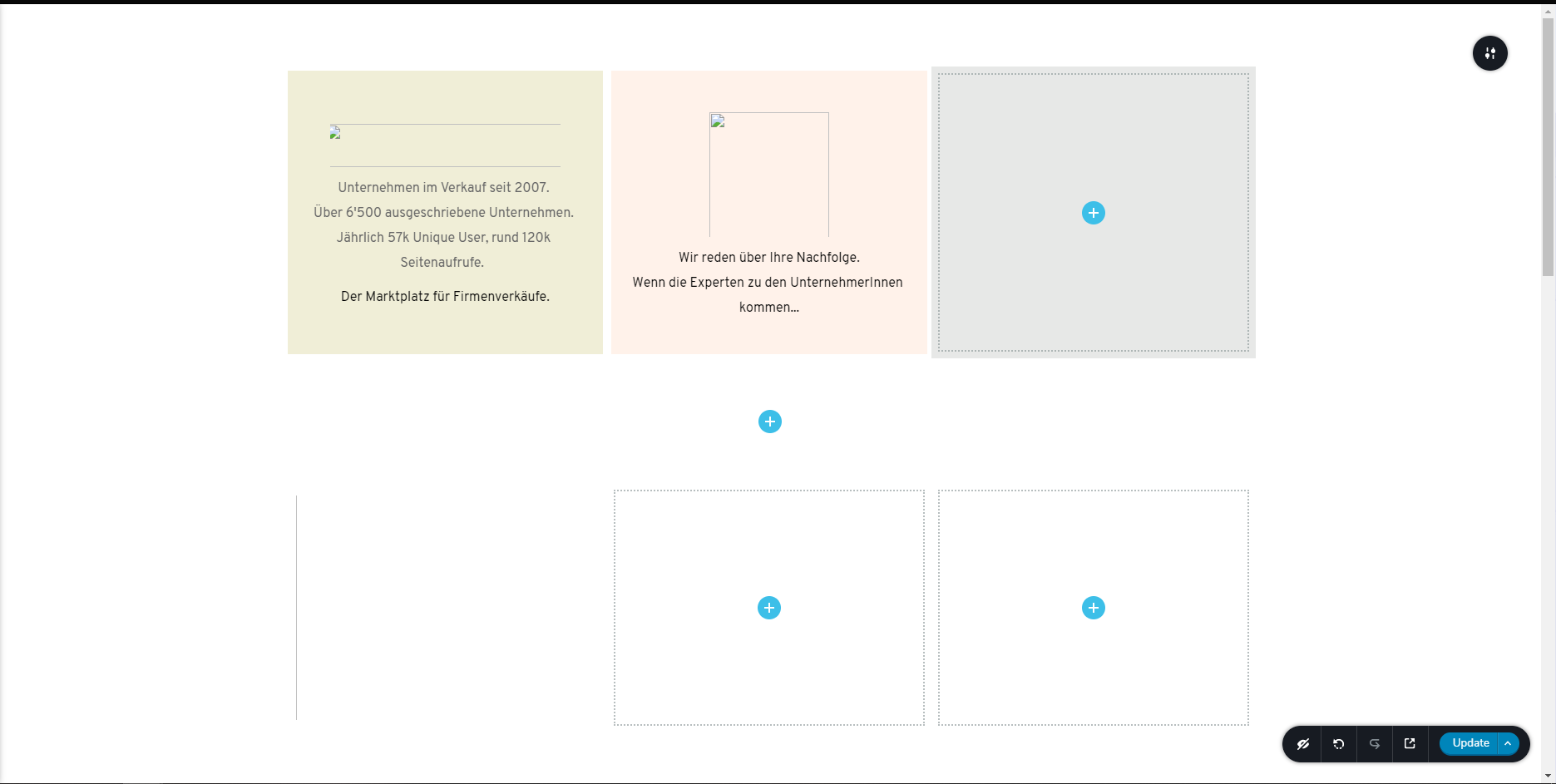
on https://nachfolgebus.ch/future-front-page/ the images are not sown when you load the page for the first time. They appear only on reloading. Also in editor mode, they are not showing.
Best regards,
Egor
-

Hi Egor,
Thank you for the URL link. I checked it and all seems to display fine, see here. Did you solve this problem? Or could you please guide us on how to reproduce this problem? Also, could I ask you what is your hosting provider? Is it Namecheap? At the moment we have a problem with images on sites hosted on Namecheap. We collaborated with them and they promised us that they will release soon the fix of this problem.
Thanks!
Best regards,
Sandra0 -
Hi Sandra,
The problem with entering the site for the first time is solved, but the editing problem is not solved. Website is hosted on https://www.hostpoint.ch/
Best regards,
Egor0 -
Hi Egor,
I will create a private ticket for this request but could you please check if you temporary deactivate all external plugins (except Brizy Free and Pro) and activate a WP default theme, did you receive the same problem on the editor mode?
Thank you!
Best regards,
Sandra0 -

Hi Sandra,
I am not able to view the images and background images in the editor mode though images are visible on the published page. Can you please help, as its difficult to edit the pages, in the editor mode, without the images
Thanks
1 -

Hi,
Thank you for your message!
Can you please tell me do you use Brizy Cloud or for WordPress? If it is for WP, can you confirm that you encounter the problem with the latest versions: Free 2.3.28 and Pro 2.3.21. Hope to hear from you soon!
Kind regards,
Doina
0
Please sign in to leave a comment.
Comments
5 comments