Latest Brizy update seems to be breaking the "product image" (featured image) functionality in woo commerce

Hi there,
Huge fans of Brizy. We've been noticing an issue with woo commerce since updating to the latest Brizy pro.
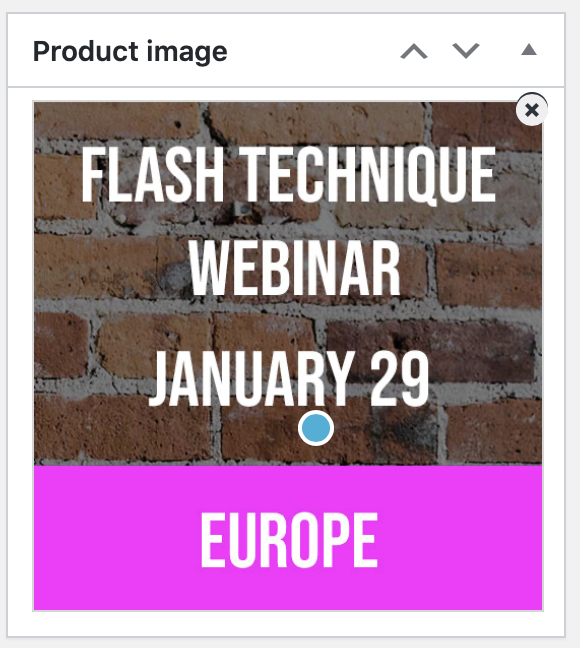
Now, when you go to edit a product, the little "x" button in the corner of the featured image, which is used to remove the featured image and replace it with a new one, is broken. Clicking it does nothing. This means you can't replace an existing featured image with a new one.
I disabled all my plugins except Brizy and the problem persisted. Then I disabled brizy and the problem was solved.
In woo commerce without brizy, there's no "x" button, you just click anywhere on the image to edit it. With brizy activated, there's the "x" button (which doesn't work) and there's also the blue dot in the middle, like in the brizy editor image area, which lets you set the focus in the image. That's not a necessary functionality on the featured image, I don't think.
Any help much appreciated!
-

Hi,
Thank you for reporting this problem! We informed our team regarding this and they will investigate this issue.
Thanks!
Best regards,
Sandra0 -
Thanks! Please let us know when it’s fixed, right now we can’t really use Brizy and woo commerce at the same time.
0 -
Yes, of course. Thank you!
Have a great day!Best regards,
Sandra0 -

Following.. I am facing the same issue here
0
Please sign in to leave a comment.
Comments
4 comments