"Post Excerpts" displaying code on Front End

Hi,
I noticed that with the Brizy Pro & Free update, the #Post Excerpt is not displaying correctly on the front end of the blog post page of the website I'm working on.
In Brizy builder, it is the following (with the underline):
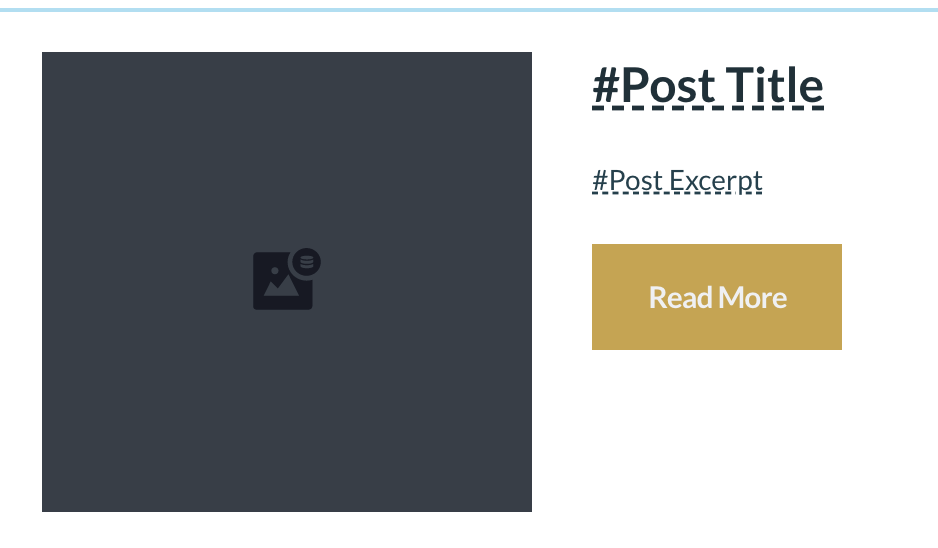
However, when the blog post page is published, the following shows up as the Post Excerpt:
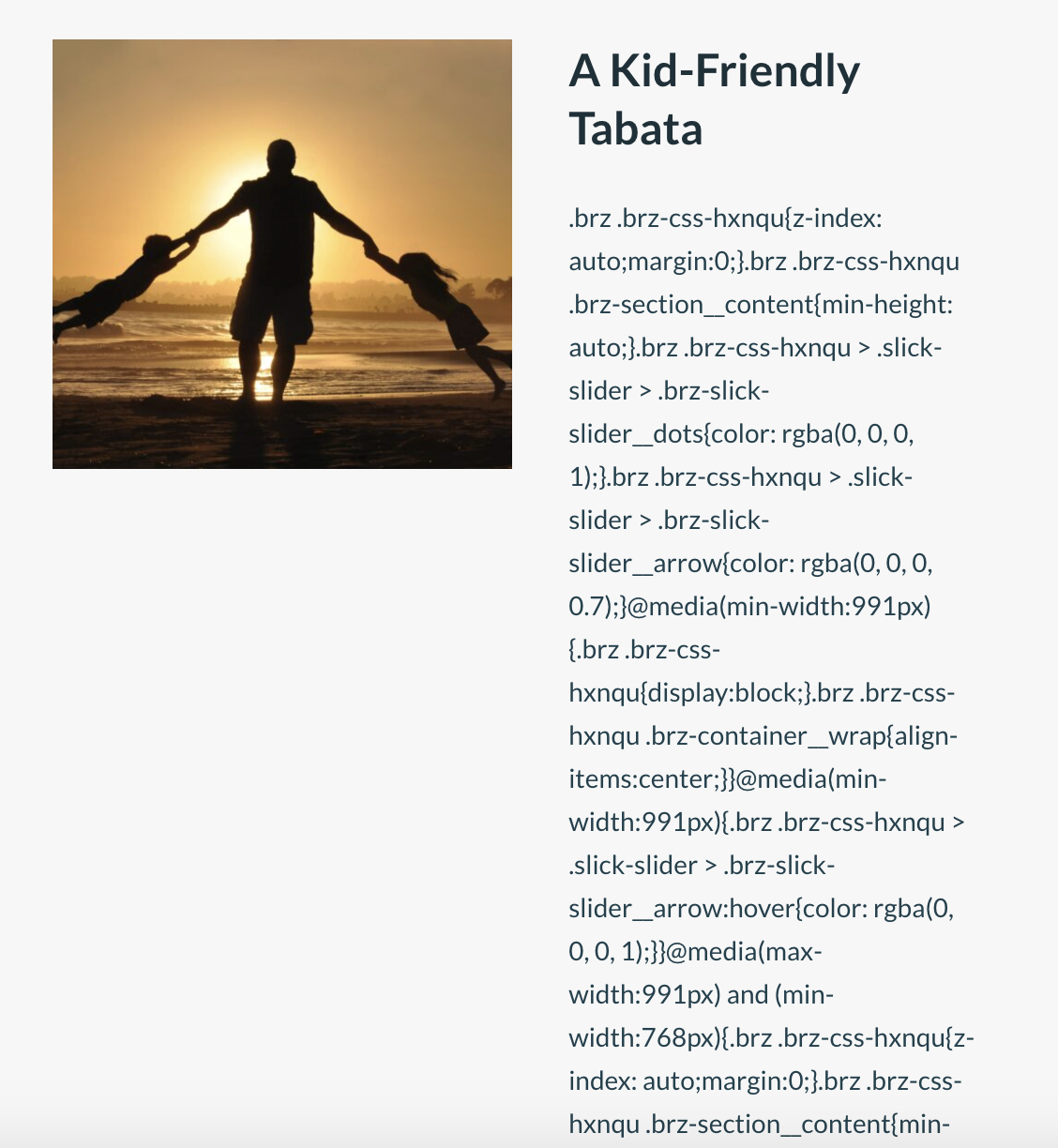
I've tried using the WordPress plugin element, but the code still shows up.
Is this an issue I can correct on my end, or is it a problem with the new Brizy update / something I cannot fix?
Please let me know!
-

Hi,
If the post is edited with Brizy, in this case, this isn't some inconvenience. If so, I suggest adding manually the excerpt for the post from WP options. Fro this, you have to open the Edit mode of the page and from the right sidebar to find the Excerpt field https://jmp.sh/sk3DnsA. From there, you have to add the Post excerpt you want to display.
Best regards,
Sandra-1 -
Hi @Sandra Prunici,
Thank you for your comment. I am unable to go into "Edit" mode of each blog post without the Brizy formatting being lost, as there seems to be a conflict between WP editor and Brizy editor when I enter the "Edit" mode.
In addition, there are many blog posts on the website I am working on – simply going in and manually adding the excerpt would be a huge inconvenience on my end.
Is there any way for the #Post Excerpt feature to work? What can I do to make sure I am not seeing all that code in the front end? Please let me know if this is an issue I can fix or if it is the fault of the Brizy builder. I do hope future updates will address this.
0 -
Hi,
I created a private ticket regarding this question. We want to check this problem and investigate it. Therefore we created a private ticket on this request. Could you please send us the WordPress credentials to this site?
Thank you!Best regards,
Sandra0
Please sign in to leave a comment.
Comments
3 comments