Image quality is horrible

Hi, I have recently found that Brizy Wordpress is not displaying images correctly. Thumbnails of social posts are unreadable, and the landing page I created looked fine when I was editing but upon publishing they become pixelated. Please help, I need this landing page up asap!
https://mygrateinvestments.com/welcome-to-mygrate/
(Image previews on these social pages were added a while ago and look fine: https://mygrateinvestments.com/news/ but all the images in new posts look terrible. See this one in which the non-Brizy gallery widget looks great but everything else is a mess: https://mygrateinvestments.com/luxury-detached-villa-cobre-cascais/)
-

Hi,
I investigated the URL and images from there and found that images are smaller than the container (column/row) where they were added. See here and here. Therefore, the image will stretch to fit perfectly in the container you added it and in such a way the image will be zoomed. To solve this problem I suggest adding bigger images.
Thanks!
Best regards,
Sandra0 -
Dear Sandra,
Thanks for the response. This is unfortunately not the issue since as you can see in this screen shot, the media that I added was the same size as the intended container:
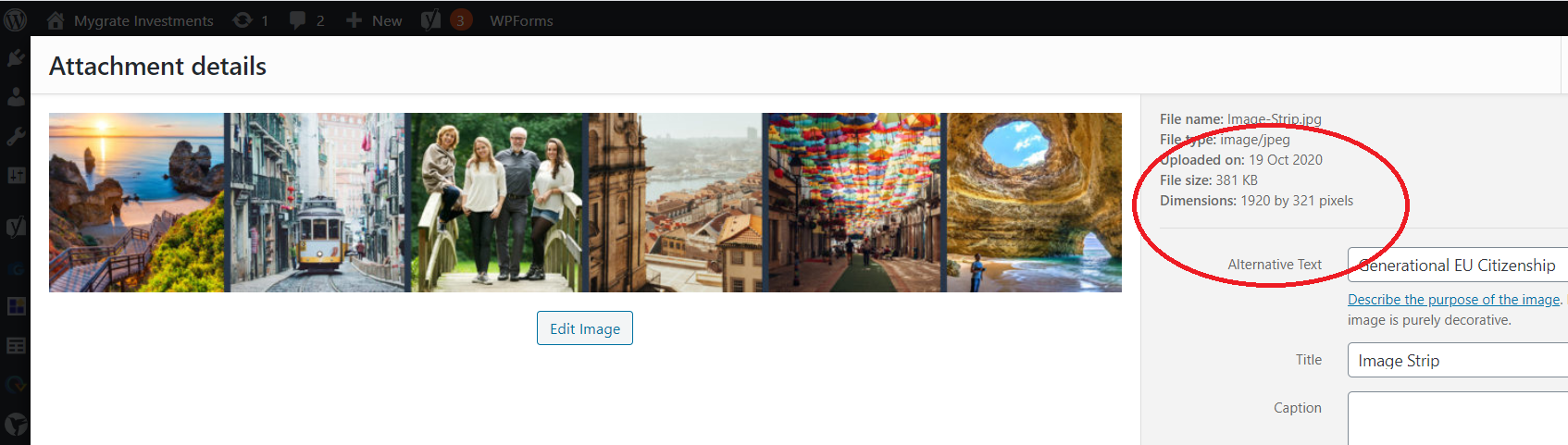
If it is now 845 px wide, I didn't set it (at least not knowingly) to this dimension. This also isn't the reason why the social thumbnails are pixelated since these thumbnails use the featured image and are not determined by me uploading them.
What could be causing big images to be resized upon publication? Is it to do with Smush? Some width setting that I am choosing?
0 -
Did you optimize images with Smush plugin? We recommend optimizing images with ShortPixel plugin because we have integration with them and this plugin can optimize also the images from Brizy image folder. Other plugins can't optimize those images because they can't enter and take Brizy images to optimize them. See this article for more details. Therefore, we don't recommend to optimize images you add in Brizy editor because Brizy will take those optimized images and will crop it.
Thanks!
Best regards,
Sandra0 -
Hi Sandra,
Thanks, I found that article since I last messaged you, but I thought I would wait for your advice before doing anything. Hopefully Smush is causing the problem. I will remove it and see whether it helps.
J
0 -
Hi Jordan,
Thank you! Yes, please update us with other info regarding this problem.
Best regards,
Sandra0
Please sign in to leave a comment.
Comments
5 comments