YouTube playlist covers not showing when clicking on thumbnails and cookie pop up accept button

-

Hi,
I checked the playlist you created and found that al videos have the cover. See here https://jmp.sh/jl1gUFo.
Regarding the Cookie pop-up, could you please check how did you create it? Could you please send us a screenshot with is designed this pop-up for mobile devices?
Thanks!
Best regards,
Sandra0 -
Thank you Sandra! I wasn't able to open your screen share video. Do the covers just show in the thumbnail and not when you click on the main video? When you click on the thumbnail, the video autoplays instead of showing the cover first. Maybe that is just how it functions?
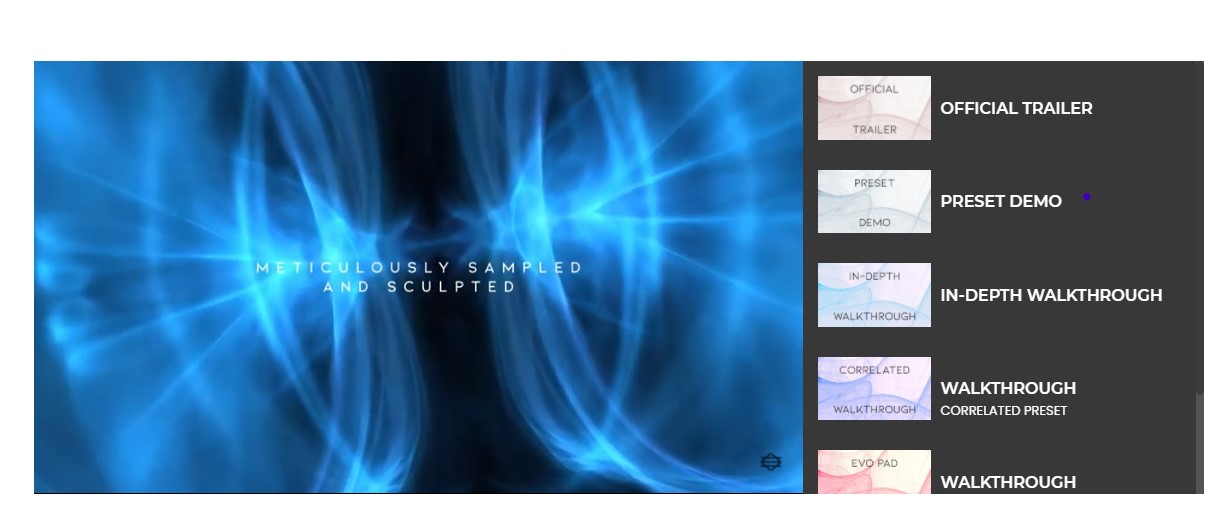
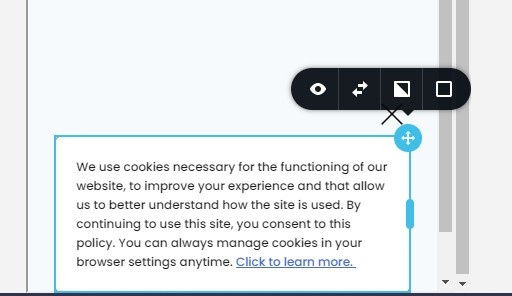
As for the cookie pop up...the following screen shots are of how we created it in desktop view and mobile. The button to accept cookies will not show up in mobile (even when we tested it), I tried changing padding, margins etc.

 0
0 -
Hi,
I'm sorry for the link. See here the link I want to send in the previous message. In such a way is the correct way to display videos with covers.
Regarding the cookie pop-up - from the last screenshot, I found that in the mobile mode the "Accept cookies" button isn't displayed. I suppose that it was hidden. Could you please deactivate the hidden mode for the page and after this for the button? See here.
Best regards,
Sandra0 -
Thank you so much for all of your help. It worked!
Thank you again!
0 -
Hi,
Great to know this! Thank you for updating us regarding these inconveniences!
Best regards,
Sandra0
Please sign in to leave a comment.
Comments
5 comments