Coming soon page for 1 month while working on Brand New website

Help needed please for a brand new website designer for own business & first website! www.heronproperty.com.au
Can't wait to get started with Brizy, but I mucked up things initially with my site so need to start over. Originally I built a single page which has been live for a while as we have a current long term business but have rebranded. We require a public live page with contact details while I work on building the website behind the scenes which might take me a month. I made this page in my Theme "Page Builder Framework" but it is a mess in backend as is a 404 page, etc -newbie mistakes! But it looks fine from front end.
I need clear step by step help in starting over quickly with I guess setting up a "Coming Soon" page using Brizy that is online/public, and then what to do to ensure I can work on the rest of website 'off line/ private" for a month.
Guessing I first need to uninstall the theme and Brizy/Brizy Pro and then reinstall them? Also do I need to uninstall/ deactivate all other plug ins? Or can I leave them?
I have watched all videos on Coming Soon and Maintenance mode but am really not clear on exact steps to take in my situation of deleting what I have, starting over, and having a single public 'Coming Soon' page while building site - am quite overwhelmed as is my partner's live, professional business so been procrastinating for ages but looking forward to using Brizy soon! Thank-you :) M
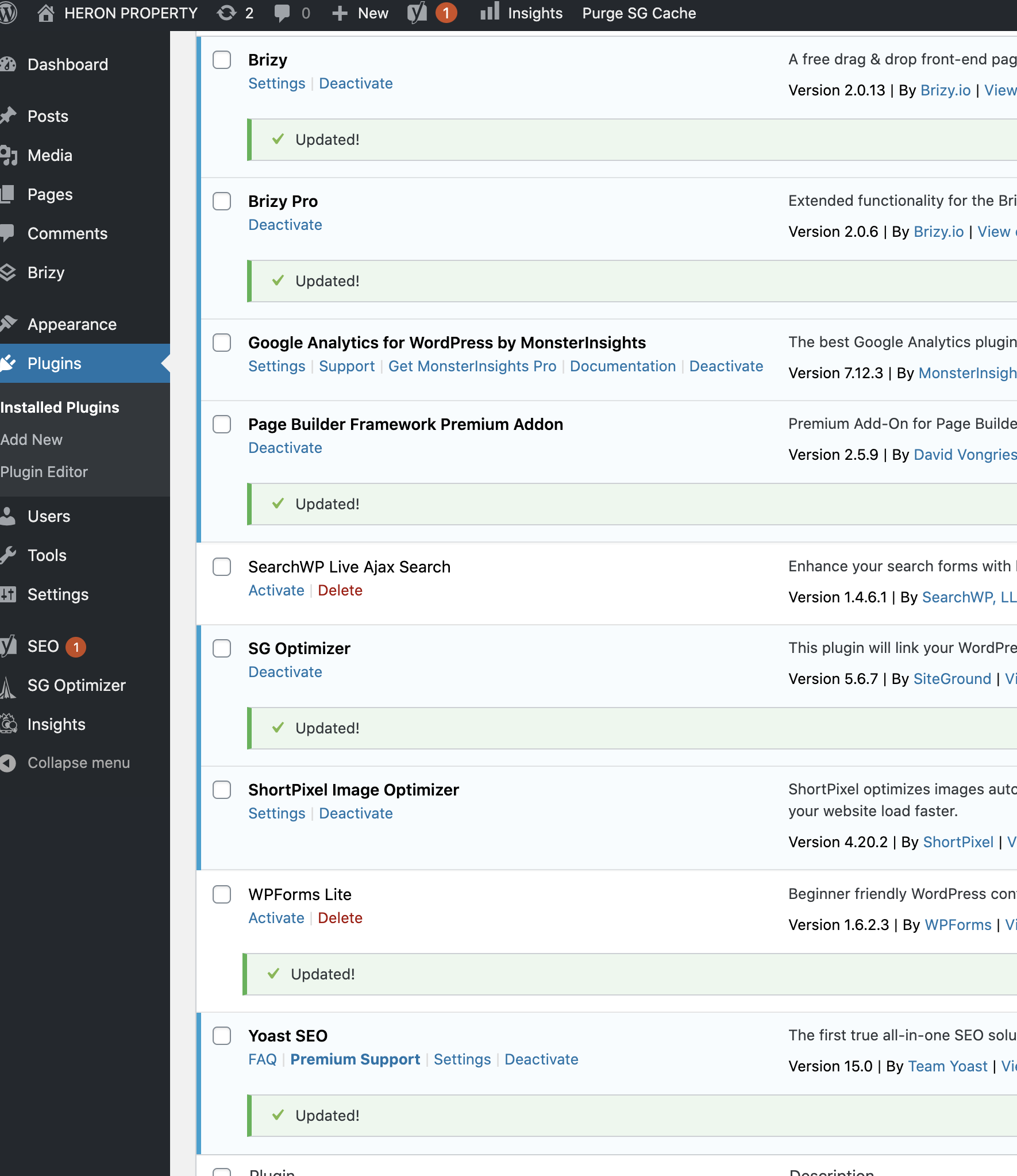
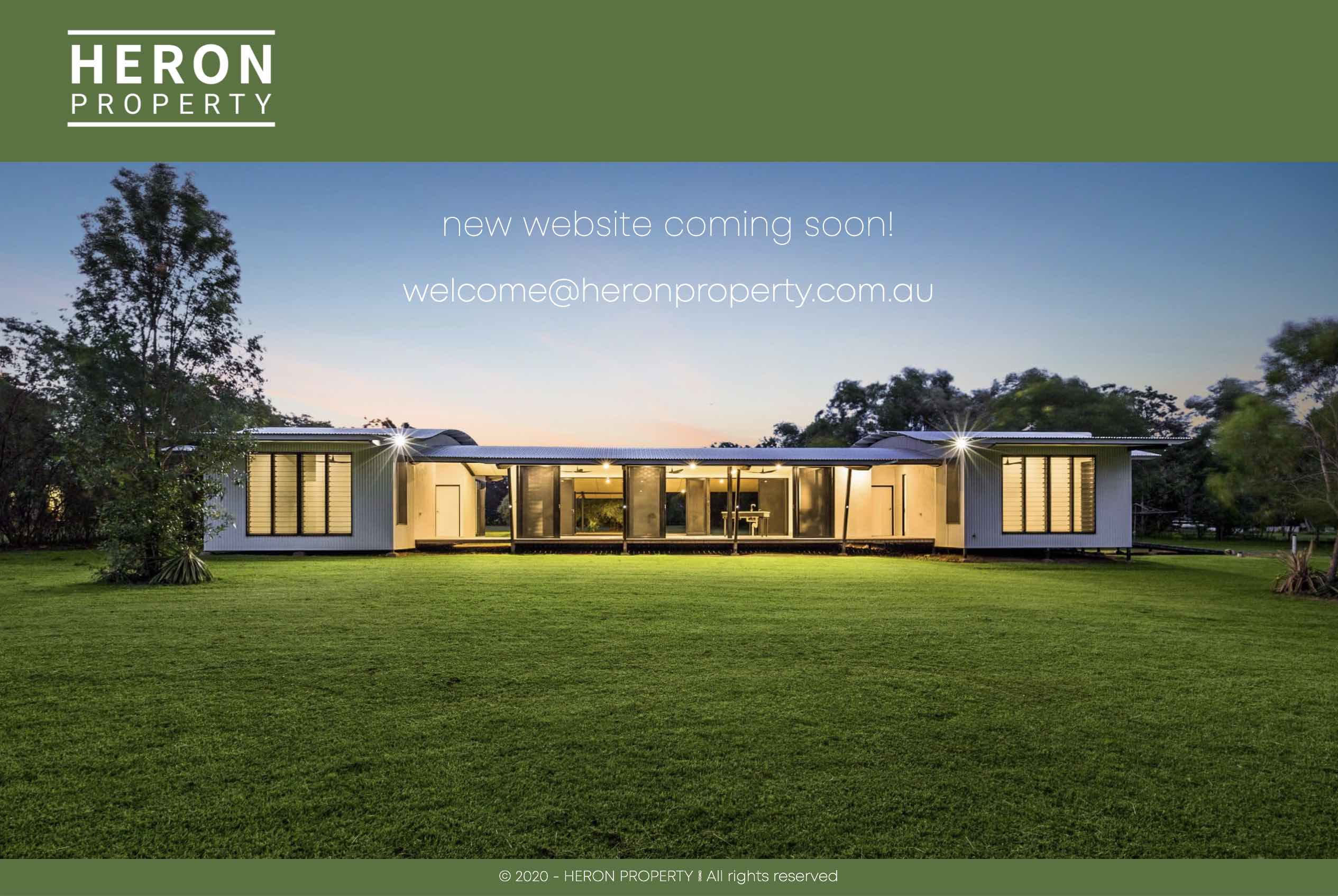
-

Hi,
Yes, we can help you with this. First, you have to delete the "Coming soon" page you create in the theme. After this, you have to to go WordPress dashboard -> Pages and there create a new page that you want to make public and in such a way announce your visitor that the site will be coming soon. This page you can edit with Brizy and add all the elements, blocks you want. The next step is to go to WP Dashboard -> Brizy -> Settings and select the "Maintenance mode". Here you have to select the mode and the page (here you have to select the page you recently created for this purpose). See here. The last step is to save all these changes.
After this, that page will be public and other pages you will create will be private. But, if you want to be sure that all your pages are private, you can save them in Drafts. See here. But when you will want to publish the site, please don't forget to publish again these pages and deactivate the Maintenance mode.
Also, I want to add that you don't need to delete the theme, reactivate theme or plugins, you only have to follow the steps I mentioned above.
Best regards,
Sandra0
Please sign in to leave a comment.
Comments
1 comment