Contact form button not working on Safari

My business's website has a contact form with a button to submit, which sends an email to our business email, at the bottom of the form. The form is working without any issues on desktop and Android phones. However, on iPhone Safari, it will let users fill out the contact form, but when the button is pressed, nothing happens. It doesn't display an error message or any message at all. It simply doesn't do anything. Any thoughts on how to fix this? Thank you for your help!
-

Hi,
I'm sorry but I couldn't reproduce the problem you reported. I checked one form from Brizy Cloud that I have and all are working fine in the Safari from iOS. See here the screenshot from the page and here the screenshot from the inbox. Could you please check again? Or could you please send us the URL link of this page to test the form? How did you connect the form? What method did you use?
Thanks!
Best regards,
Sandra0 -
https://www.compoundsavannah.com/#refill
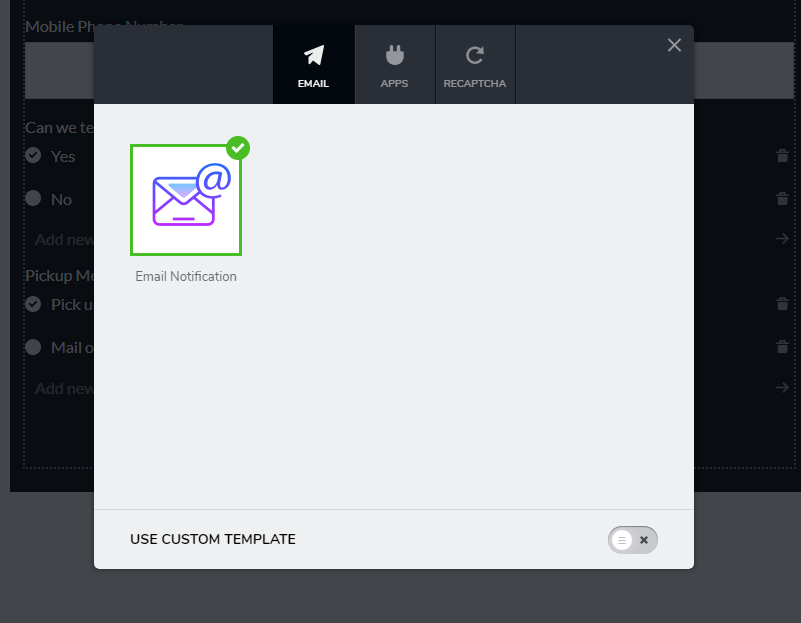
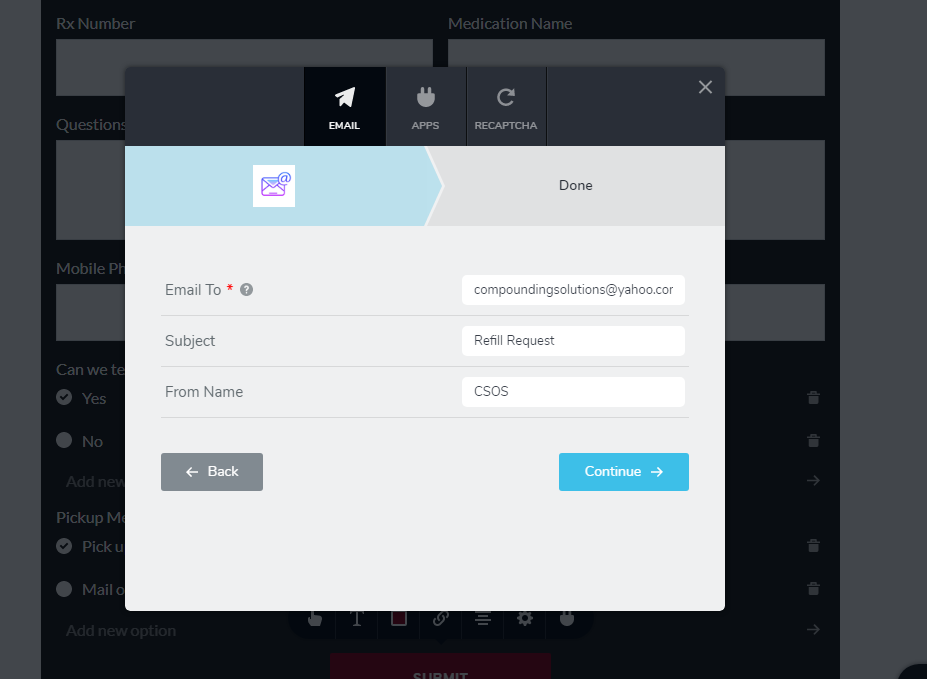
I connected the form using the email method (see pictures). I had 2 different people try it from 2 different iPhones. Let me know if I can provide any further information. Thank you!
 0
0 -
Hi,
Thank you for the URL. I tried to fill the form and all worked fine. See here, in the end, I received the message that the message was sent successfully. The first time, when I filed the form, the message wasn't sent because I didn't add the correct value on the "Date of birth" file, I added this one "01.05.1991" (as an example) but I had to add only the year "1991" value. The field type is number and not date and I suppose this cause some inconvenience for the user. I suggest changing the name from "Date of birth" in "Year of birth".
Best regards,
Sandra0 -
Thank you for your help! I will fix that.
0 -
Thank you too! Have a great weekend!
Best regards,
Sandra0
Please sign in to leave a comment.
Comments
5 comments