How to organise layers (back and front)

Hi team, I'm struggling with what I'm sure is a basic thing but I can't figure out how to organise my layers to be in front or behind each other
See what I mean here - I want the text to be in front of the image

Thanks for your help
-

Hi, Derek,
If you want to place all the content from the column in front of the image, you have to increase the z-index of that column. See here https://jmp.sh/XJmLgRi. If you want to place in front of the image only the text element you can go to advanced settings of the Text element and increase the z-index. See here https://jmp.sh/Wuc8icF.
Thanks!
Best regards,
Sandra0 -
Ah, got it! Thanks Sandra
0 -
You are welcome!
Best regards,
Sandra0 -

Hi Sandra,
I have the same problem but I don't see the z index :-( I only can change the margins. How can I bring the photo to the front ? (leave the pink image behind and photo above)
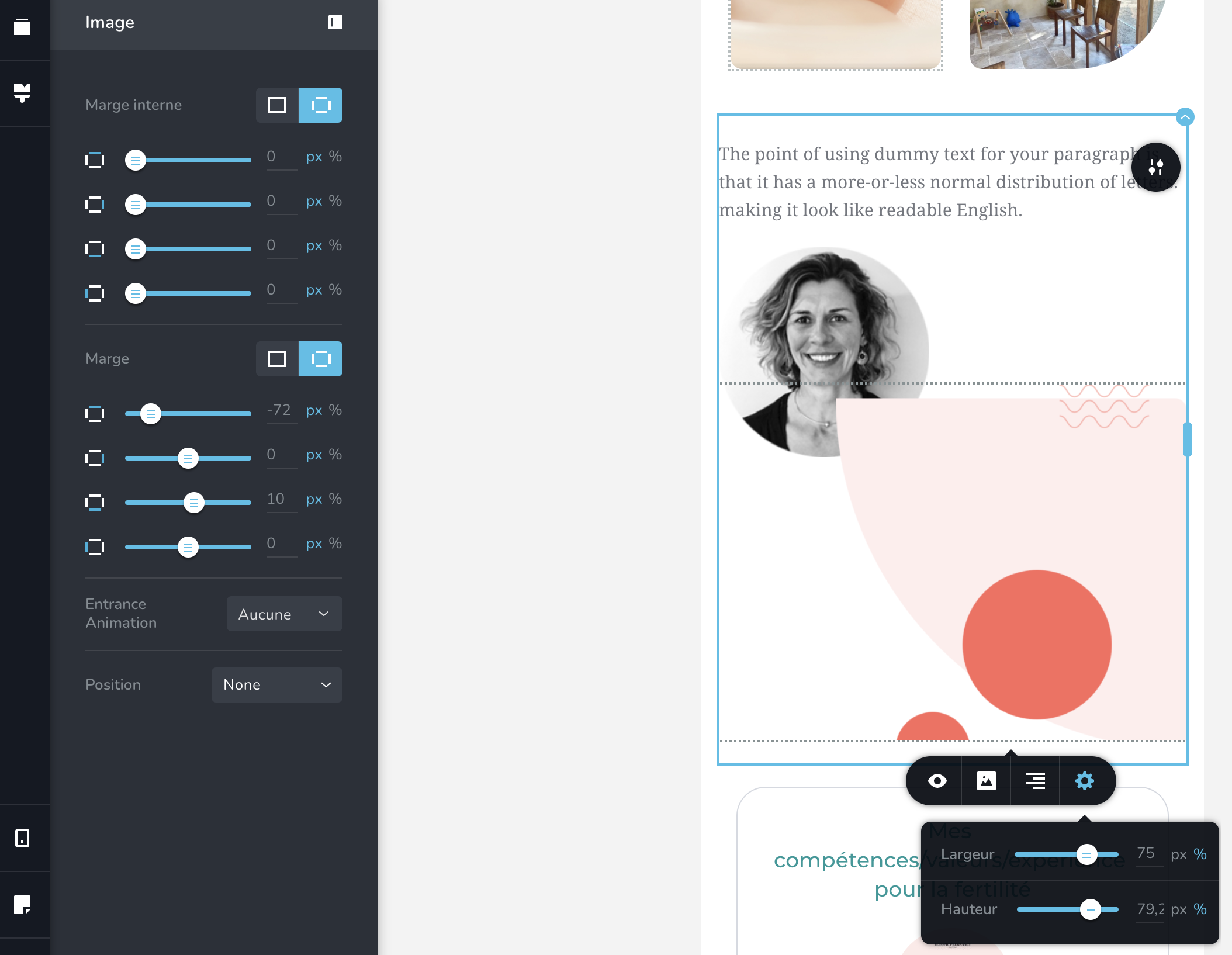 0
0 -
Hi,
I notice that you are in mobile mode but in mobile mode, it isn't possible to change the z-index. The z-index is a general setting and it is applied in the desktop mode for all devices. Therefore, my suggestion is to go to the desktop mode and set-up there for the foto a z-index with 10 (as an example but you can set-up another value you want) value and then go to the pink image and it the z-index with 5 (the same it is an example, you can set another value but it has to be lower than the z-index set-up for foto) value. Then update the page and check the mobile mode. Is it working fine?
Best regards,
Sandra0
Please sign in to leave a comment.
Comments
5 comments