"Oops! That page can’t be found." when trying to edit a Brizy Template

The Brizy Template page that I've designed for all my Posts is no longer accessible to me. When I press "Edit with Brizy" it takes me to an "Oops! That page can’t be found." page.

That said, my posts still show up using that template.
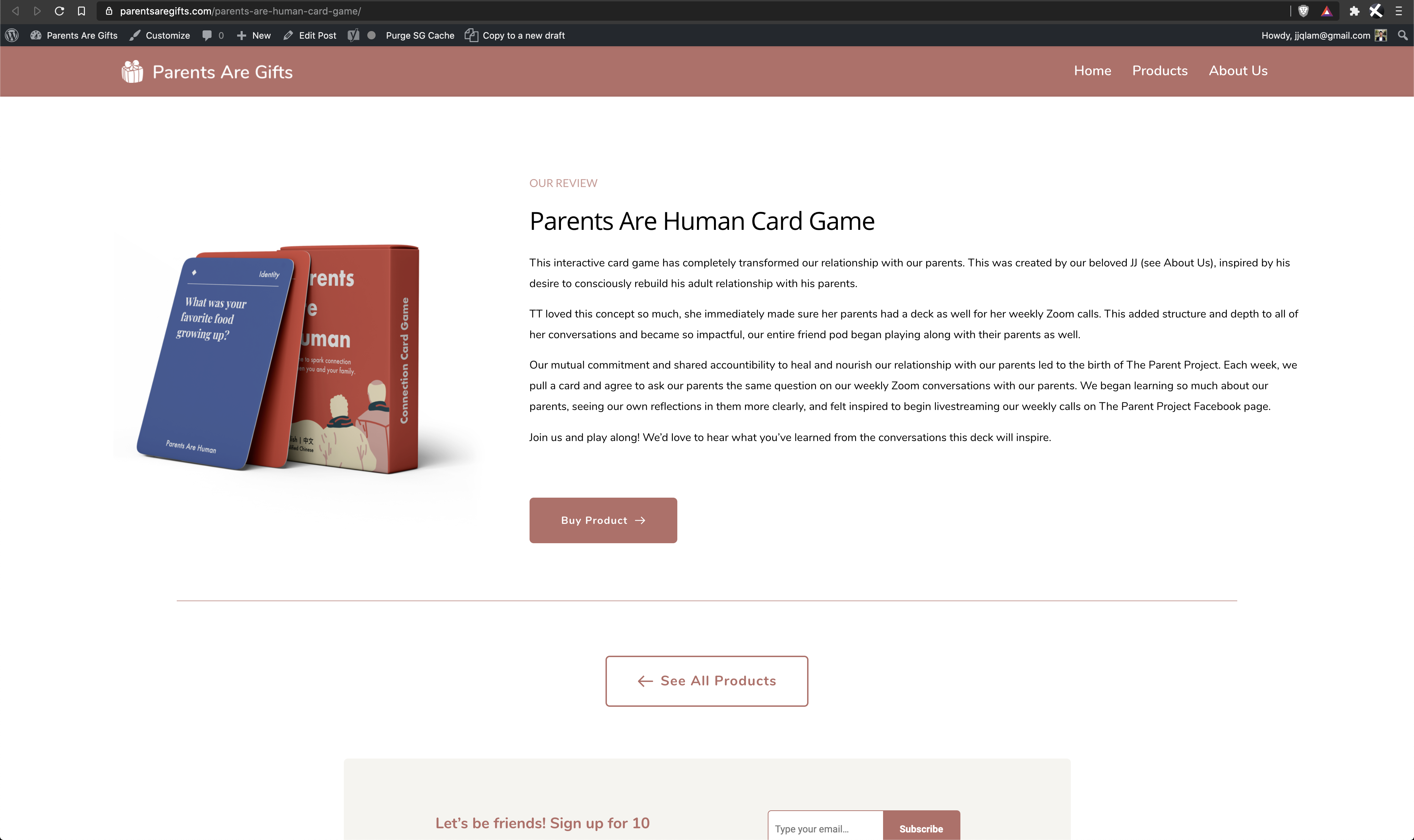
I need to change certain things on this template. Please let me know what I can do.
-

Hi,
Could you please go to WP dashboard -> Brizy -> Templates and from here find the template you want to edit. After this click from there the "Edit with Brizy" and after this make all the modification you need. See here https://jmp.sh/avzDNPj.
Thanks!
Best regards,
Sandra0 -
Hi Sandra!
I really appreciate you getting back so quickly. Here's a screen recording of what's happening for me, following your instructions. I am still greeted with the "Oops! That page can't be found" error.
What can I do? Thank you 🙏
0 -
Hi,
Could you please check if you have added some display conditions to this template https://jmp.sh/kDHWog0? Also, could you please check if you have the latest version of Brizy Free 2.0.13 and Brizy Pro 2.0.6?
If you still found this problem, could you please temporarily deactivate all external plugins and activate a WP default theme?
Thanks!
Best regards,
Sandra0 -
Hi Sandra,
Thanks again for this. So weird, I didn't change a thing and was recording my screen to show you and it suddenly works. Yes - I have the latest version of Brizy Free & Pro + there are display conditions for that template. You can see the recording here: https://jmp.sh/CirJrpv
I'll reach back out if it happens again. Wishing you and your family all the best!
With gratitude,
Joe0 -
Great! Thank you for updating us regarding this! Yes, please, if this problem will appear again, let us know and we will be happy to help you!
Have a great day!
All the best,
Sandra0
Please sign in to leave a comment.
Comments
5 comments