Embed element not working despite trying from different sources

I need to build in a support element into my website. I've tried embedding the HubSpot, Zoho and Jira helpdesk options, none of which work.
I've searched here, and have found no solutions, other than a possible one for HubSpot (not my ideal solution for my purpose).
Why does the embed not work?
-

Hi,
do you have this problem on Brizy WordPress or Brizy Cloud? Does the HubSpot code work on a non-Brizy page? Can you please send the code so we could test it?
0 -

It's happening with me as well, I am using Brizy Cloud and whenever I embed any code it won't budge.
Actually, I've tried it on both paid and free versions, and the free version seems to have this problem, can you please help us fixing it?
<iframe width="916" height="515" src="https://www.youtube.com/embed/ERqfPBaO8Ck" frameborder="0" allow="accelerometer; autoplay; clipboard-write; encrypted-media; gyroscope; picture-in-picture" allowfullscreen></iframe>
1 -
Hi @Raghad Modallal,
Most likely this is because your account was not validated. We did this manually so now it should work. Please add once again the Embed element and add there your external code.
0 -
@Alex
Right, it's working perfectly now, thank you for the quick response I appreciate your hard work!
Regards,
0 -
I'm glad to hear that. Let us know if you need anything else.
0 -

Hey I'm also having the same problem. I'm trying to embed this code on Brizy cloud and no matter what I put, it also won't budge, but it worked on Wix and W3Schools editor.
here is the code:
<!DOCTYPE html>
<html>
<body><script src="https://apps.elfsight.com/p/platform.js" defer></script>
<div class="elfsight-app-79a18a35-7947-435d-825f-a5c4f5fe2dc0"></div></body>
</html>0 -
Hi,
Try adding just that:
<script src="https://apps.elfsight.com/p/platform.js" defer></script>
<div class="elfsight-app-79a18a35-7947-435d-825f-a5c4f5fe2dc0"></div>0 -
I did that before I even added the DOCTYPE formatting and it still didn't produce. :(
0 -
That's strange because it works well for us: https://jmp.sh/SY9OI9O
btw: keep in mind that it should not work in the page editor, but it should work on the frontend page. Can you please confirm that it doesn't work in the preview/frontend?
0 -
Had to wait some permissions from my Admin, but when I was able to check it, it worked out PERFECTLY!
Thank you!
0 -
I'm glad to hear that. Let us know if you need anything else.
0 -

A couple of members on my team are unable to embed code. 3 of us have no issue, but 2 don't even see the option to embed code when they click on an element (see image)
They've tried from multiple browsers, incognito etc and no luck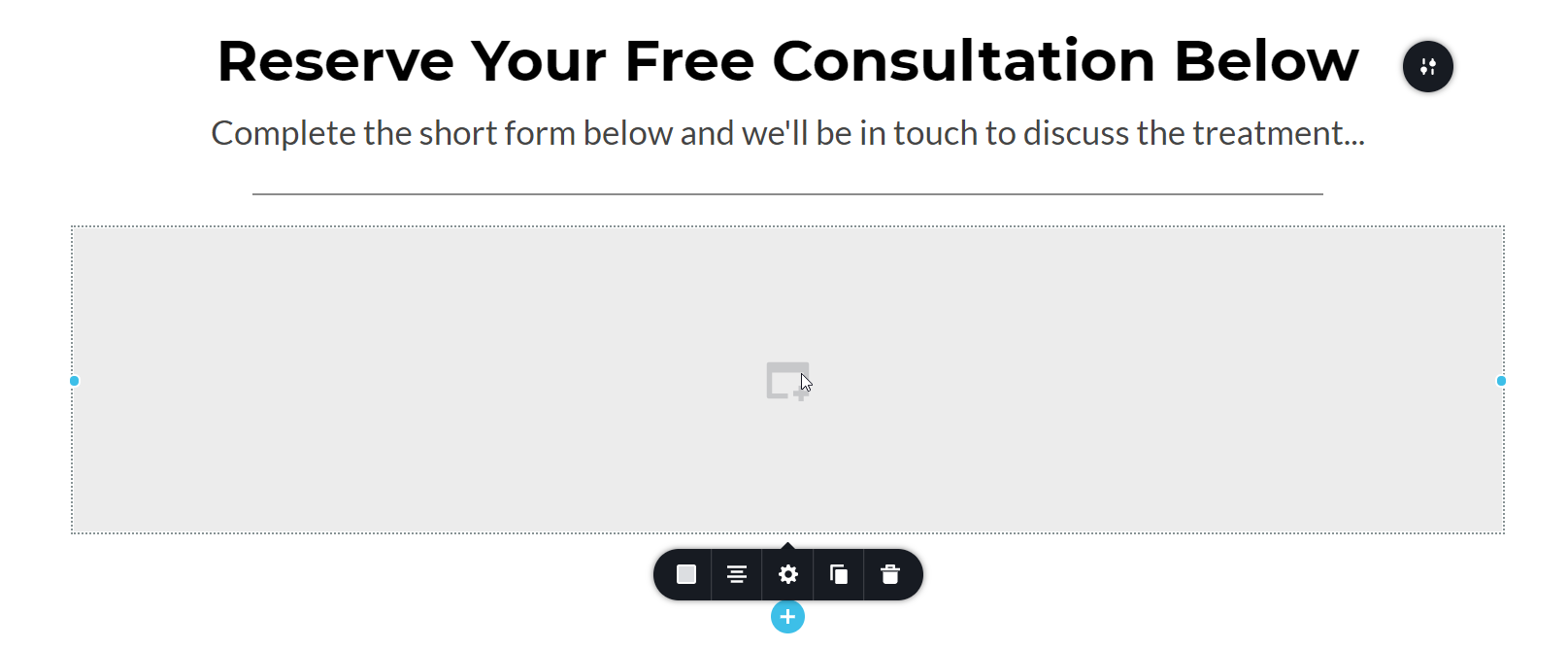 0
0 -
Hi,
Does it happen in Brizy WordPress or Brizy Cloud? Do all 5 members have the same roles?
0
Please sign in to leave a comment.
Comments
13 comments