Images in carousel looks odd

Hi,
Did an image carousel for some logos, and they looks good on the editor, but on the frontend, they don't. And this also happens too with some other images sometimes, like the logo images in the headers.
How to fix it?

Best regards,
Daniel
-

Hi Daniel,
can you please confirm you have this issue with the latest Brizy version - Free 2.0.12 and PRO 2.0.6? Also, do you have the same problem if you disable all your external plugins?
0 -
Hi,
Yes, latest stable versions. Right now I do not have any plugins that interact with images. I was thinking it's PhastPress that is doing anything and disabled it, but the problem persist.
Now, I think the problem is that I try to shrink the images. The editor have a minimum 100% for image size, but my images are bigger. So I used the input box to enter a lower number. The image placeholders also have a fixed size in pixels, 230x100 px.
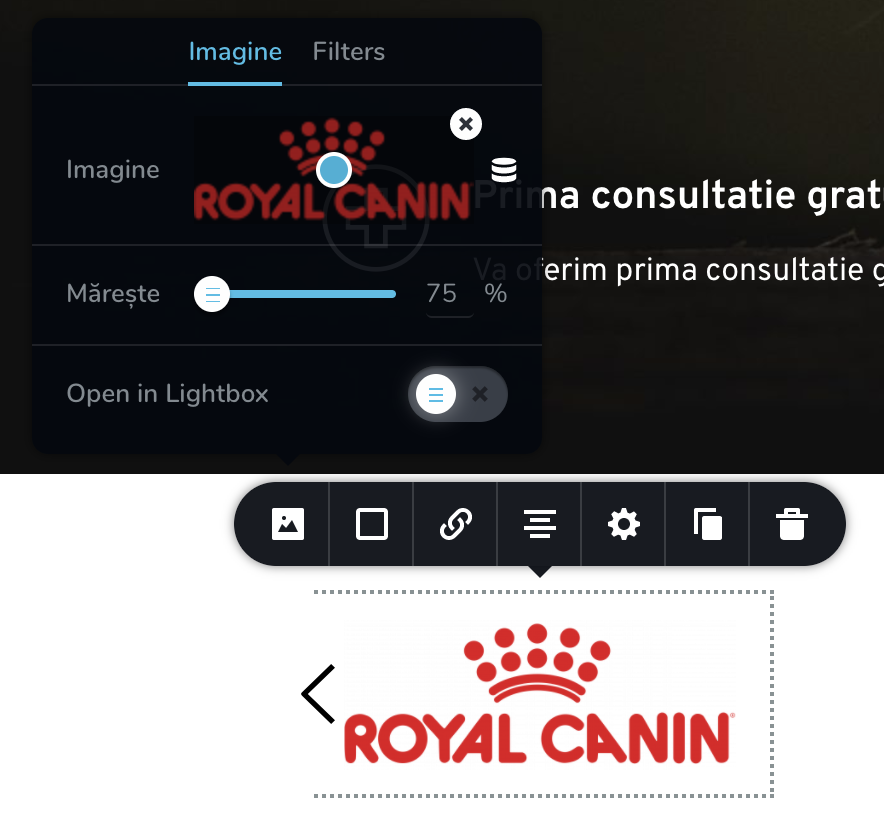
Now how can I do this without the need to modify the images? Isn't is supposed the image to be centered? They looks just fine in the editor...
 0
0 -
PhastPress is an optimization plugin so that some visual problems could occur as a result of the code minification. Do you have any other optimization or minification plugins? Please disable PhastPressand other optimization plugins and check your site in an incognito mode. I just checked the carousel elements with similar images and it works well for me so I think there is a third-party cause on your site.
0 -
I already deactivate PhastPress, as stated above. Also, I had reSmush.it Image Optimization and it's deactivated too (this wan was not set to auto-optimize, so it could not interfere anyway). All other plugins are not image related.
Also, I was able to do the same on a WP installation with just Brizy active.
I tried to check in incognito mode, still same result. It's there any cache of Brizy I should empty?
0 -
Hi Daniel,
I have created a private ticket for you so please send your login details there and we will look into it. Thanks.
0
Please sign in to leave a comment.
Comments
5 comments