Block target not working on another page

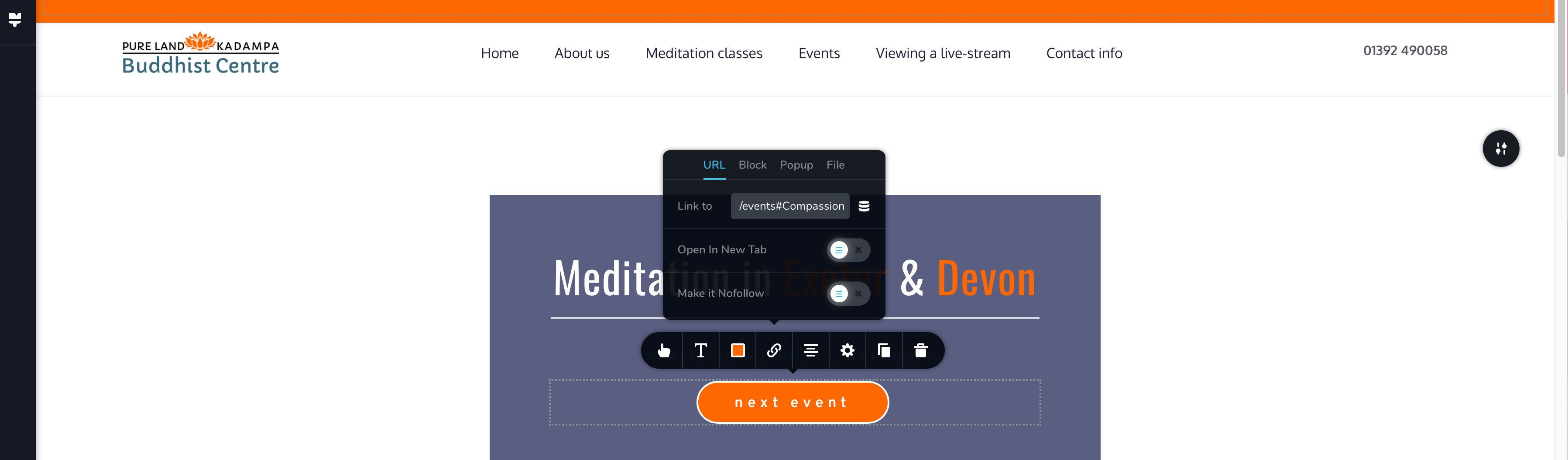
The target link /pagename#blockname goes to the foot of the target page. Also applies to links from menu.
screenshot shows Homepage link from button 'next event'
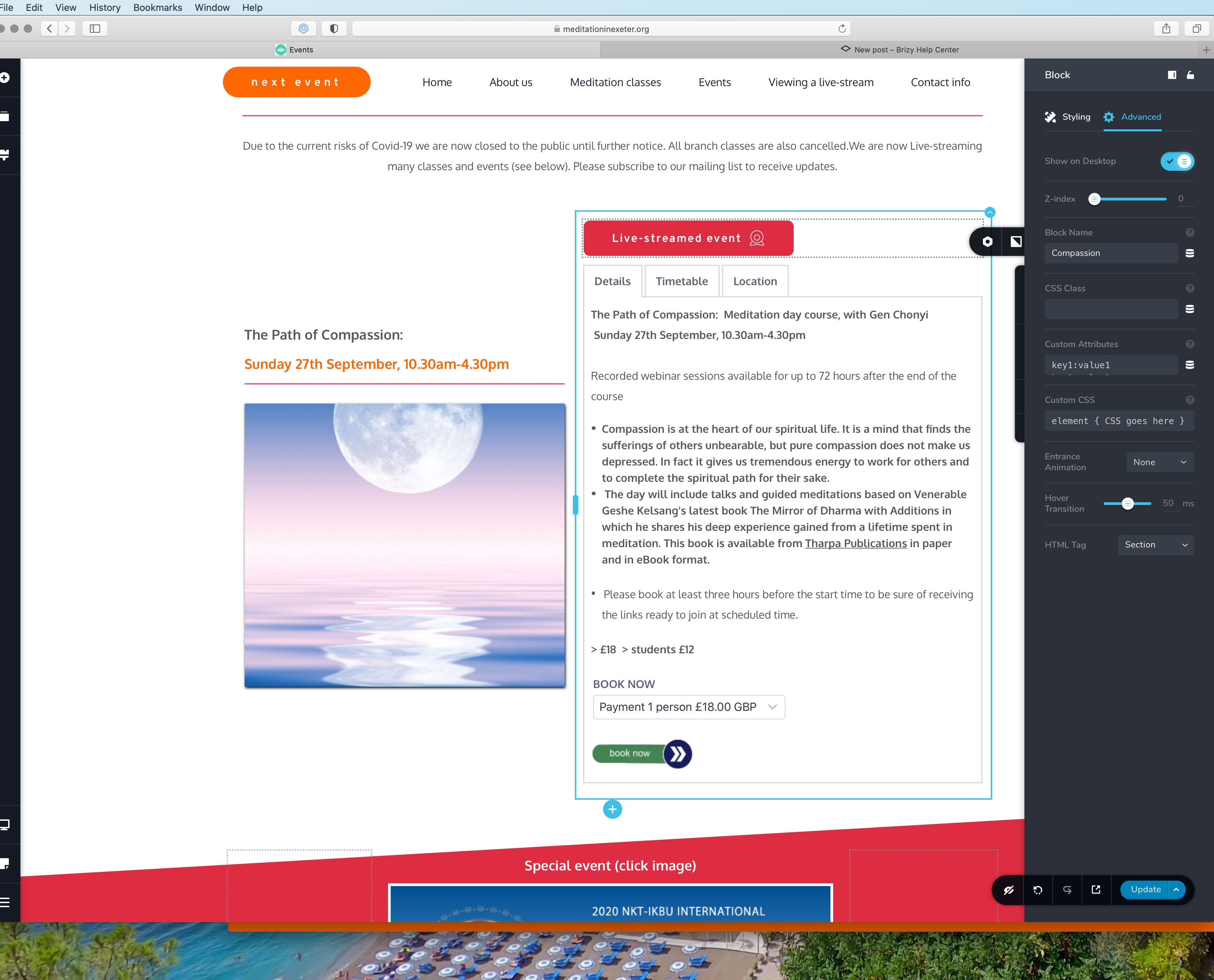
screenshot of block
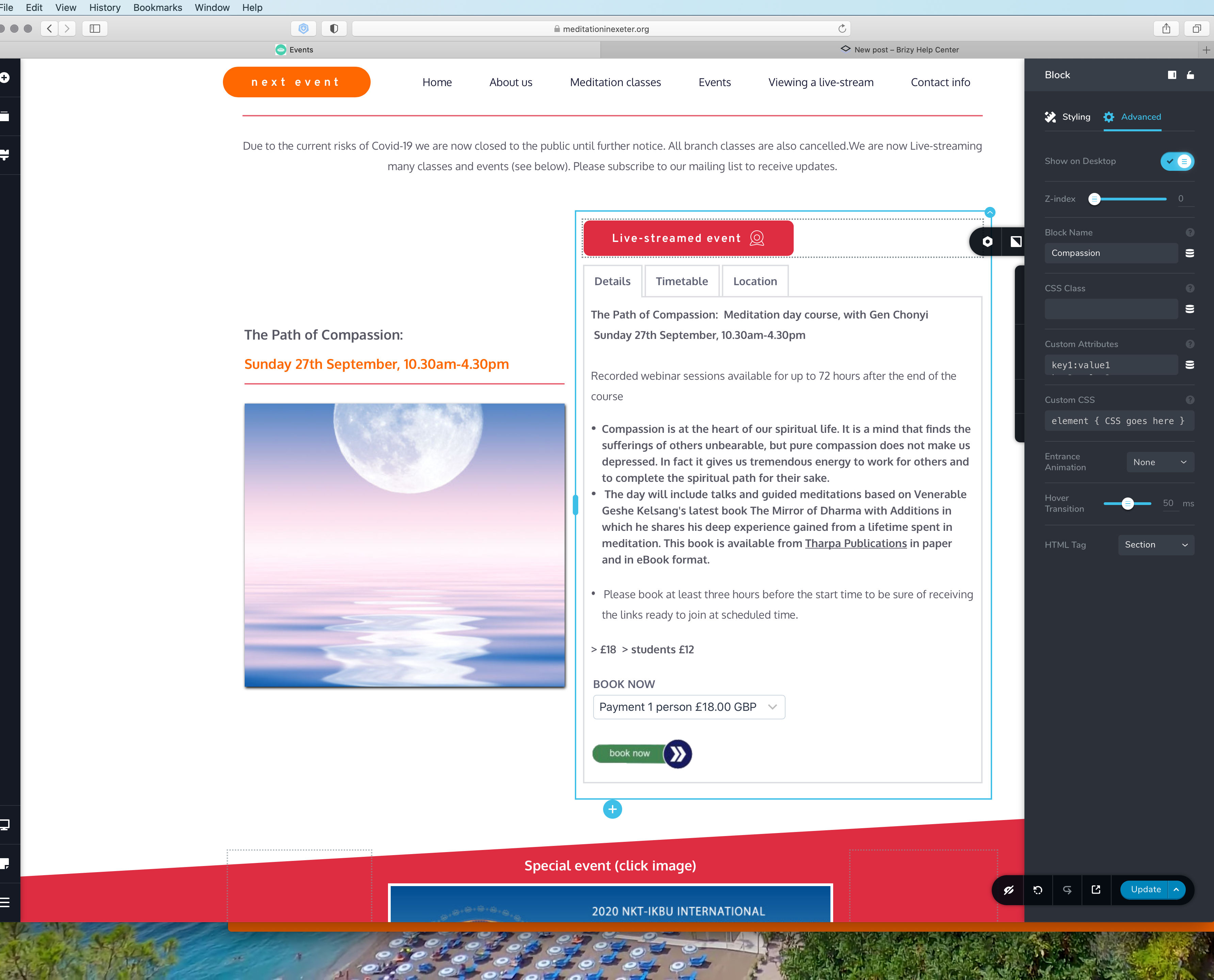
screenshot of where the link takes you.
Ive had to delete the block name link to make the site useable
regards,
Clive
-

Hi Clive,
try to use this link structure: /events/#compassion
0 -
Thank you Alex, this made no difference, but, when I disabled LiteSpeed Cache it works. What now please?
0 -
And now it works again, I think its a caring issue, may sort itself out.
0 -
caching
0 -
Let us know if you need anything else.
0 -
Hi Alex, The links are still not working correctly, some do some dont.
The time from clicking 'edit with Brizy' to a fully loaded page, ready to edit is 25 seconds, way more than I got with Elementor.
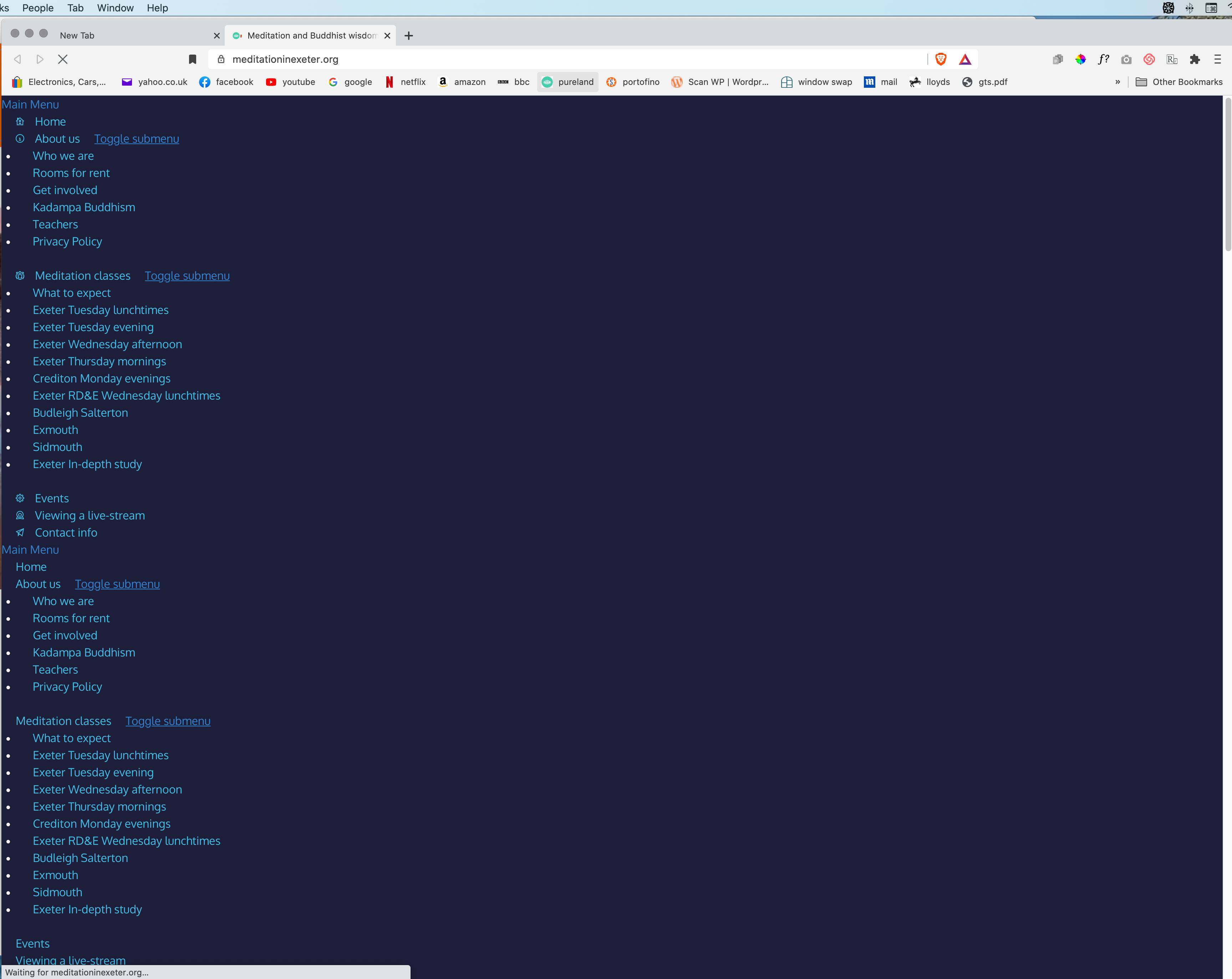
When accessing the site in any browser, before it shows properly I get, see image, for a brief moment or two.
There's 3 frustrations, please advise.
regards,
Clive
 0
0 -
Hi,
This is due to code minification. Can you please confirm that you have the same problem if you disable all optimization and minimization plugins?
0 -
Thank you Alex,
I disabled Litespeed Cache, and the problem has gone, except my GTMetrix score is rubbish compared to Litespeed activated.
Do you think its in one of the settings, rather than a problem with the plugin itself please?
Thank you for your patience, if you have a suggestion Ill do my best not to ask anymore questions.
regards
Clive
0 -
Yes, I think there is a specific option that causes this. Try to activate them one by one and see.
0
Please sign in to leave a comment.
Comments
9 comments