image framing in editor differs from site

Hi Community,
I started using brizy pro recently and am having a problem that maybe you could help me with
So I am working with Wordpress and the Brizy pro plugin and am preparing a site which is saved as a draft. The site cotains about 14 images with measures 1280x520 and about 150-200 kb file size each.
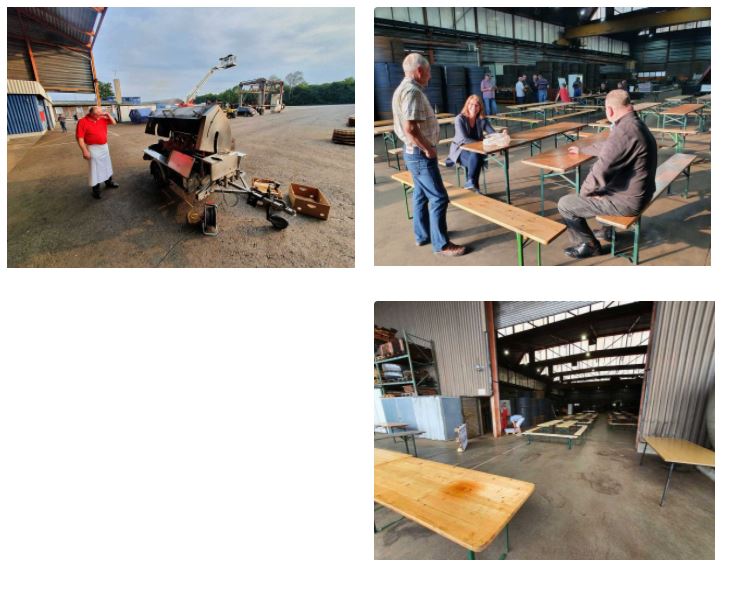
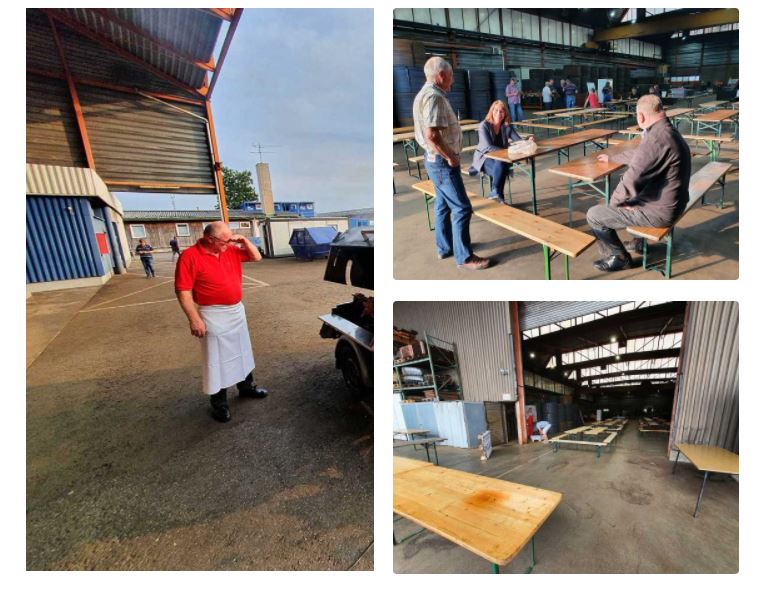
When arranging them in the editor and saving as a draft the images get displayed as intended in the editor. But when looking at the site in preview the immages get arranged differently, and stretched. As you can see in the attached screenshots in the editor we have two images of the same size in one row and in the row below we got 1 image on the bottom right. In the site preview the imgage in the first row gets stretched across both row 1 and row 2, so not as intended.
Please let me know what seems to cause the issue in case you know.
Best regards,
Max
-
 0
0 -

Hi,
I sent a reply to another post of yours that has the same problem. Let's continue there.
0
Please sign in to leave a comment.
Comments
2 comments