Slider problem - no settings available, overlarge size can't be configured

I want to set a homepage with a slider for four header background-images
I added a new block via Brizy and selected it with a layout which contains a slider. I also did that manually by using a BG-image to a new block and then used the menu (hovering the top right on the block > right icon "Block" > activate "Make it a Slider") - see: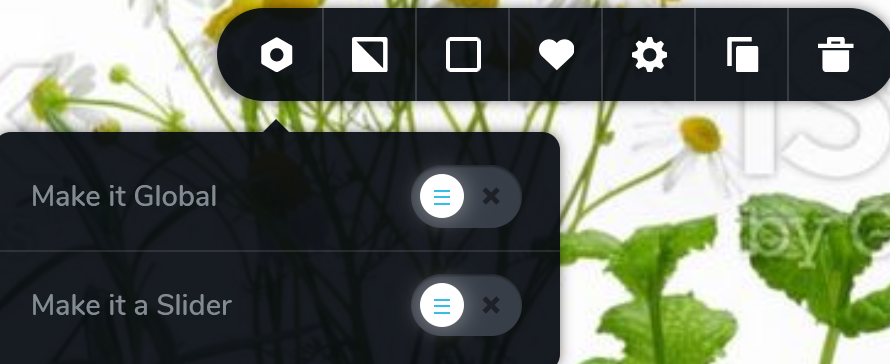
But then I get an enormous space taken by the slider but no options to change the settings. I can edit elements within the (somewhat jerked) slider element, but not the size, how many images should be in, etc. I can see the little arrows in the middle section of this repeating slider-thing, as well as the square red buttons at the bottom, but now way to edit it or to put into shape. See this screenshot after I zoomed out of the page to about 20% size to have it fully on the screen:

When checking the block order on the left, you can see how the height, too:
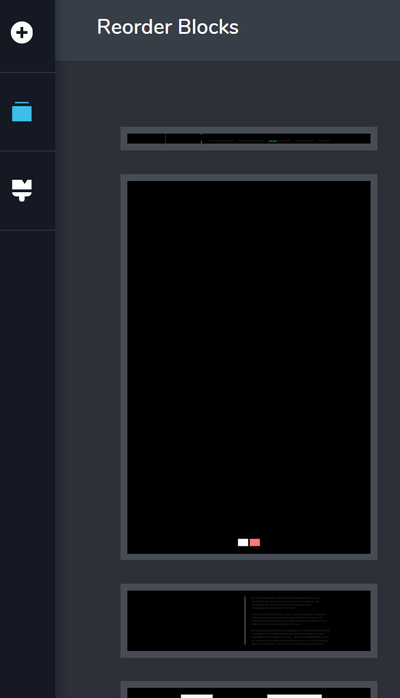
What do I need to do in order to get the slider element working?
-

Hi,
I think there is a misunderstanding of how the slider works in Brizy. It is not a standard slider, but it is an option to convert the block into a slider. Its height is set by the elements that a block contains so you need to make sure that you do not have extra space or that the elements are well arranged in the section. The number of slides depends on how many duplicates of the blocks you have made. Please refer to this video: https://youtu.be/20dEeriBqvo Maybe it helps you to create the slider you need.
0 -
thank you, but when I do just as in the video and change the box to "make it a slider" it doesn't show up as in the video.
Here is an example box with a bg-img before changing it to a slider:
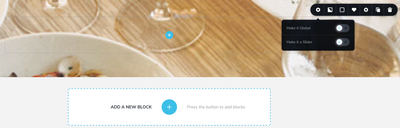
and this is how it looks afterwards:
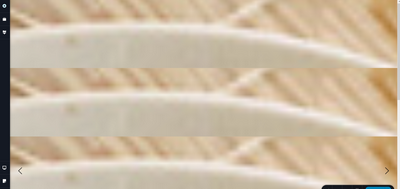
and after looong scroll down to the bottom the dots appear as larger squares:
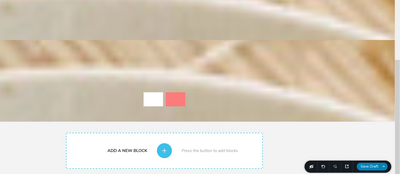
Not even the block-setting-icon (where to "Make block a slider") displayes anymore.
I only get vertically repeating boxes of a super-zoom-in of the BG image as in my screenshot above.
0 -
Can you please send a screen recorder so we can see the actions that generate this issue? The screenshots contain only some parts of the slider so it is not quite clear.
btw: please confirm you have this issue with the latest Brizy version - Free 2.0.12 and PRO 2.0.5 Also, do you have the same problem if you disable all your external plugins?
0 -
Thank you again. I recorded what happened, pls see the link I've posted. I hope that explains it.
You'll see the "switch" from picking a slider element from the list of available Block to the outcome I was trying to illustrate in my posts above in the first 3 seconds.The same switch happens when simply having a box with a BG image and clicking "Make it a Slider".
At second 29 I click the preview-link, from then the video shows the published page, not more the Brizy editor.
I've also deactivated the other plugins (only 3) and can confirm I have the current versions Free 2.0.12 and PRO 2.0.6 installed and activated. But no change.
0 -
in case the link from my previous post is not there, here again: http://egalwie.de/brizy-slider2.wmv
0 -
Hi,
I have created a private ticket for you so please send your login details there and we will look into it. Thanks.
0
Please sign in to leave a comment.
Comments
6 comments