Posts and Brizy Pro

Hi every time i make a new post in Brizy Pro it seems to overwrite any other post i have already created. Its driving me insane. I have a load of pages which I'm happy with and just wanted to use posts as my Blog.
-

Hi,
How did you create the posts? Did you have created a template for all posts? Could you send us a screenshot with the problem you encounter?
Thanks!Best regards,
Sandra0 -
Sorry I'm lost your email somehow. I now have the template working but have a few issues.
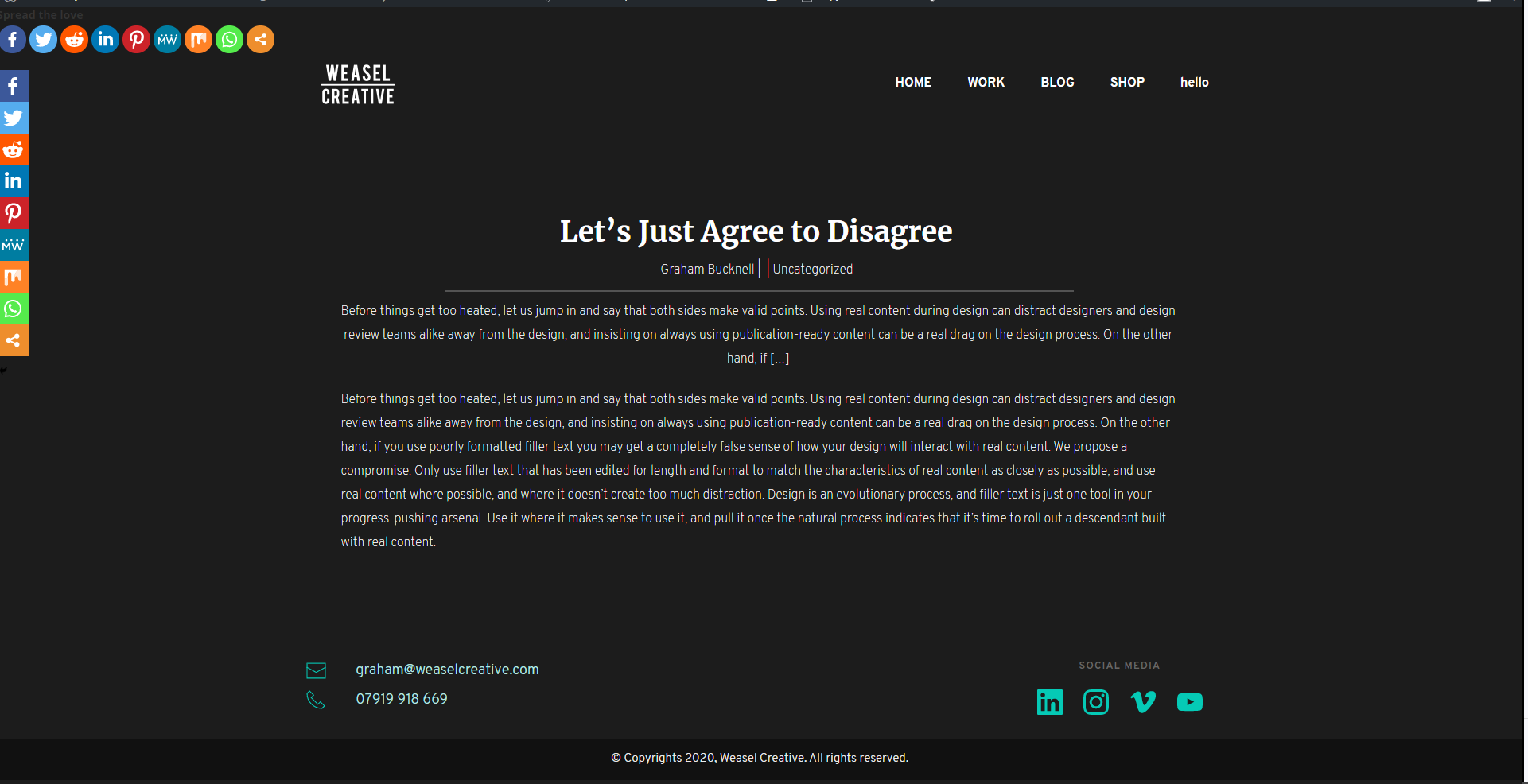
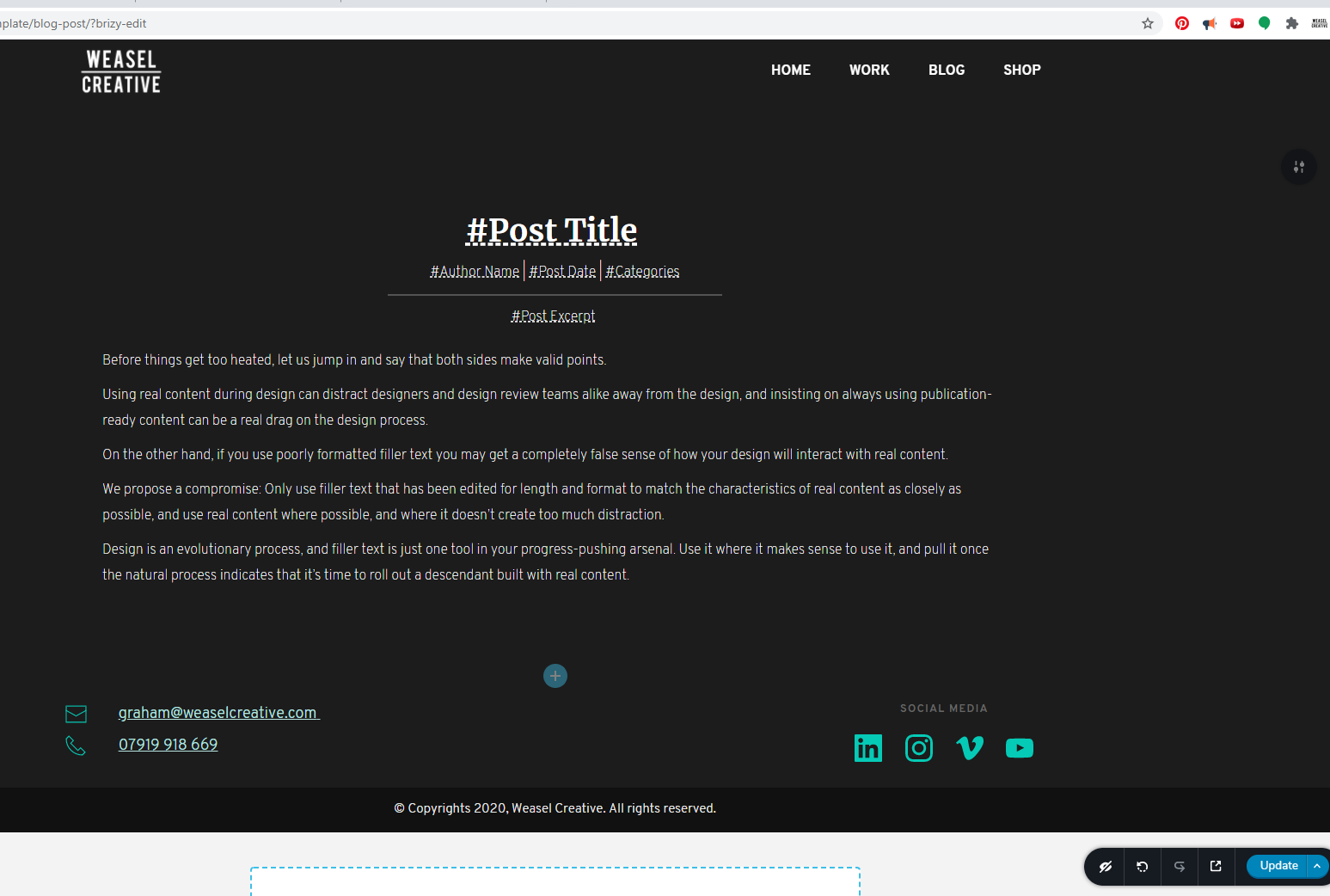
 0
0 -
Dates not working as expected and the spaceing in the text is also not working as expected
0 -
Gutenberg editor seems to fix the spacing problem not the date
0 -
The template in Brizy is something like a sketch where you arrange the page or post as you want to see it in the live view. All elements in the template are provided in a dynamic way. The template is something like a layer that covers the initial page/post, extracts the necessary information (tags, category, featured image, content, post ID, post author name and so on) and show them in the places you indicate.
Important! You have o disable the Brizy builder o the pages you add the template because it will not be visible on the page/post you assign it.
Therefore, you have to create all the content you want to see in the post in the WP default editor, without Brizy and then create a template with all the dynamic elements you want. I see in the first screenshot that you added manually the text in the template. This is not correct because, in such a way, all posts (or the pages/posts you attached this template) will have that text. Instead of that text, I suggest adding the Post content element. This element will extract in the dynamic mode the content you created for that post/page. Here you can find it https://jmp.sh/wk1ktAV.Regarding the problem with Post date - please make sure you have the latest updates of Brizy Free - 2.0.12 - and Brizy Pro - 2.0.5
Best regards,
Sandra0 -
 0
0 -
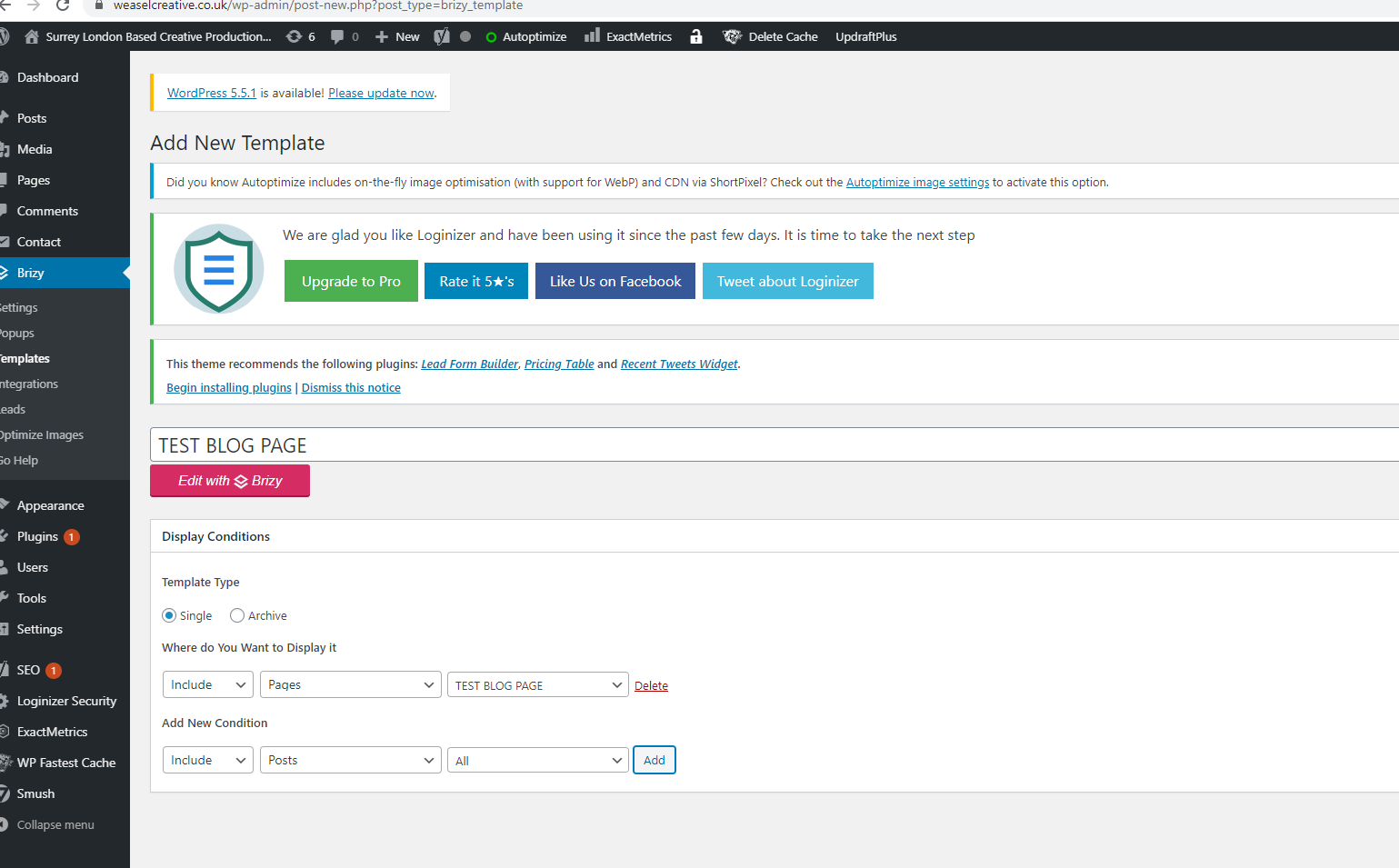
I didn't add the text in the template! I added it in the word press editor! I applied the template to in the template section as per the video. I did it all as per the tutorial to the T. The post seems to work bar the date which is broken and I'm using the latest update. This needs fixing ASAP! I also cant get the dynamic blog page to work with the Brizy template. I have tried 100s of times now. I have even tried manually building it using the carousel. I'm not being funny but this is fundamentally not working as it should be! I have sepnt alot of time and would really appreciate someone looking into these bugs!
0 -
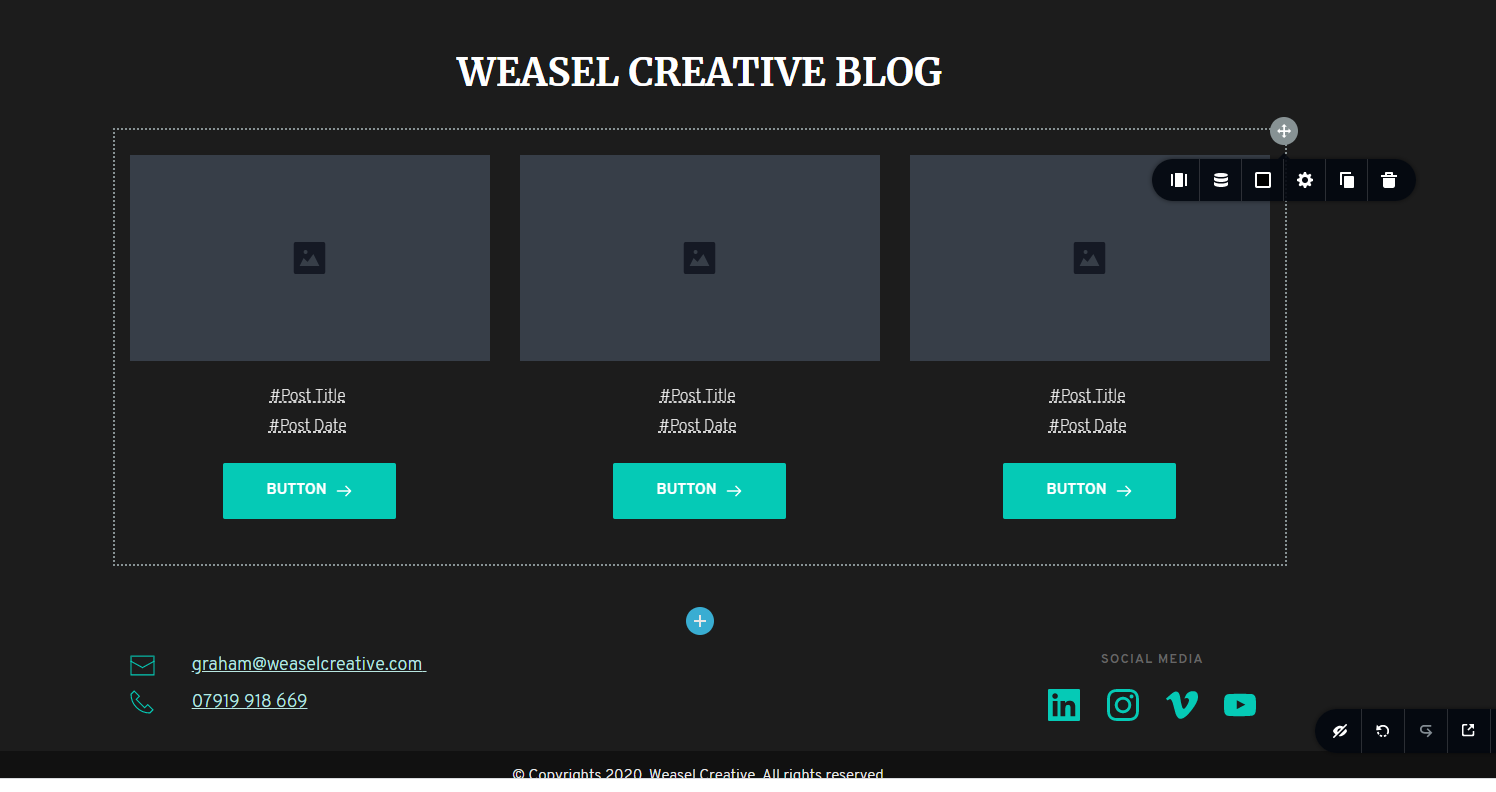 0
0 -
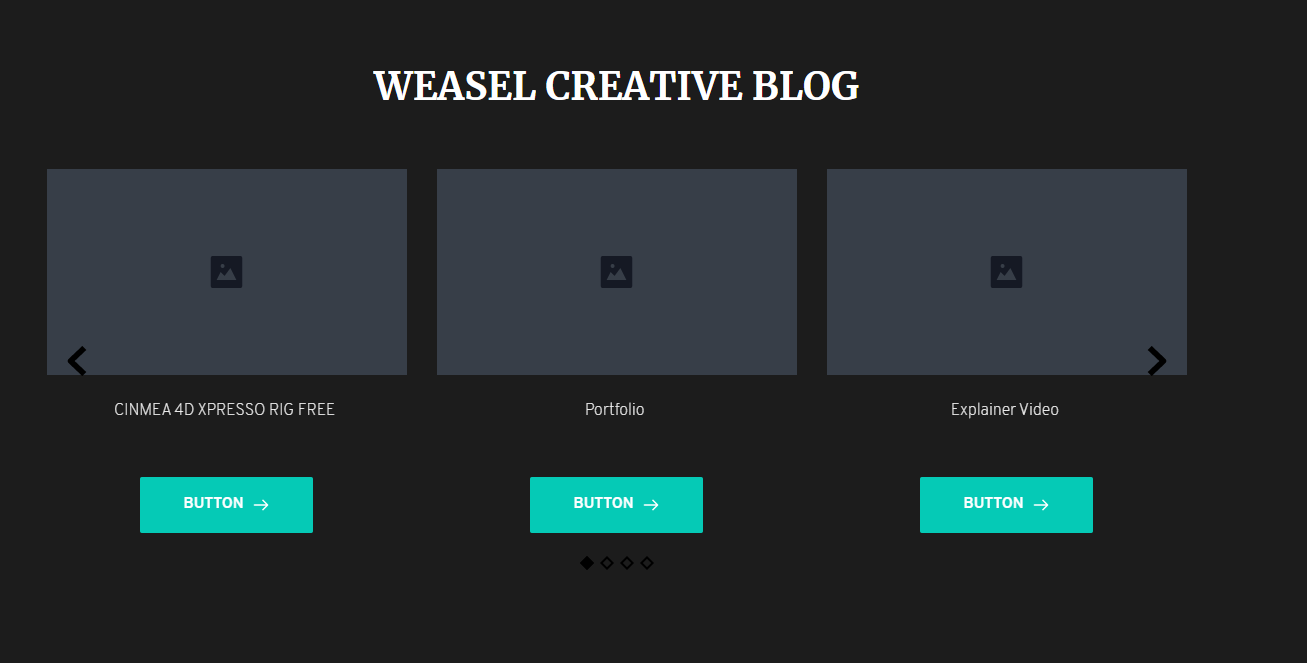 0
0 -
 0
0 -
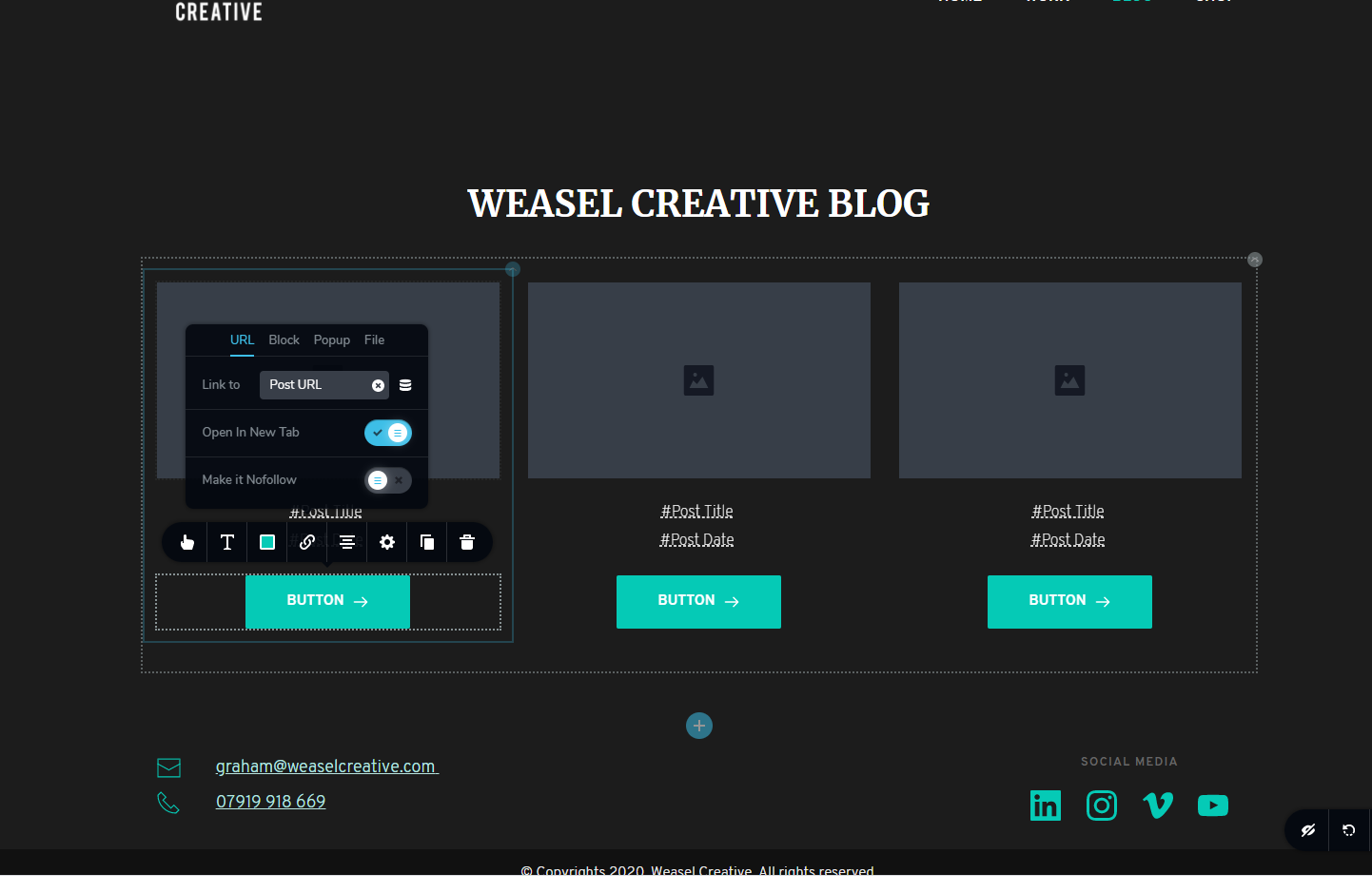
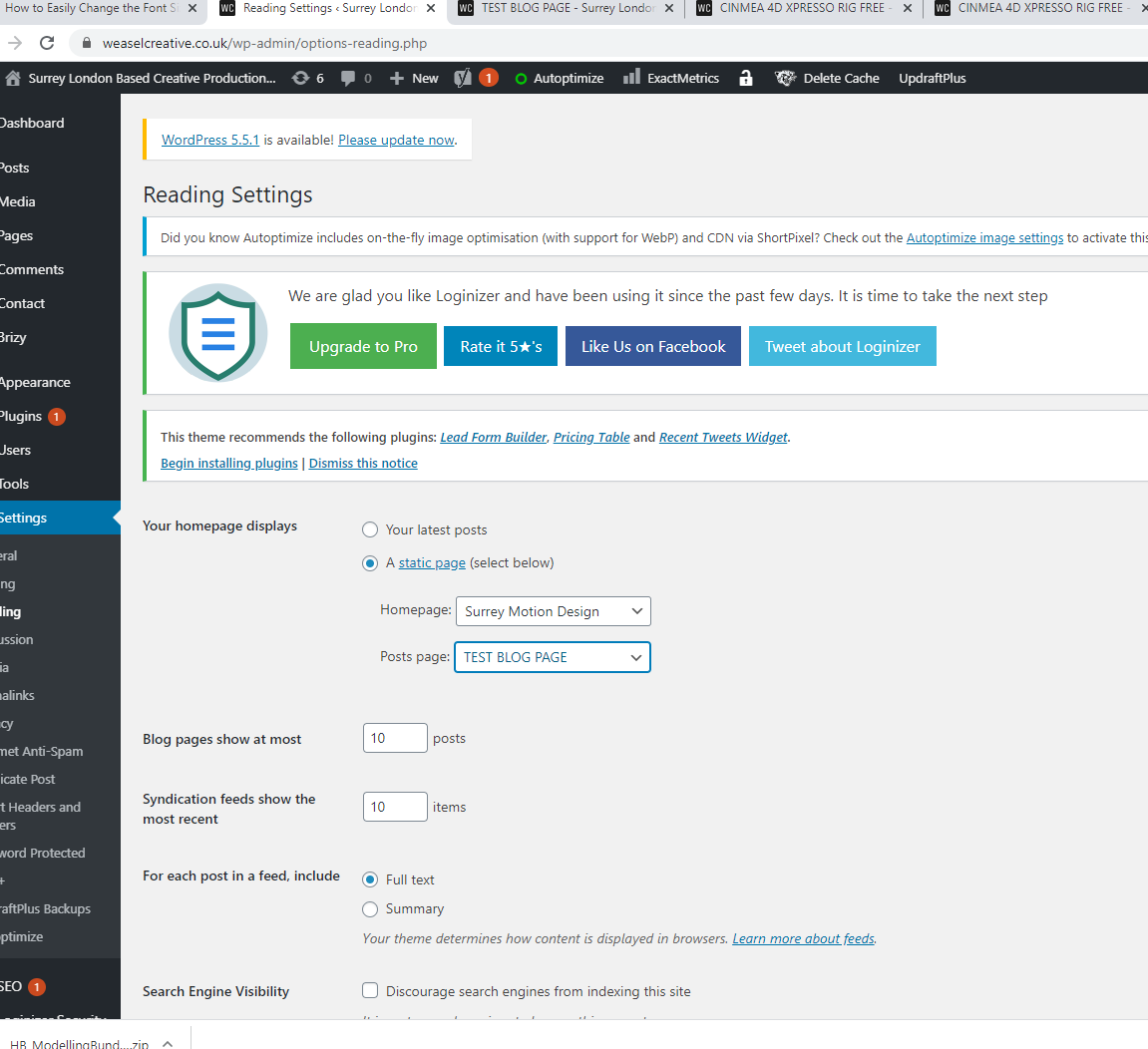
the URL lead to https://www.weaselcreative.co.uk/blog/#post
0 -
 0
0 -
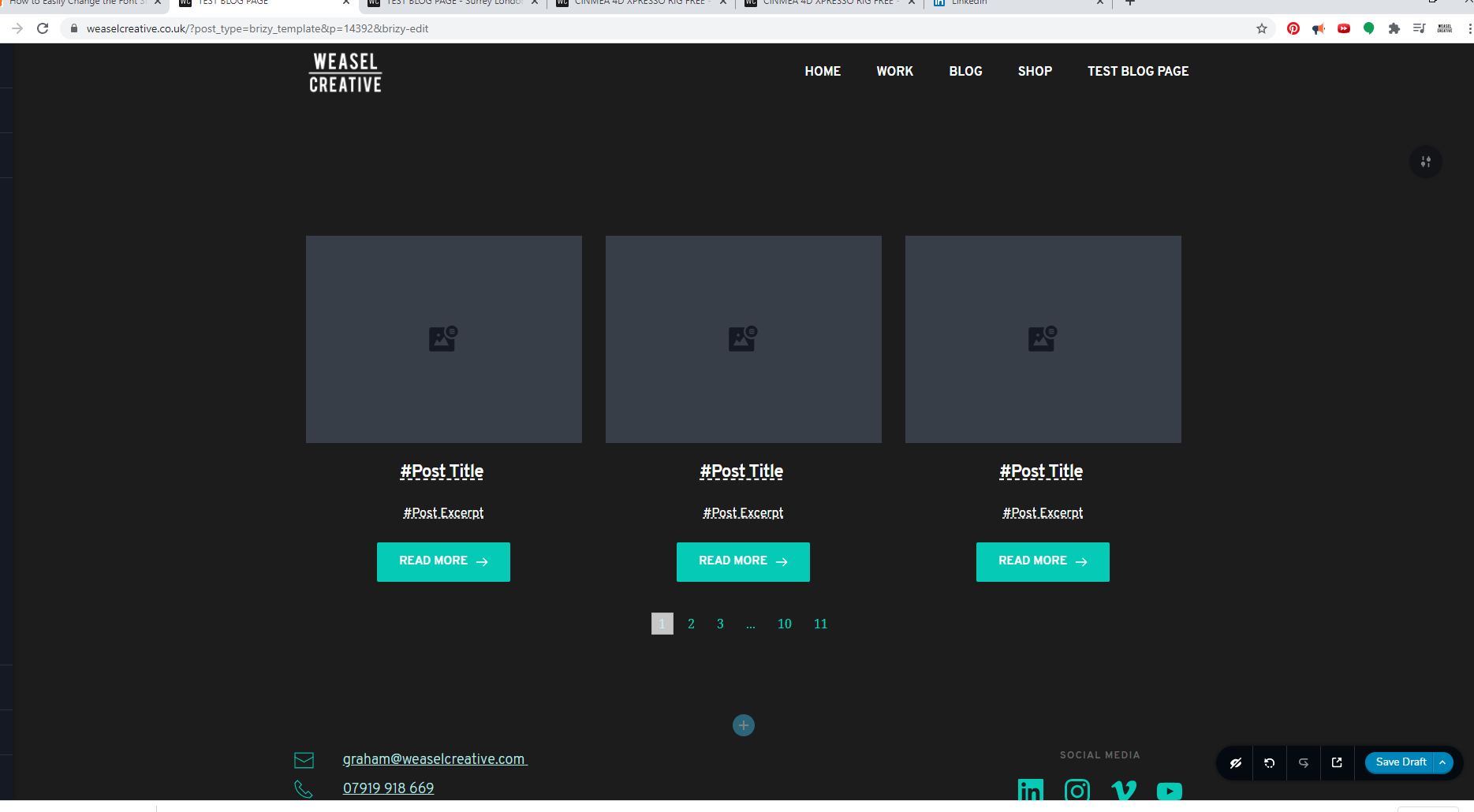
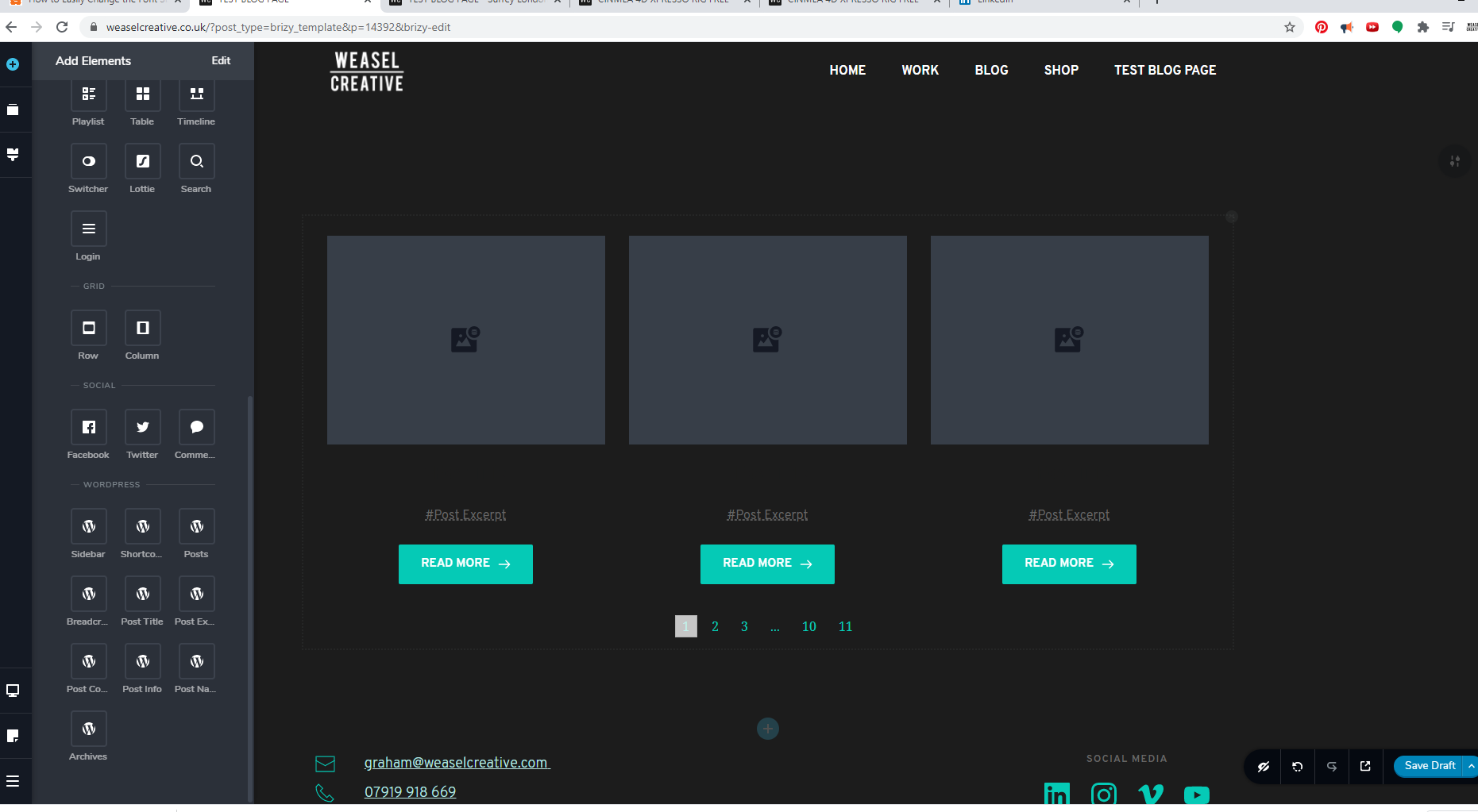
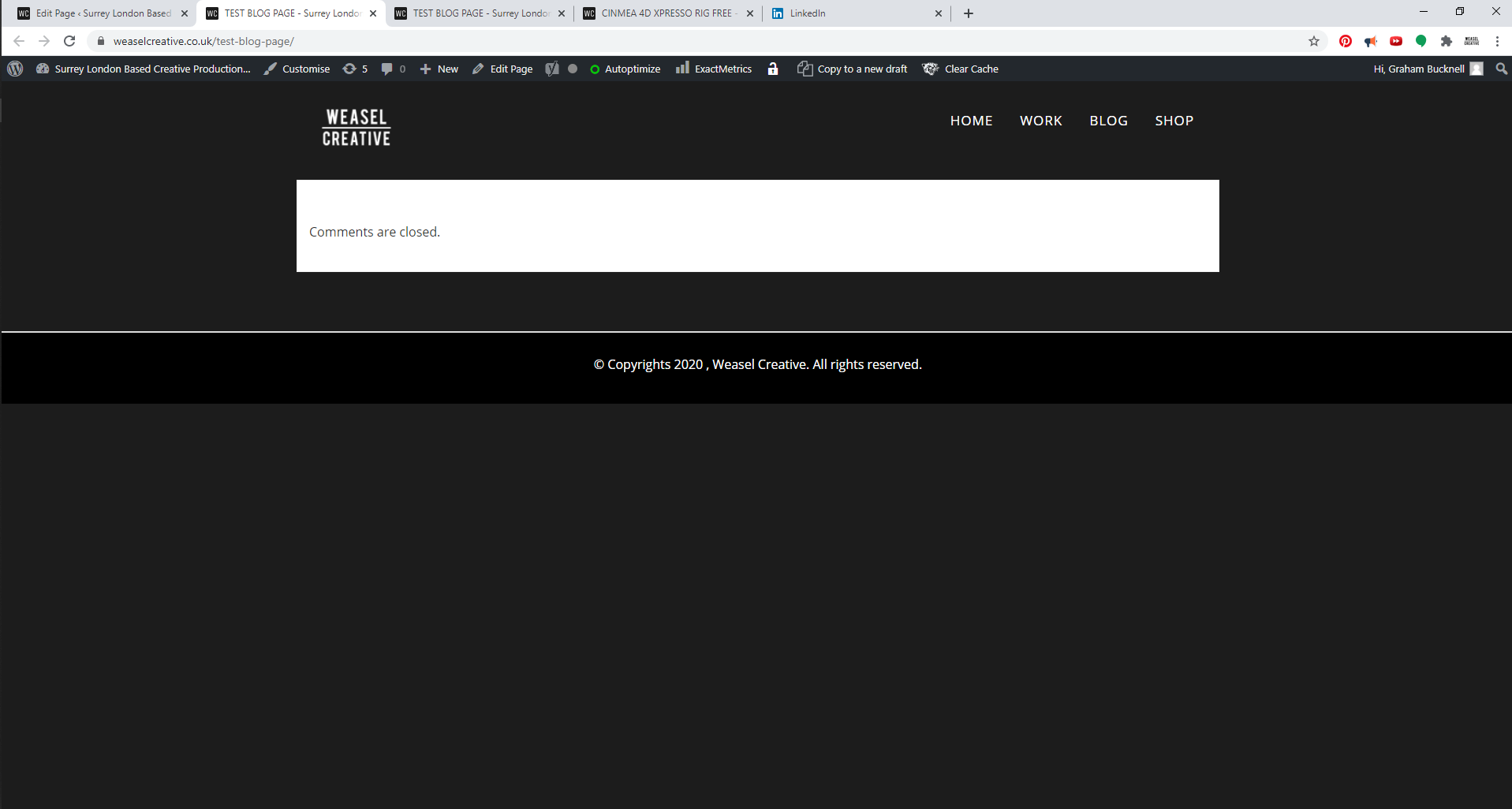
this is the blog page using the template.
0 -
Hi,
I suggest not using the #Post title, #Post Excerpt and so on. Now, we have an improved version of these hashtags and created the Posts title, Post excerpt elements and they are working better. Here you can find them https://jmp.sh/7j8v82t.
Regarding the problem with the Post date - I tried to check this again in 2 different places, in the page with carousel element and in the Template with Archive element and in both cases, the Post date showed correctly. See here the list of the posts with their data, here the preview from the page and here the preview from the template.
Could you please check again? Also, please update the Brizy Pro plugin too.Thanks!
Best regards,
Sandra0
Please sign in to leave a comment.
Comments
14 comments