Images Stretching and Posts

Hi.
I am using the regular editor for my posts and in the editing window the photos look fine, but then when I go to preview it, the images are all very stretched and I am not sure why?
Should I be using the Brizy editor for individual posts? Is it not easier to have a template for posts so that they all sort of look the same? Or should I be creating each post individually with the Brizy editor? But if I do this, then will the template I have for posts not apply? Or can I use the Brizy editor for each post and the post template will still apply?
:/
Thanks
-

Hi,
If you create a template for all posts, then all posts should be edited with the WP editor. Could you please send us a screenshot with how is displayed the image in the regular editor and how is displayed the image in the preview?
In the template for all posts, what element did you use? Could you send us a screenshot with how to designed the template?Thanks!
Best regards,
Sandra0 -
Here are three screen shots; template, editor, preview. And also see the header format is not the same.
I am sure I could make a new template to work but the thing is the template worked previously and then when I made this new post this is how it came out. So I just don't want to have to make a new template every time I make a post obviously. But of course, I wouldn't be surprised if I did something very wrong haha.
The feature image actually is not stretching. After what you see in this template I just used the text element I believe. And then inserted headings and images in the WP editor.
Thanks!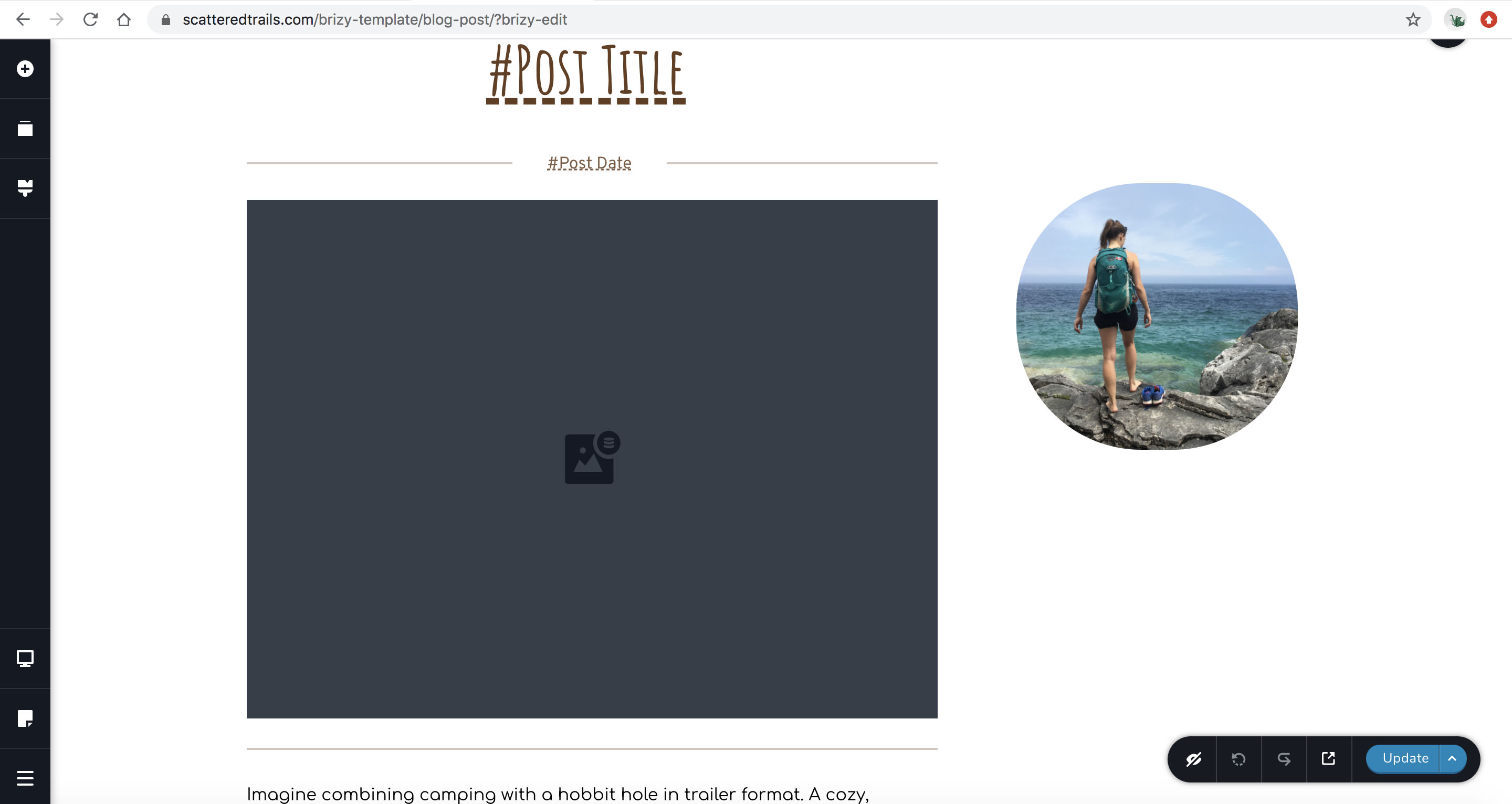
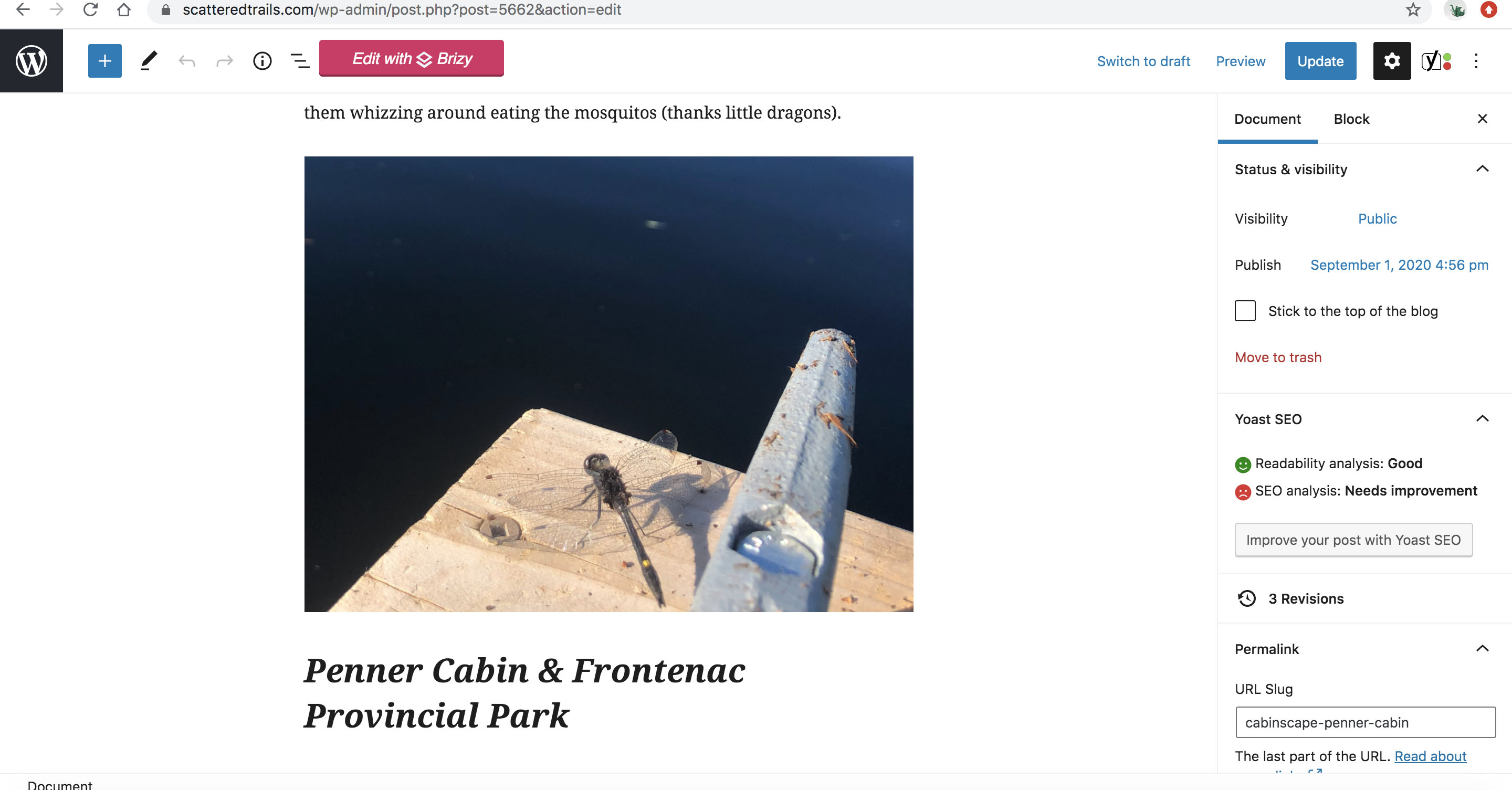
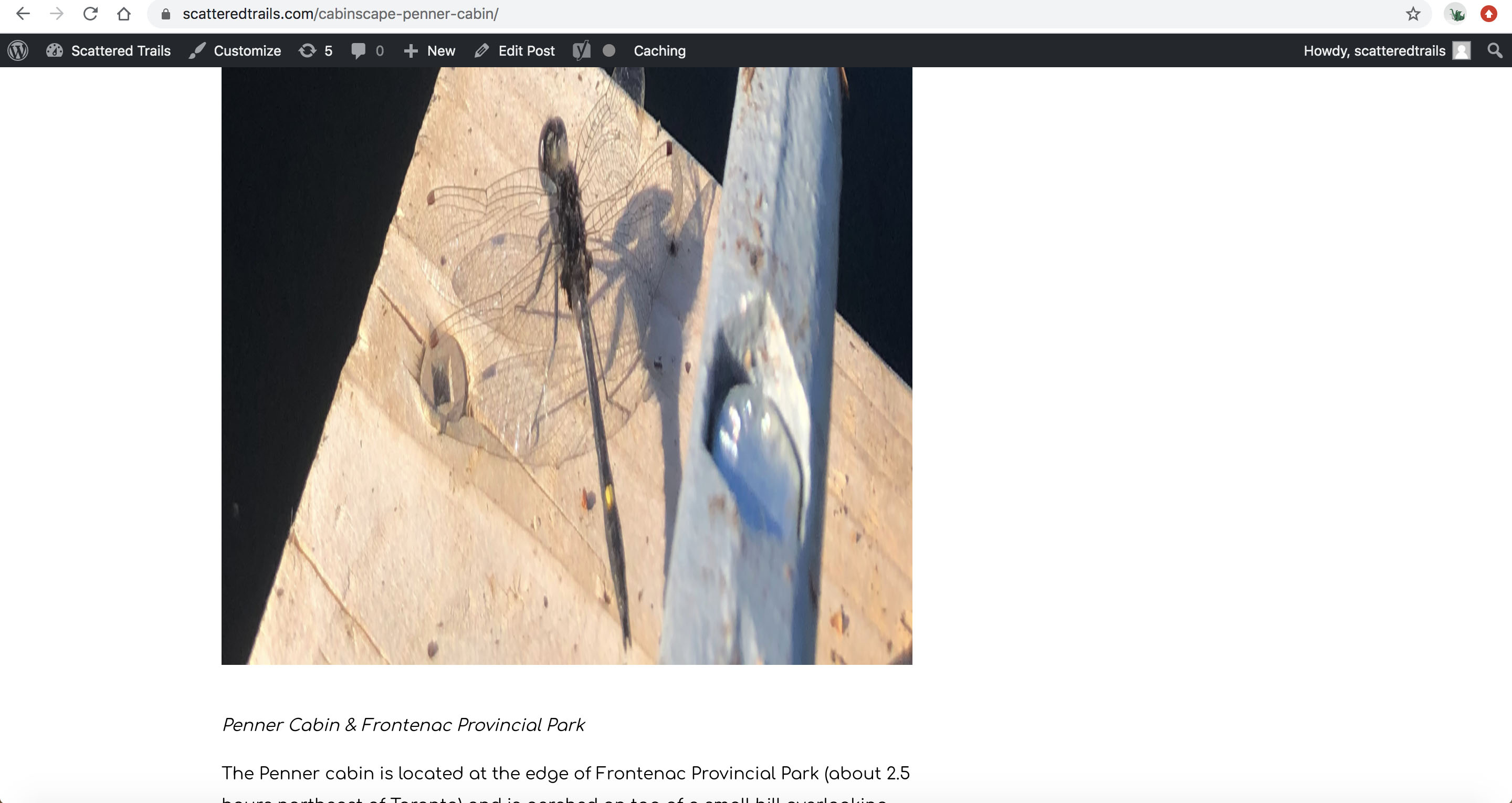 0
0 -
Hi,
I suppose that the problem can be generated by the Post and the settings you added for the image. I investigate the images that are displayed in the post as stretched and found that there is the non-Brizy code, see here. The first image is added through Brizy and there, yes, it is the Brizy code and it seems to look fine, see here. Also, I checked this on my test site and all seems to look just fine, see here.
Try to deactivate all external plugins and activate a WP default theme to check if this problem is still present. Also, you can check the settings of each image from the post, see here.Thanks!
Best regards,
Sandra0
Please sign in to leave a comment.
Comments
3 comments