pictures in Brizy editor do not show

Hi Community,
I started using brizy pro recently and am dealing with some issues that feel like a malfunction to me. Maybe you know what could cuase the issue and help me out.
So I am working with Wordpress and the Brizy pro plugin and am preparing a site which is saved as a draft. The site cotains about 14 images with measures 1280x520 and about 150-200 kb file size each.
When arranging them in the editor I can load and place them all. When saving the draft the images do display when looking at the site preview.
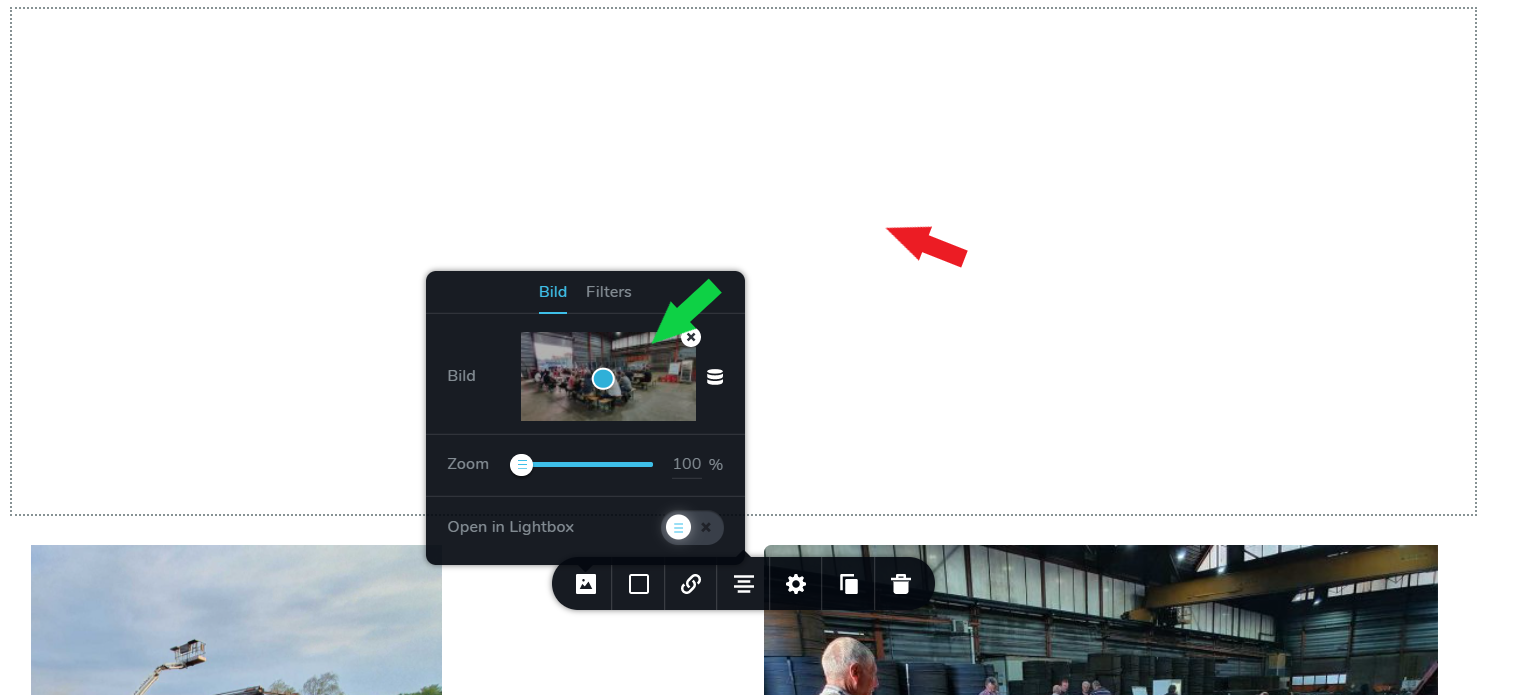
The issue is that some of the images do not show in the editor. They are placed but are invisible, I can only see a white brizy box where the image is placed. Only when going into the settings of that image I can see the small thumbnail with the blue dot for setting the focus but the placed picture does not show in the editor. Do you know what I am doing wrong here?
I thought about filesize but It should be possible to show/load 10+ images of about 150kb with a decent internet connection like mine of about 300 Mbit/s.
Please let me know if you know what is going on. Would be highly appreciated.
Greetings,
Max
-
 0
0 -

Hi Maximilian,
Please confirm you have this issue with the latest Brizy version - Free 2.0.12 and PRO 2.0.6 Also, do you have the same problem if you disable all your external plugins? Are there any errors in the browser console? Once this is confirmed, I will create a private ticket and we will connect to your site to inspect the issue. Thanks.
0 -
Hi Alex,
I can confirm my plugins are up to date. Free 2.0.12 and PRO 2.0.6.
Also I can confirm that deactiavting all other plugins apart from Brizy free & Pro does not solve the issue.
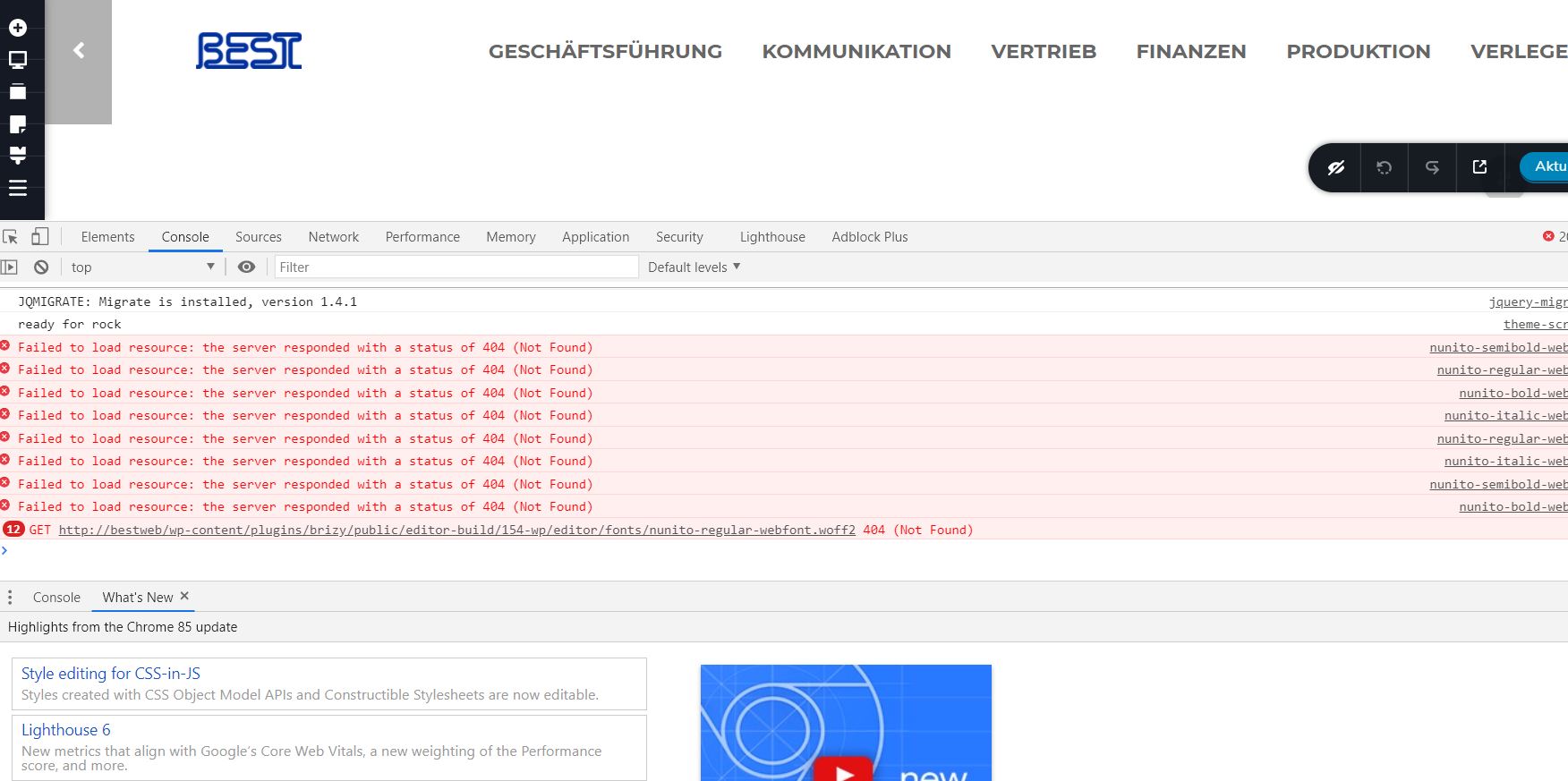
Checking the Browser Console I do see some error messaes stating "Failed to load resource: the server responded with a status of 404 (Not Found)
and
GET htttp://bestweb/wp-content/plugins/brizy/punlic/editor-build/152-wp/editor/fonts/nunito-regular-webfont.woff2 404 (Not found)
Please see Screenshot.
Connecting to my site is tricky since it is running a clients private webbrowser (an intranet) not accessible via the Internet. But if necessary we can easily agree on a date and time and you can access via my machine using Teamviewer. I did this before, works like a charm, no problem.
Please let me know,
thank you for your excellent support, best regards,
Max
0 -
 0
0 -
Hi,
I have created a private ticket and soon one of my colleagues will return to you for more details.
0 -
Hi, any news on this?
0 -
Hi Max,
a month ago I created a private ticket for you and my colleague Natalia asked you questions but you didn't come back with any answer: https://jmp.sh/KlBk0oh
Video link: https://jumpshare.com/v/NQclWSQ7C5nPTce1wN9q
0 -
Hi Alex, I just realized there was a new private ticked opened. Sorry, still new to your processes. So I read this now but it seems that private ticket is not open to answers anymore, like I am not allowed to respond anymore.
Do you reopen or do we continue conversation here?
0 -
From what I see you are already in discussion with Natalia on a private ticket.
0
Please sign in to leave a comment.
Comments
9 comments