Blog Templates and Dynamic Content

I have a couple of questions and they both deal with the blog.
1. I have created a template and set the conditions and set the template type to be Include > Posts > all, however, it doesn't show up on my sample blog post. I don't see any Brizy styling. Of course, I didn't turn on Brizy editor for a post, because it would pull in the dynamic data from the post in the template.
2. In elements, I see the option to pull in the post title and post content, but I don't see an option to pull in the author name and author bio. I see where I can pull in Author name, but I can't style it the way I want to (taking out the icon), but I see nowhere that I can pull in the author bio.
Any help would be appreciated.
-

Hi,
1 - What elements did you add on the template? Could you send us a screenshot with how you created the template and another screenshot with how is ldisplayed the post?
2 - For Author name, we don't have created an element, but you can add it using the #Author name hashtag. For this, you have to drag and drop the "Text" element and inside it to add the "#Author name" and style it. See here https://jmp.sh/C4Sc4vM.
Best regards,
Sandra0 -
Hi Sandra,
1. I have attached the brizy template (note, I didn't put any extra work into it other than adding the dynamic post name and post content elements. I've also uploaded what the blog post looks like.
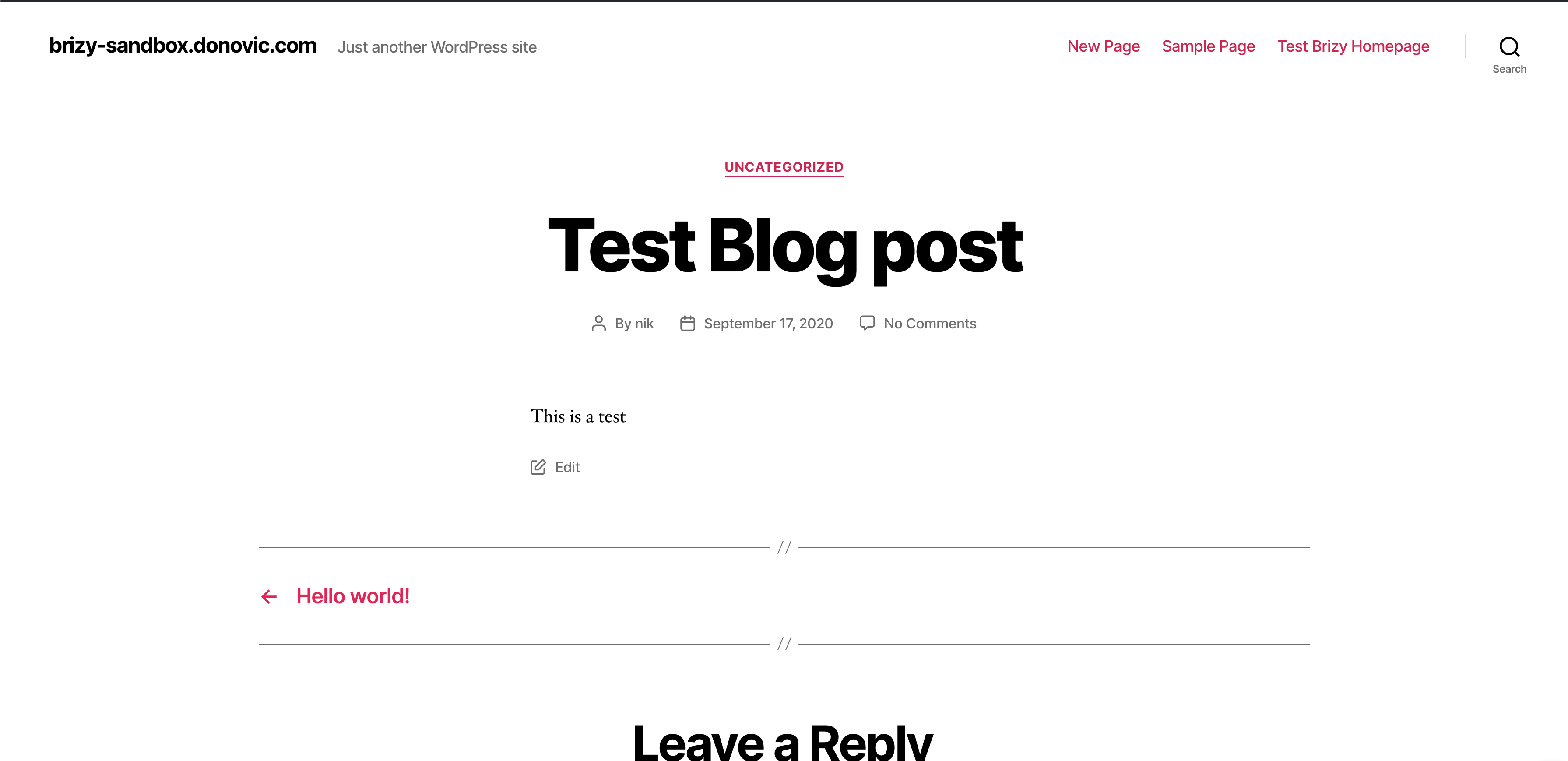
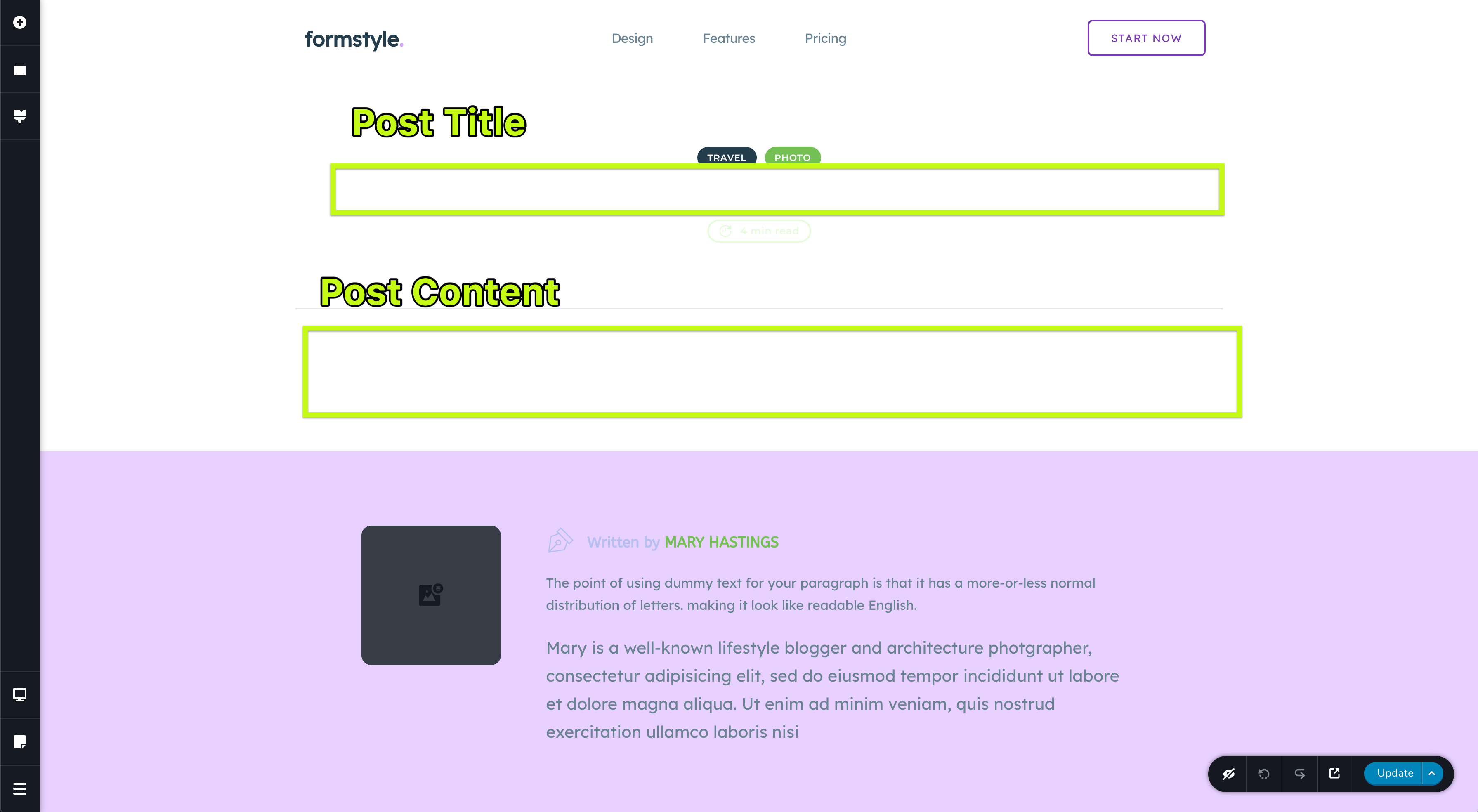
Side note: Why isn't there a placeholder there that shows up in the Brizy template when you select a WordPress element? It's confusing because I don't know exactly what element is there.
2. Alright, using the hashtag is clear for the author name/bio, and I'll be able to accomplish what I want there. Am I just better off using this for all post related stuff instead of the WordPress elements?0 -
Hi, Nik,
Thank you for these details and screenshots.
It is a bit strange the inconvenience you receive. From the first screenshot, you send us, the Brizy template isn't applied. I will created a private ticket for this inconvenience. I want to investigate this problem from your dashboard. Could you please send us in that private ticket the WP credentials to this site?
Thanks!
Best regards,
Sandra0
Please sign in to leave a comment.
Comments
3 comments