Blog Page Not displaying Brizy Editor

Hi,
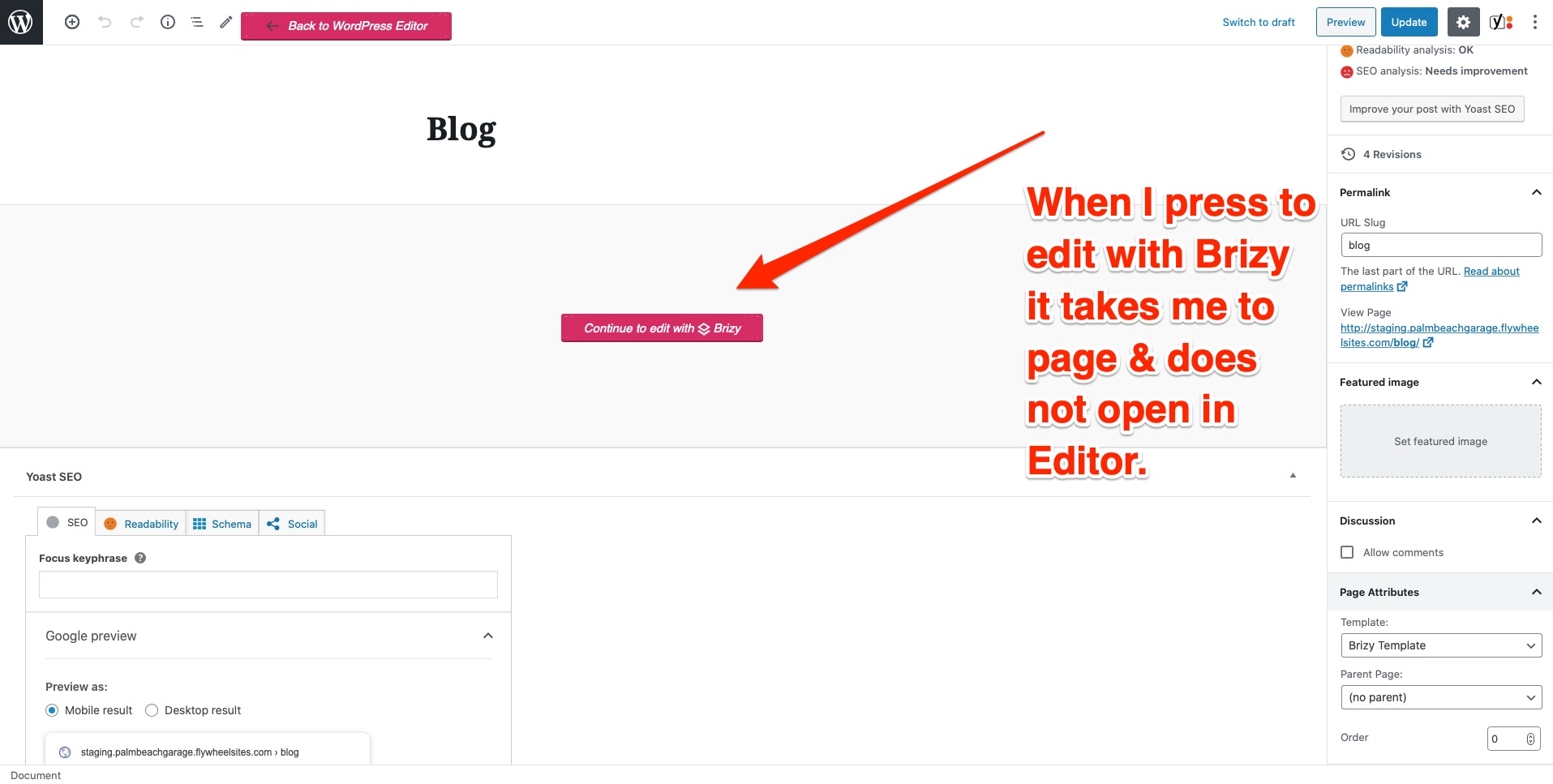
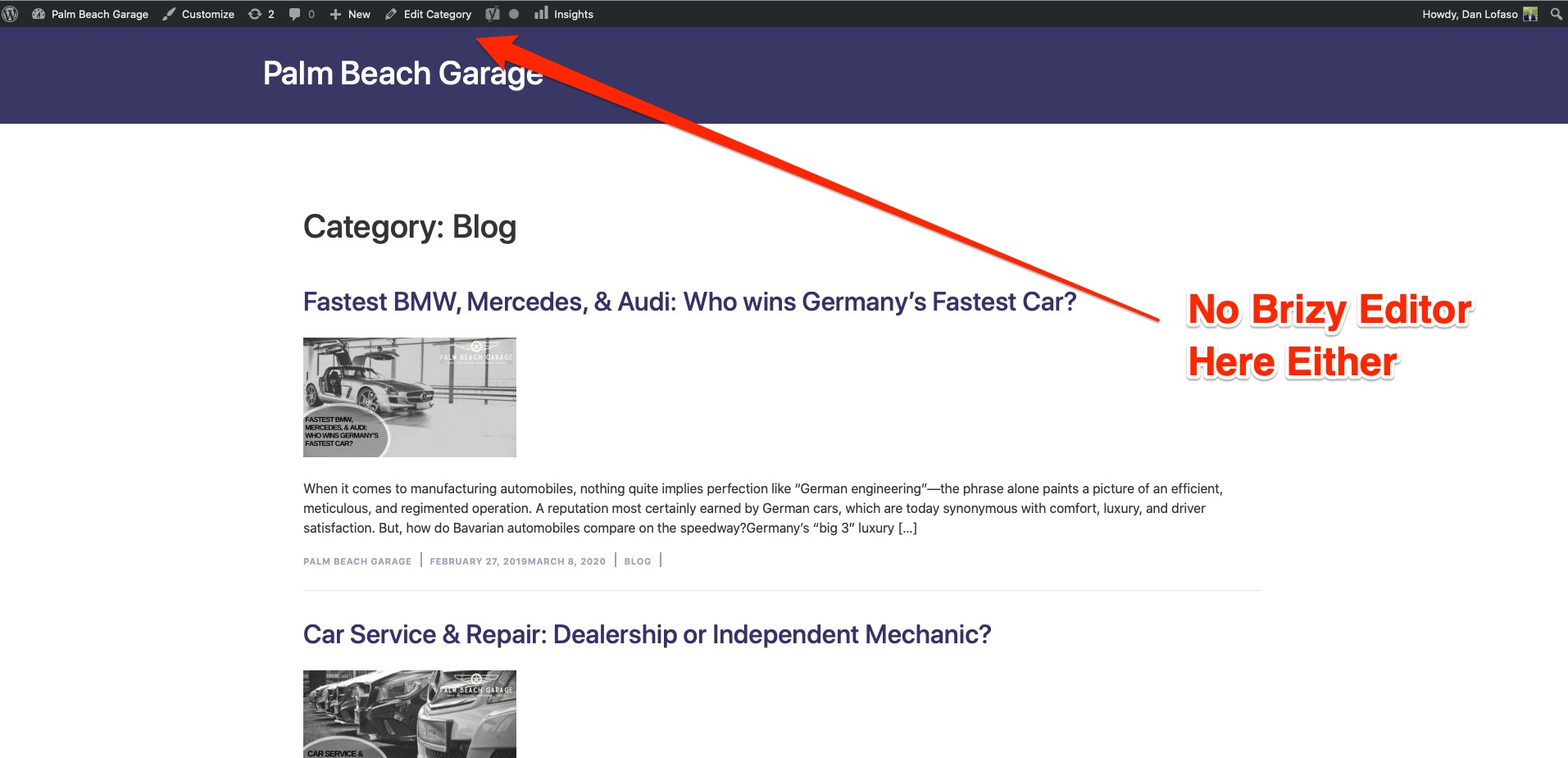
My blog page is not displaying the Brizy Editor. Please advise.
See attachments
-

Hi,
What do you have in this WP site? But Dan Lofaso? I notice that he is the author of this page? Can you open the editor mode of any other page? How is set-up this page? Is this page attached into a template?
Thanks!
Best regards,
Sandra0 -
Hi Sandra,
1) This is a normal website with pages and blog set up in WordPress. Nothing unusual.
2) Dan is one of the site admins, but no matter who you login under the issue remains.
3) All pages are opening the Brizy editor with the exception of:
- http://staging.palmbeachgarage.flywheelsites.com/blog/
- http://staging.palmbeachgarage.flywheelsites.com/press/
-- Both of these pages should be pages that posts are seen on.
4) These are set up as normal pages, but for some reason they don't have editor in them. Weird.
5) I've built template(s) out but cannot attach to element, because there is no builder to use.
Regards,
Rob
0 -
 0
0 -
Hi,
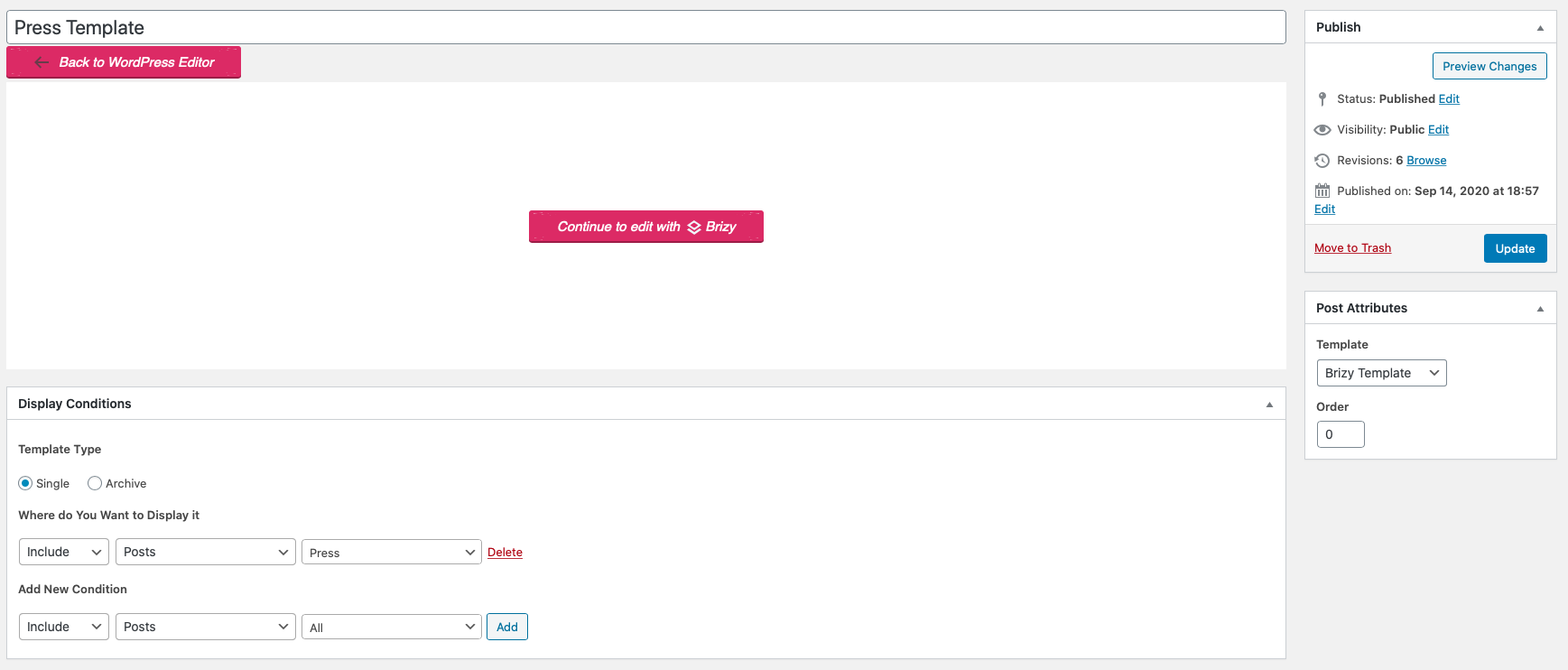
From the screenshot you send us, I find that you created a template for the single Press post. Did you create the template for "Blog" page too? What elements did you add in the templates? Could you send us the username and password to investigate these 2 pages? Before approving your comment I will delete these details (username and password).
Thanks!
Best regards,
Sandra0 -
Your Question: Did you create the template for "Blog" page too? - YES
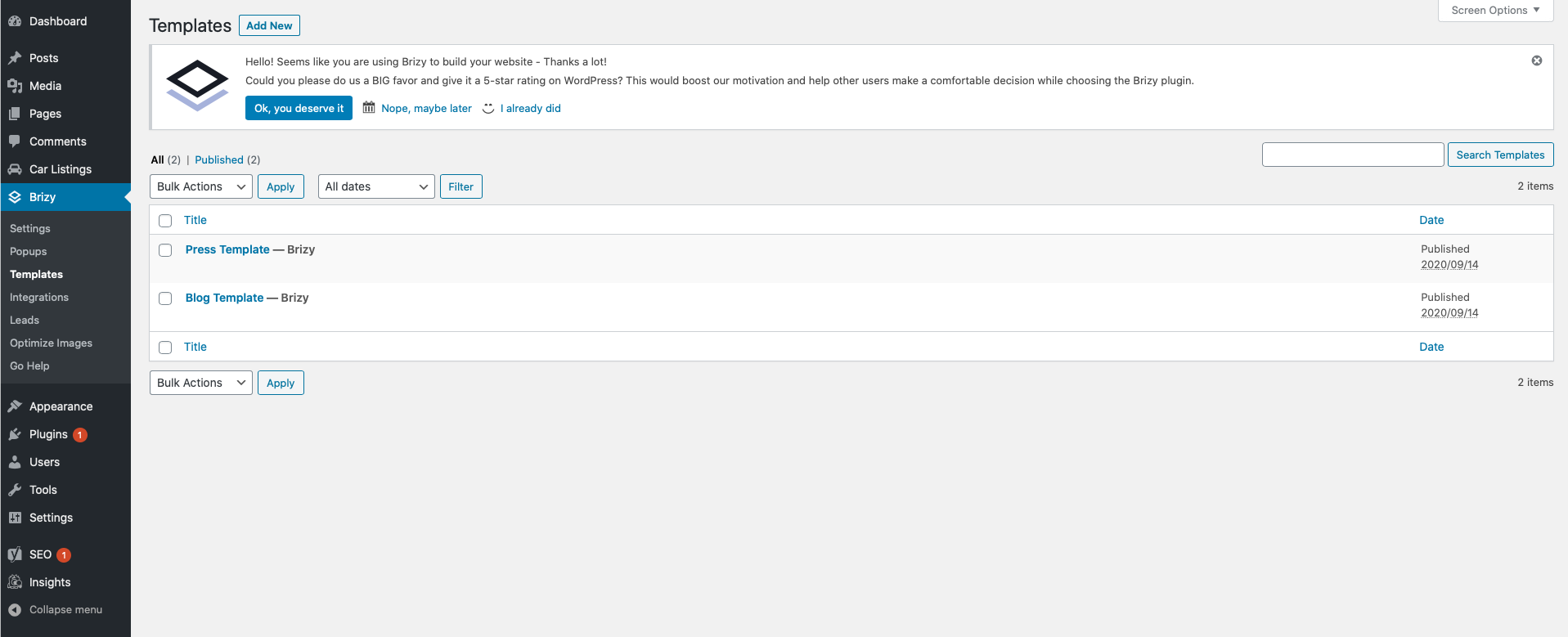
Your Question: What elements did you add in the templates? - Elements below
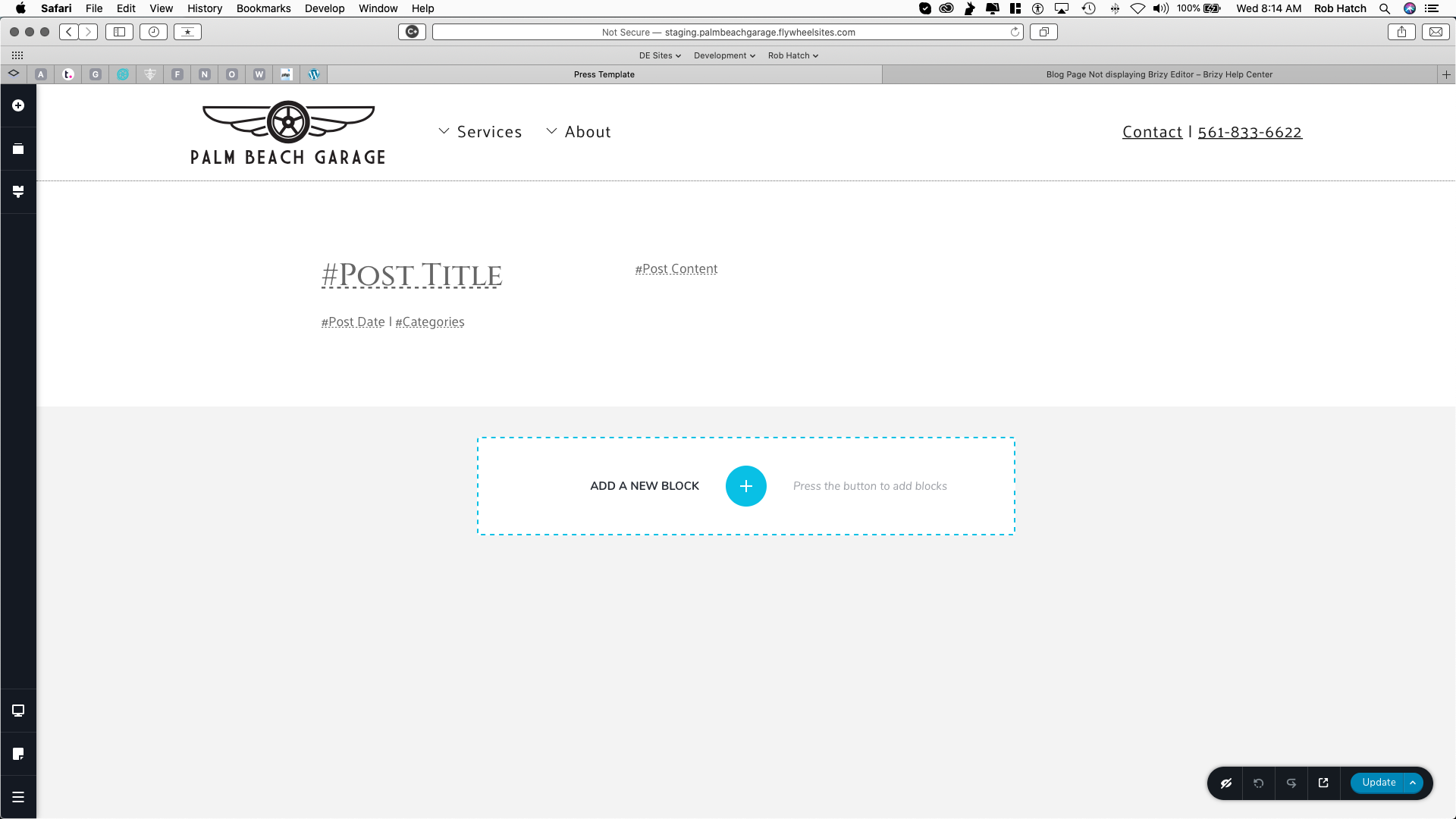 0
0 -
I'm not concerned about the template pages, just why I cannot edit the press landing or the blog landing pages in Brizy. It's really weird.
Regards,
Rob0 -
Hi,
The template in Brizy is something like a sketch where you arrange the page or post as you want to see it in the live view. All elements in the template are provided in a dynamic way, therefore is you create a template for posts or pages, these posts and pages should be created with the WP default editor and not with the Brizy editor. In case that the page is edited with Brizy and you create a Brizy template for it, the Brizy page as the template you want to add has already Brizy code and you will not see the Brizy template. Could I ask you why do you create the template for these 2 pages? What do you want to design?
What display conditions did you set for these 2 templates?
If they are 2 simple pages with static content, I suggest to remove these 2 templates.Thanks!
Best regards,
Sandra0 -
Maybe I should explain better:
- We have a blog landing page: http://staging.palmbeachgarage.flywheelsites.com/blog/
- We have blogs:
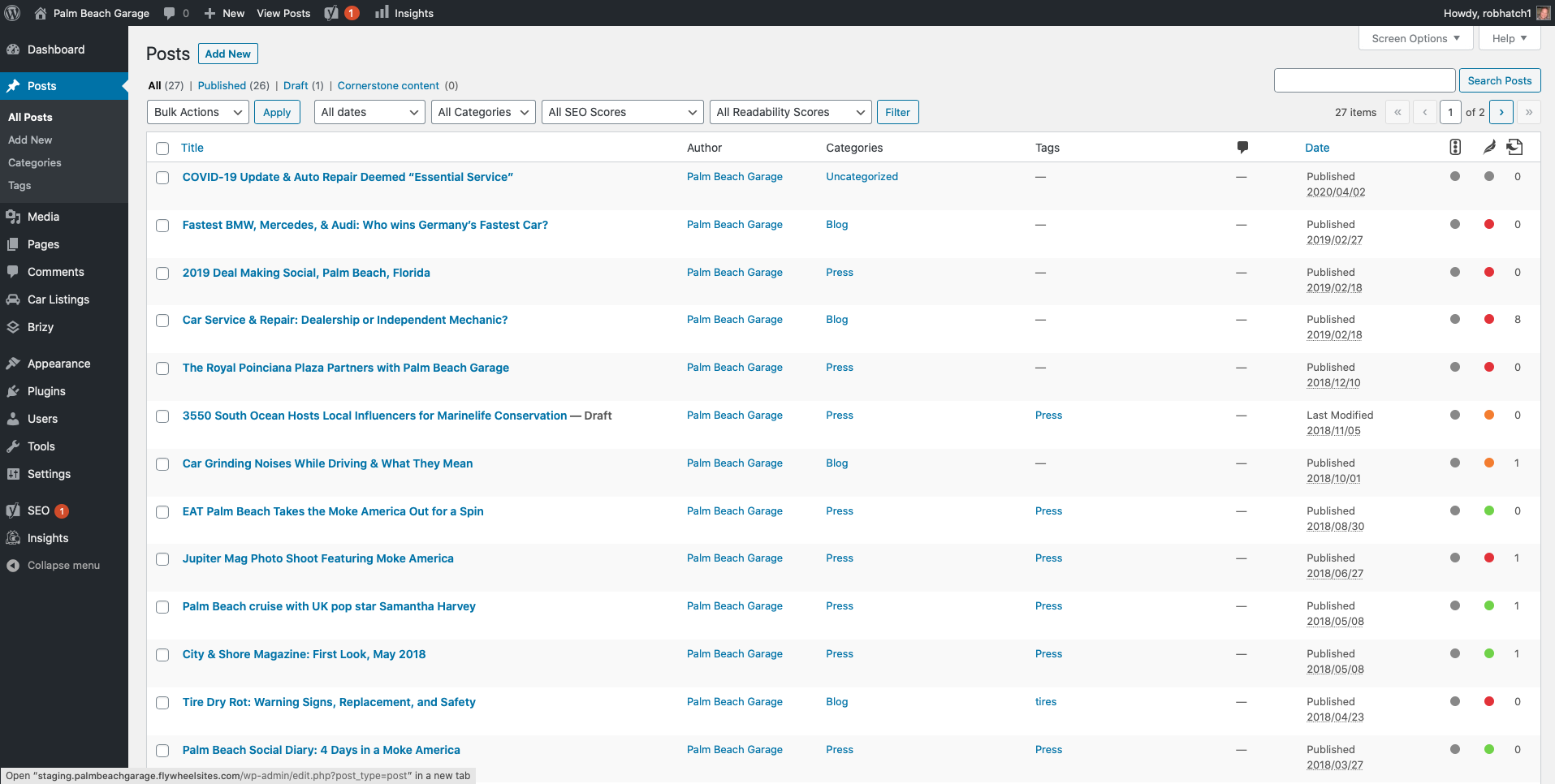
- I have built a template for the blogs page in Brizy
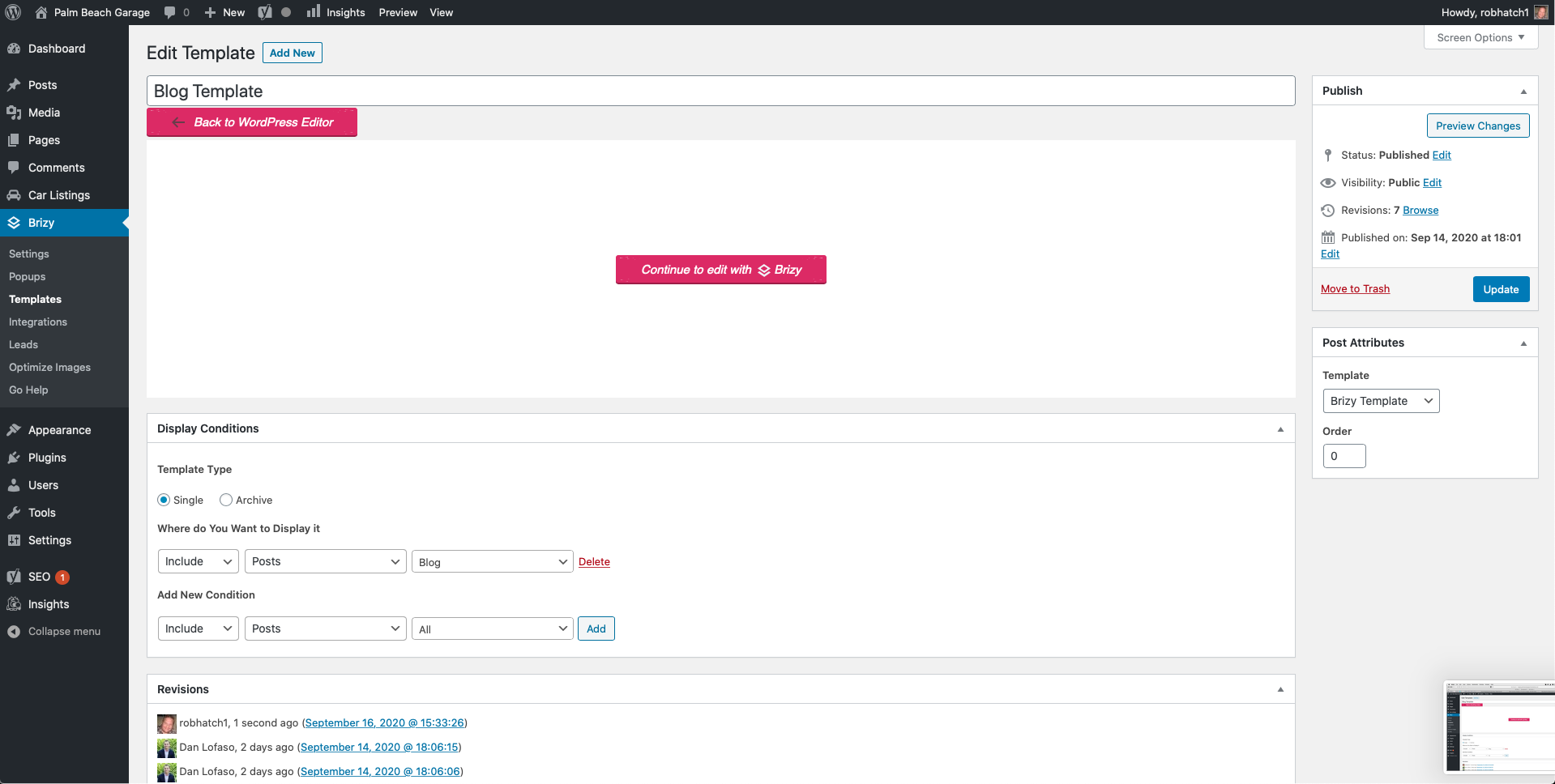
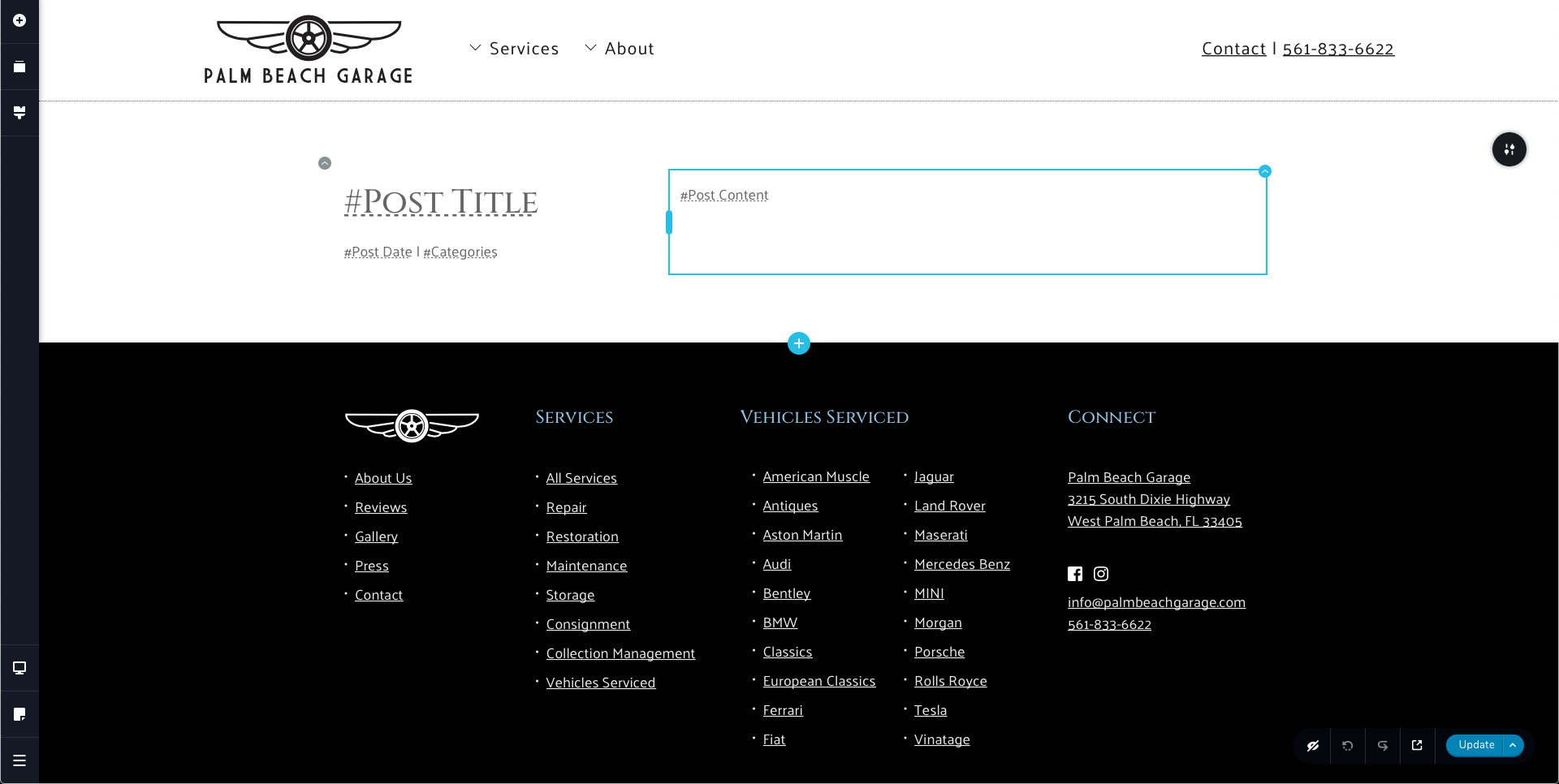
- When I goto the blog landing page to design I cannot see the Brizy editor to create the page
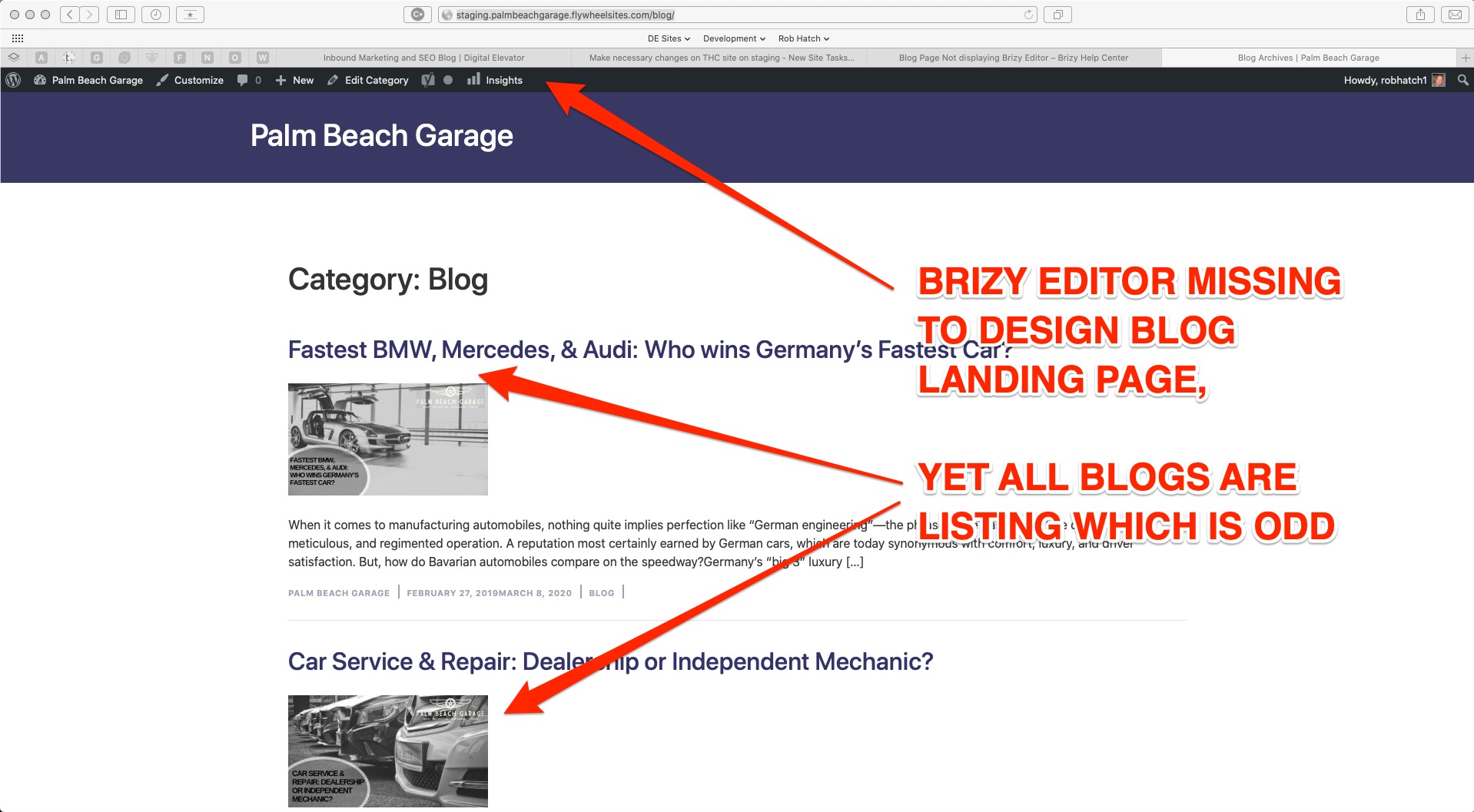
- Something similar is happening in another site that I just updated to the new Brizy Version 2.0.12 & Brizy Pro Version 2.0.5.
- I am available 9AM EST - 5PM EST to discuss by phone if that helps clarify.
0 - We have a blog landing page: http://staging.palmbeachgarage.flywheelsites.com/blog/
-
Hi,
I will explain a bit simple.
1 - If you create a template for Blog page you can't see the "Edit with Brizy" button in the preview, here because in the preview the Blog is a simple page that has attached the Brizy template. The template is something like a layer that covers the initial page/post, extracts the necessary information (tags, category, featured image, content, post ID, post author name and so on) and show them in the places you indicate. The template isn't a page. If you want to edit the way is showing the template for the Blog page, you have to go to the Brizy template and make the adjustments.
2 - Here you have to deactivate the Brizy builder because the template will not be visible on the page. In your case, both Brizy page and brizy template has the Brizy code and the code from brizy page is more "important" to say and in this case, the Brizy template will not be visible, it will be overwrite by the code from the page.
Best regards,
Sandra0 -
Sandra,
I get all of what you have said. I've built out 10 Brizy sites already.
I was able to figure out that the blog landing page was acting as a post page. This is why the editor was not showing up. I'm not sure what would have caused this. I had to delete my /blog landing page and create a new one. When I did it it created a regular page, not a post page, so now I am able to design.
Regards,
Rob
0 -
Hi,
I will show a personal example.
I have the "Blog" page which I set it as "Posts page" in the WP https://jmp.sh/c5TiIdH. After this, I created a template and set a display condition to this page "Include - Pages - Blog" https://jmp.sh/tnQzAwv. In this template, I designed how I would like to be this page https://jmp.sh/TPNU2yr. When I click on "Preview", of course, I don't see the "Edit with Brizy" because the Blog page isn't edited with Brizy. The Blog page is an empty page where isn't activated the Brizy editor and the Brizy editor should not be activated for the pages or posts where you plan to add a template. For the Blog page, I attached a Brizy template and the template is something like a layer for the pages/posts where you display it.
Let us know if we can help you with something else.Best regards,
Sandra0 -
Hi Sandra,
Please see my loom video. I followed everything above and it is still not working.
Regards,
Rob0 -
Hi,
Here is a strange situation. Could I ask you if you have a "Blog" category?
Also, could you please check if you added an extra display condition for the Template "Blog template"? When I inspected a bit the preview you show us, I find that there is opened the "Blog" category and not the Blog page. See here https://jmp.sh/cVBn88i. Could you please send us on the private ticket I just created, the WP credentials to this site? We want to check it a bit attentive from your dashboard.Thanks!
Best regards,
Sandra0
Please sign in to leave a comment.
Comments
13 comments